
Free media player for your M3U playlists
Free M3U player with no ads, for your TV, phone and computer. Upgrade to Premium from €7.99, a one-time payment, or get Nipo Family on 5 screens for €24.99.
- No ads
- No account
- 7-day Premium trial
Nipo Player does not provide, sell or host any content. Use it with playlists you are legally allowed to access.
M3U player for Android, TV and computer
- Fire TV
- Android TV
- Google TV
- Samsung
- LG
- iPhone and iPad
- Android
- Mac
- Windows
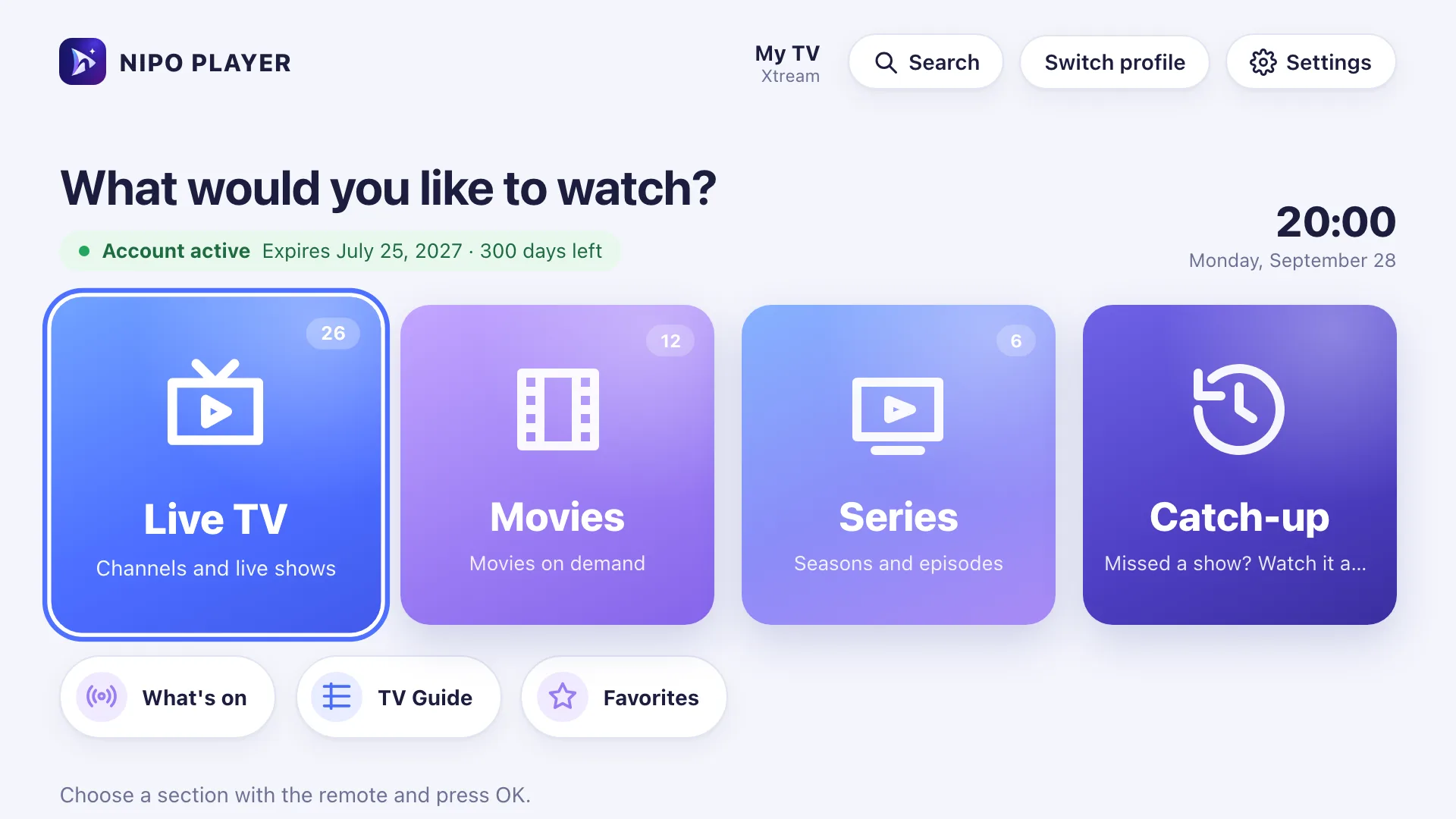
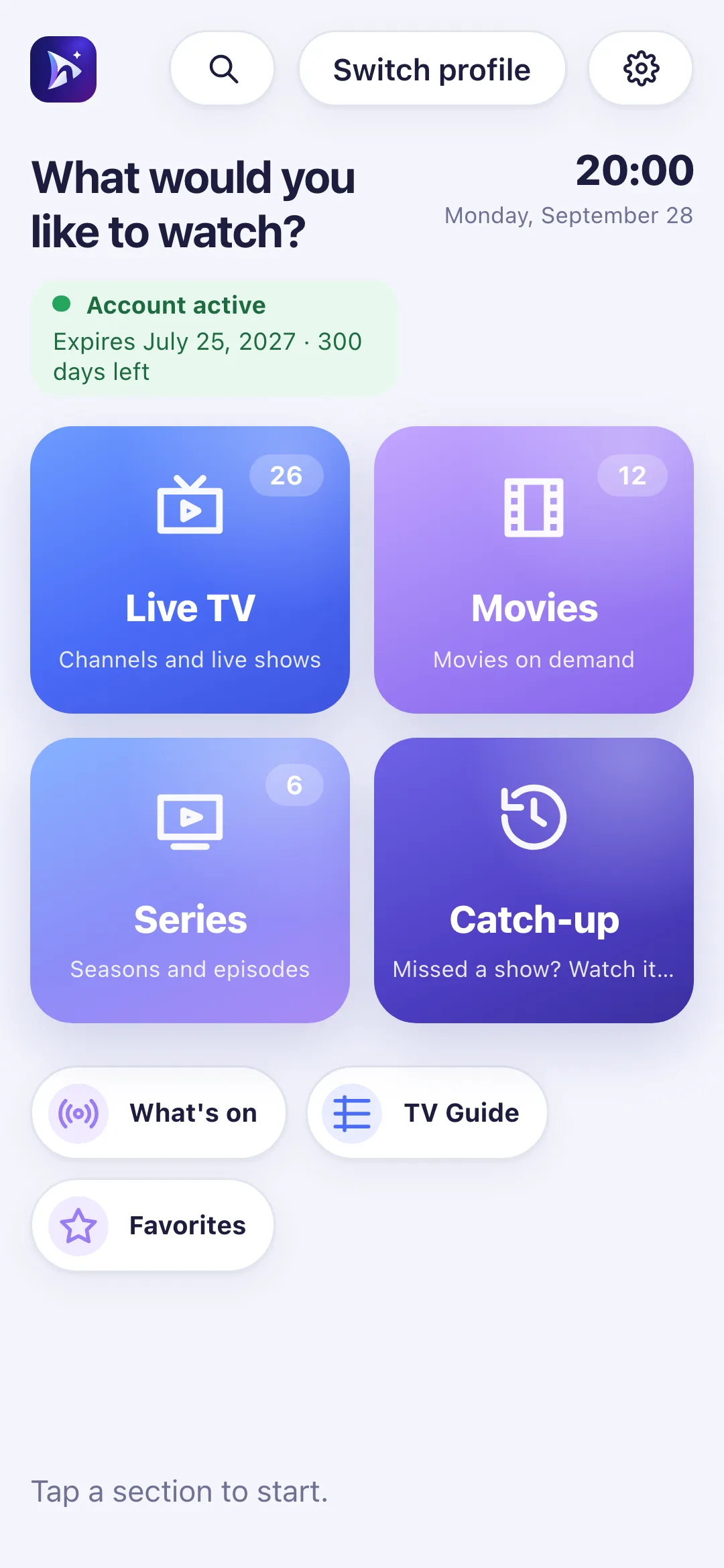
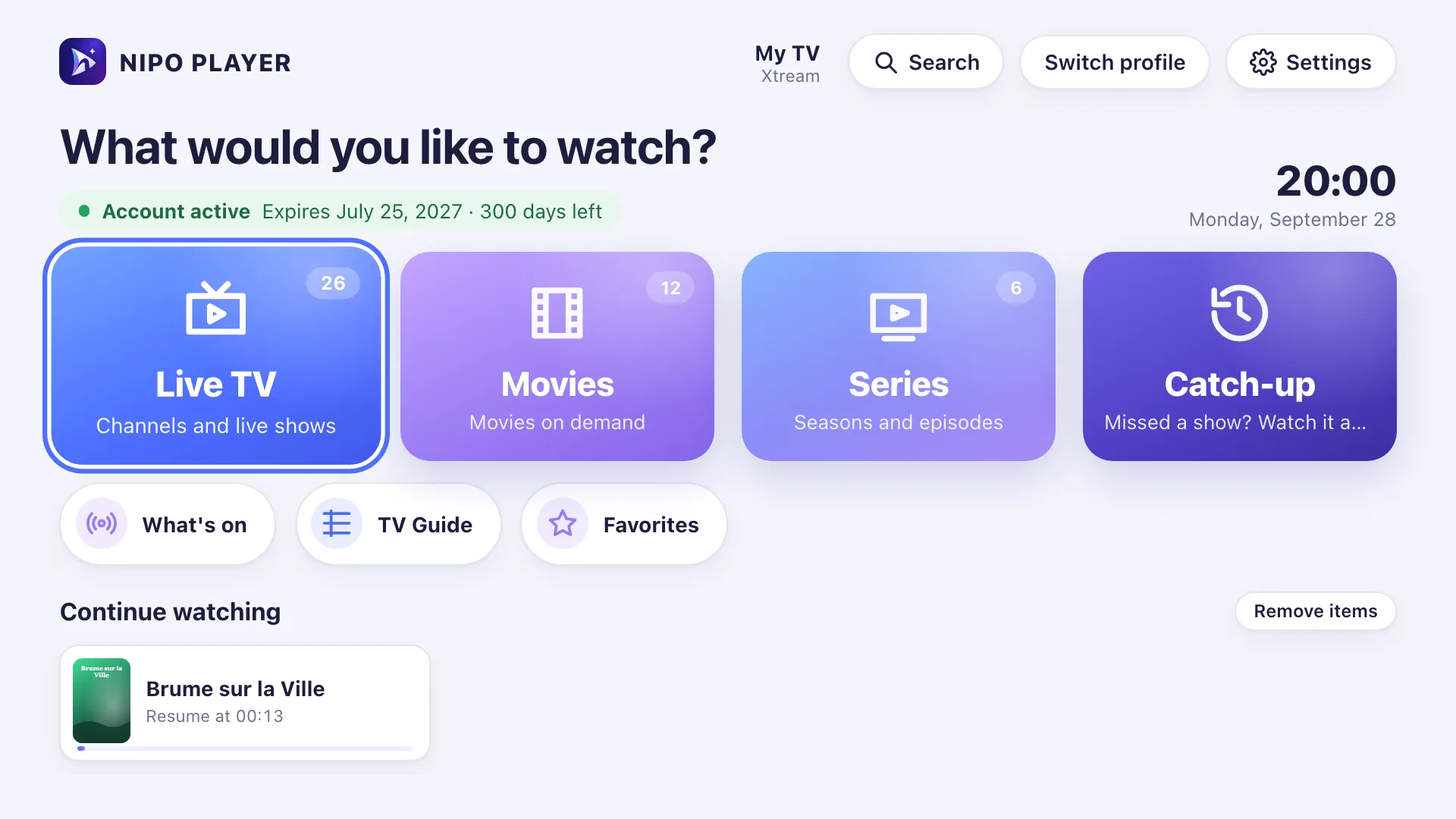
Your media player’s home screen
An M3U player for live TV, movies and series
Live TV, movies, series and catch-up, right from the home screen. A simple interface built for the remote.
Easy setup
Your media player, ready in 3 steps
Install Nipo Player
Pick your Android device, TV or computer, then follow the install steps.
Add your M3U playlist or server login
Enter your M3U link or server login. On a TV, send your playlist from nipoplayer.com with the Nipo code. The QR code comes with Premium.
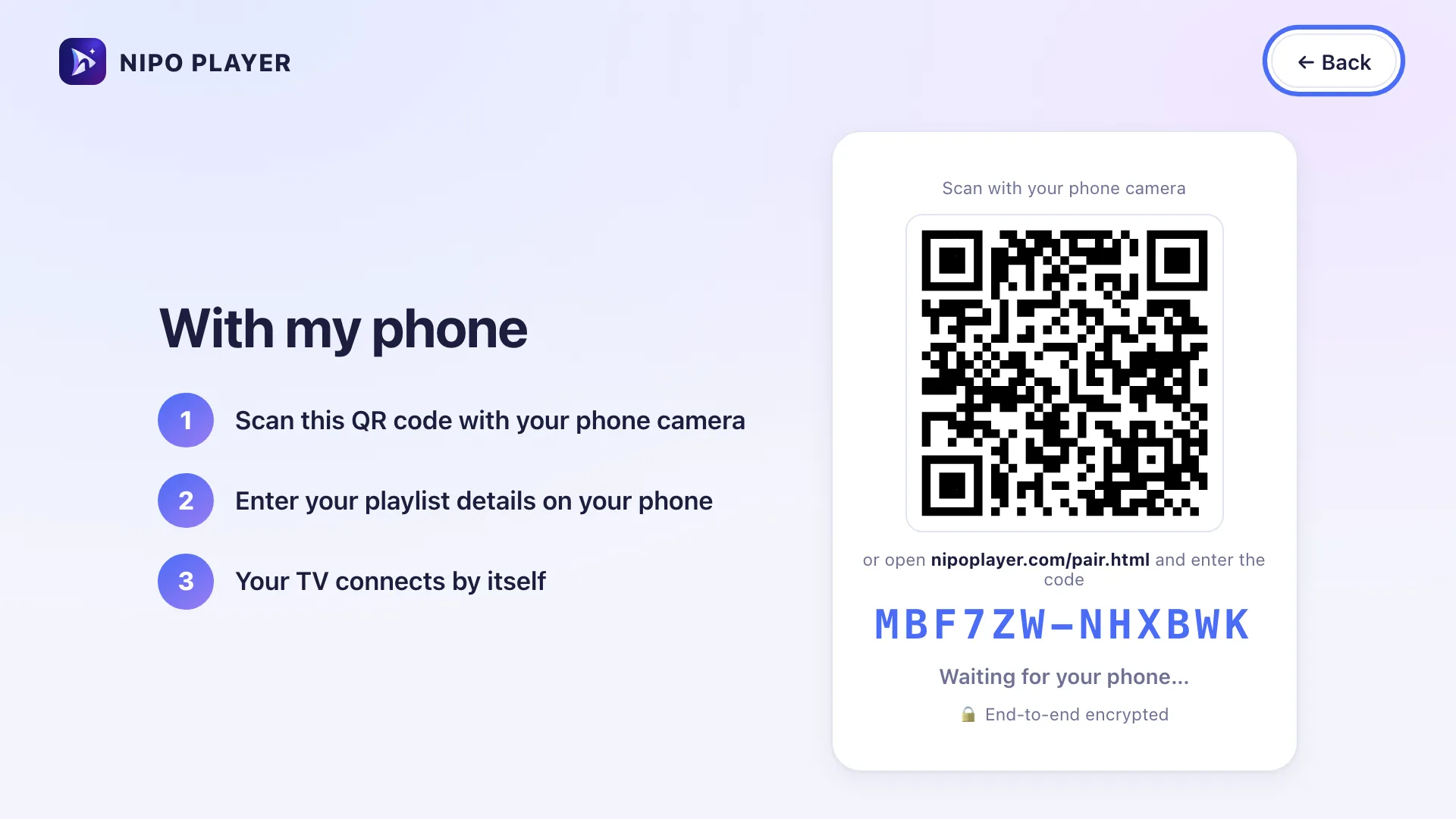
Send a playlist from the website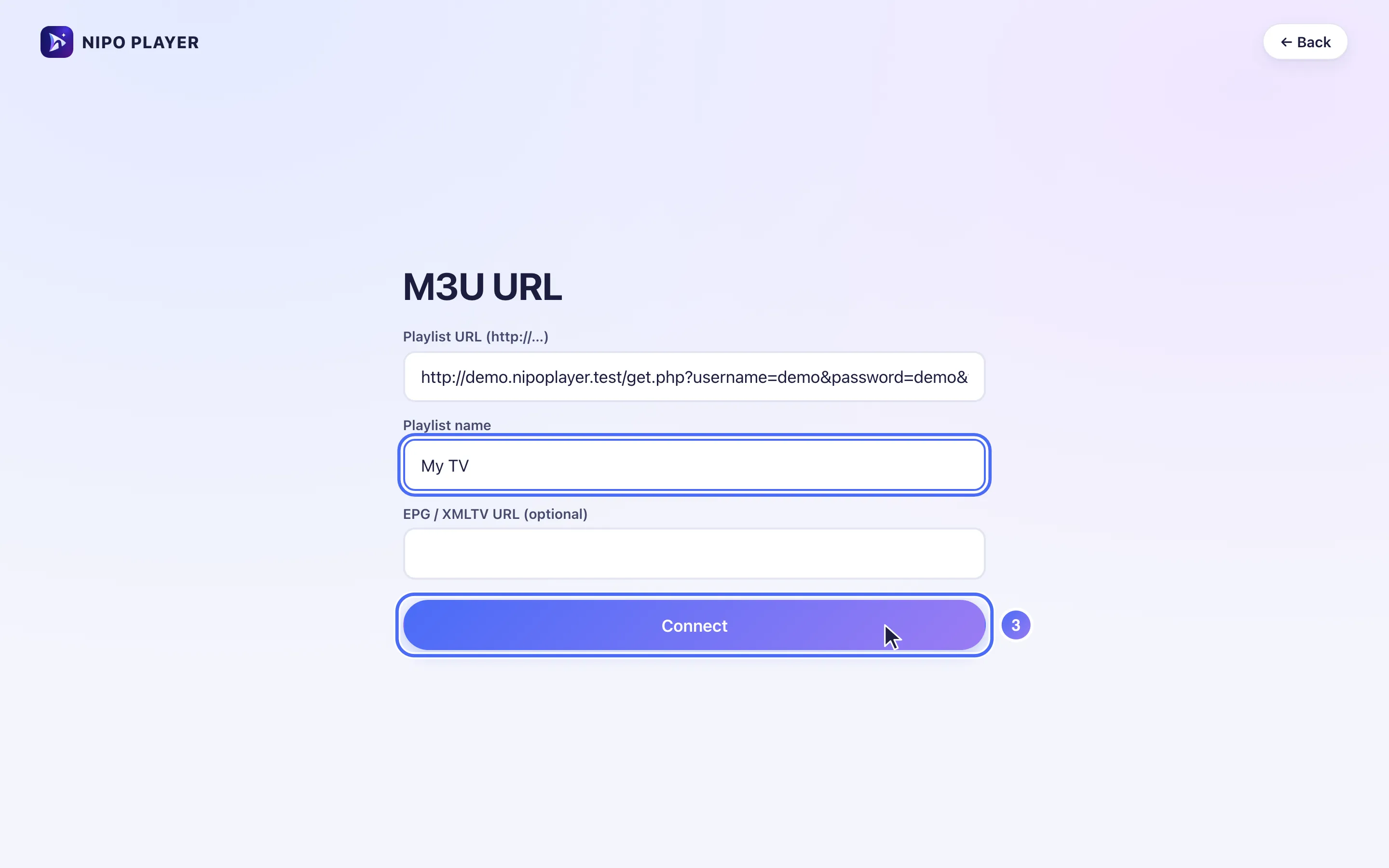
Start watching
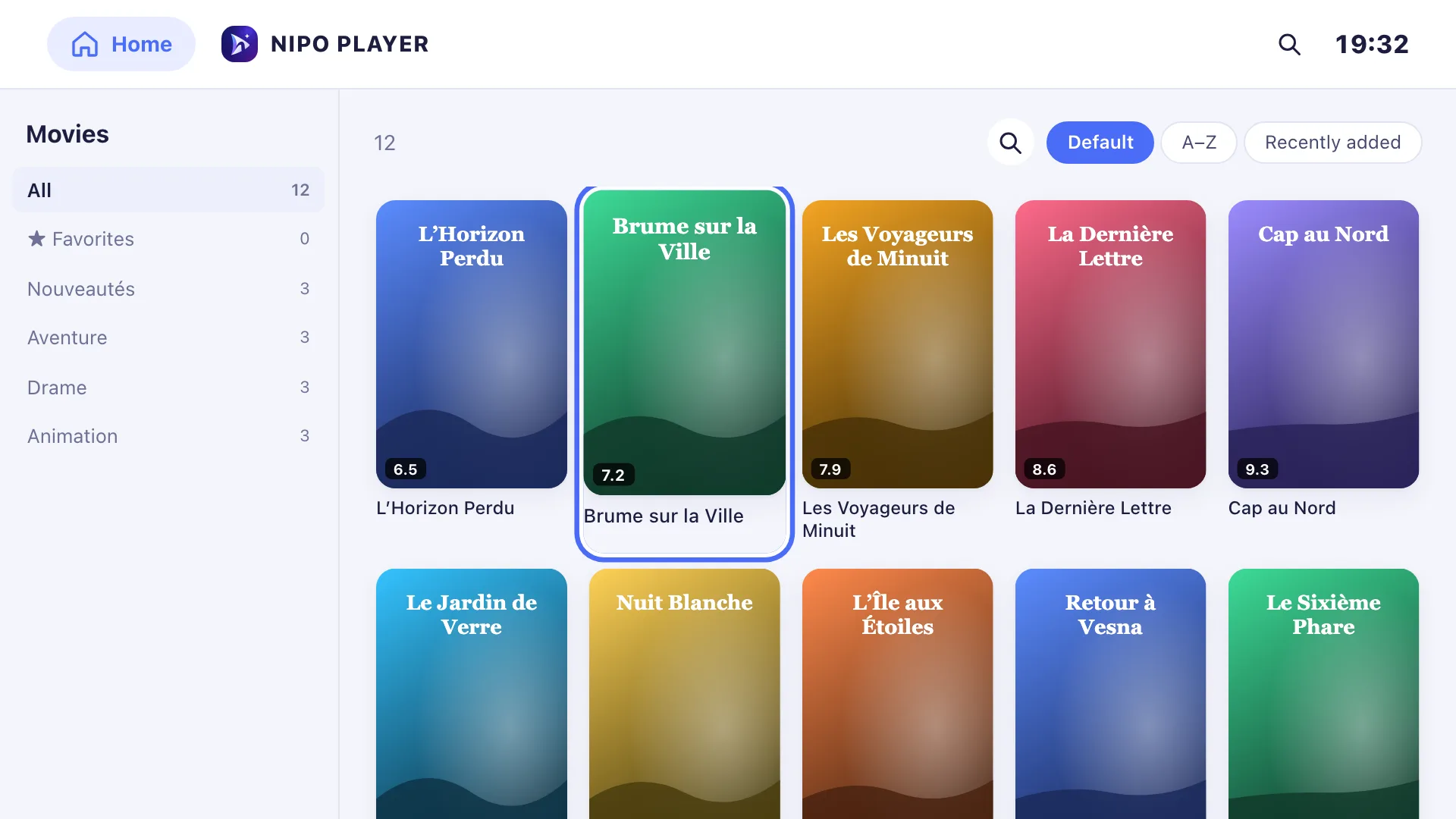
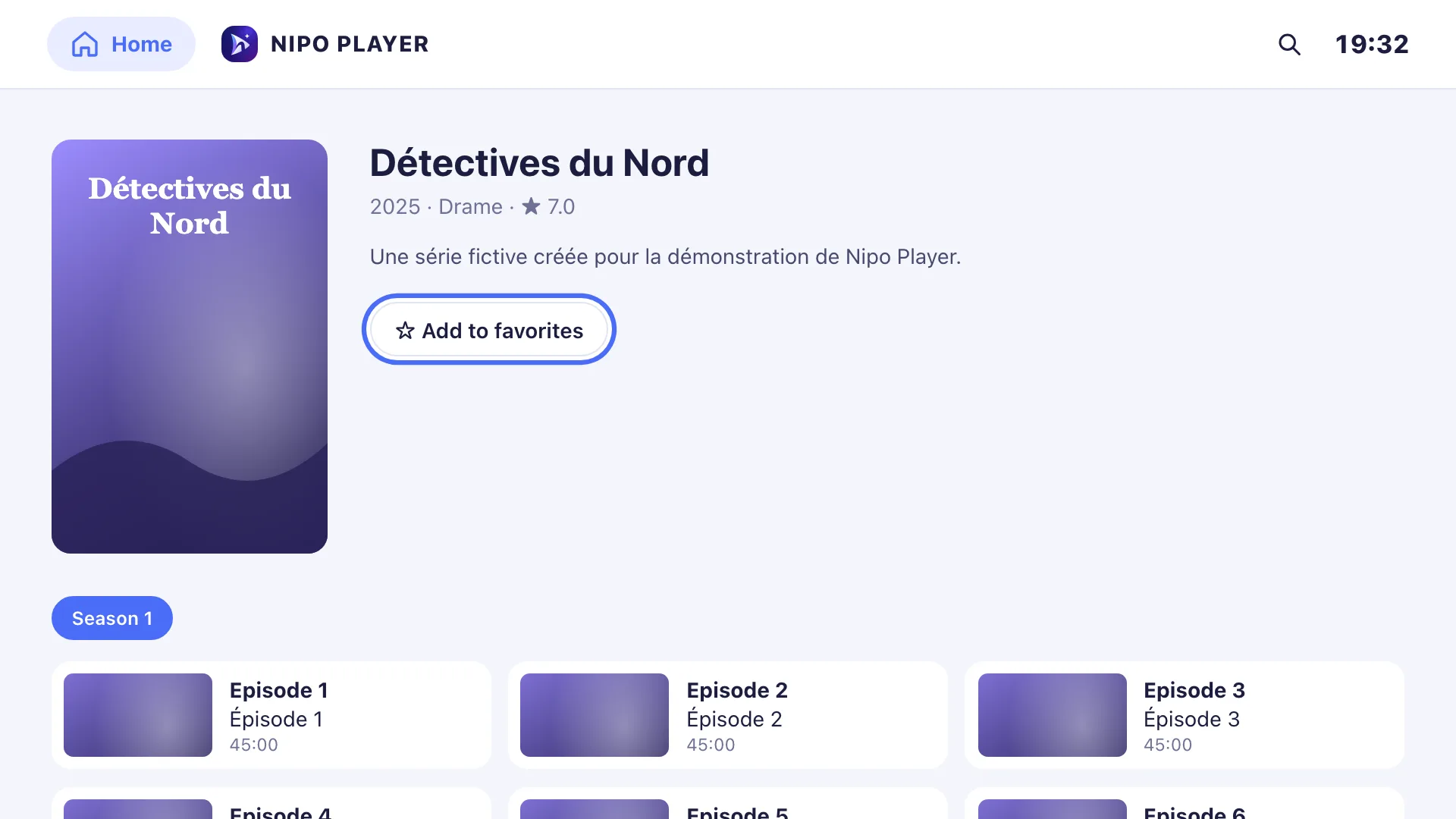
Your own playlist’s channels, movies and series show up on the Nipo Player home screen.
Features
Every feature of our media player
The free M3U player covers the essentials, with no ads. Nipo Premium adds tools for more comfort and more screens.
 Free
FreeContinue watching
Pick up a movie or episode where you left off. Watched episodes are marked, and the next one can start automatically.
 Free
FreeAdd a playlist from the website
On nipoplayer.com, enter the Nipo code shown on your screen. Your playlist is sent encrypted; “Mes playlists” is Premium only.
 Free
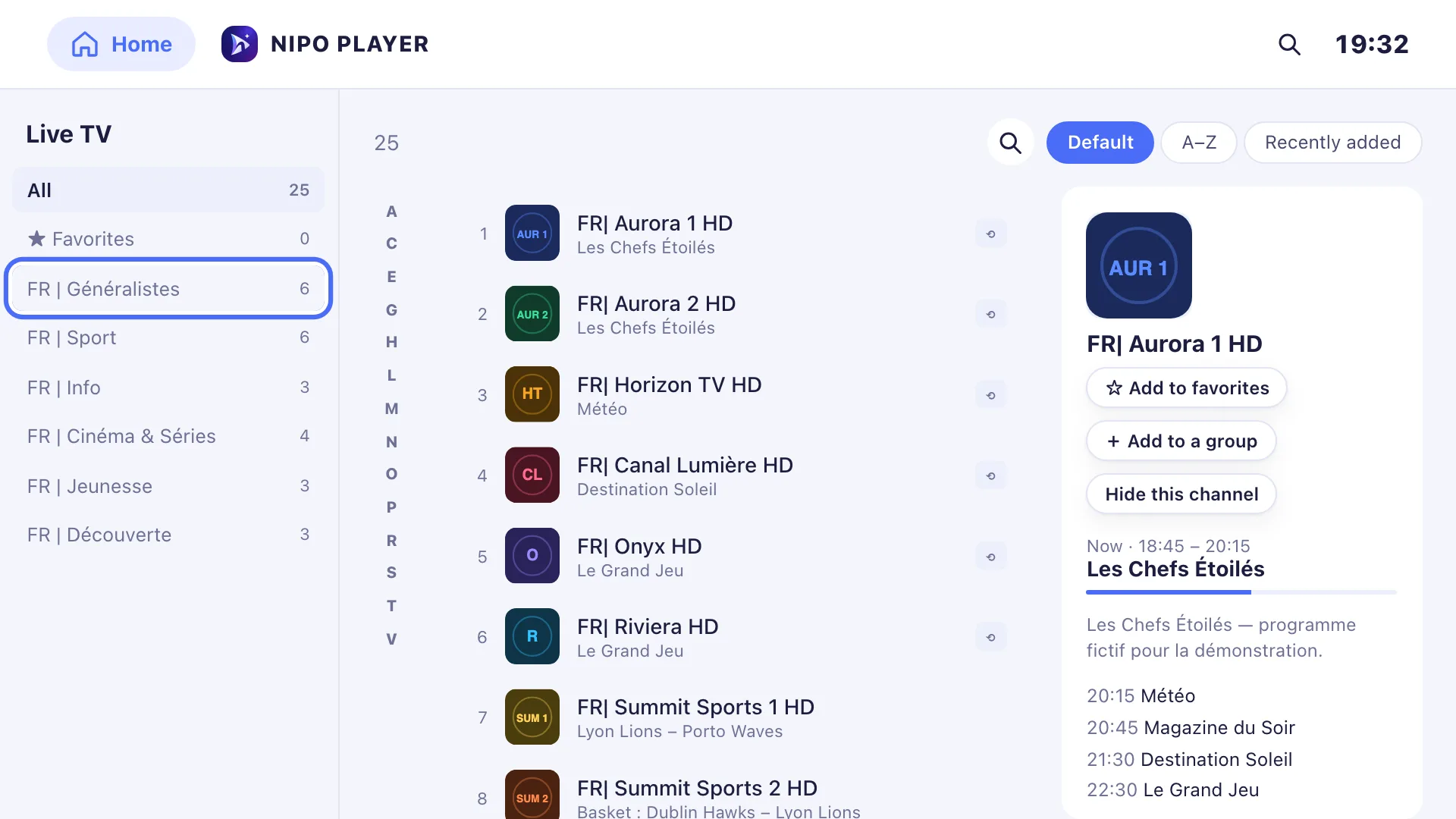
FreeBig playlists, fast browsing
Load big M3U playlists, hide the countries or categories you don’t need and sort your channels your way.
- Free
Parental control
Lock the categories you choose with a PIN code, so the whole family can watch with peace of mind.
 Free
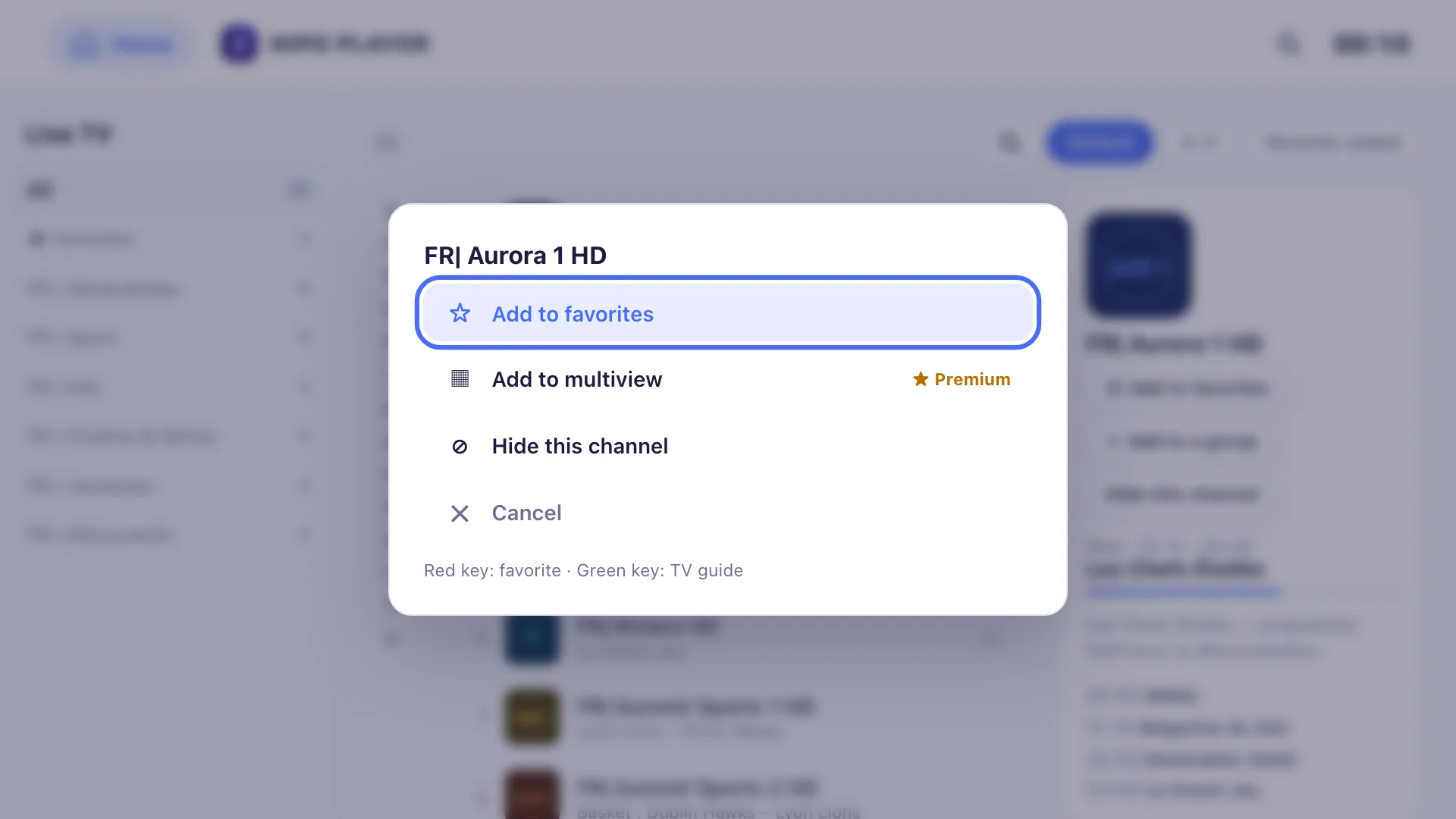
FreeRemote shortcuts
Switch channels with your remote’s buttons. Use the quick menu, the A–Z jump and keyboard shortcuts on a computer too.
 Free + Premium
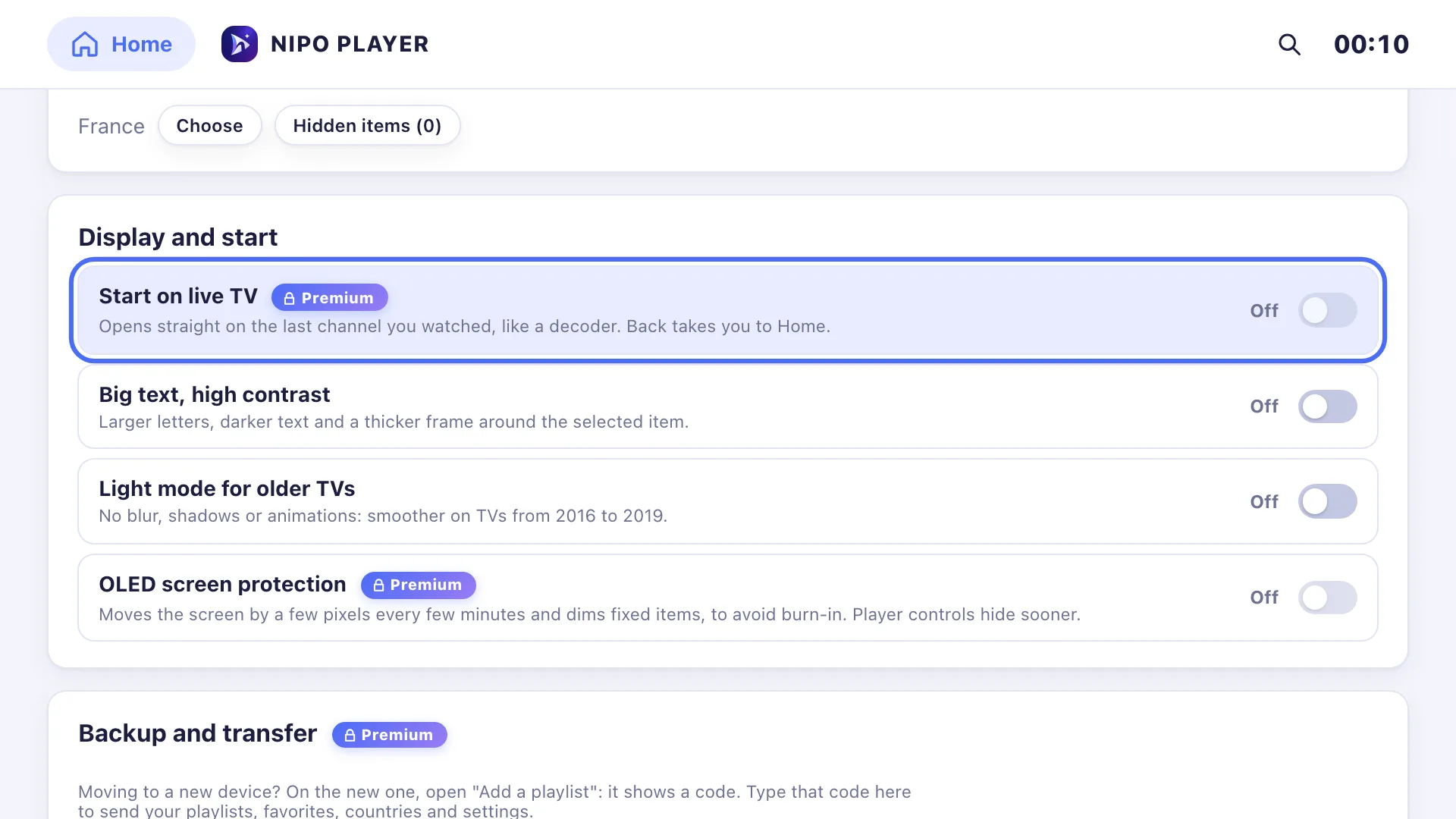
Custom display
Make text bigger, raise the contrast or turn on light mode for older TVs. Premium adds start on live TV and OLED protection.
 Free
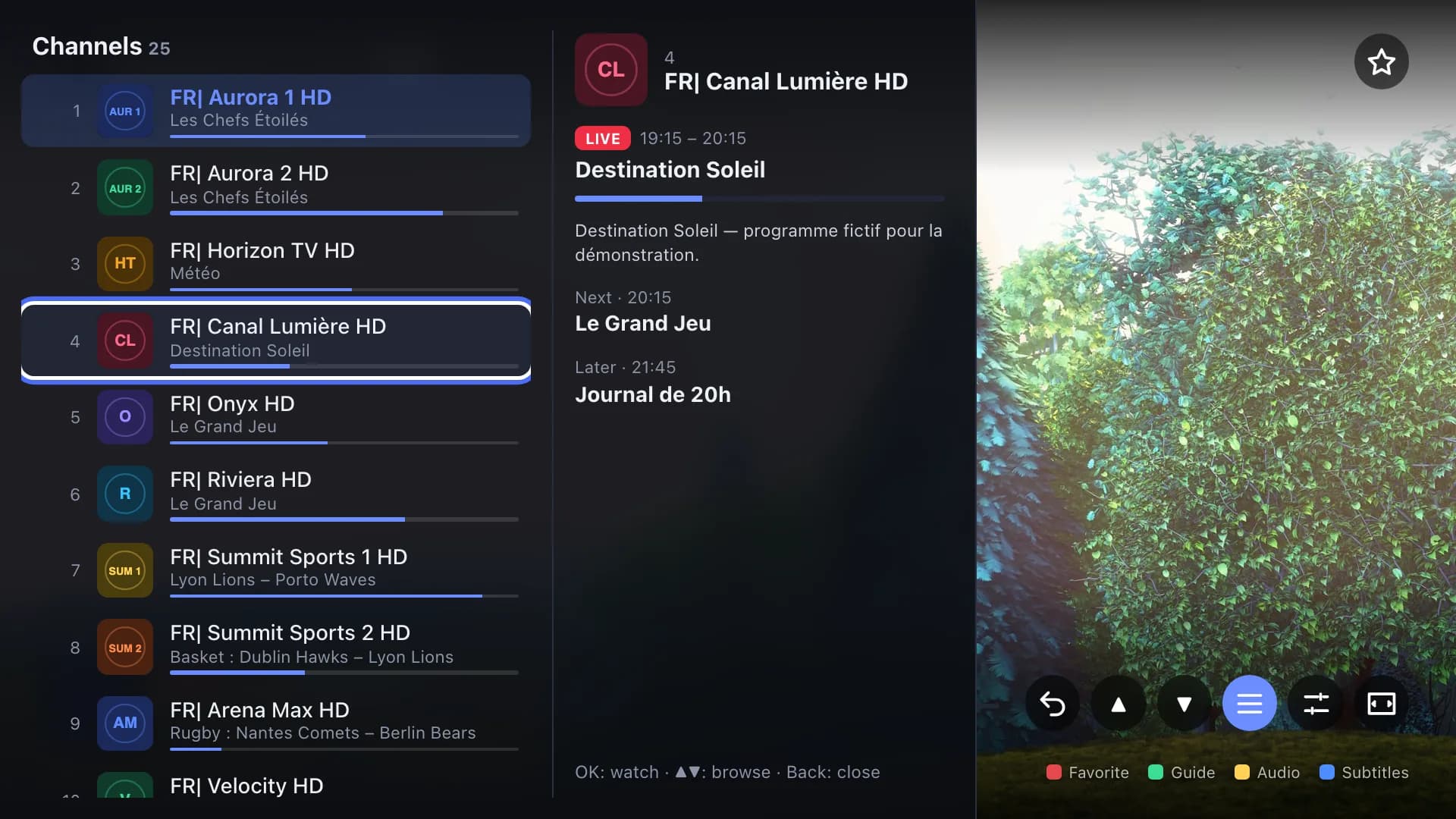
FreeBuilt-in mini TV guide
See what’s on now and next, right over the picture, without leaving your channel.
 Free
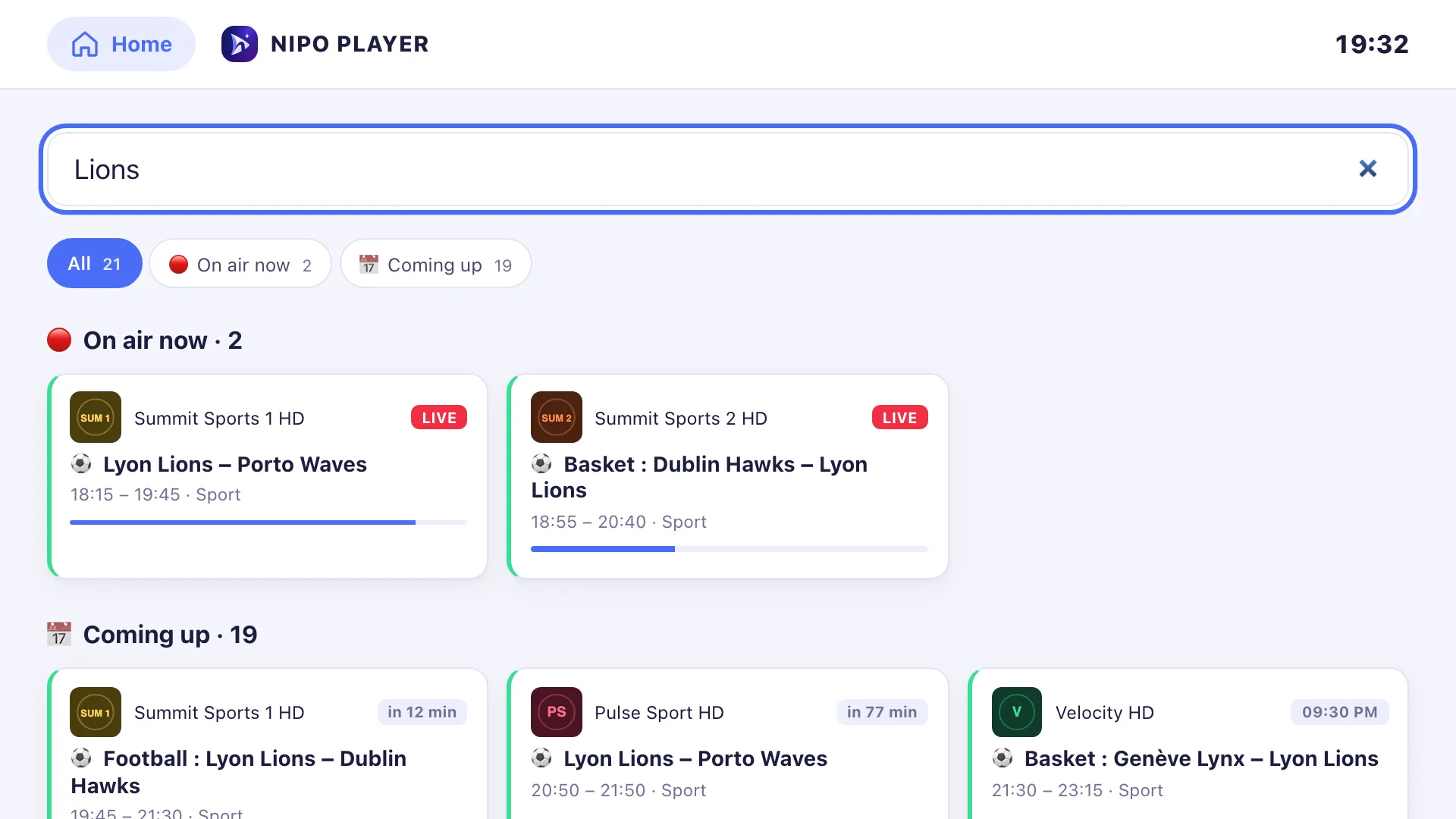
FreeFavorites and search
Find your favorite channels, movies and series. Search for a show fast, with or without accents.
Premium at €7.99 for 1 screen, or Nipo Family at €24.99 for 5 screens, as a one-time payment.
 Premium
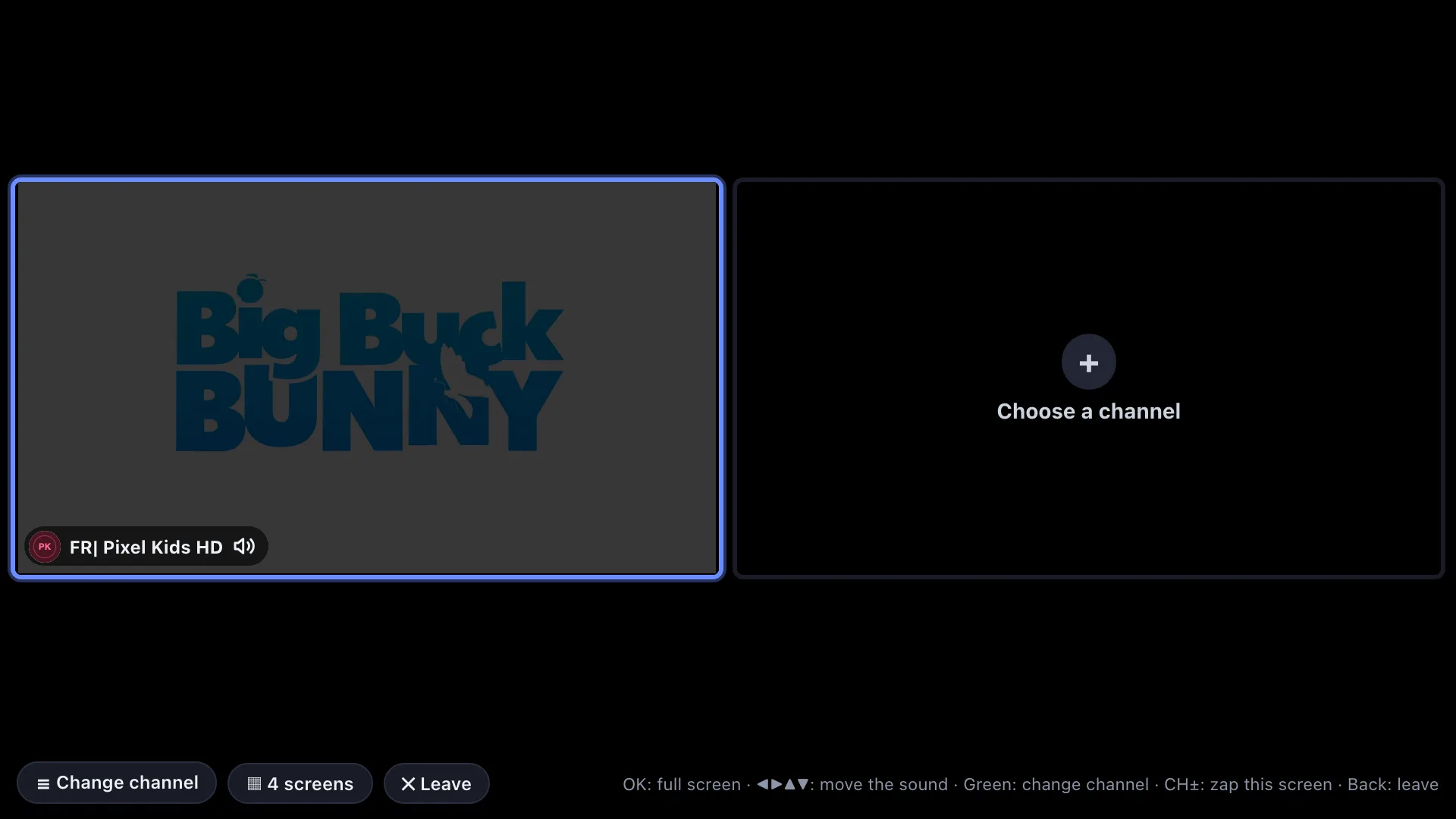
Multiview
Watch two or four channels at once, with the sound of the tile you pick. Available on Android TV and computers.
 Premium
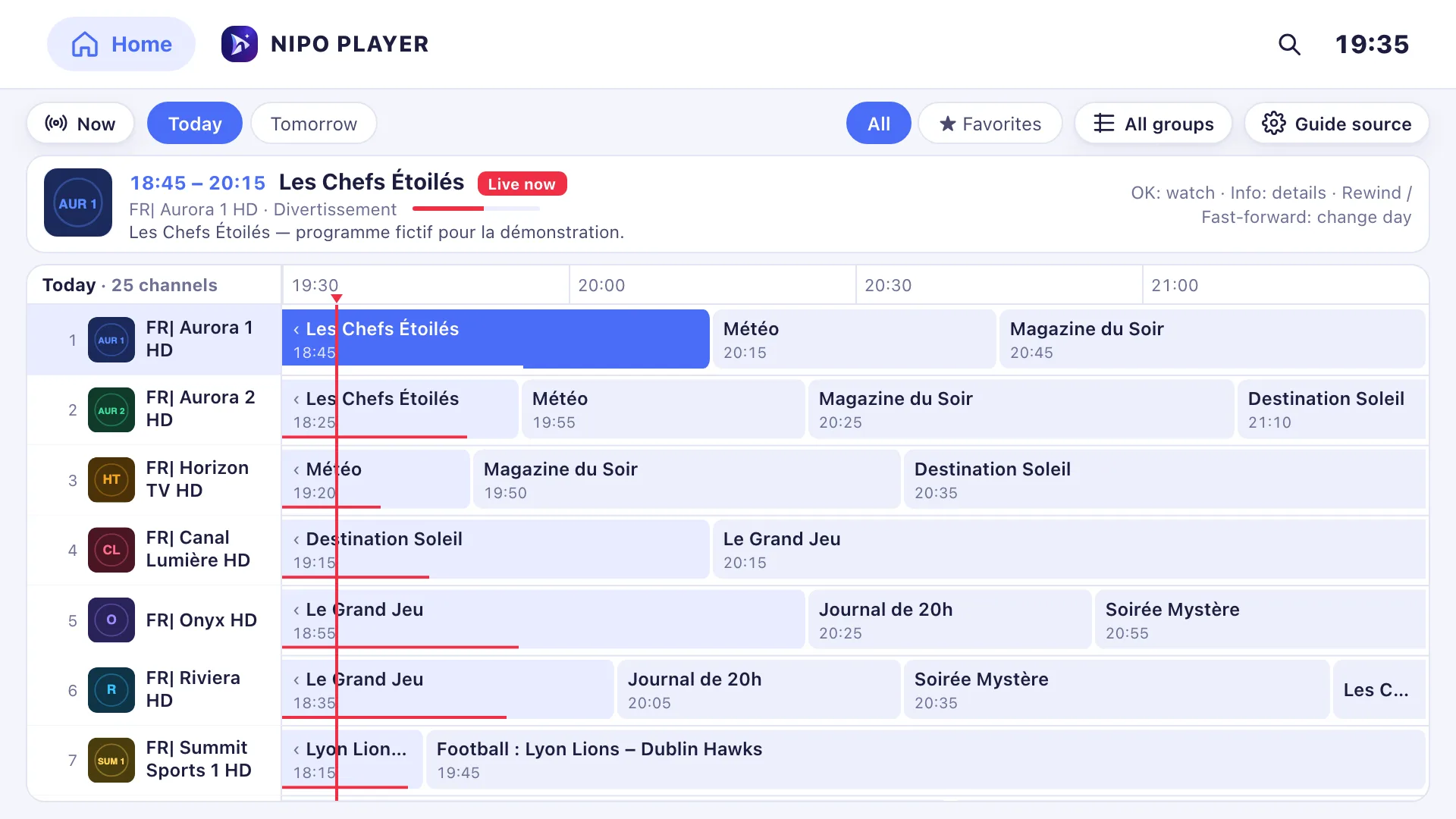
TV guide (EPG) and Pro EPG
Browse shows by channel and time. Add several XMLTV sources and match channels to the guide. The mini guide stays free.
 Premium
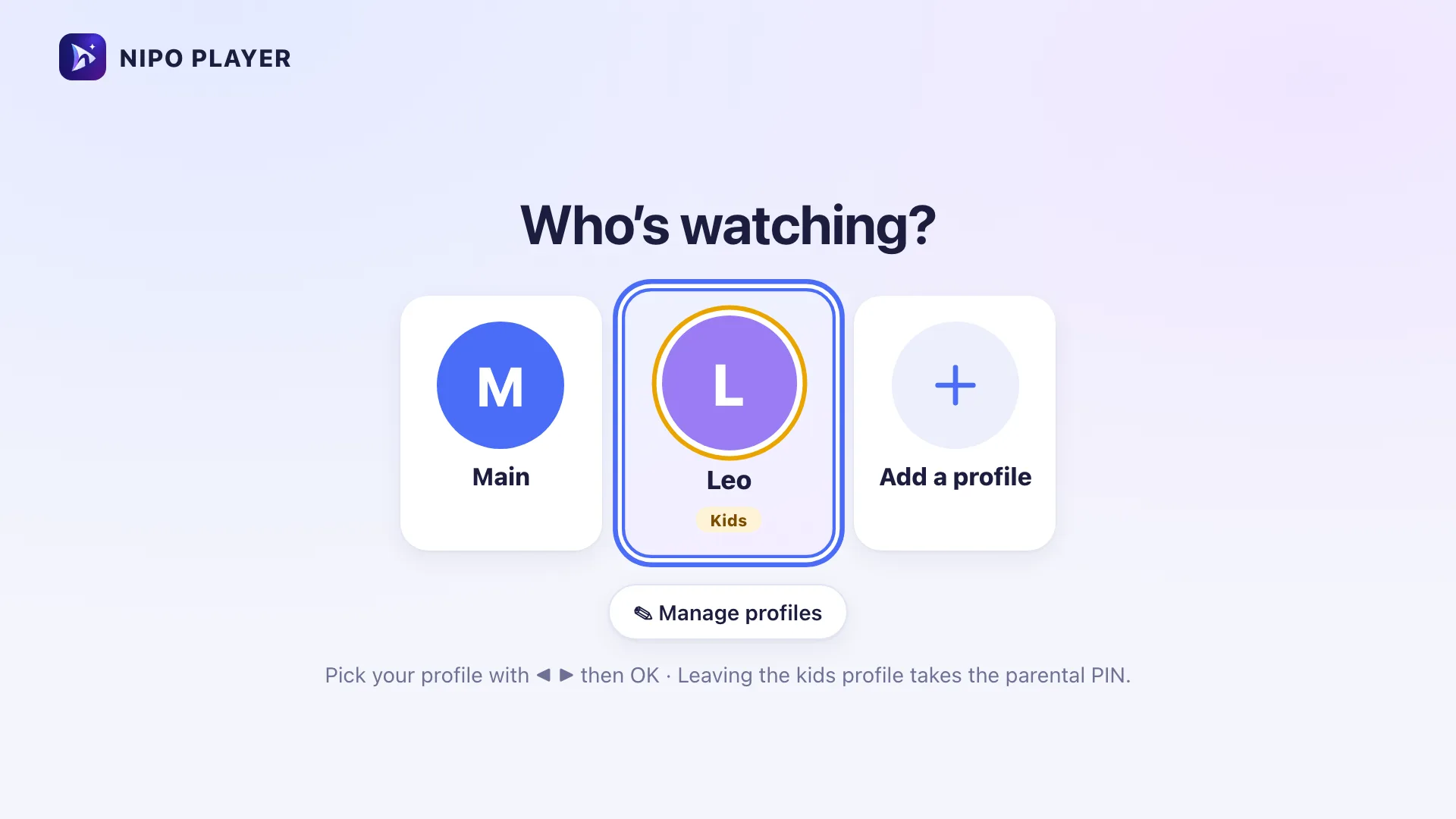
Profiles and kids space
Everyone gets their own favorites, history and settings. A kids profile only shows the categories you allow.
 Premium
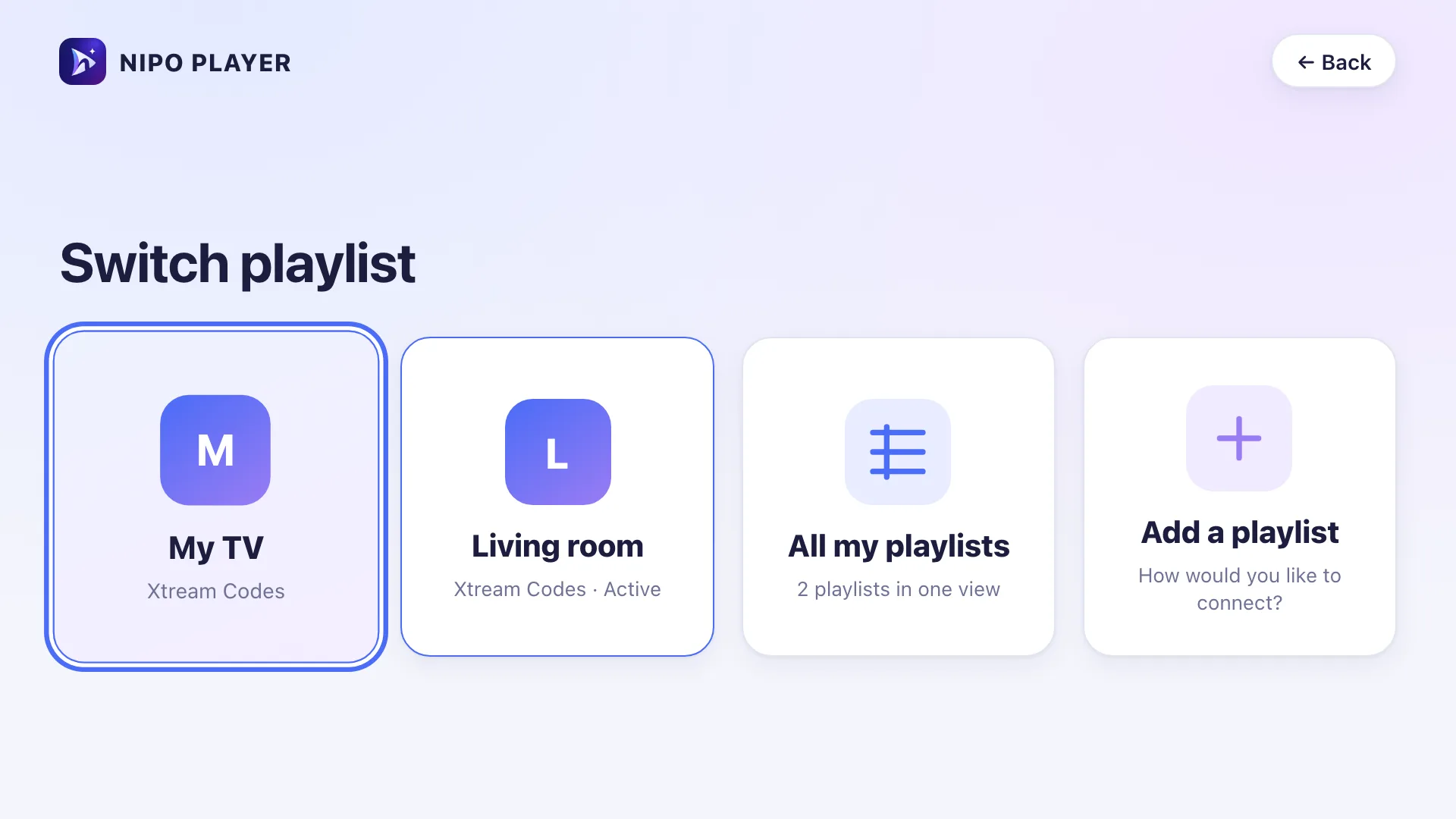
Several playlists
Add several playlists and group them in a single view, with optional duplicate merging. The free version keeps one playlist.
 Premium
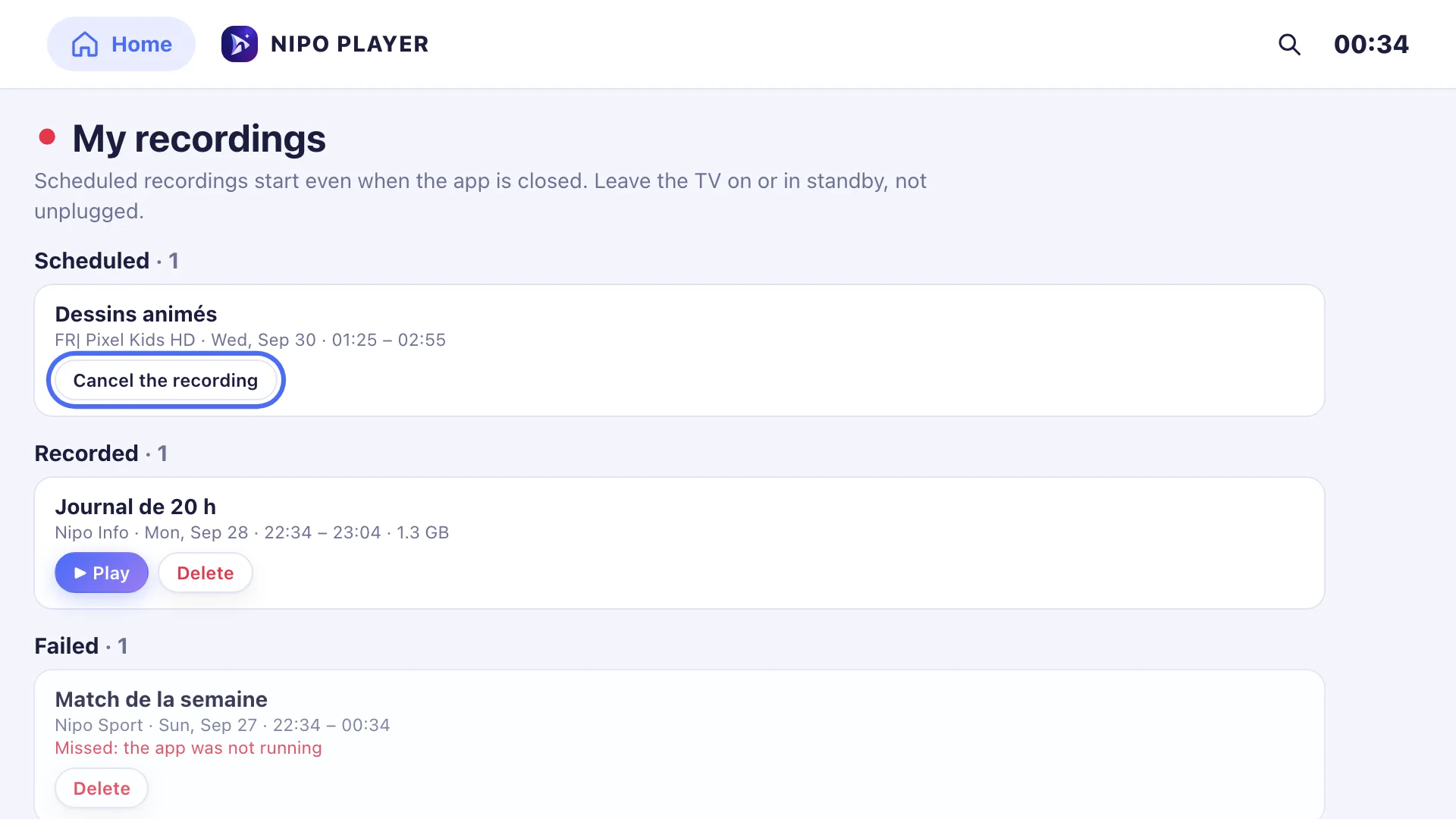
TV recording
Record the show that’s on or schedule a recording from the TV guide. Available on Android TV and computers.
 Premium
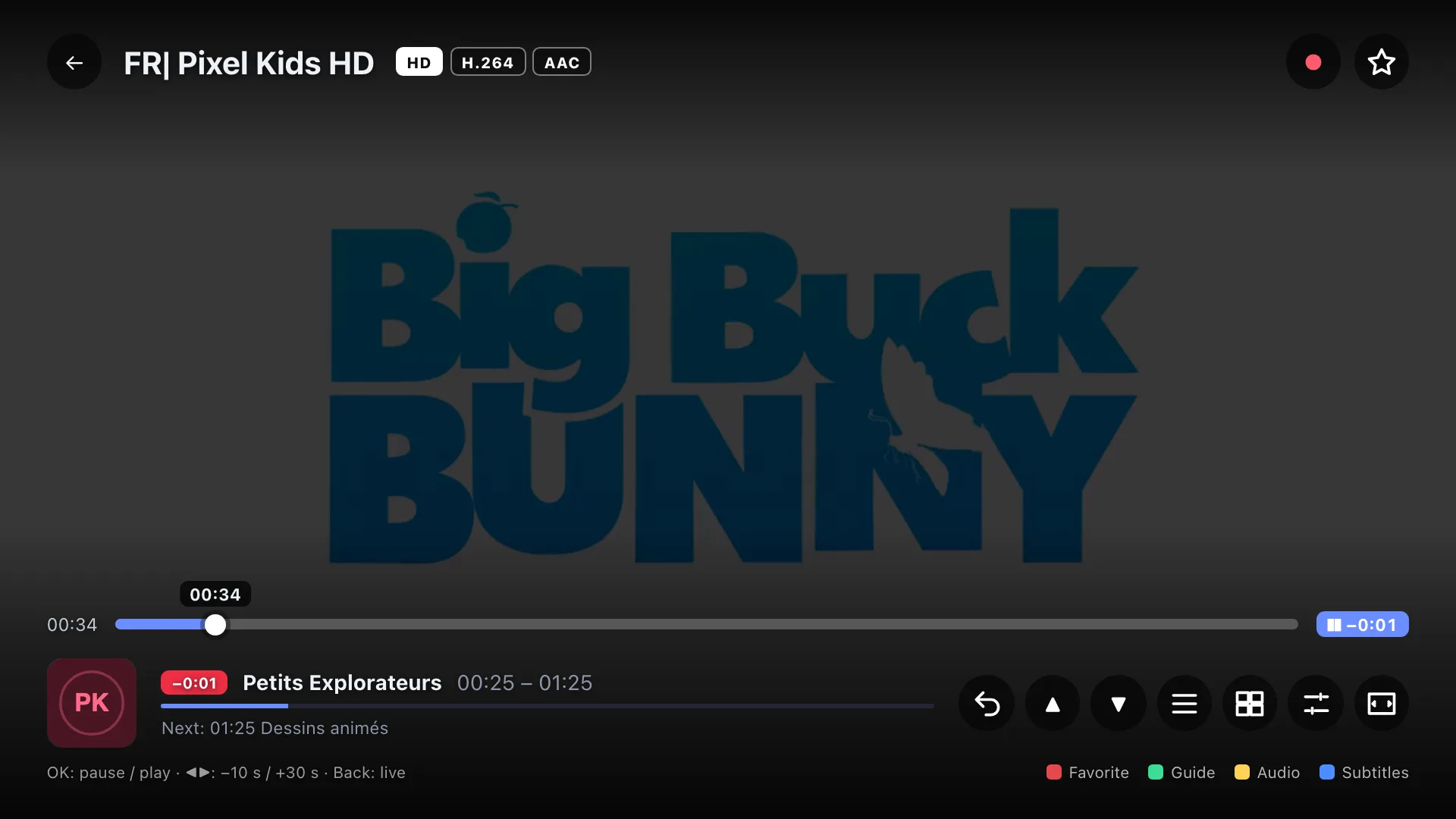
Pause live TV
Pause a channel, rewind and jump back to live whenever you want.
 Premium
Catch-up
Rewatch a show or restart it from the beginning when your playlist’s server supports catch-up.
 Premium
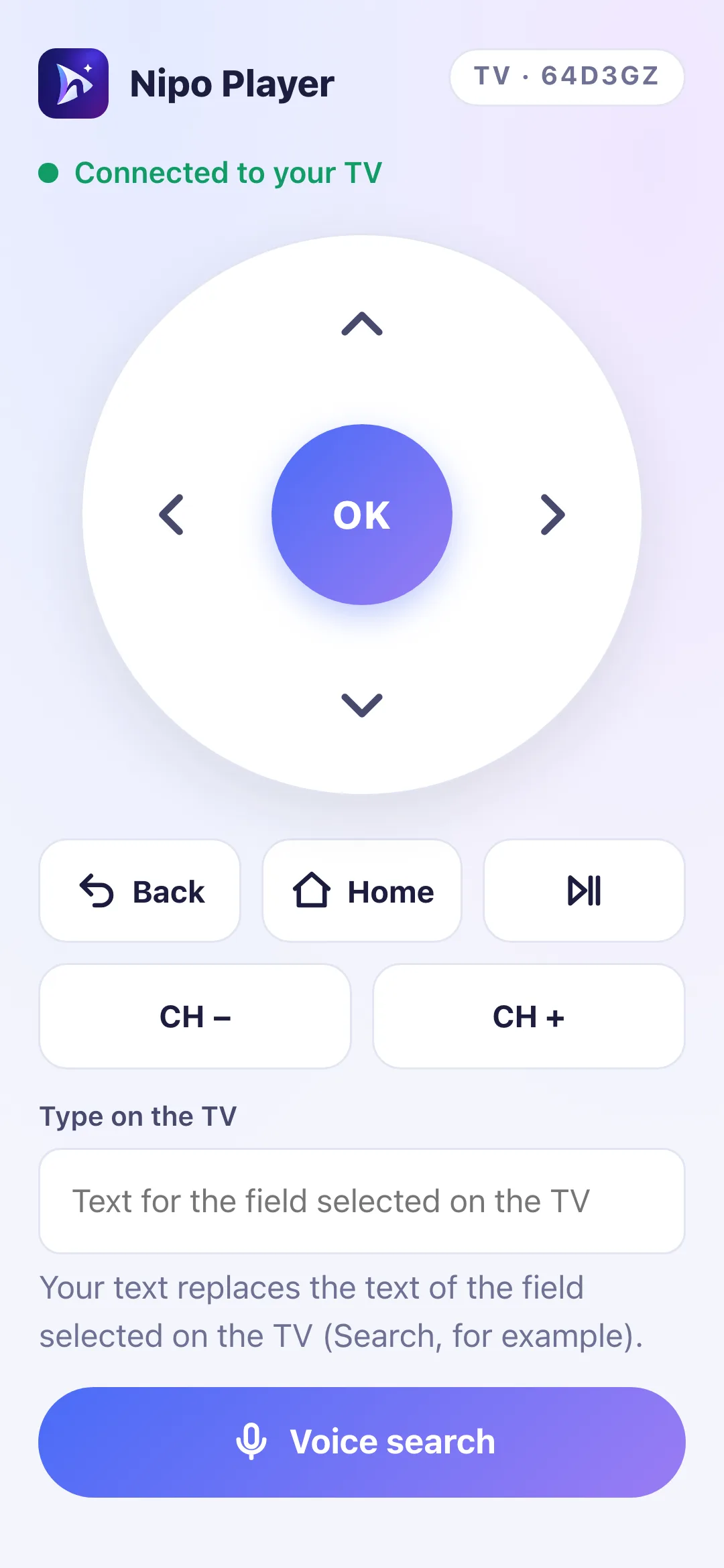
Phone as a remote
Control your TV from your phone: navigation, typing, voice search and adding a playlist by QR code.
TV navigation
A media player built for the remote
On Android TV and supported TVs, enjoy big tiles, channel zapping and a channel list shown over the picture.
- Big tiles, easy to read from the couch
- Browse channels and categories without leaving the picture
- CH+ / CH−, number pad and back to the previous channel
- Color keys and a long press on OK for the quick menu
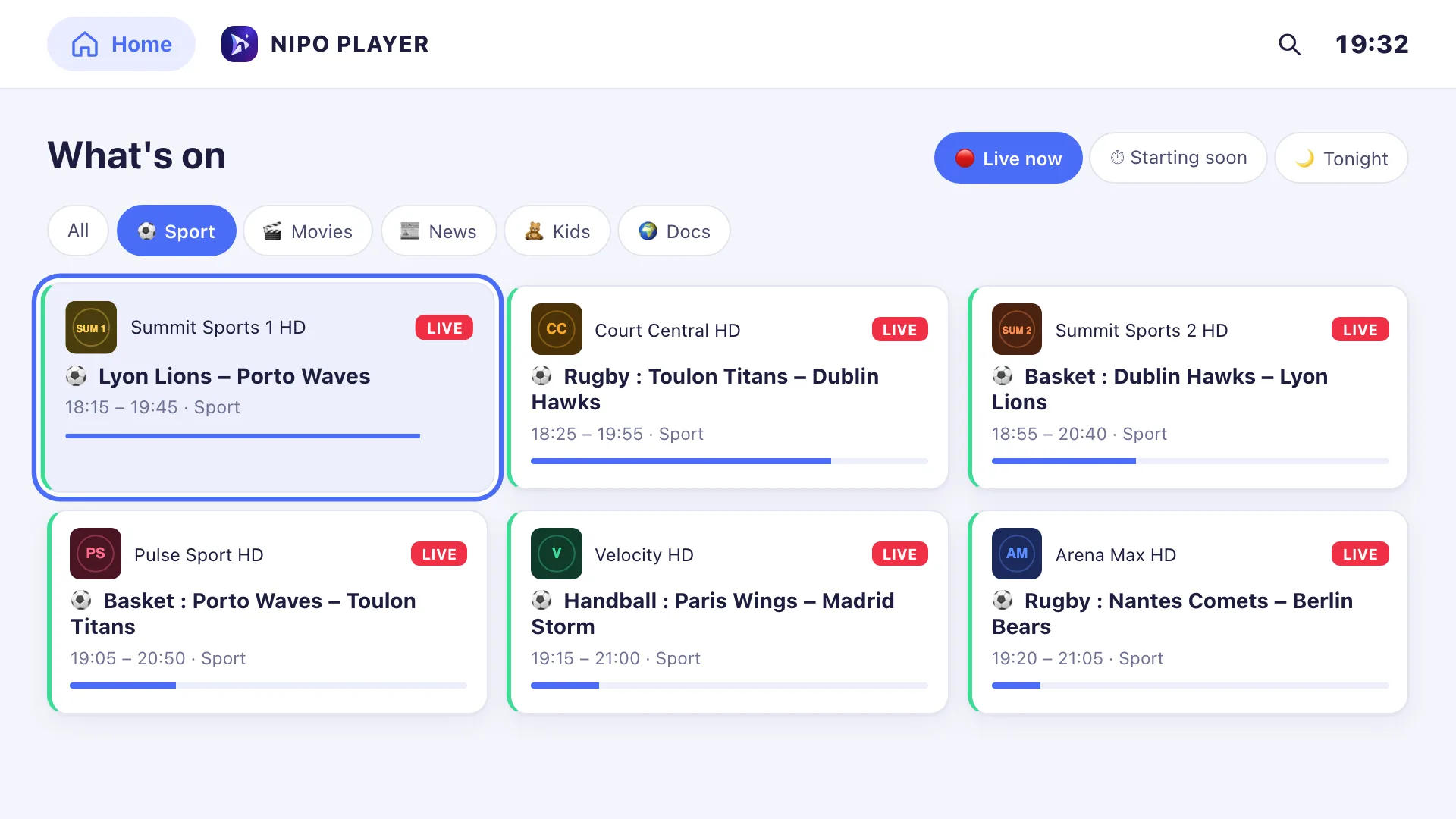
“What’s on”
What’s on TV right now?
Check your playlist’s TV guide (EPG): shows on now, tonight and by genre, with reminders so you never miss a thing.
- Shows on now and tonight, sorted by genre
- A sports mode to find live games
- Reminders for upcoming shows
- Show search stays free
“What’s on” and the TV guide grid are included with Nipo Premium or Family. The mini guide stays free.
Playback diagnosis
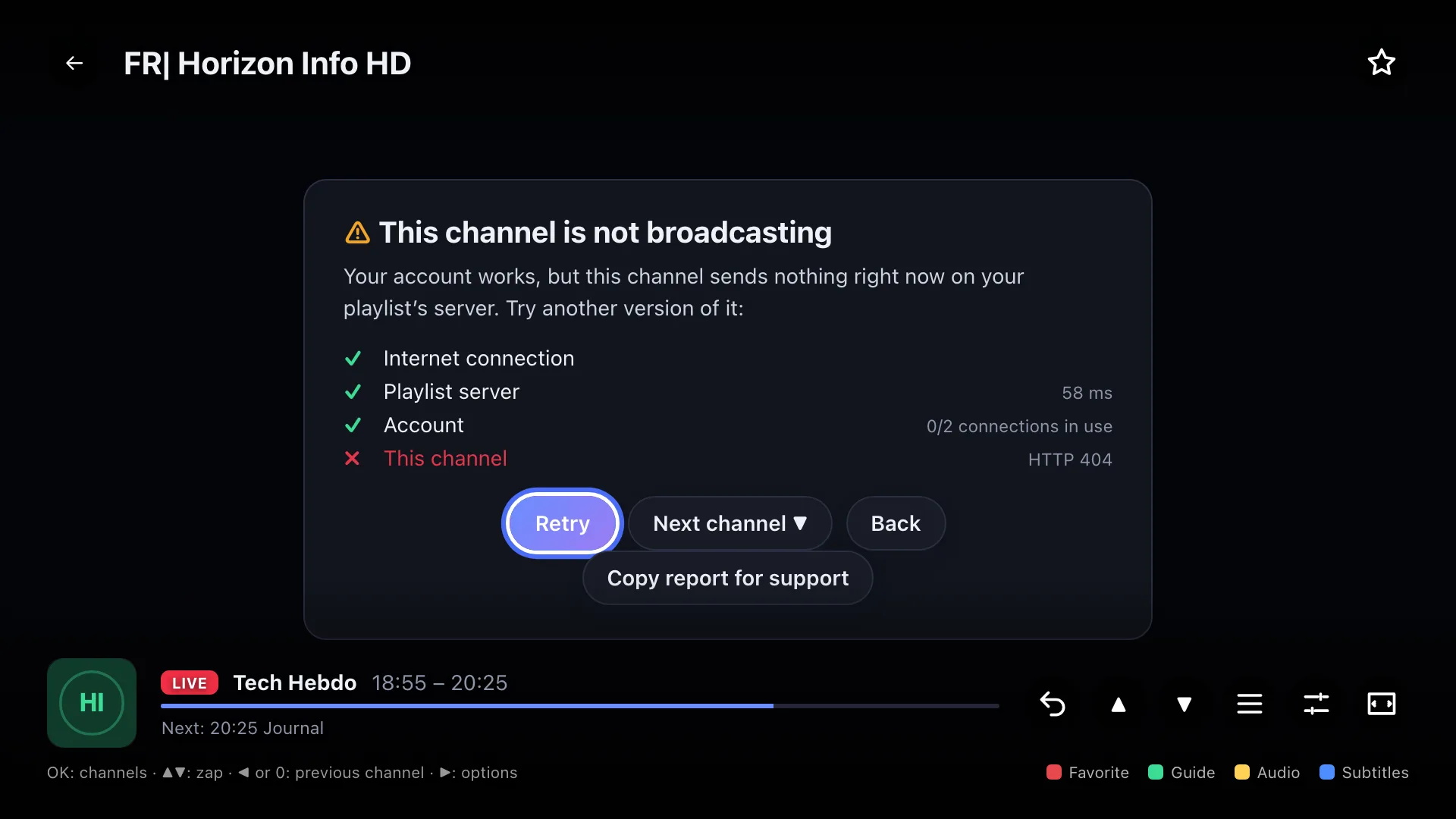
When playback fails, Nipo tells you why
Black screen? Nipo helps you find the cause: internet connection, server, account, stream or device.
- InternetOK
- Playlist serverOK
- Account (expired, too many connections) (blocked step)Blocked
- Video streamnot checked yet
- Devicenot checked yet
Copy a diagnosis report for support, without showing your password.
Nipo Family
Your media player, one purchase for the whole family
The player stays free for the essentials. Unlock Premium or Family with a one-time payment, refundable within 14 days.
Nipo Player · Free
€0
No ads, no account
- Live TV, movies and series
- 1 M3U playlist or server login
- Favorites, search and mini TV guide
- Parental control with a PIN code
- Encrypted sending from nipoplayer.com
Nipo Premium · 1 screen
€7.99
One-time payment
- TV guide grid and “What’s on”
- Catch-up and pause live TV
- Recording and multiview
- Profiles, kids space, several playlists
- Phone as a remote and adding by QR code
Nipo Family · 5 screens
€24.99
One-time payment
- All of Premium, on 5 screens at once
- A profile for each family member
- Replace a device every 30 days
- Smarters comparison: 3 TVs for $54

Privacy
Your playlists stay with you
By default, Nipo Player stores no playlist on our servers. Transfers with the Nipo code or the QR code are end-to-end encrypted. With “Mes playlists” (Premium), they are stored encrypted to sync across your devices.
Frequently asked
Questions about our media player
What is an M3U player?
An M3U player is an app that shows the content of an M3U playlist or a server login (server, username, password). Nipo Player organizes your playlist’s channels, movies and series on your supported devices.
Is Nipo Player a free media player?
Yes. Nipo Player is free, with no ads and no account required. Watch live TV, movies and series from your playlist, with favorites, search and parental control. Premium is optional.
Does Nipo provide channels or playlists?
No. Nipo Player is only a playback app: no channel, playlist or content is provided, sold or hosted. Only use sources you are legally allowed to access.
Is Nipo Player an M3U player for Android?
Yes. Nipo Player is available on Android, Android TV and Google TV. Dedicated pages also cover Fire TV, Samsung, LG, iPhone, iPad, Mac and Windows; check each page for availability.
How do I add an M3U playlist or server login?
Enter the M3U link or server login on your device, or send it from nipoplayer.com with the Nipo code. The transfer is encrypted; adding by QR code is a Premium feature.
Is Nipo Premium a subscription?
No. It’s a one-time payment: €7.99 for one screen or €24.99 for five screens with Nipo Family, with no renewal.
How many screens can I use?
Nipo Premium activates one screen and Nipo Family up to five screens at the same time. Only devices activated with Premium count toward the limit.
Can I switch to a new TV?
Yes. You can replace an activated device from your account once every 30 days, without contacting support.
Can I get a refund?
Yes. You can request a refund within 14 days, in one click, no questions asked.
Download Nipo free media player
Enjoy a free M3U player with no ads and no account. Add your playlist and start watching.