
M3U player for Mac
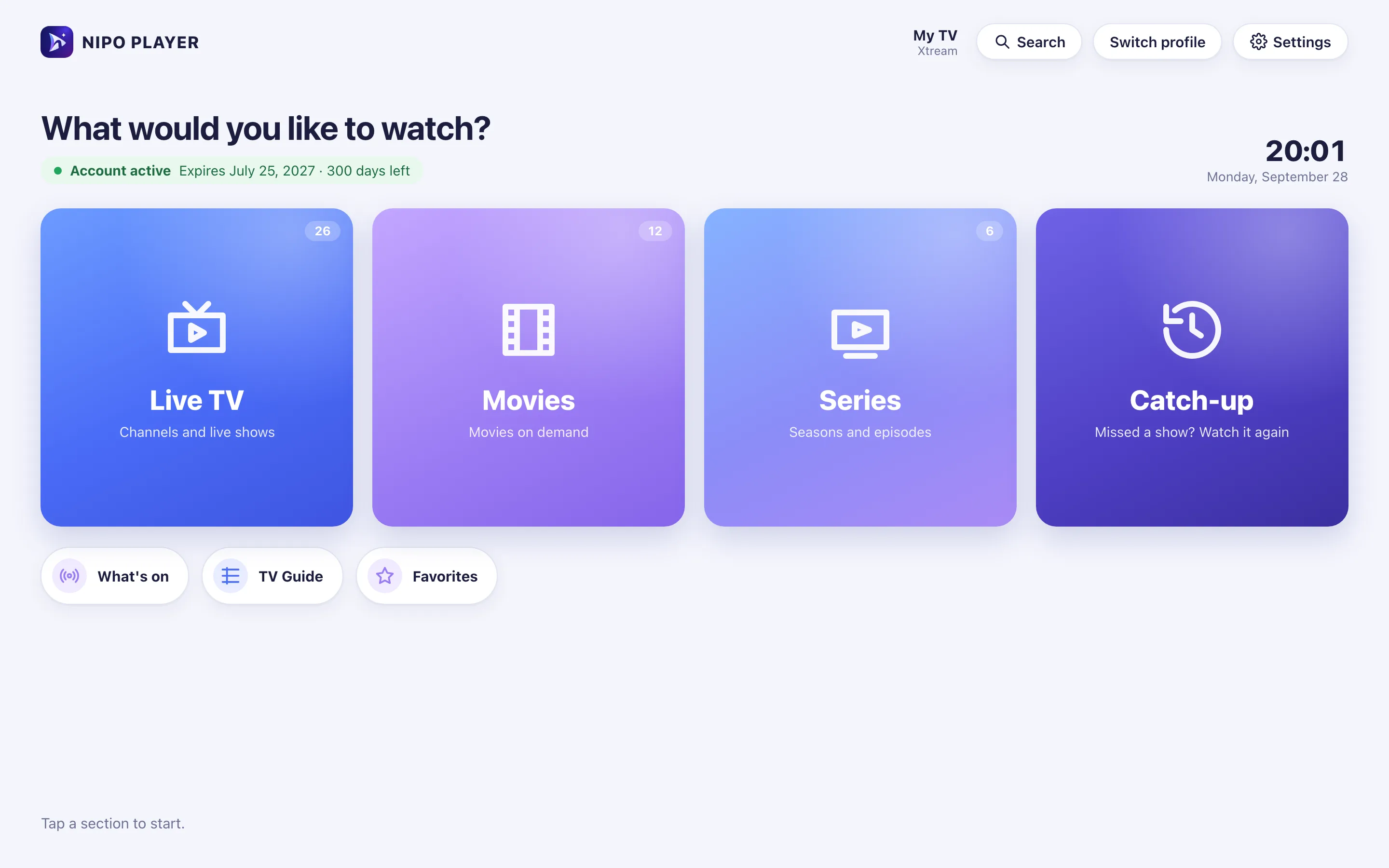
Nipo Player is a media player for Mac (Apple Silicon): M3U playlists and Xtream logins, TV guide, recording and multiview, with keyboard or mouse.
Nipo Player does not provide, sell or host any content. Use it with playlists you are legally allowed to access.


How to install it
Direct download (.dmg)
Nipo Player is a direct download (a .dmg file, about 112 MB), notarised by Apple to open with no warning.
Compatibility
- Chip
- Apple Silicon Mac (M1 or later) only, no Intel build for now
- System
- A recent macOS
- File size
- About 112 MB
- Playback
- Web player (Electron/Chromium), native Edit menu, full keyboard shortcuts
Installation, step by step
Direct download
This page and the Download page offer the .dmg file, with its SHA-256 checksum.
Opening the file
Notarised by Apple, it opens normally, with no “unidentified developer” warning.
Drag into Applications
Like any Mac app: drag Nipo Player into the Applications folder, then open it.
Mac
First setup: add your playlist
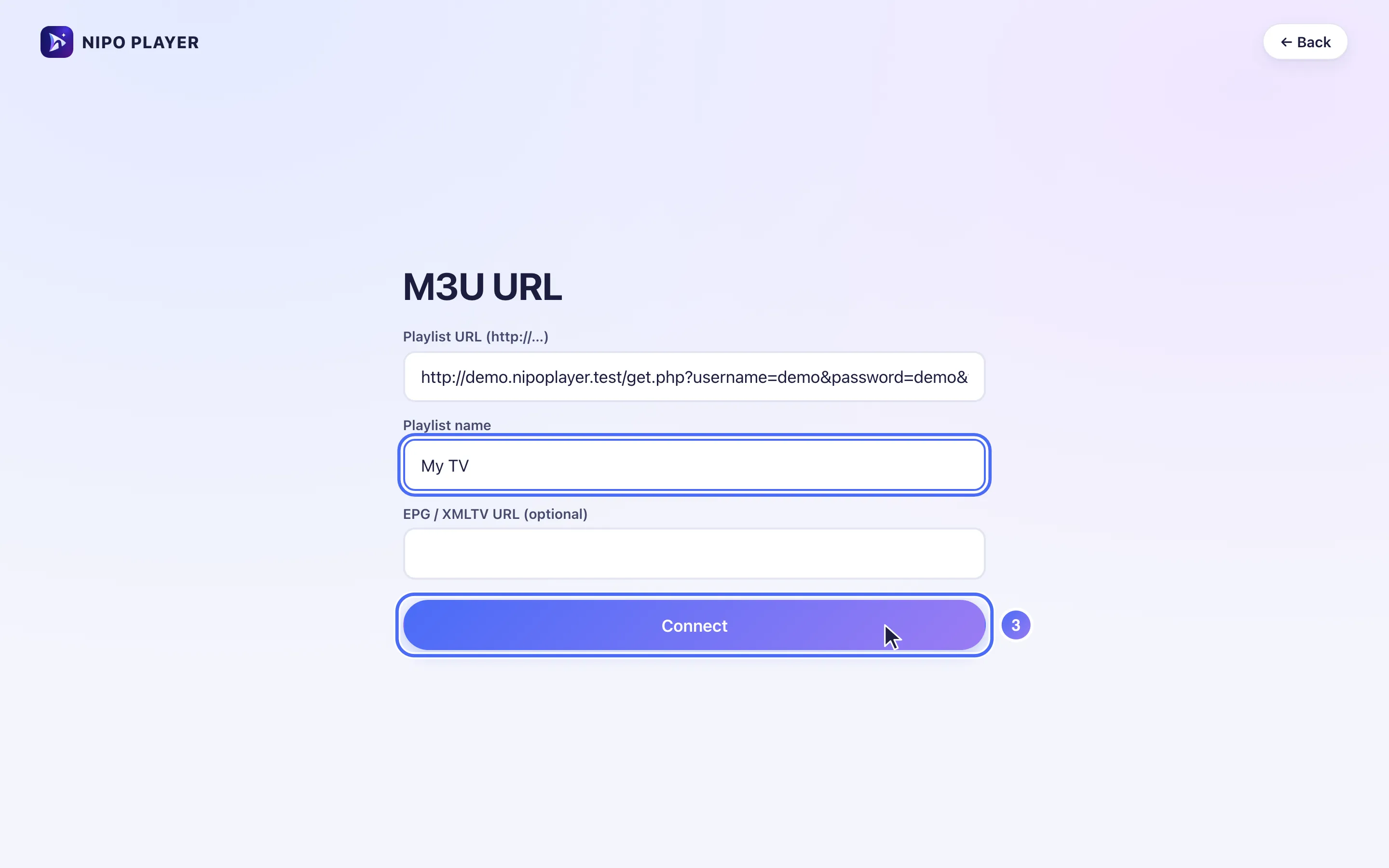
On Mac, type your playlist’s address (M3U or an Xtream login) directly into the app, or scan the QR code Nipo shows with your phone.
Keyboard, mouse and menu
On Mac, Nipo is driven with the mouse like any app, and with the keyboard inside the player.
Arrows, Enter, Escape
Space bar
⌘F — Search
⌘, — Settings
Copy/paste
Right-click
Limits on this device
- No Intel build for now: Apple Silicon only (M1 and later).
- Automatic frame rate and audio passthrough stay limited to Android TV.
Free vs Premium (Nipo Premium or Family)
- Live TV, movies, series, search
- 1 playlist (Xtream or M3U)
- Favourites and resume
- Subtitles, parental PIN, diagnosis
- Several playlists + Mes playlists
- Profiles, including a kids profile
- Pro EPG and What’s on
- Catch-up (watch from the start)
- Pause and rewind live TV
- Recording
- Multiview 2 / 2×2
- Backup and transfer to another device
Related features
When something goes wrong
“Unidentified developer”
This message shouldn’t appear with the file notarised by Apple; otherwise, right-click the app and choose “Open”.
The file won’t open on an Intel Mac
Only an Apple Silicon build (M1 and later) is offered for now; there’s no Intel build.
Nothing happens when opening a channel
Nipo shows a step-by-step diagnosis (connection, account, channel) and a report you can copy for support.
Frequently asked questions
Does Nipo provide channels?
No. Nipo plays the playlists you already own (M3U or an Xtream login).
How do I install an M3U player on Mac?
Download the .dmg file, open it, then drag Nipo Player into the Applications folder.
Will there be an Intel build?
Not for now; this page will be updated if that changes.
Download Nipo for free.
All playback is free, with no ads and no account.