
M3U player for Samsung TV (Tizen)
Nipo Player is a media player for Samsung TVs (Tizen): M3U playlists and Xtream logins, TV guide, native AVPlay engine for picture and sound.
Nipo Player does not provide, sell or host any content. Use it with playlists you are legally allowed to access.
How to install it
Samsung TV Content Store
Nipo Player installs from the Samsung TV Content Store (Smart Hub), like the other apps on your TV.
Compatibility
- Models
- Samsung TVs from 2018 onward
- Minimum system
- Tizen 4.0 or later
- Playback
- Native AVPlay engine (extended formats, including AC3/E-AC3 and HEVC depending on the model), with a fallback to the browser’s video player
Installation, step by step
Samsung TV Content Store
From your Samsung TV’s Smart Hub, search for “Nipo Player” in the app store and install it.
First launch
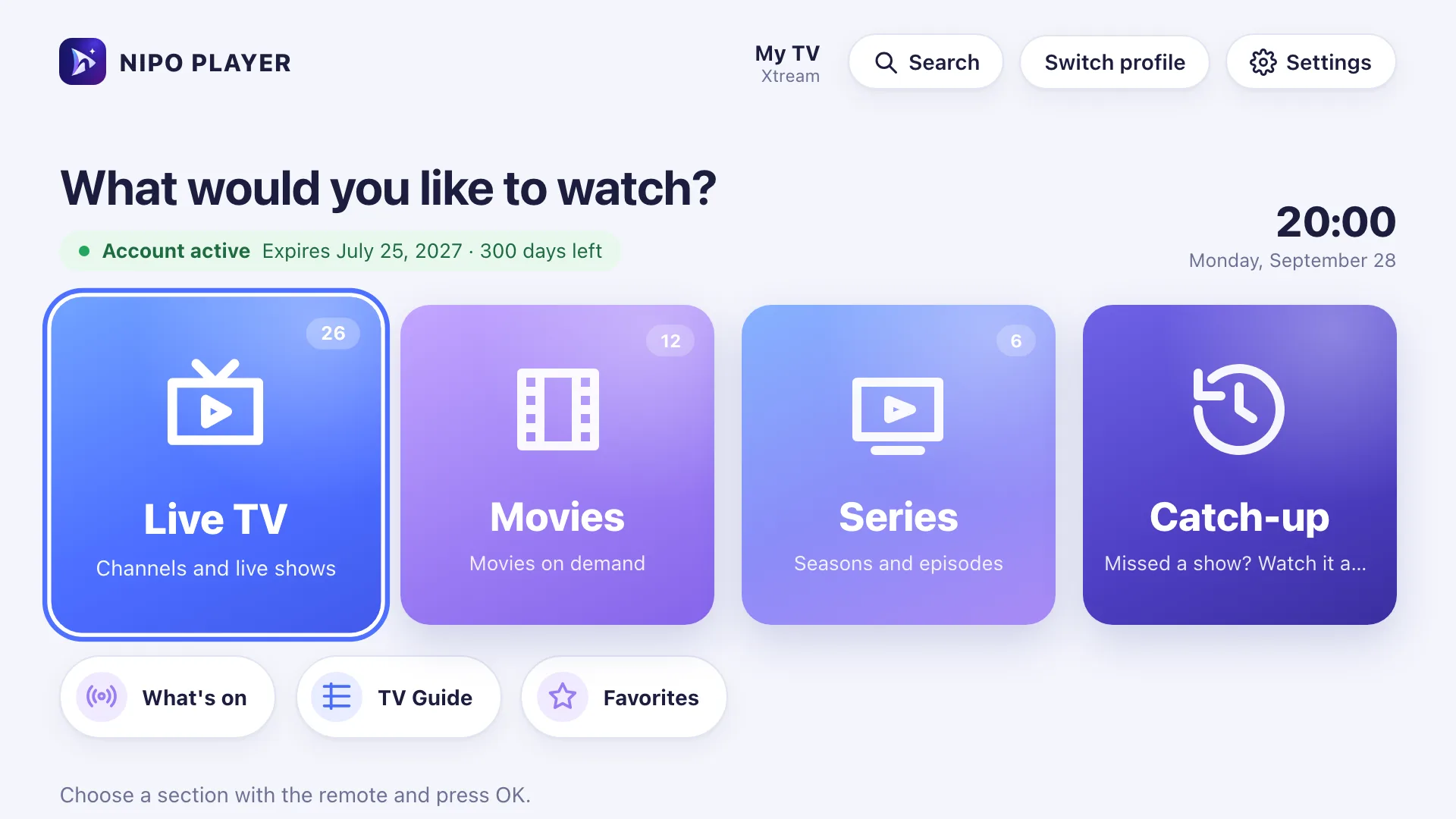
Open Nipo Player: the home screen appears, ready for you to add a playlist.
Samsung
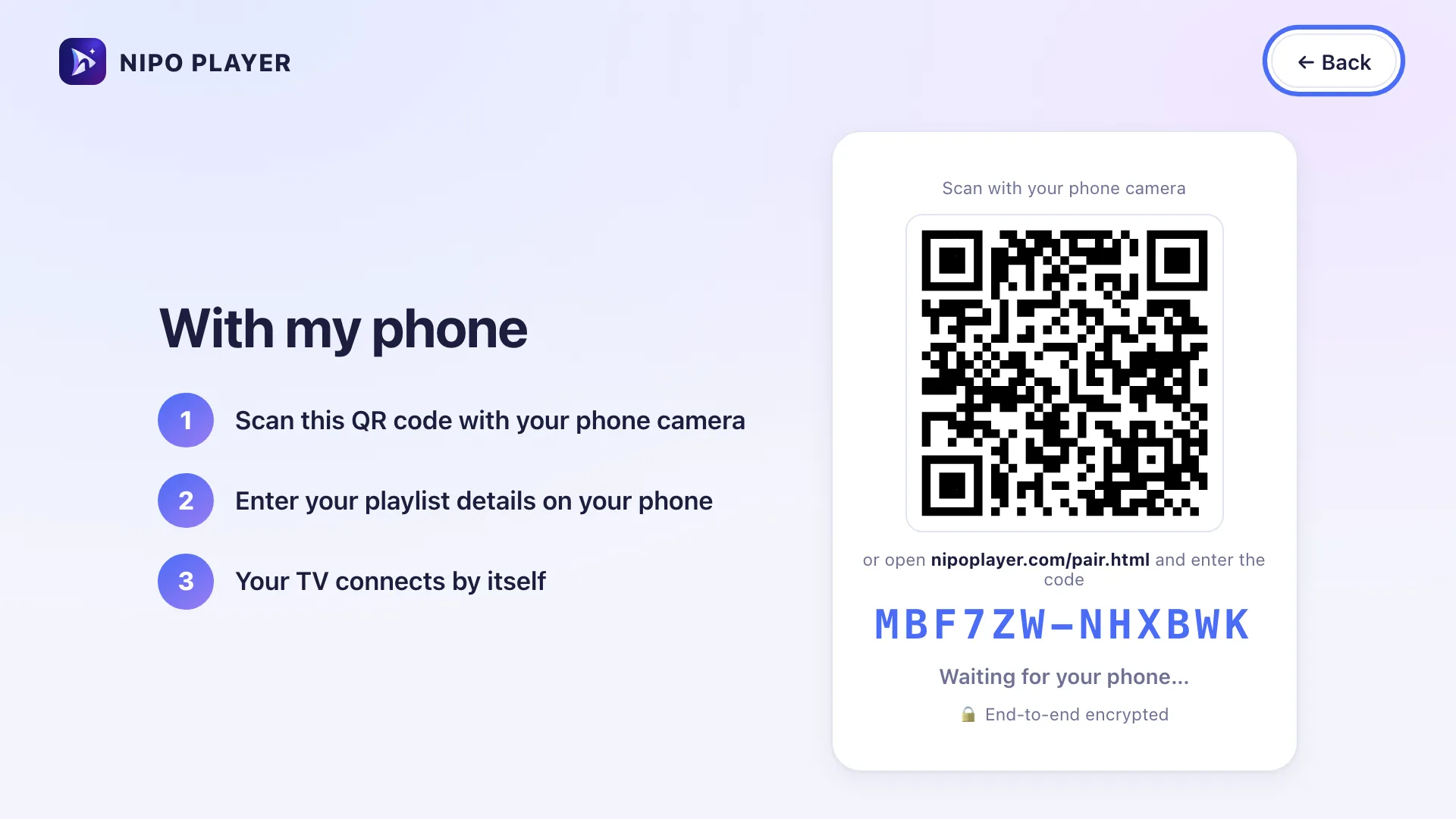
First setup: scan with your phone
Once the app is open on your Samsung TV, it shows a QR code. Scan it with your phone, then type your playlist’s address on the phone’s screen.
Samsung remote
The Samsung remote has a D-pad (or a wheel on some models), Back, Home and Play/Pause. Some models have a “PRE-CH” key that Nipo recognises.
Back
Long-press OK
PRE-CH
Limits on this device
- No recording or multiview on Samsung: limited to Android TV and computers.
- Automatic frame rate and audio passthrough stay limited to Android TV.
- Some playlist servers only serve movies to players they recognise: on Tizen, playback can fall back to the browser, which doesn’t always send the same signature as the native app.
Free vs Premium (Nipo Premium or Family)
- Live TV, movies, series, search
- 1 playlist (Xtream or M3U)
- Favourites and resume
- Subtitles, parental PIN, diagnosis
- Several playlists + Mes playlists
- Profiles, including a kids profile
- Pro EPG and What’s on
- Catch-up (watch from the start)
- Pause and rewind live TV
- Phone remote
- Start on live TV, OLED protection
Related features
When something goes wrong
Some movies are refused (error 406)
Some playlist servers only serve movies to recognised players. Nipo tries to send the right signature, but Tizen limits this setting in some cases.
Picture or sound is missing on a channel
Nipo lists the available audio and subtitle tracks with their language and codec; check that a compatible track exists.
Nothing happens when opening a channel
Nipo shows a step-by-step diagnosis (connection, account, channel) and a report you can copy for support.
Frequently asked questions
Does Nipo provide channels?
No. Nipo plays the playlists you already own (M3U or an Xtream login).
How do I install an M3U player on Samsung?
From your Samsung TV’s Smart Hub, search for “Nipo Player” in the app store and install it like any other app.
Does Nipo Player work on older Samsung TVs?
Nipo targets Samsung TVs from 2018 onward (Tizen 4.0). On an older model, the app may not install or may run more slowly.
Download Nipo for free.
All playback is free, with no ads and no account.