
How it works: the M3U player in 3 steps
Install Nipo Player, add the playlist you already have, watch.
Nipo Player does not provide, sell or host any content. Use it with playlists you are legally allowed to access.
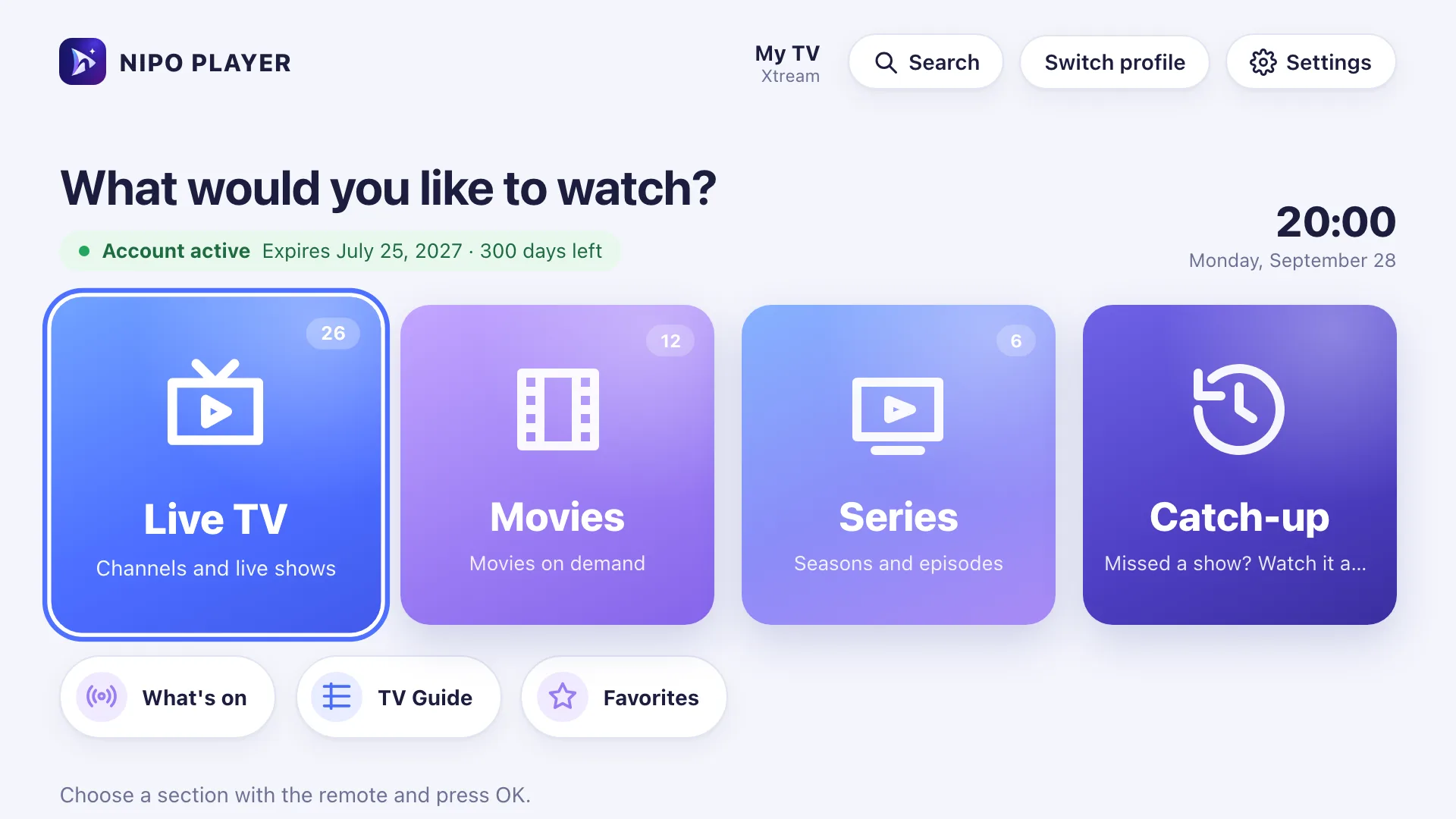
Install Nipo Player
On your TV, phone or computer. Your device’s page explains how to install it.
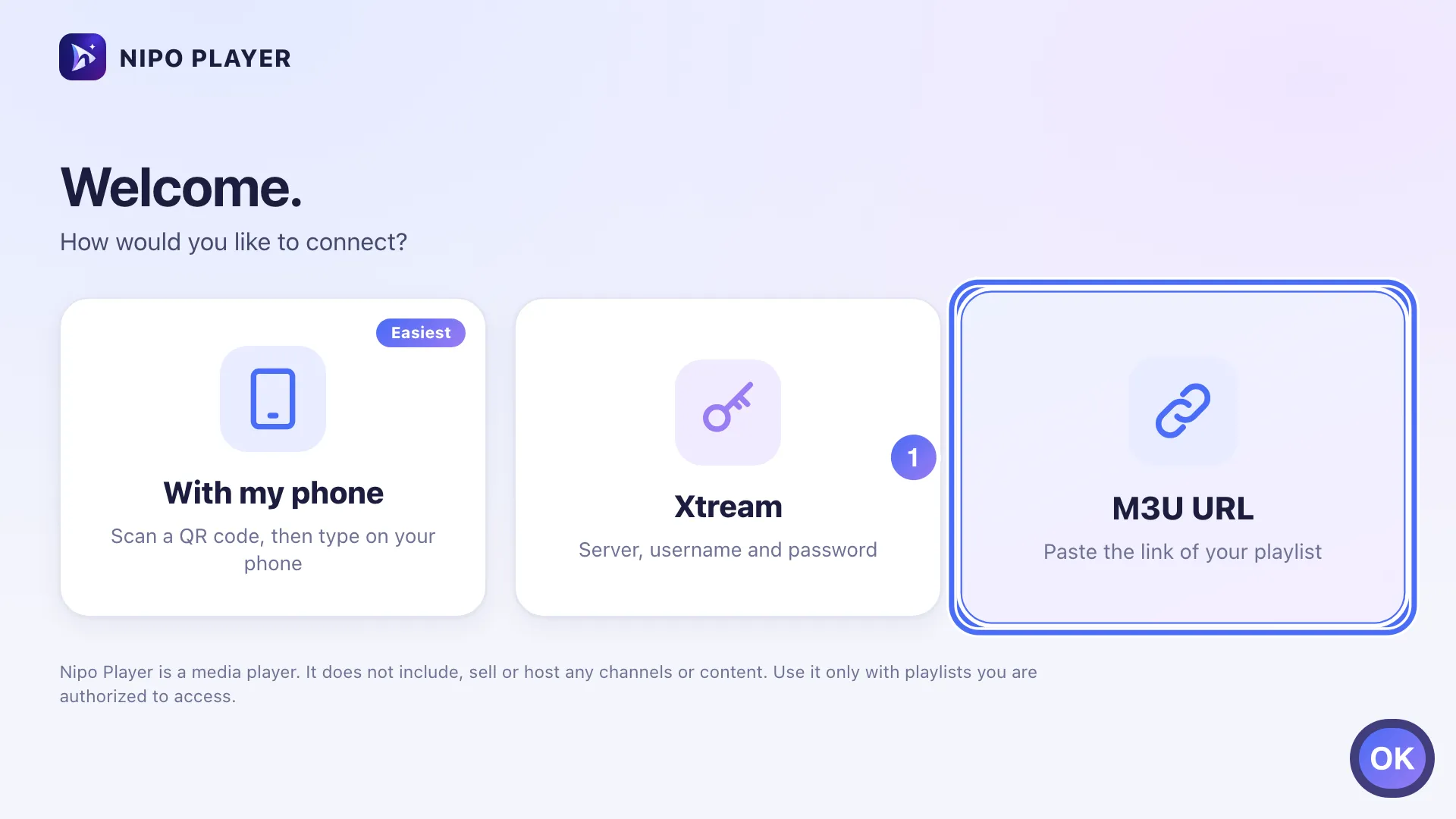
Add your playlist
An M3U link or an Xtream login: type it on the device, or send it from this website with the screen’s Nipo code.
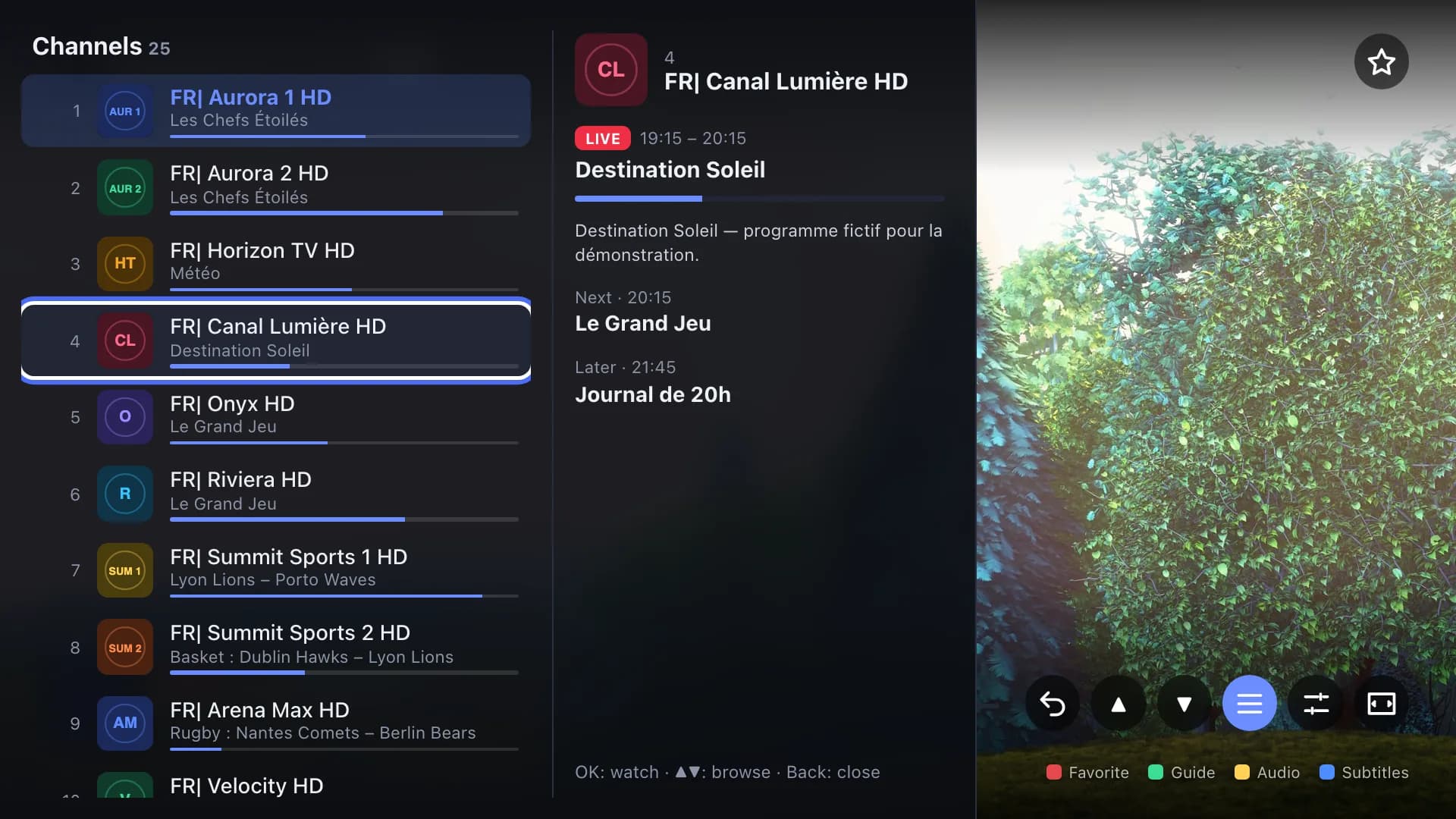
Watch
The home screen opens on your playlist’s live channels, movies and series. The mini guide shows over the picture, without leaving the channel.
Four ways to add a playlist
Pick the one that suits you. The first two are free.
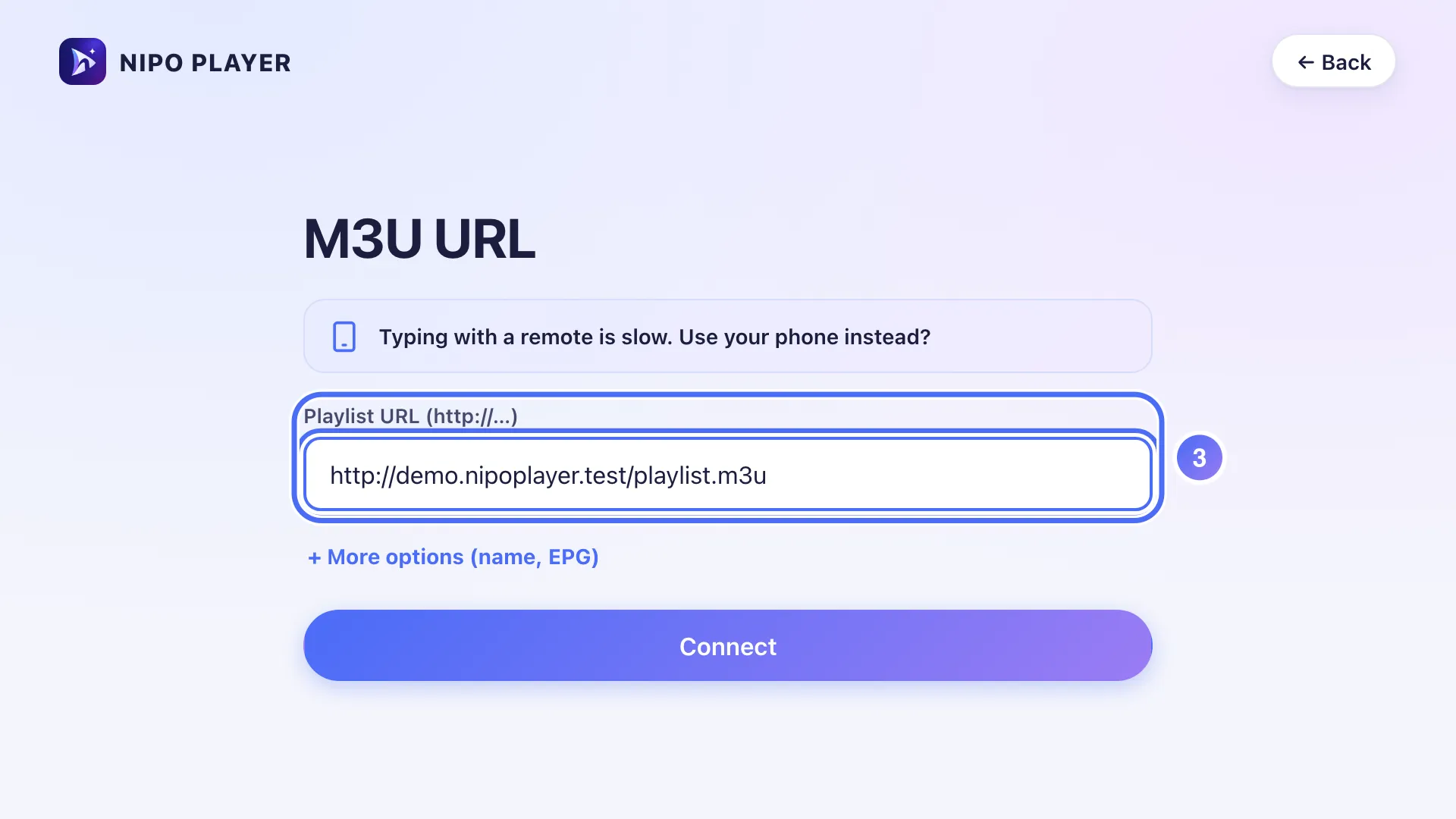
On the device
Type the link or login with the remote, the keyboard or the touch screen.
Learn more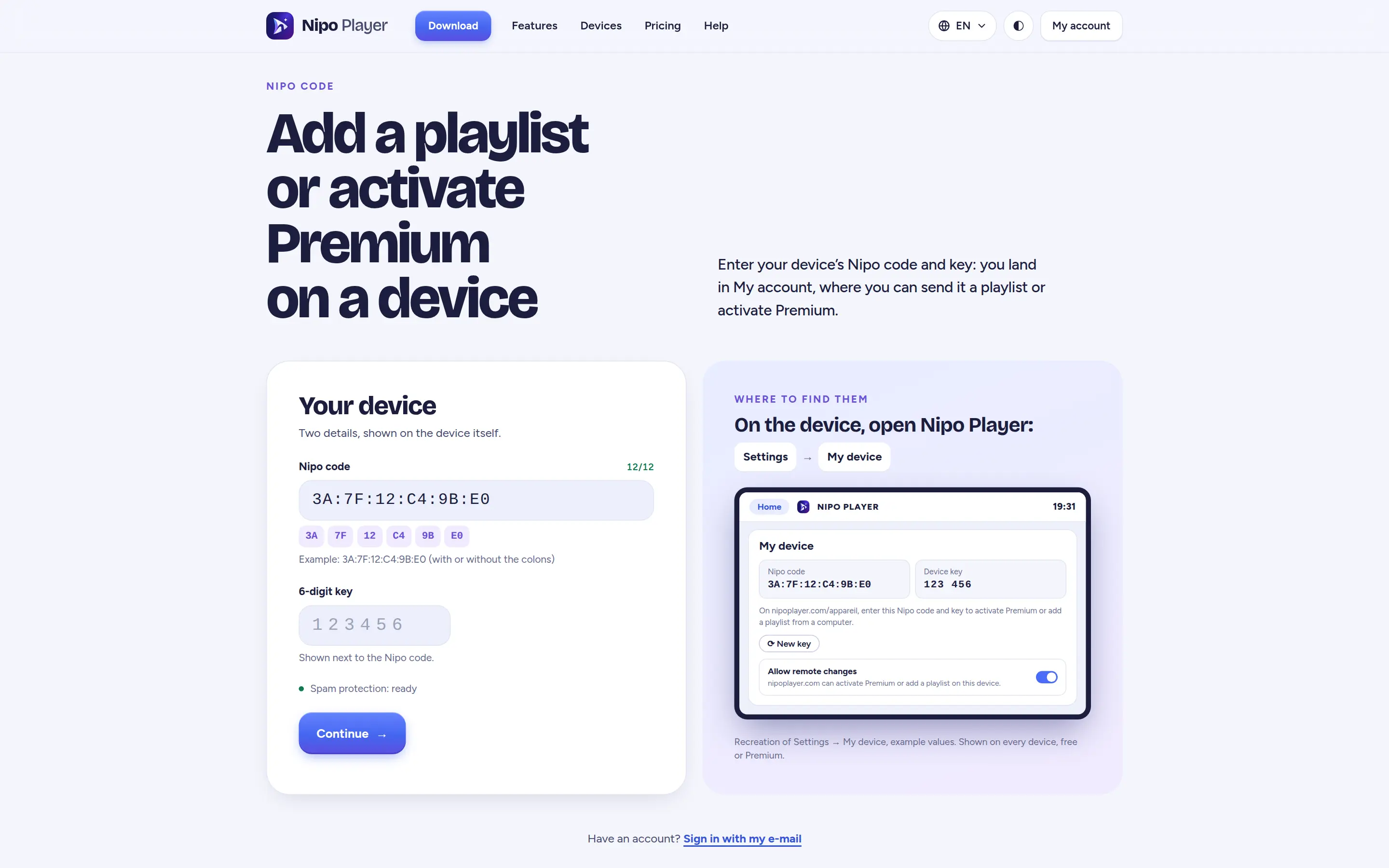
From nipoplayer.com
Enter the Nipo code and key shown on the screen: the playlist arrives end-to-end encrypted, no account needed.
Learn more
With your phone
The TV shows a QR code: scan it and type the playlist on your phone, faster than with the remote.
Learn more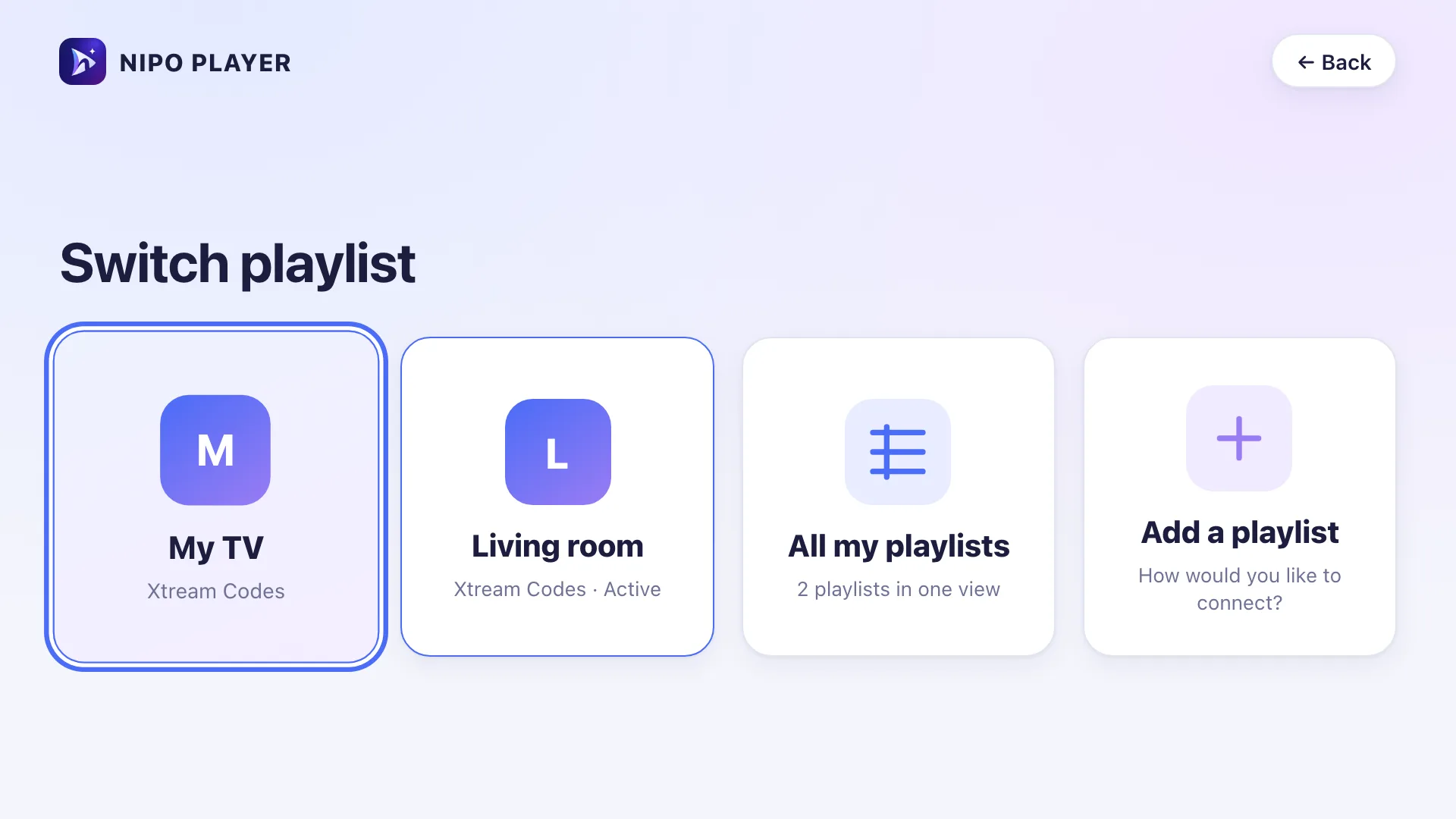
Mes playlists
Keep your playlists on your account: they reach your Premium screens with nothing to retype.
Learn moreFormats
Where do I find my playlist’s details?
Depending on how you got your playlist, you’ll have one of these formats. Nipo accepts both.
M3U link
Xtream login (server, username, password)
Guide address (optional)
Don’t have a playlist?
Nipo plays the playlists you already have, for example the one from your box or your operator. We neither provide nor recommend any playlist.