
How can we help?
Plain answers, with the exact steps in the app.
Player only
Nipo Player does not provide, sell or host any content. Use it with playlists you are legally allowed to access.
Popular articles
- What is Nipo Player?Nipo Player is a media player: it plays the playlist or Xtream connection you already have. It provides no channel and no content of its own.
- How do I install Nipo Player on my device?Nipo Player is free and installs from a store or as a direct download on nipoplayer.com, depending on your device, with no account required.
- How do I add my playlist with my phone's QR code?On the TV, choose "With my phone", scan the code and enter your playlist from your phone: it's the easiest method.
- How do I watch live TV and change channels?Open "Live TV" from Home. With a remote, OK opens the channel list and ▲▼ zap between channels; number keys jump straight to one.
- How does parental control work, and how do I change the PIN?The default PIN is 0000. Change it under Settings → Parental control, then lock the categories children shouldn't open.
- How do I transfer my setup to a new device?On the new device, open "Add a playlist": it shows a code. Type it into Settings → Backup and transfer on the old one.
All categories
Getting started
Install Nipo Player and add your first playlist.
8 articles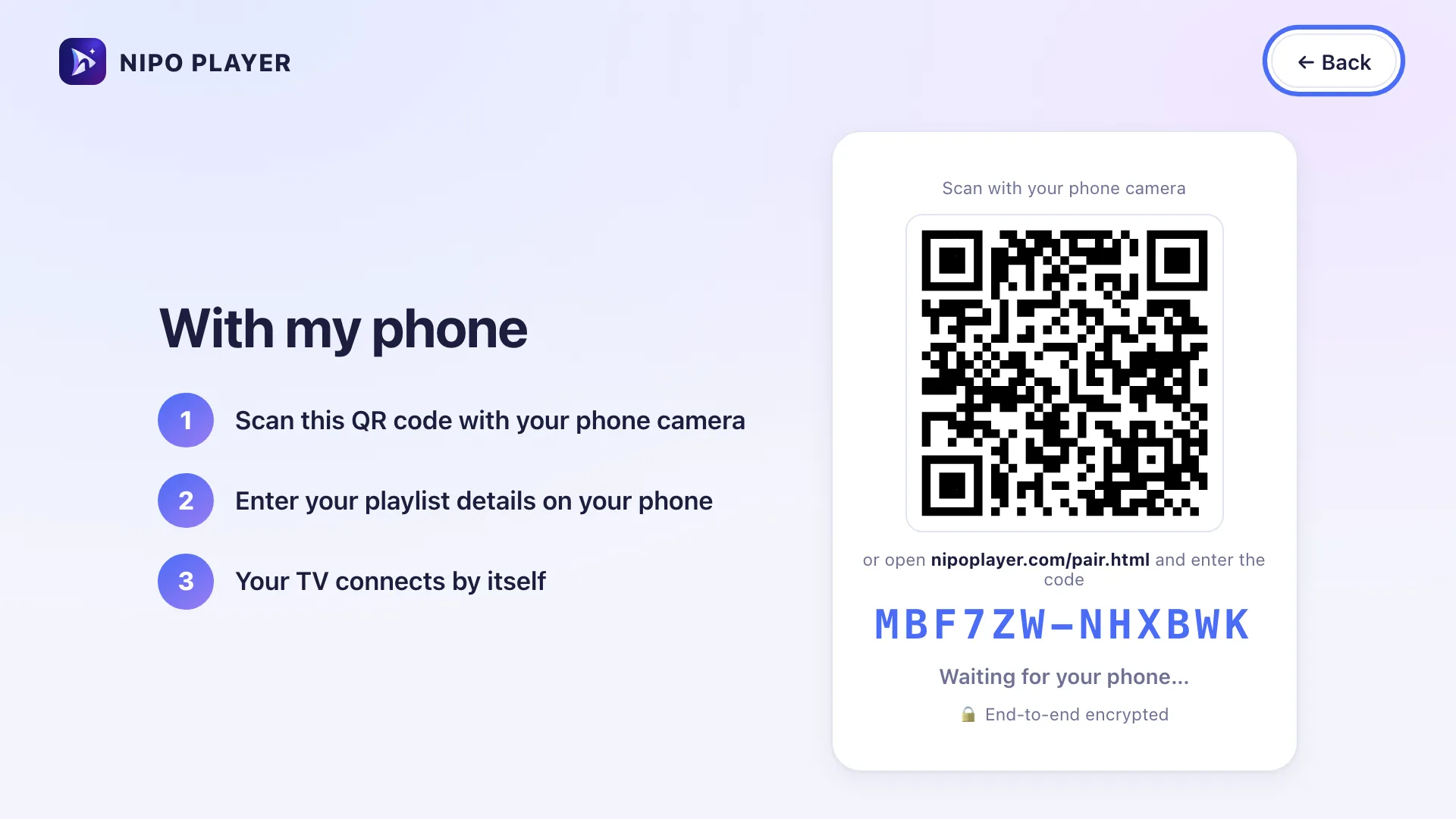
Watching
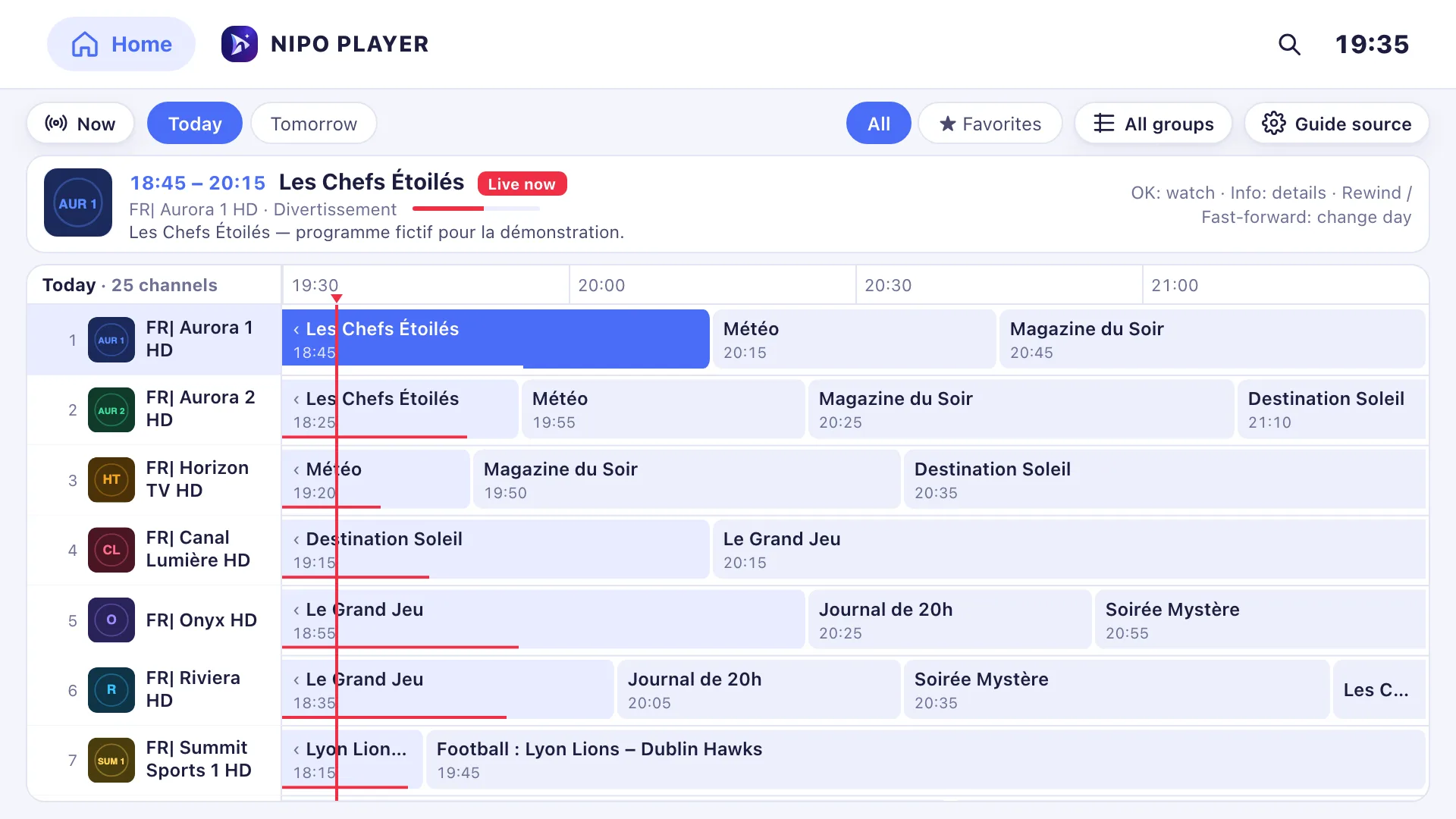
Live, movies, series, catch-up, TV guide and search.
23 articles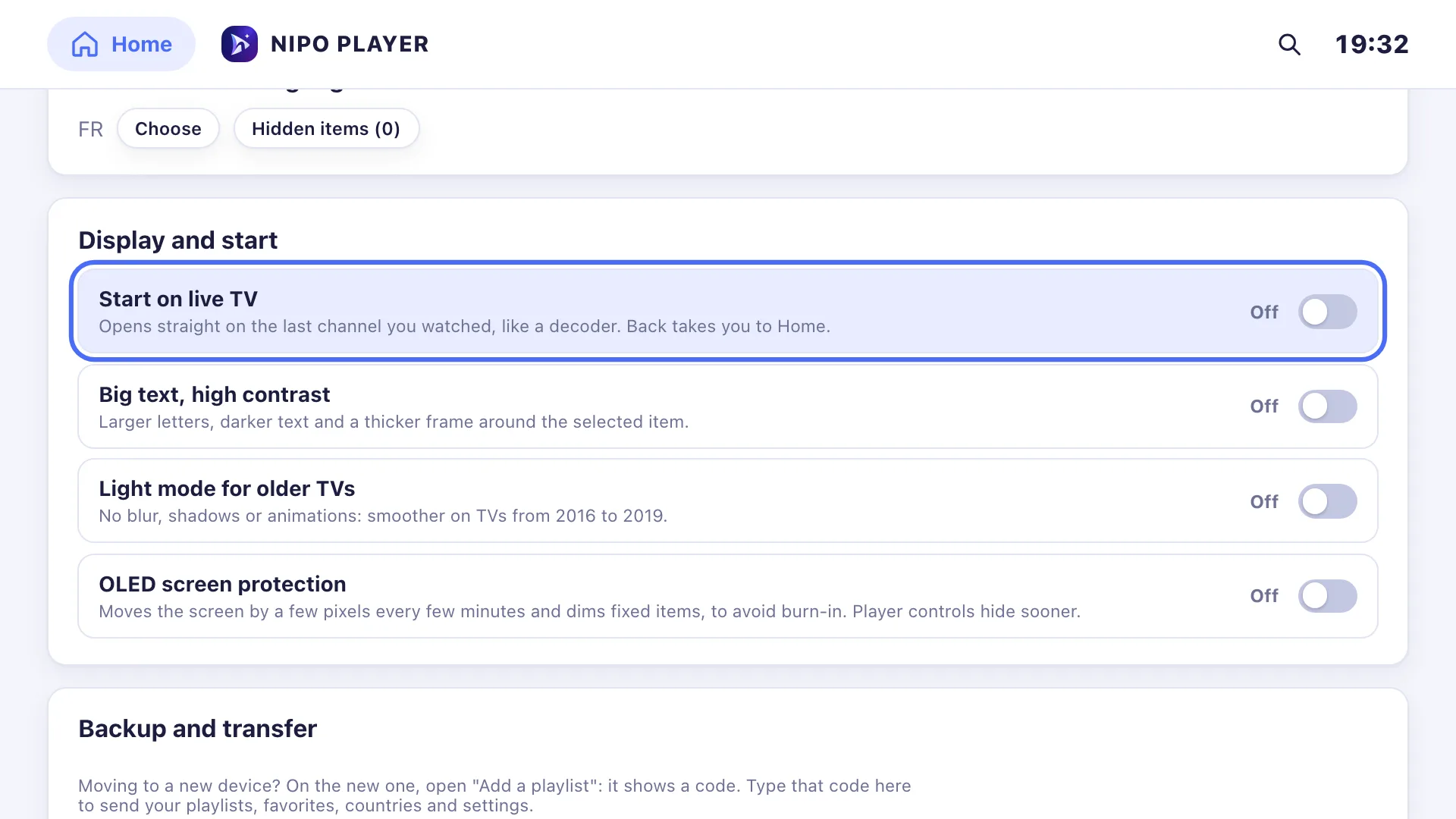
Settings
Countries, parental control, favorites, subtitles, language, transfer.
19 articles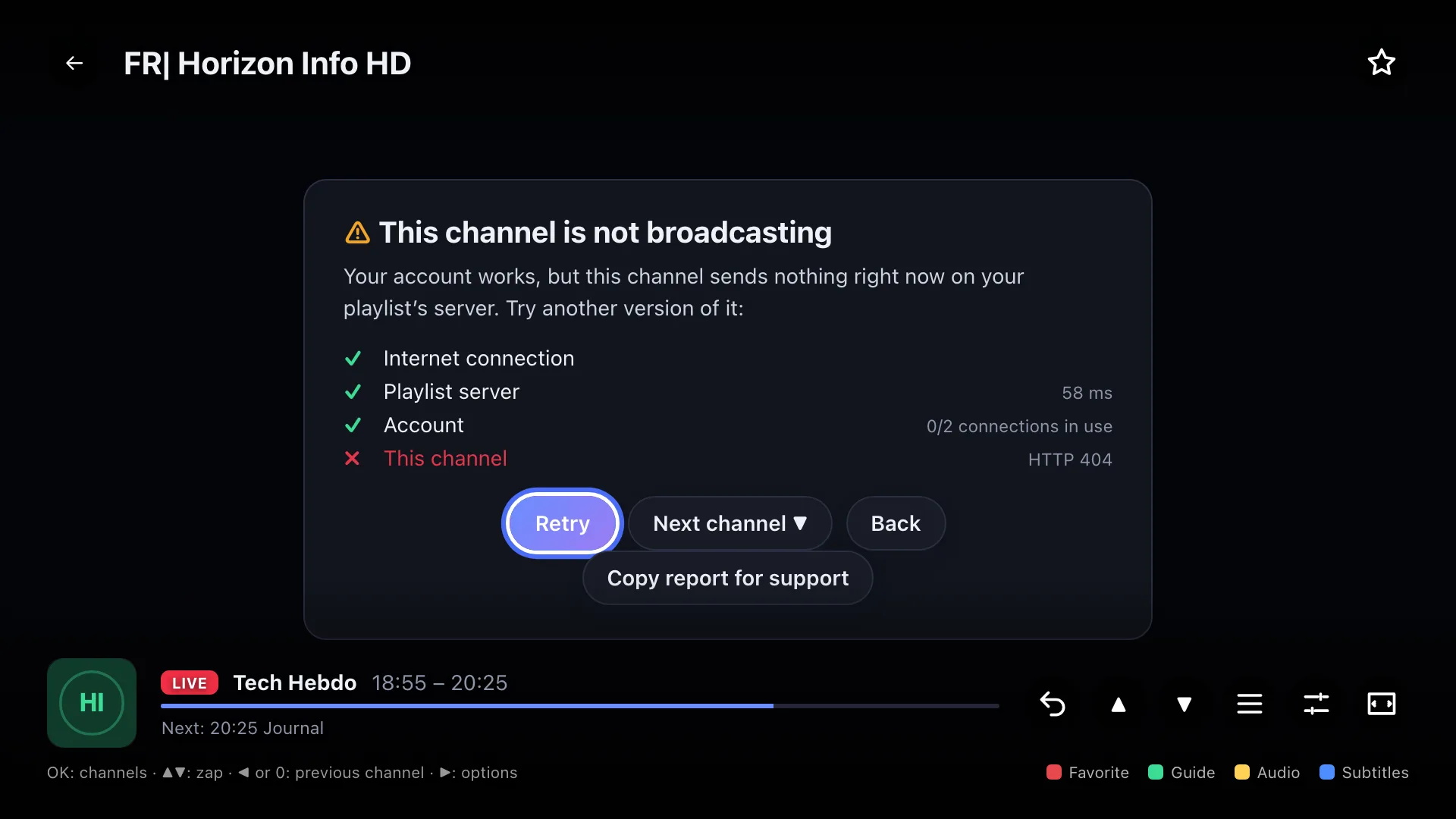
Playback problems
What each diagnosis message means, and what to do.
10 articles
Premium & licence
Purchase, screens, refund.
12 articles
Account & privacy
What we store, your data, pairing security.
4 articles
Devices
Issues specific to each TV, phone or computer.
10 articlesCan’t find the answer?
Write to us: we answer about the app and how it works. We can’t recommend a playlist.