
M3U player for iPhone and iPad
Nipo Player is a media player for iPhone and iPad: M3U playlists and Xtream logins, TV guide, and sending video to an AirPlay-compatible TV.
Nipo Player does not provide, sell or host any content. Use it with playlists you are legally allowed to access.
 Soon
Soon
How to install it
App Store
Nipo Player installs from the App Store. On iPhone and iPad, Apple doesn’t allow another install path.
Compatibility
- Devices
- iPhone and iPad
- Minimum system
- iOS or iPadOS 15 or later
- Playback
- Player built on the system engine (AVPlayer), with AirPlay to a compatible TV
Installation, step by step
App Store
Search for “Nipo Player” on the App Store and install it like any other app.
First launch
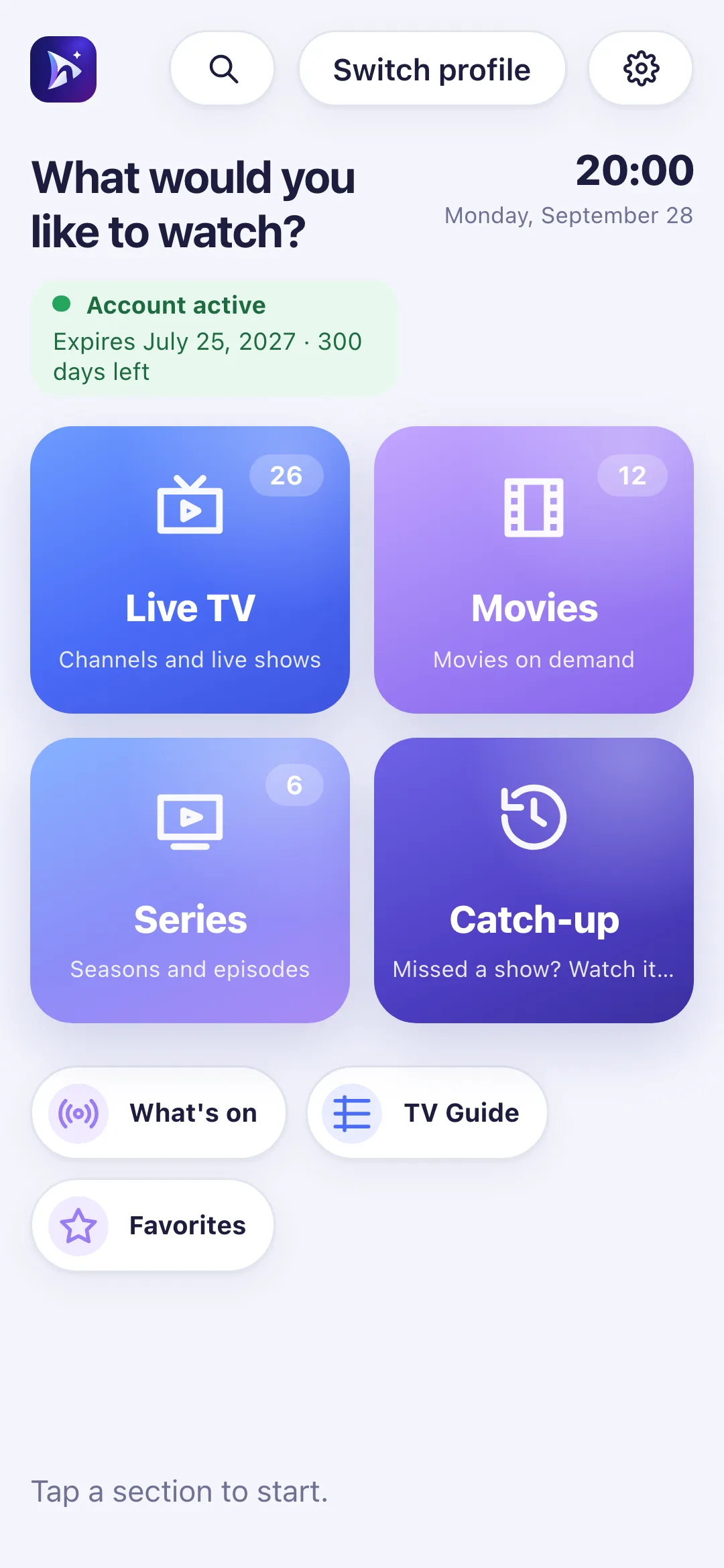
Open Nipo Player: the home screen appears, ready for you to add a playlist.
iPhone and iPad
First setup: add your playlist
On iPhone and iPad, type your playlist’s address (M3U or an Xtream login) directly into the app, or scan the QR code Nipo shows on a TV that already has it installed.

Touch controls and AirPlay
On iPhone and iPad, everything is touch-driven. Playback can be sent to a TV or device that supports AirPlay.
AirPlay
Long-press
TV guide
Limits on this device
- No recording or multiview on iPhone/iPad: limited to Android TV and computers.
- Some playlist servers only serve movies to players they recognise: on iOS, playback goes through the system engine, which doesn’t always send the same signature as a native Android app.
Free vs Premium (Nipo Premium or Family)
- Live TV, movies, series, search
- 1 playlist (Xtream or M3U)
- Favourites and resume
- Subtitles, parental PIN, diagnosis
- Several playlists + Mes playlists
- Profiles, including a kids profile
- Pro EPG and What’s on
- Catch-up (watch from the start)
- Backup and transfer to another device
Related features
When something goes wrong
Some movies are refused (error 406)
Some playlist servers only serve movies to recognised players. On iPhone/iPad, playback goes through the system engine, which can’t always send the right signature.
AirPlay can’t find my TV
Check that the phone and the TV are on the same Wi-Fi network, and that AirPlay is enabled on the TV.
Nothing happens when opening a channel
Nipo shows a step-by-step diagnosis (connection, account, channel) and a report you can copy for support.
Frequently asked questions
Does Nipo provide channels?
No. Nipo plays the playlists you already own (M3U or an Xtream login).
How do I install an M3U player on iPhone?
Search for “Nipo Player” on the App Store and install it like any other app.
Can I install Nipo another way than the App Store?
No, Apple doesn’t allow another install path on iPhone and iPad.
Download Nipo for free.
All playback is free, with no ads and no account.