
An M3U player for every screen
TV, phone, tablet or computer: pick your device to see how to install Nipo, and what the player does on it.
Nipo Player does not provide, sell or host any content. Use it with playlists you are legally allowed to access.
On the TV
The big screen, with the remote.
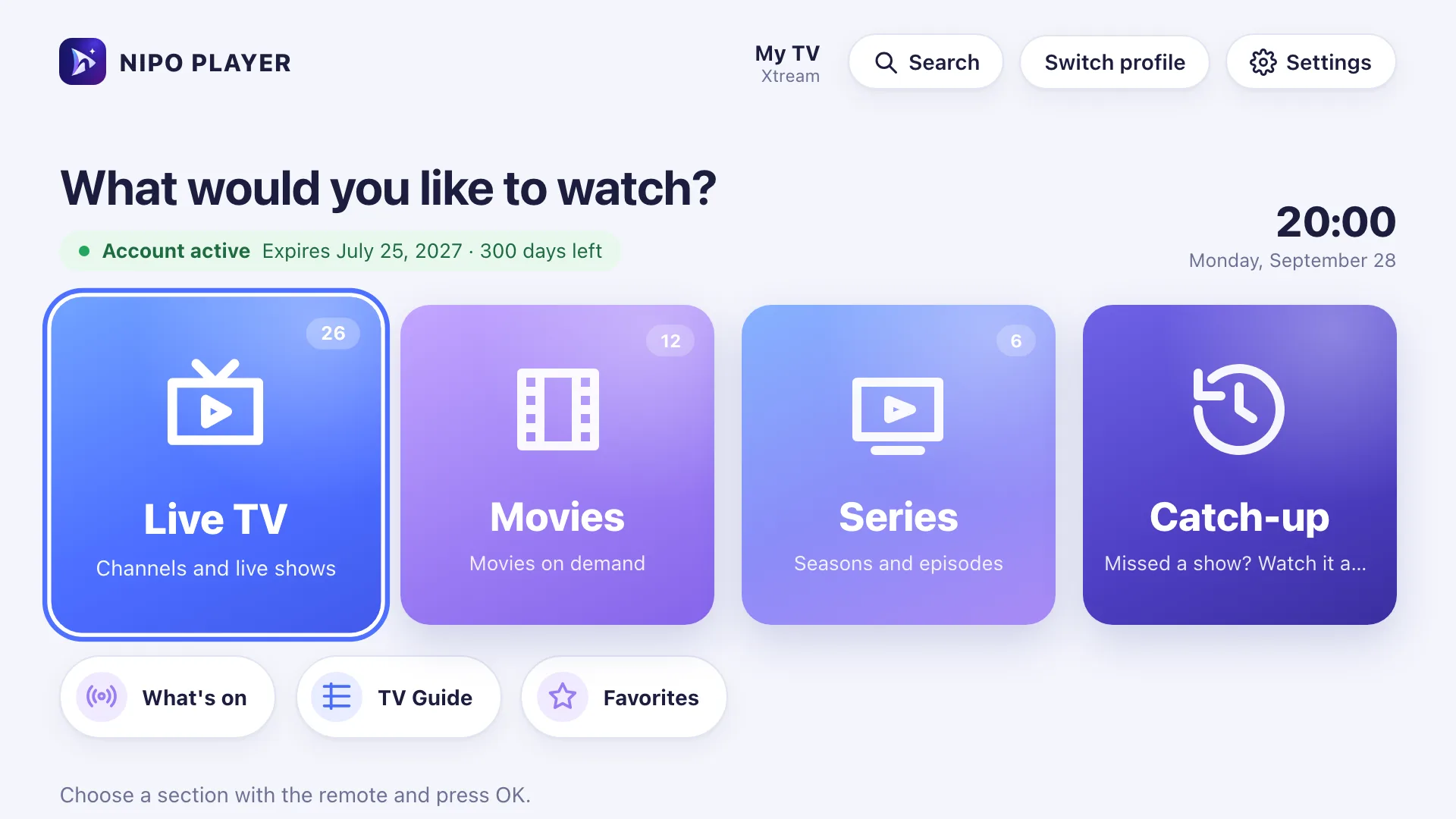
Big tiles, zapping and a TV guide. Nipo installs from the app store of your TV or your box.
Fire TV
Fire TV Stick · Fire TV CubeBuilt for the Alexa remote: big tiles, zapping, TV guide. Also installs with Downloader.
Android TV
Shield, Mi Box and Android TV setsThe screen made for Android TV: grid TV guide, recording, multiview. APK also available.
Google TV
Chromecast, Freebox Pop and Ultra, Bbox 4KThe same Google Play listing as Android TV: TV guide, zapping, M3U playlists. APK also available.
Samsung
Samsung TVs (Tizen)Native AVPlay engine, tuned for your TV’s picture and sound. TV guide, zapping, PRE-CH key.
LG
LG TVs (webOS)Works with the Magic Remote pointer: hover to select, click to open. TV guide, zapping.
Freebox Pop, Freebox Ultra, Bbox 4K: that’s Google TV.
Older decoders accept no apps. A Google TV stick in a free HDMI port does the job.
See the other boxesPhone and tablet
In your pocket, at your fingertips.
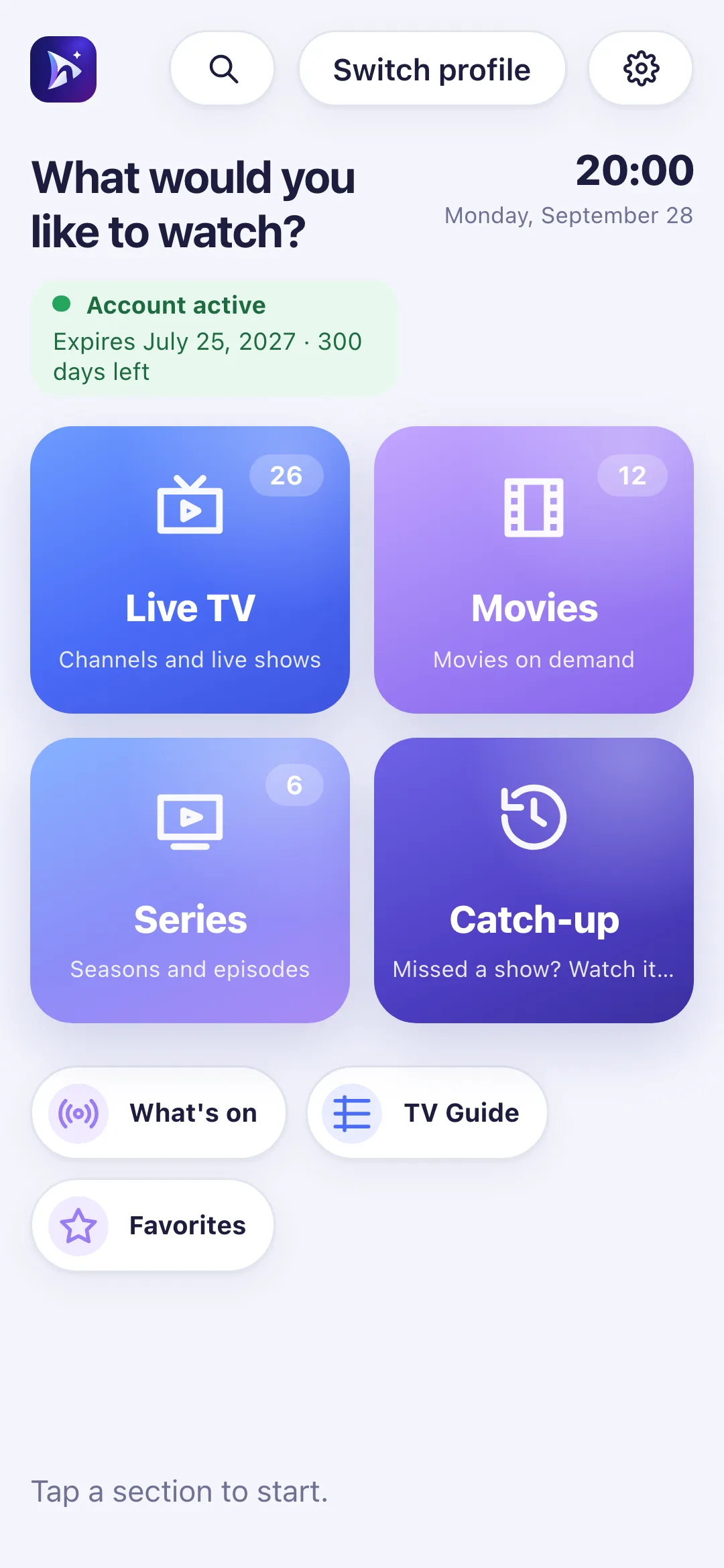
Watch on the phone, or use it to drive Nipo on the TV.
Android
Phones and tabletsM3U playlists, TV guide, and the remote to drive Nipo on your TV. APK also available.
iPhone and iPad
With AirPlay to the TVM3U playlists, TV guide, and sending playback to an AirPlay-compatible TV or device.
Your phone becomes a remote.
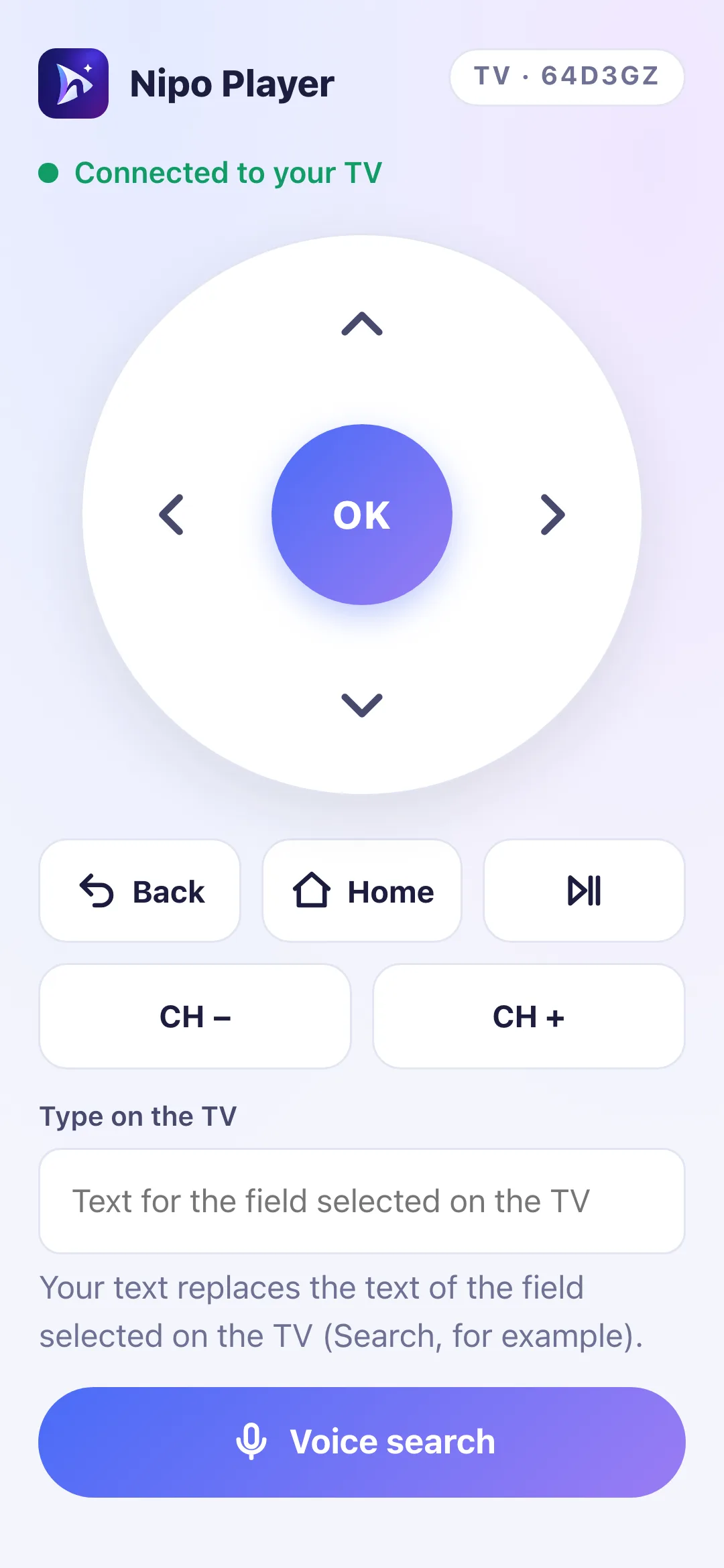 Arrows, OK, keyboard and voice search.
Computer
With keyboard or mouse.
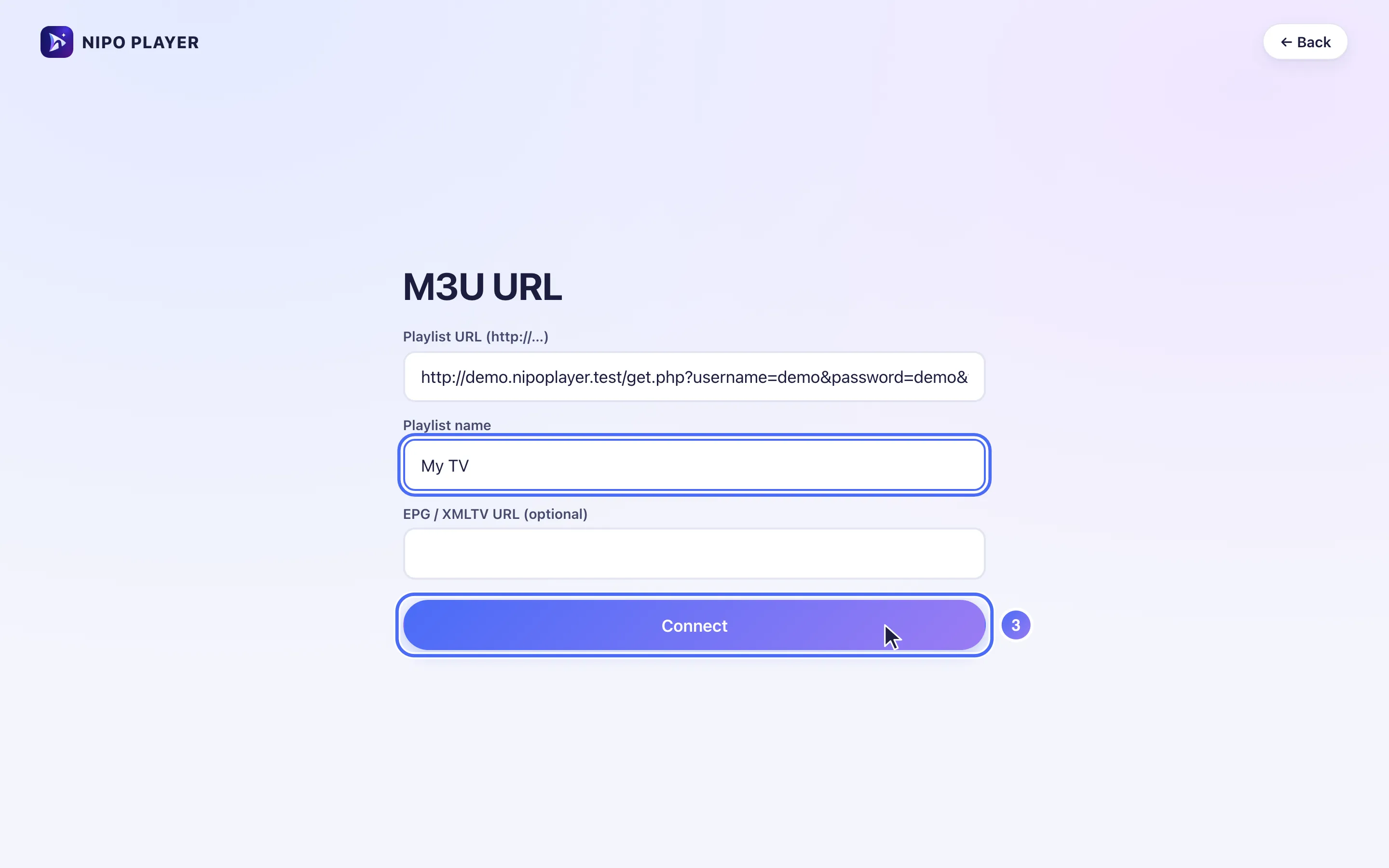
Nipo works like any other app, with keyboard shortcuts in the player.
What about my device?
Some devices can’t install Nipo Player. Here’s the honest answer for each.
My Freebox, Livebox, Bbox or SFR box
If it’s a Freebox Pop, Freebox Ultra or Bbox 4K, those are Android TV devices: Nipo works on them like on the Google TV page. Older decoders (Freebox Révolution, Freebox mini 4K without Android TV, Livebox Play, Bbox Miami, a classic SFR box) run a closed system that accepts no outside apps: installing Nipo there isn’t possible. Alternative: a Google TV or Fire TV stick plugged into a free HDMI port.
My Apple TV
Apple TV needs a native app (tvOS), which Nipo doesn’t offer. You can send the picture from Nipo on iPhone, iPad or Mac to your Apple TV with AirPlay, once Nipo is installed on that device.
My Roku TV
Roku isn’t supported (it would need a dedicated BrightScript app). Alternative: a Google TV or Fire TV stick plugged into a free HDMI port on your TV.
The new Fire TV Stick I just bought
Fire TV Sticks sold since 2025 (Stick 4K Select, Stick HD 2026) run Vega OS, which accepts no installs outside the Amazon Appstore. Use a Google TV stick, or an older Fire OS Fire TV, instead.
Download Nipo for free.
All playback is free, with no ads and no account.