
No remote keyboard. Scan, and you’re done.
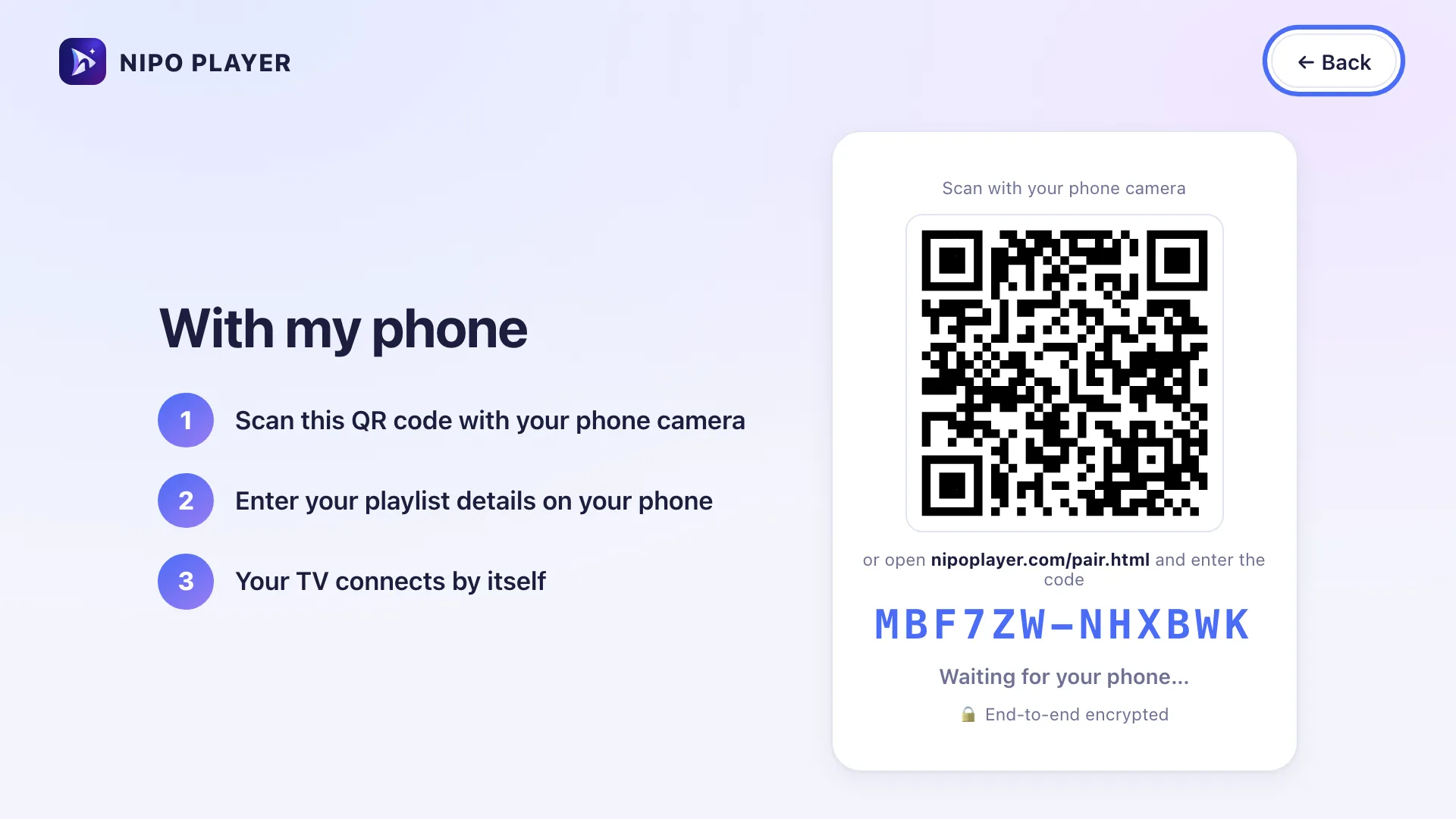
Nipo Player is a media player: the TV shows a QR code, to scan with your phone and type the server, username or M3U link with a real keyboard, instead of the remote’s arrows.
Nipo Player does not provide, sell or host any content. Use it with playlists you are legally allowed to access.

Type it on your phone
Server, username, password or M3U link, with your phone’s keyboard: simpler and faster than the remote.
How it works
The TV shows a 12-character code as a QR. The phone opens it, and both devices derive the same encryption key from that code.
End-to-end encrypted
The relay carrying the data only ever sees encrypted text (AES-256-GCM) it can’t read, and deletes it once received.
Also for switching TVs
The same pairing moves your playlists and settings to a new device, without retyping everything.
On which devices?
Works from any phone’s browser, to any TV or computer running Nipo Player.
- TV (Fire TV, Android TV, Google TV, Samsung, LG)AvailableShows the QR code
- Computer (Mac, Windows)AvailableAlso shows the QR code
- PhoneAvailableAny browser with a camera
FAQ
Does the site see my playlist?
No. It’s encrypted in the phone’s browser before it’s sent; the relay only stores encrypted text, until the TV picks it up.
What if I don’t have a phone?
You can type the details directly with the remote, on the connection screen.
Does the code expire?
Yes, after 10 minutes. Past that, the TV shows a new code.
Do I need an account?
No. QR pairing needs no account, on either device.
Connect your playlist in seconds
Free, no account, end-to-end encrypted.