
Know what’s on, right now, with Sport mode
Nipo Player is a media player with “What’s on”: a view of what’s live, next and tonight, sorted by genre, with a Sport mode and reminders. A Nipo Premium and Nipo Family feature, already in the app. Searching for a programme stays free from Search.
Nipo Player does not provide, sell or host any content. Use it with playlists you are legally allowed to access.
“Find it for me”
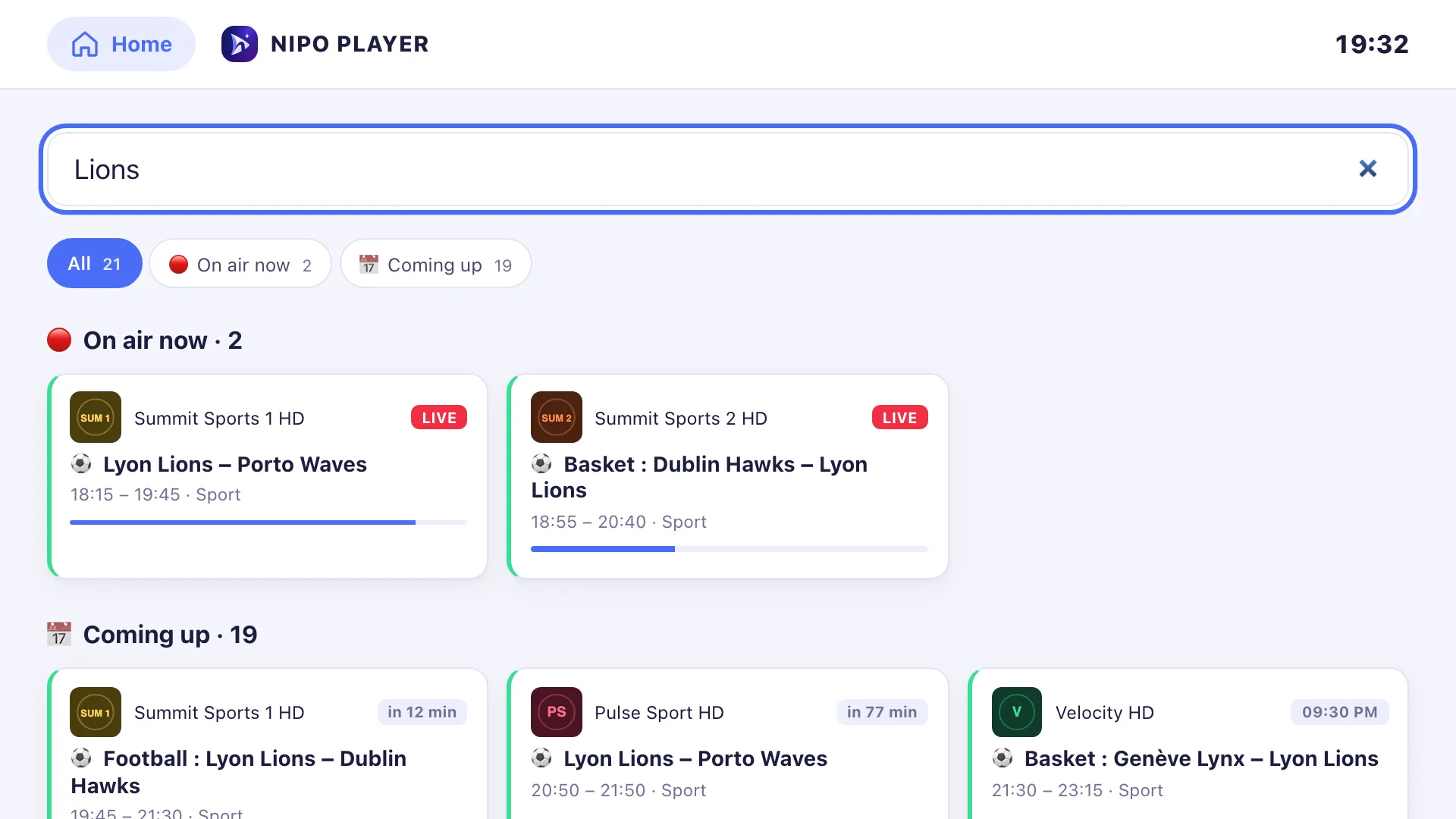
Search a match, a film or a show by name: Nipo scans the guide across every channel and region, with “on air now” and “upcoming” filters.
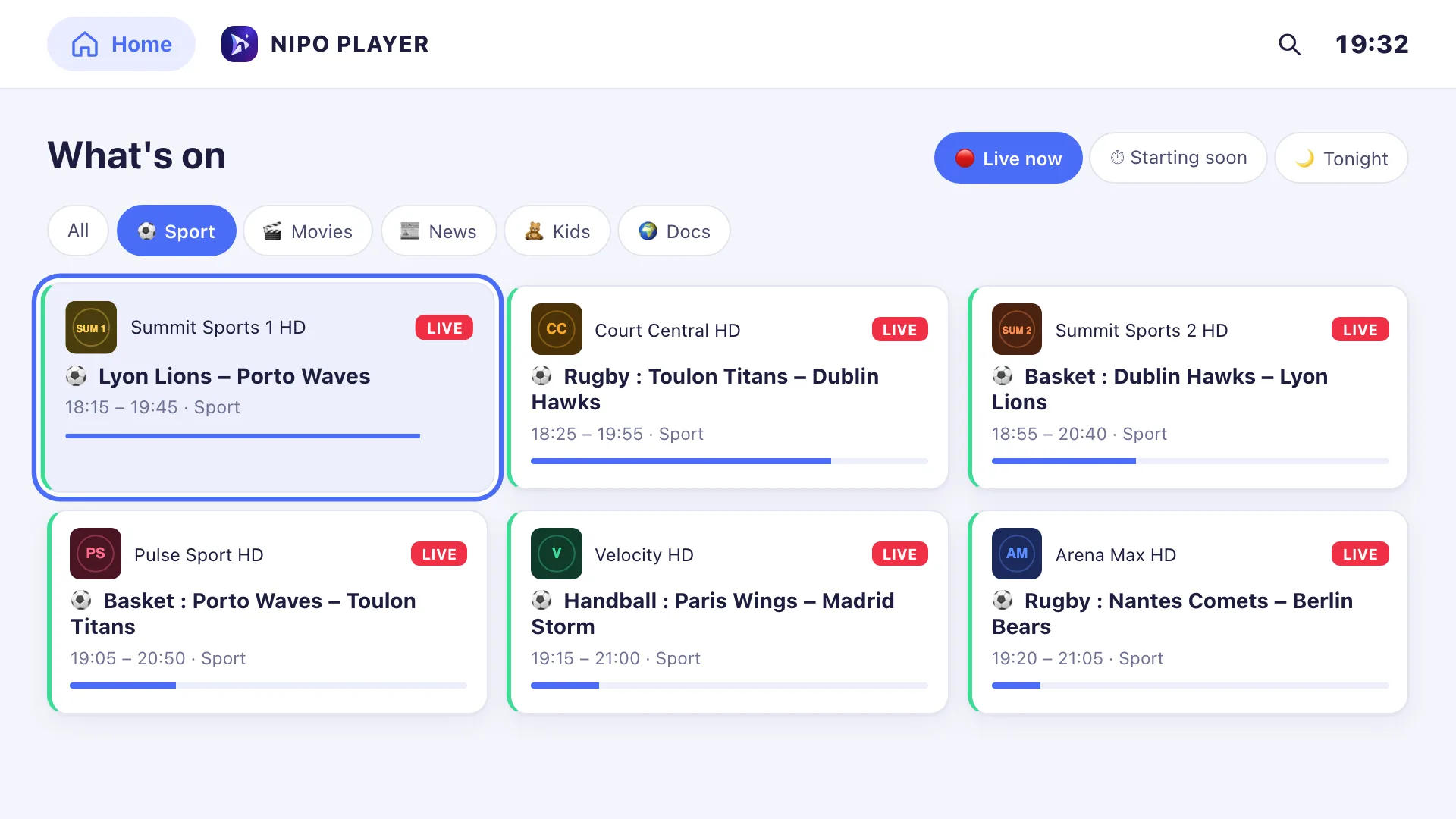
Now, next, tonight
Programmes on air automatically merge HD, FHD or simulcast copies of the same show into one result, best channel first.
A dedicated Sport mode
Nipo recognises the genre from the programme title (sport, movies, news, kids…) and highlights ongoing matches and competitions in a separate Sport mode.
A reminder before it starts
Set a reminder: a banner appears 5 minutes before it starts, with a direct link to the channel.
On which devices?
Already in the app everywhere Nipo runs, with the same navigation on TV, phone and computer.
- TV (Fire TV, Android TV, Google TV, Samsung, LG)In the appD-pad navigation
- Phone, tablet, computerIn the appKeyboard or touch
Premium feature (Nipo Premium or Family), already in the app.
FAQ
Is What’s on already for sale?
The feature is already in the app, as a Nipo Premium and Nipo Family feature. Searching for a programme stays free from Search.
Does Sport mode work on its own?
Yes. Nipo recognises matches and competitions from the programme title, with nothing to set up.
Do reminders ring even when the app is closed?
No: reminders only show up while Nipo Player is open at the time of the programme.
Does this work without a TV guide?
No: “what’s on” and programme search use the guide from your playlist or your XMLTV link. Without a guide, there’s nothing to show.
Does search cover every language and region?
Yes, by default: a match or show is sometimes only on a foreign channel. Filters then narrow the result down.
How far ahead am I warned?
5 minutes before the programme starts, with a banner in the app.