
Keep control of what shows up
Nipo Player is a media player with built-in parental control. A 4-digit code protects the categories you lock. You can also hide certain channels or categories completely, with no code needed.
Nipo Player does not provide, sell or host any content. Use it with playlists you are legally allowed to access.
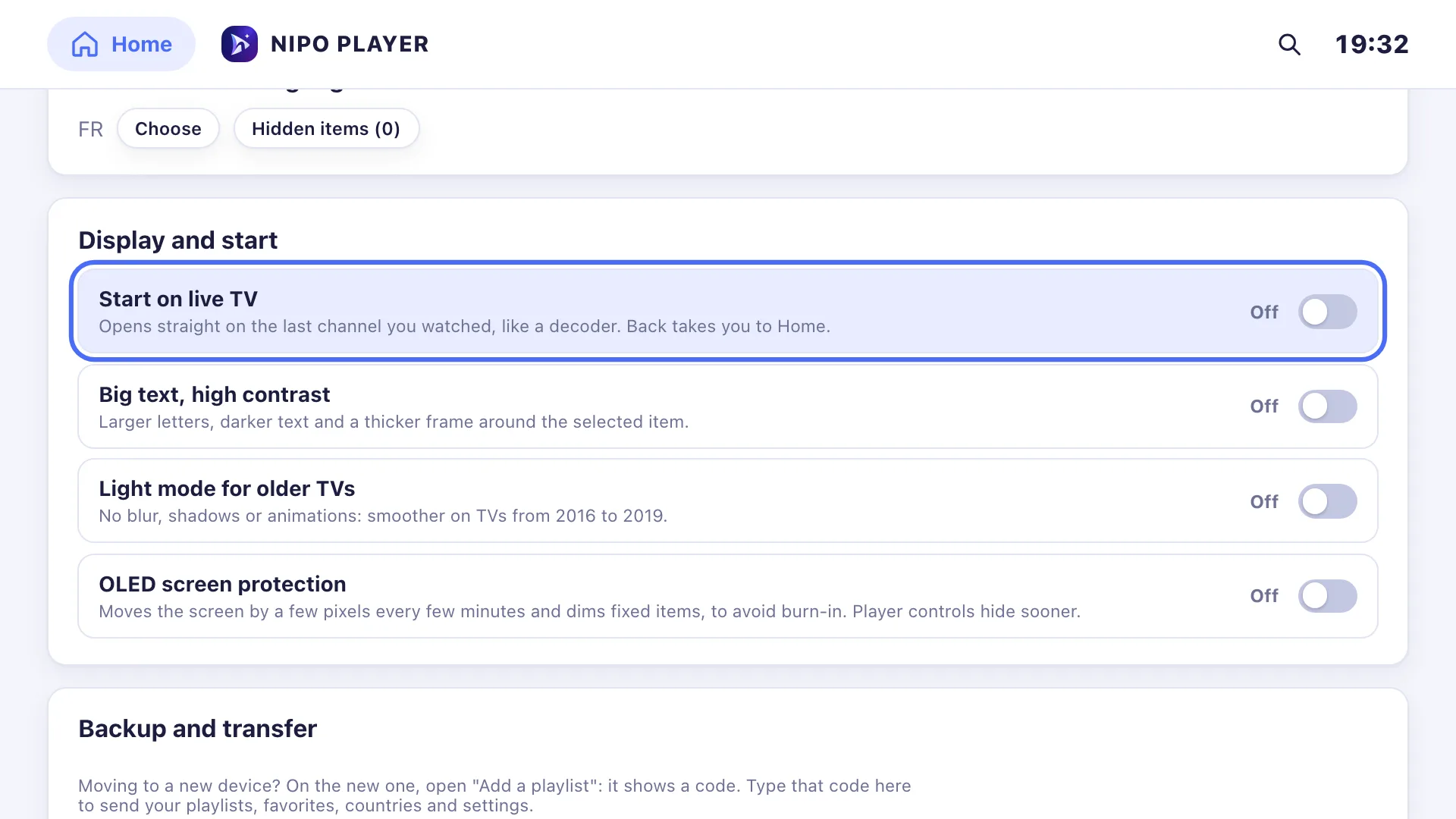
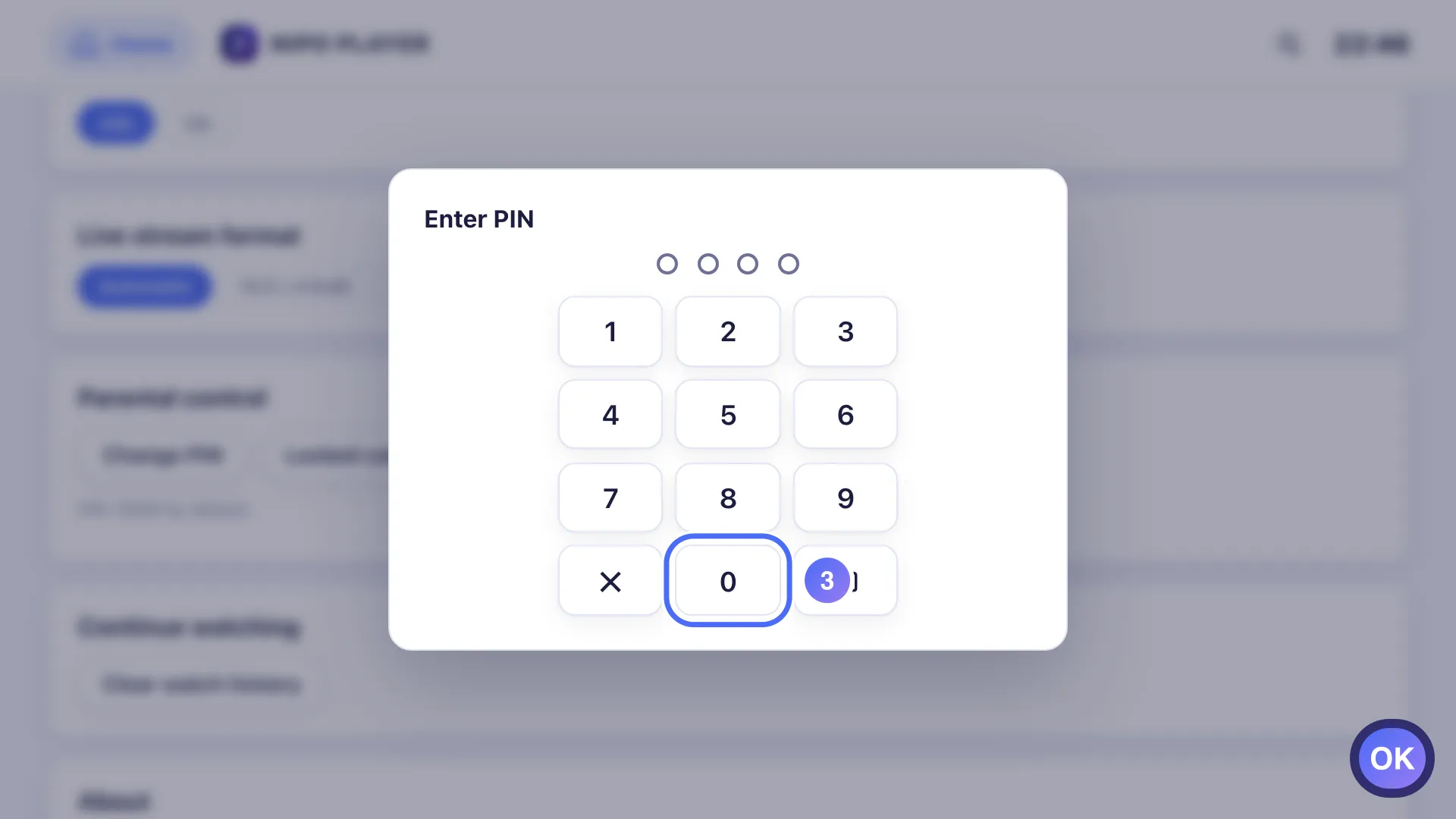
A 4-digit code
Code 0000 by default, changeable in Settings. It protects both changing itself and opening locked categories.
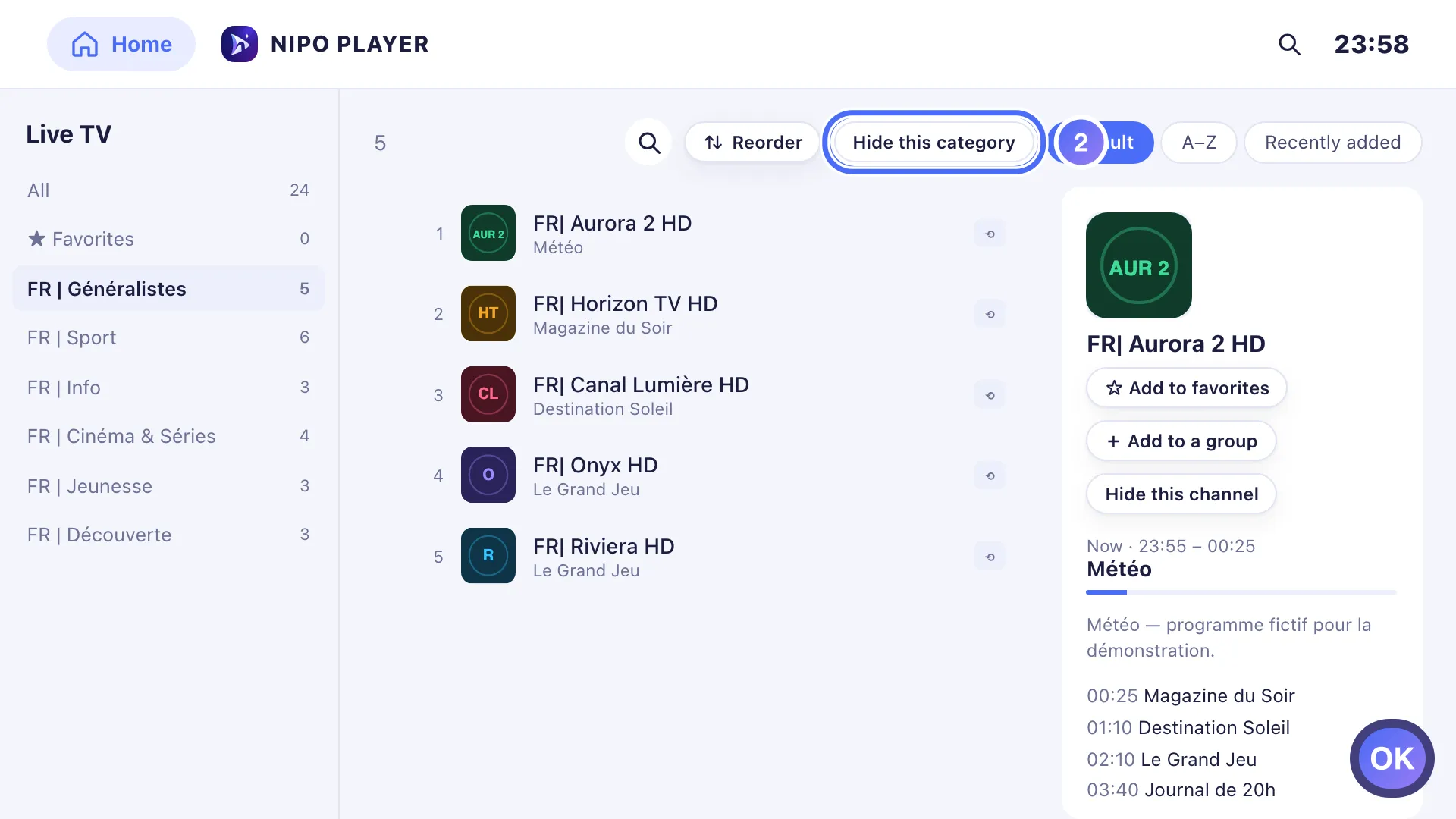
Hide it completely
Another option, no code needed: hide a specific category or channel so it shows up nowhere. Reversible any time from Settings.
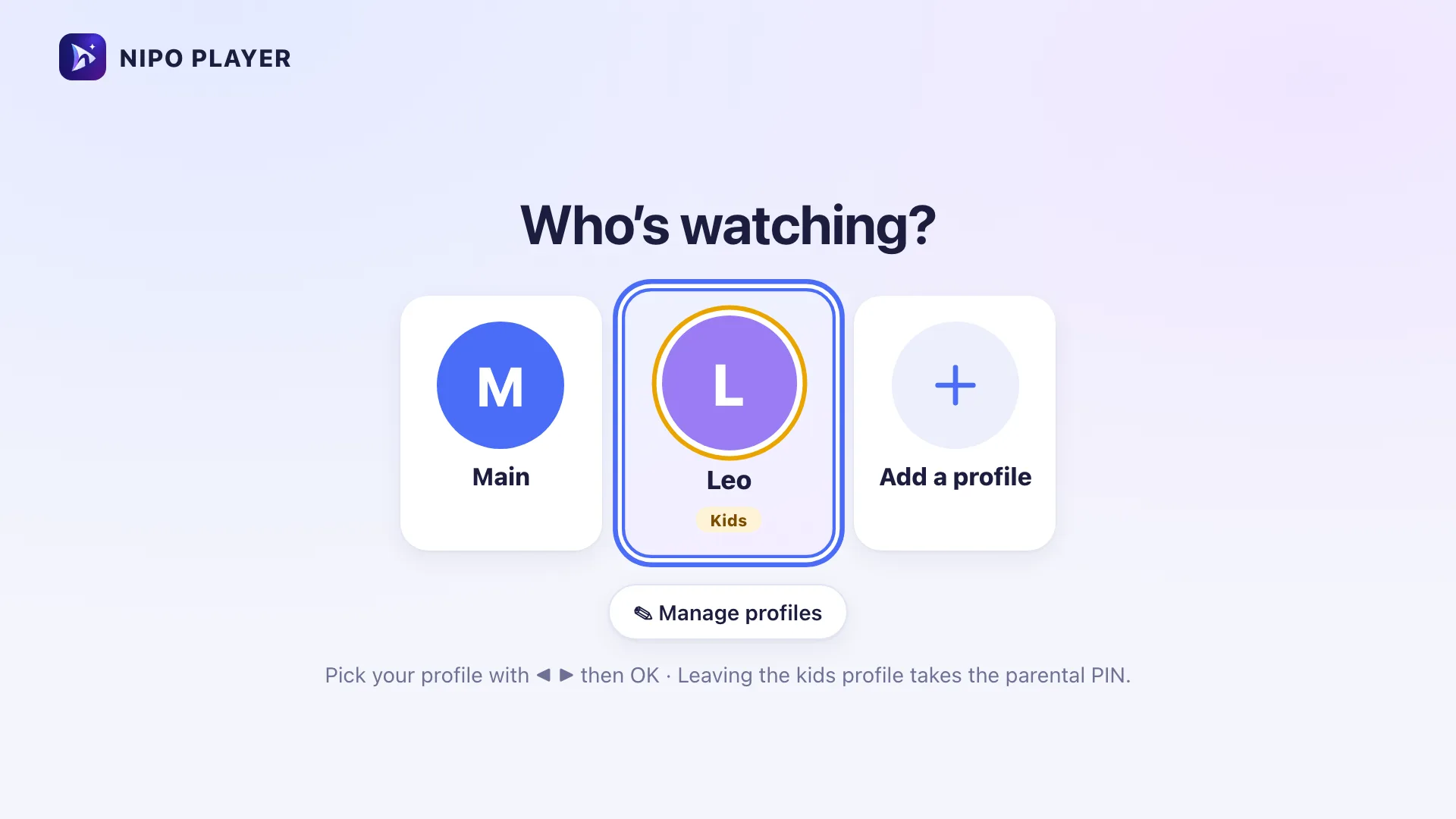
A kids profile
With Nipo Premium or Nipo Famille, a dedicated kids profile limits access to only the allowed categories, never locked or adult ones.
Lock a category
Lock any live, movie or series category: it stays visible, but needs the code to open.
On which devices?
The PIN code and locked or hidden categories work everywhere Nipo runs.
- Every platformAvailableTV, phone, tablet, computer
FAQ
What’s the default code?
0000. We recommend changing it the first time, in Settings.
What if I forget the code?
There’s no remote recovery. You need to reset the app’s data, which also resets your favourites and settings.
What’s the difference between locking and hiding?
Locking keeps the category visible but needs the code to open it. Hiding makes it disappear completely, no code, and can be undone in Settings.
Is the kids profile already in the app?
Yes, as a Nipo Premium and Nipo Family feature: see the Profiles and kids profile page for the detail.