
Parental control and kids profile on an M3U player
PIN code, locked categories, kids profile: how to protect children on a playlist player, what well-known players offer, and the right settings step by step.
Nipo doesn’t provide, sell or host any channel, movie or playlist: it plays what you already own.
TipsThe Nipo Player team 5 min read
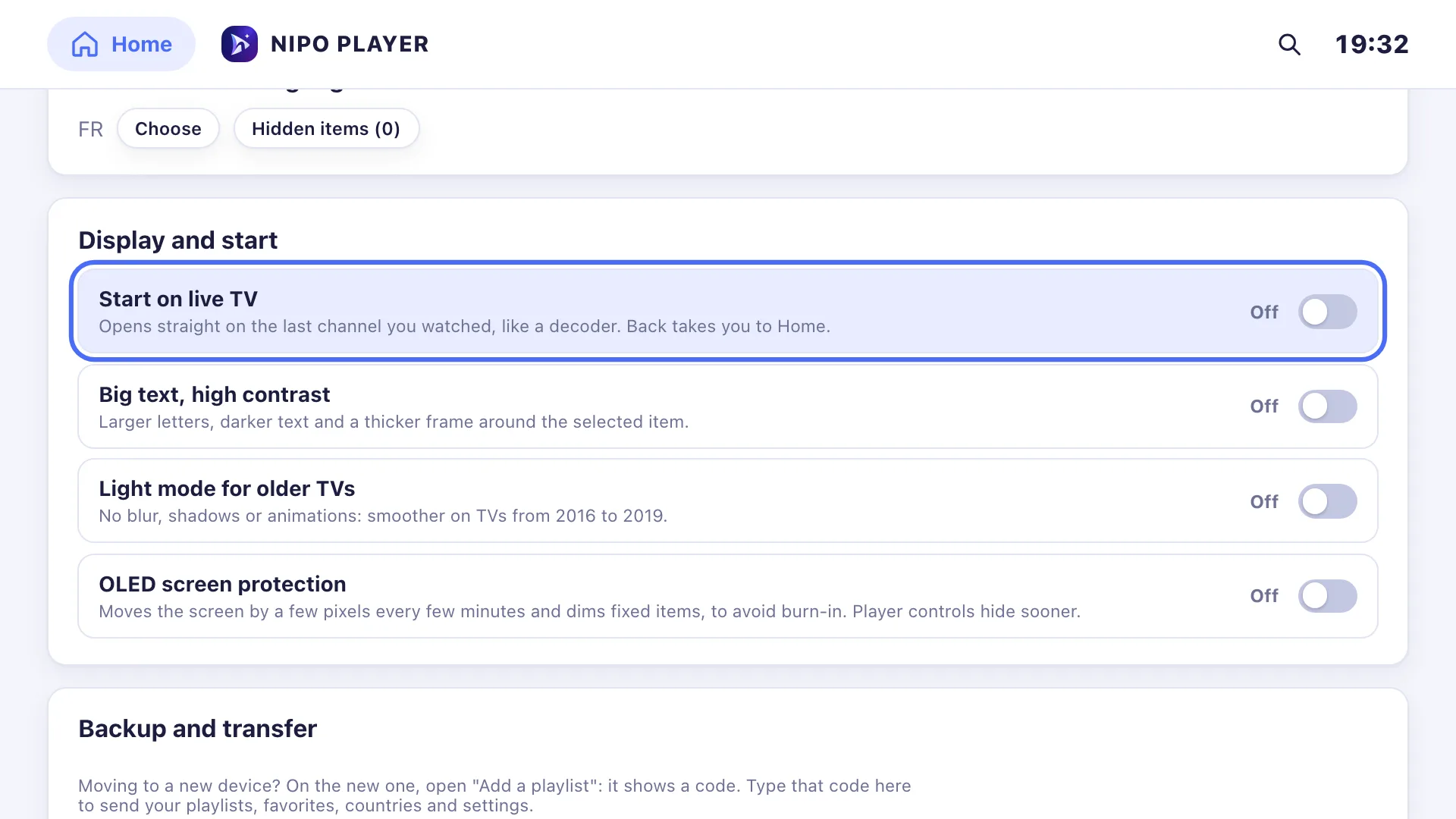
A playlist can hold thousands of channels, movies and series, some of which aren't made for children. On a family TV, good parental control is therefore no detail. This article explains the different levels of protection you find in an M3U player, what well-known players offer, and how to set yours up properly.
A reminder: Nipo Player supplies no channel and no playlist. You choose the playlist, and so what it contains: parental control comes on top of that choice, not instead of it.
The three levels of protection
1. The PIN code
The most common. Some channels or categories ask for a code before opening. It's simple and effective, as long as the code stays secret.
2. Locked or hidden categories
Rather than blocking channel by channel, you lock a whole category (an "adults" category, for example). Its channels disappear from lists, channel surfing and search until the code is entered.
3. The kids profile
The most protective level. Instead of hiding what's forbidden, it shows only what's allowed. The child has their own profile, with their own favourites, and only sees the categories the parents picked. Leaving it takes a code.
The difference matters: with simple locking, a new category added to the playlist shows up unlocked until someone blocks it. With a kids profile that only shows allowed categories, a new category stays invisible to the child.
What well-known players offer
Facts from official sites or store listings, checked 2026-09-29 (sources in our comparisons):
- IBO Player advertises a rating and category filter, without detailing how it works.
- Smarters Pro advertises parental control and several profiles, but among its Premium features, which its site says aren't available on Samsung and LG.
- TiviMate mentions parental control on its Google Play listing.
- GSE Smart advertises parental control on its App Store listing.
- UniPlayer advertises content filtering for kids.
None of these sites precisely describes a kids profile limited to allowed categories: if that's what you're after, test before buying.
What Nipo Player does
Free: PIN code and locked categories
In the settings, you choose a PIN code and the categories to lock. They no longer open without the code, and disappear from the channel lists in the player. See Parental control PIN and the Parental control page.
Premium: "Who's watching?" and the kids profile
With Nipo Premium or Nipo Family, the "Who's watching?" screen appears at start-up. Each family member has a profile, with their own favourites, history and playback settings. A profile can have its own code.
The kids profile only shows the categories you allowed, never locked or adult categories. Leaving the kids profile takes the code. See Profiles and kids profile and the help article.
Profiles are for grown-ups too
Profiles aren't only for children. Each profile keeps its own favourites, its own "Continue watching" history, its hidden channels and its playback settings: one person's series don't get mixed up with another's, and everyone finds their own list by picking their profile.
Hiding a single channel
Sometimes one channel is the problem, not a whole category. In Nipo Player, a long press on OK on a channel (or a right-click on a computer) opens the quick menu, where you can hide it. It then disappears from lists and channel surfing, without touching the rest of its category.
The right settings, step by step
- Pick a code the child won't guess. Avoid 0000, 1234 and birth years.
- Lock sensitive categories as soon as you add the playlist, before handing over the remote.
- Create a kids profile if your player allows it, and only allow suitable categories: cartoons, youth, documentaries.
- Go through movies and series too, not just live channels: movie categories are often the most numerous.
- Check again after a playlist update. New categories can appear.
- Don't write the code down on a note next to the TV.
And at the TV level?
Most TVs and boxes also have their own parental control in their settings: locking apps with a code, age limits for app stores. On Fire TV, for example, it's under Settings › Preferences › Parental Controls. Combining both levels is a good idea: the player protects what it shows, the TV protects access to the apps.
What parental control doesn't replace
No setting is perfect. Parental control depends on your playlist's categories: if an adult channel is filed in a general category, it isn't recognised automatically. So go through your playlist once, and hide what needs hiding. And talking with your children remains the best protection.
Frequently asked questions
Is Nipo Player's parental control paid?
No. The PIN code and locked categories are free. Only the "Who's watching?" profiles and the kids profile are part of Nipo Premium and Nipo Family.
What's Nipo Player's default PIN code?
It's 0000, which everyone knows: change it right after installing, under Settings › Parental control. See Parental control PIN.
Does the kids profile work on every TV?
Profiles are part of the Nipo Player app, on every device it installs on, with Nipo Premium or Nipo Family activated on that screen.
Can an M3U player filter adult content automatically?
Only if the playlist files it in a recognisable category. The player doesn't see what's inside the videos: check your categories yourself.
Read more
Updated on 29 September 2026
Contact supportRead next
 Getting started
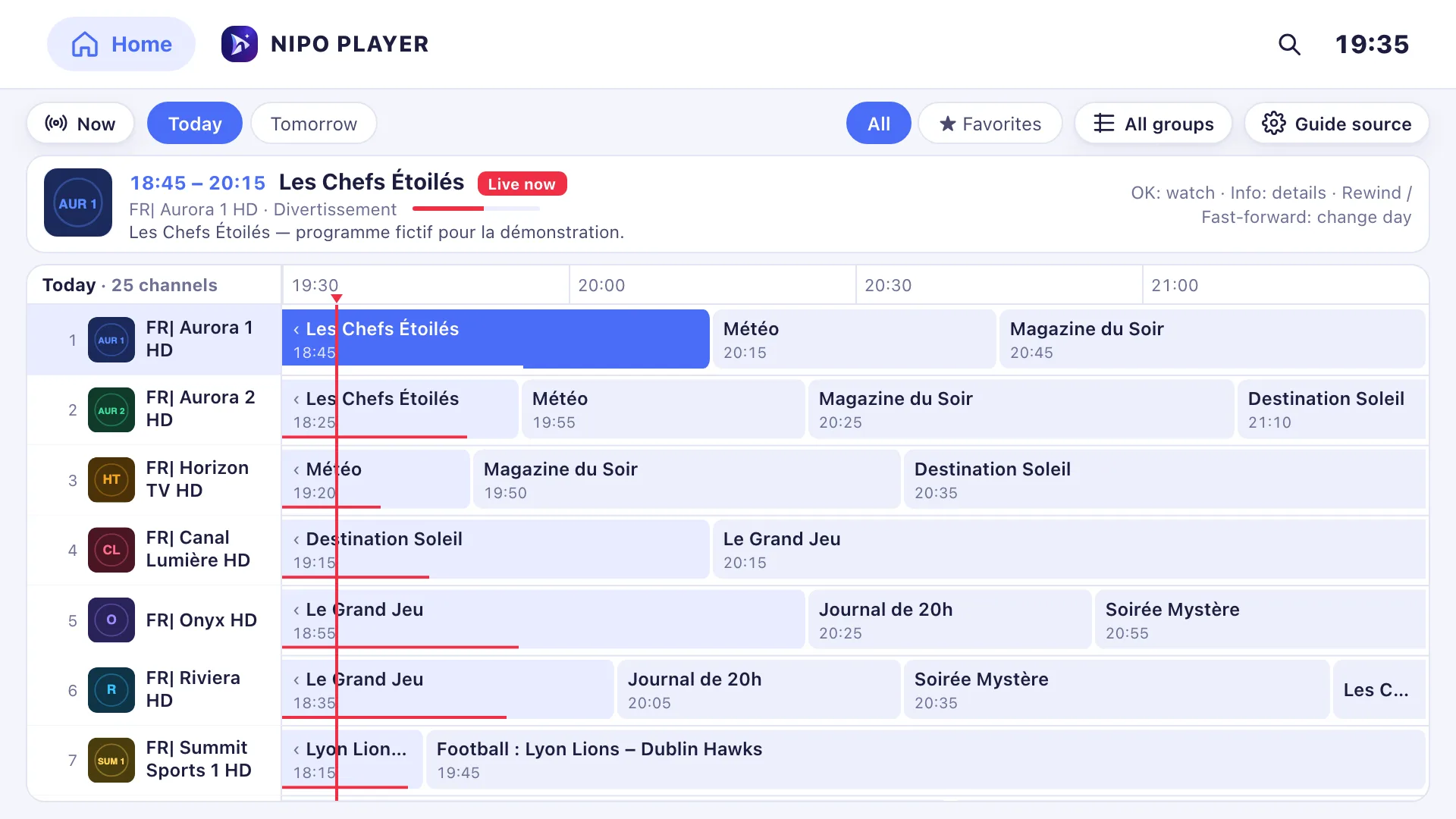
Add a TV guide (XMLTV) to your playlist
If your playlist's guide is incomplete, paste a separate XMLTV guide link in the guide settings: Nipo Player matches it to your channels by their ID.
29 September 2026 · 3 min read
 Devices
Best M3U player for LG TV
Which player for an LG TV (webOS)? LG Content Store, Magic Remote, price per TV or per home, refunds: the options compared, with sourced facts about each.
29 September 2026 · 5 min read
- Devices
Best M3U player for Samsung TV
Which player for a Samsung TV (Tizen)? Installing, sound, price per TV or per home, refunds: the options compared, with sourced facts about each player.
29 September 2026 · 5 min read
Try Nipo Player on your TV
The player is free on TV, phone and computer. You add your own playlist.