
Best M3U player for Samsung TV
Which player for a Samsung TV (Tizen)? Installing, sound, price per TV or per home, refunds: the options compared, with sourced facts about each player.
Nipo doesn’t provide, sell or host any channel, movie or playlist: it plays what you already own.
DevicesThe Nipo Player team 5 min read
Recent Samsung TVs run Tizen, Samsung's own system. You can't install just any Android app on them: only apps published for Tizen are available. So the choice of a player for a Samsung TV is narrower than elsewhere, and a few criteria matter more than others. Here's how to choose, and what the best-known players offer.
A useful reminder: a player, Nipo Player included, supplies no channel and no playlist. You add your own, which must be legal.
How to install an app on a Samsung TV
On recent models:
- Press the remote's Home button.
- Open Apps.
- Choose the magnifying glass, type the player's name, then Install.
That's the only simple and safe method. Some developers also offer a USB-stick install for older models, or a "developer mode": it's more technical, and best left to people comfortable with that kind of thing.
For Nipo Player, the Samsung page always shows how to install it on your TV.
The 5 criteria that matter on Samsung
1. Being in the Samsung store
A player that isn't in the store forces you into complicated steps, and doesn't update itself. Also check the publisher's name: apps with similar names exist.
2. Sound and video formats
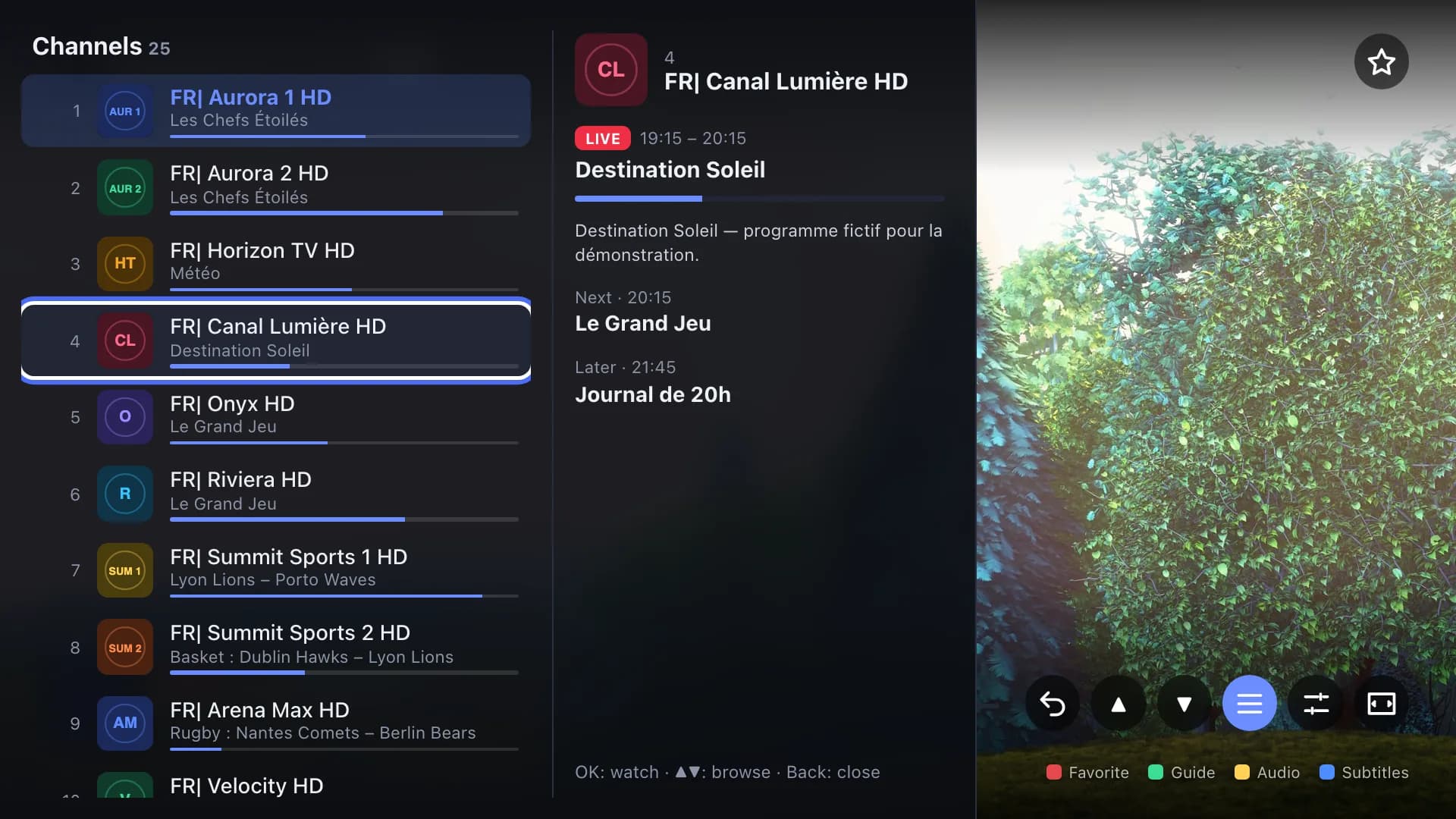
Many playlists carry sound in Dolby Digital (AC3 or E-AC3) and pictures in HEVC. Not every player uses the TV's native video engine. On Samsung, Nipo Player uses the TV's native player (AVPlay), which handles these formats, and switches to a fallback player automatically when needed. Audio and subtitle tracks are listed with their language.
3. Price: per TV or per home?
On Samsung, many players are paid per TV. That's fine for one screen, much less so for a home with three TVs. Do the maths for your whole household, and check whether the payment is one-time or recurring.
4. Refunds
An app that doesn't work on your exact model: it happens. Read the refund policy before buying: several developers offer none.
5. The remote
A good Samsung app works entirely with the arrow keys, with CH+/CH−, number keys and colour keys. Typing a playlist address with the remote is painful: a way to send it from a phone or a computer makes life much easier.
What well-known players offer on Samsung
The facts below come from official sites or store listings, checked 2026-09-29 (details and sources in each comparison).
Smart, the Samsung and LG TV app
In the Samsung store on Tizen TVs since 2019, with a USB-stick install for 2015 to 2018 models. An activation costs €5.49 per TV, once; the playlist is uploaded from its website with the TV's MAC address. No refund is advertised. See the detailed comparison.
Smarters Pro
Its official site listed an app in the Samsung store, but stated that Premium features aren't available on Samsung. A separate app, Smarters Player, sells for $18 per device, with no refund. See the detailed comparison.
Flix
Its activation page lists Samsung TVs; activation costs €8.99 per device, tied to the MAC address, and payments aren't refundable. See the detailed comparison.
TiviMate and IBO Player
TiviMate only runs on Android TV: there's no Samsung version. IBO Player's site doesn't mention Samsung.
What Nipo Player does on Samsung
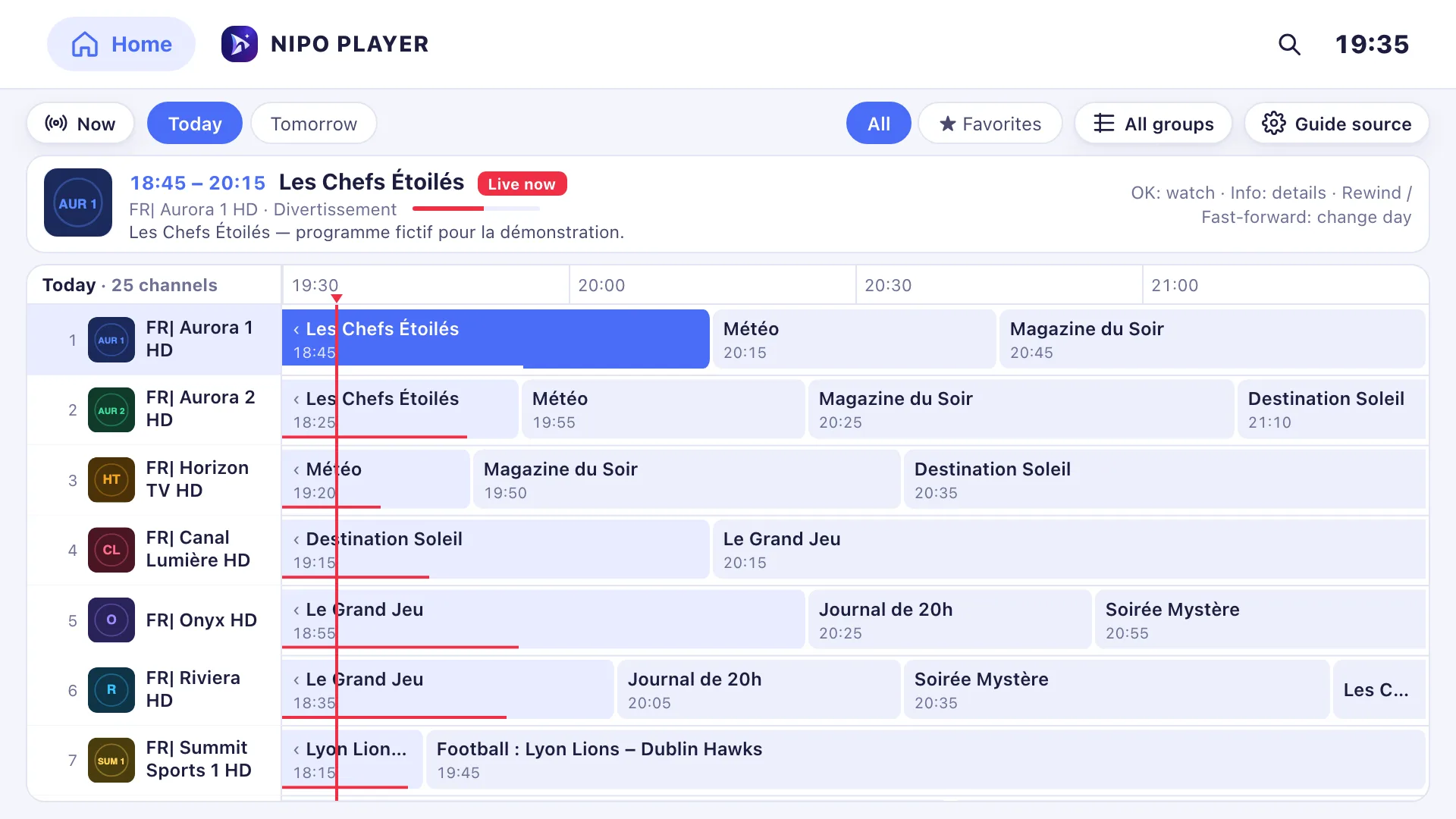
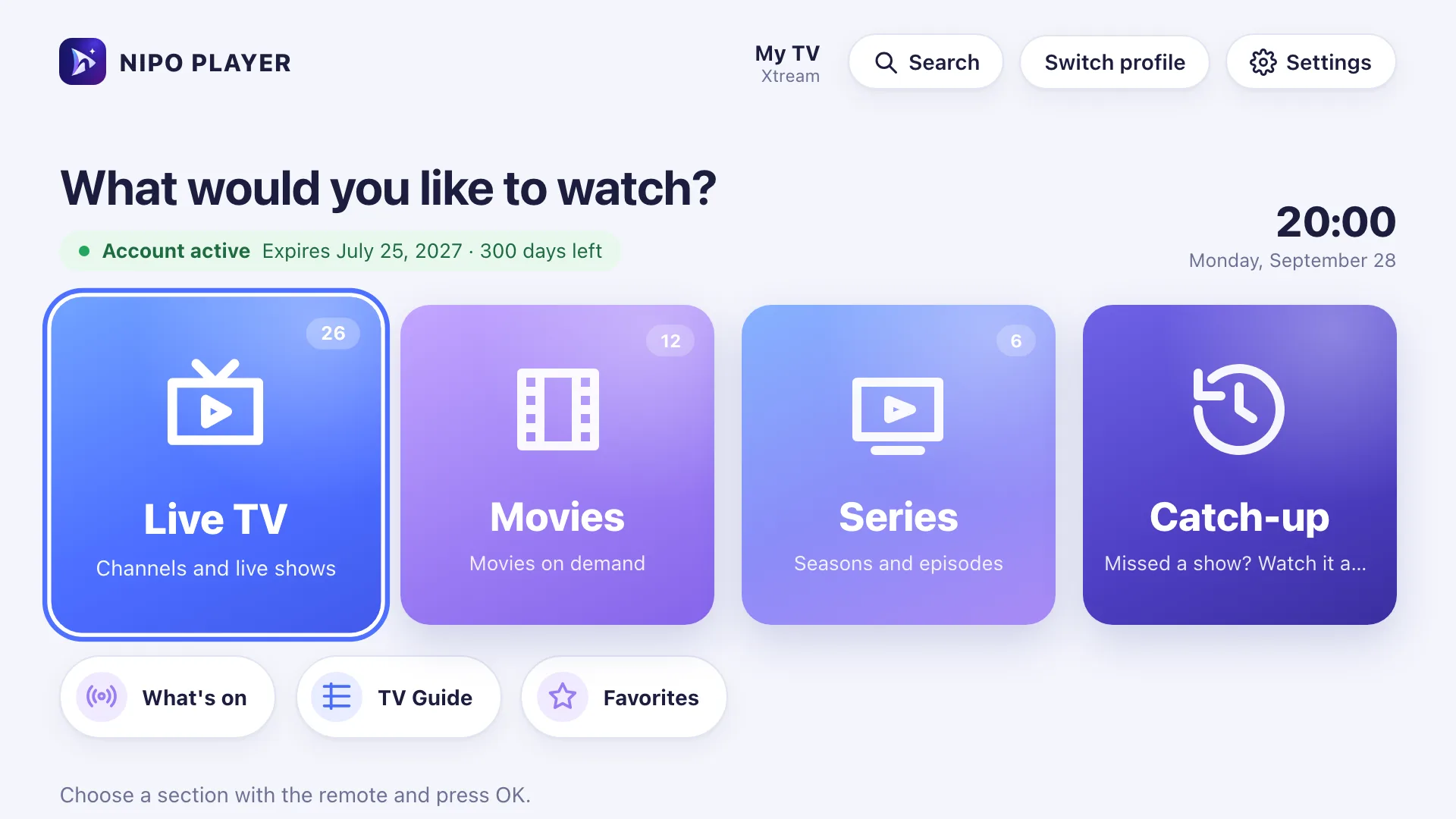
Nipo Player is built for the remote, with the same features as on other TVs:
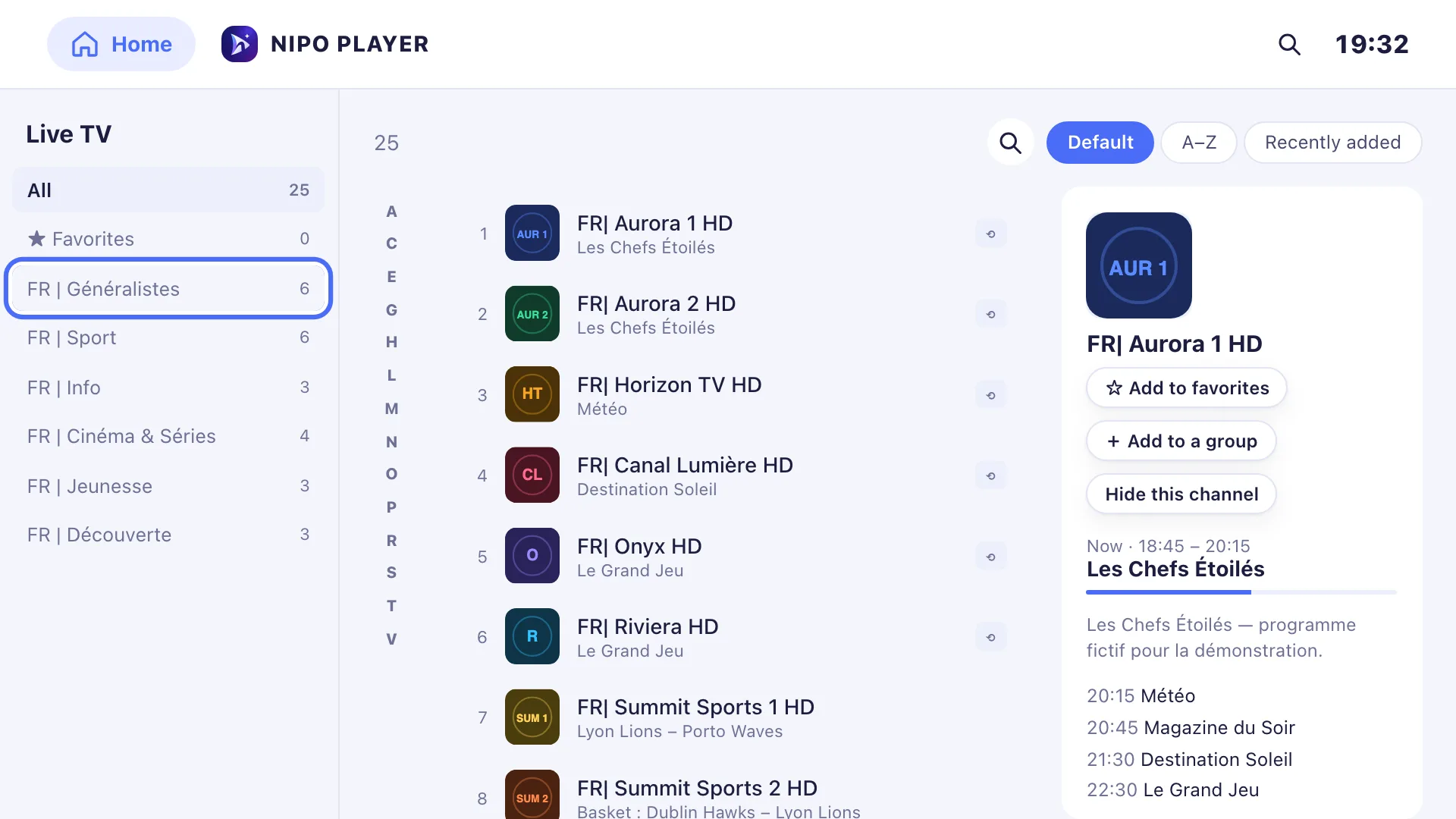
- live TV, movies, series, with CH+/CH−, number keys and previous channel;
- a mini guide in the player and programme search, both free;
- in Premium, the grid TV guide, catch-up, profiles with a kids profile, and your phone as a remote;
- a light mode for older TVs and a big text / high contrast mode (see Display comfort).
To be clear about the limits: recording isn't possible on Samsung (it works on Android TV and computers), and multiview isn't offered there.
On price, the player is free and ad-free. Nipo Premium covers one screen, Nipo Family five screens for one amount, with a 14-day refund: handy if you have several TVs. See Pricing.
So, what's the best player for Samsung?
There's no single answer:
- One TV, small budget: a player paid per TV can be enough, if you accept there's no refund.
- Several TVs at home: compare the total price. A household plan like Nipo Family quickly becomes better value.
- A full TV guide and the family: look at the grid guide, the kids profile and the PIN code.
In every case, test your real playlist with the free version before paying anything.
Good habits on a Samsung TV
- Plug the TV into Ethernet if the router is close: the built-in Wi-Fi is often the first cause of dropouts.
- Turn on automatic app updates in the TV's settings if offered, so fixes arrive by themselves.
- Keep your playlist handy: with the M3U link or Xtream login written down, a reinstall takes a minute.
Frequently asked questions
Can I install an Android app on my Samsung TV?
No. Recent Samsung TVs run Tizen, not Android: only apps published for Tizen can be installed.
Why do I get a picture but no sound?
Often because of Dolby Digital sound (AC3 / E-AC3) that isn't handled well. Nipo Player goes through the TV's native player, which handles these formats. The Samsung issues page covers other causes.
Is an M3U player on Samsung legal?
Yes. The player is legal; it's the content of your playlist that must be. Nipo Player supplies no channel.
My Samsung TV is old: will it work?
It depends on the model and the app. Nipo Player's Samsung page lists the supported models.
Read more
Updated on 29 September 2026
Contact supportRead next
- Getting started
Add a TV guide (XMLTV) to your playlist
If your playlist's guide is incomplete, paste a separate XMLTV guide link in the guide settings: Nipo Player matches it to your channels by their ID.
29 September 2026 · 3 min read
 Devices
Best M3U player for LG TV
Which player for an LG TV (webOS)? LG Content Store, Magic Remote, price per TV or per home, refunds: the options compared, with sourced facts about each.
29 September 2026 · 5 min read
 Tips
TipsChoosing a TV player: 7 things to check
Formats, TV guide, remote-friendly interface, parental control, refunds, per-device or per-home pricing, ads: seven things to check before choosing a TV player.
29 September 2026 · 3 min read
Try Nipo Player on your TV
The player is free on TV, phone and computer. You add your own playlist.