
A channel keeps freezing or stopping: what should I do?
Nipo Player tries to reconnect by itself ("Stream frozen: reconnecting…"); if it keeps happening, the stream on your playlist's server is unstable.
Nipo doesn’t provide, sell or host any channel, movie or playlist: it plays what you already own.
A one-off freeze often clears up by itself: Nipo Player automatically tries to reconnect before showing a diagnosis.
Step by step, with pictures
- 01
On Home, move to Live TV with the arrows and press OK. Key OK
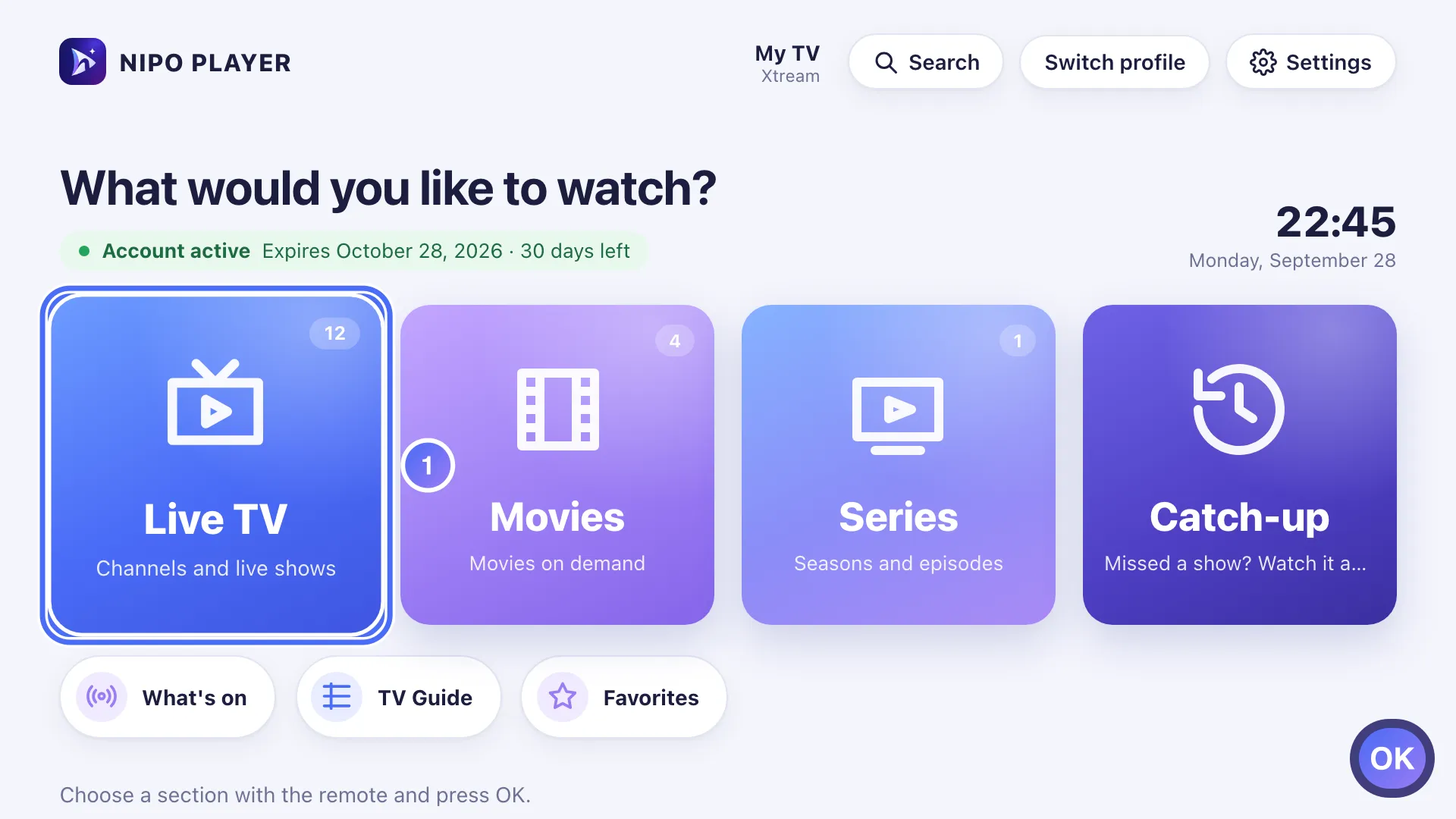
- 02
Pick a channel and press OK. Here, this channel’s picture is about to freeze. Key OK
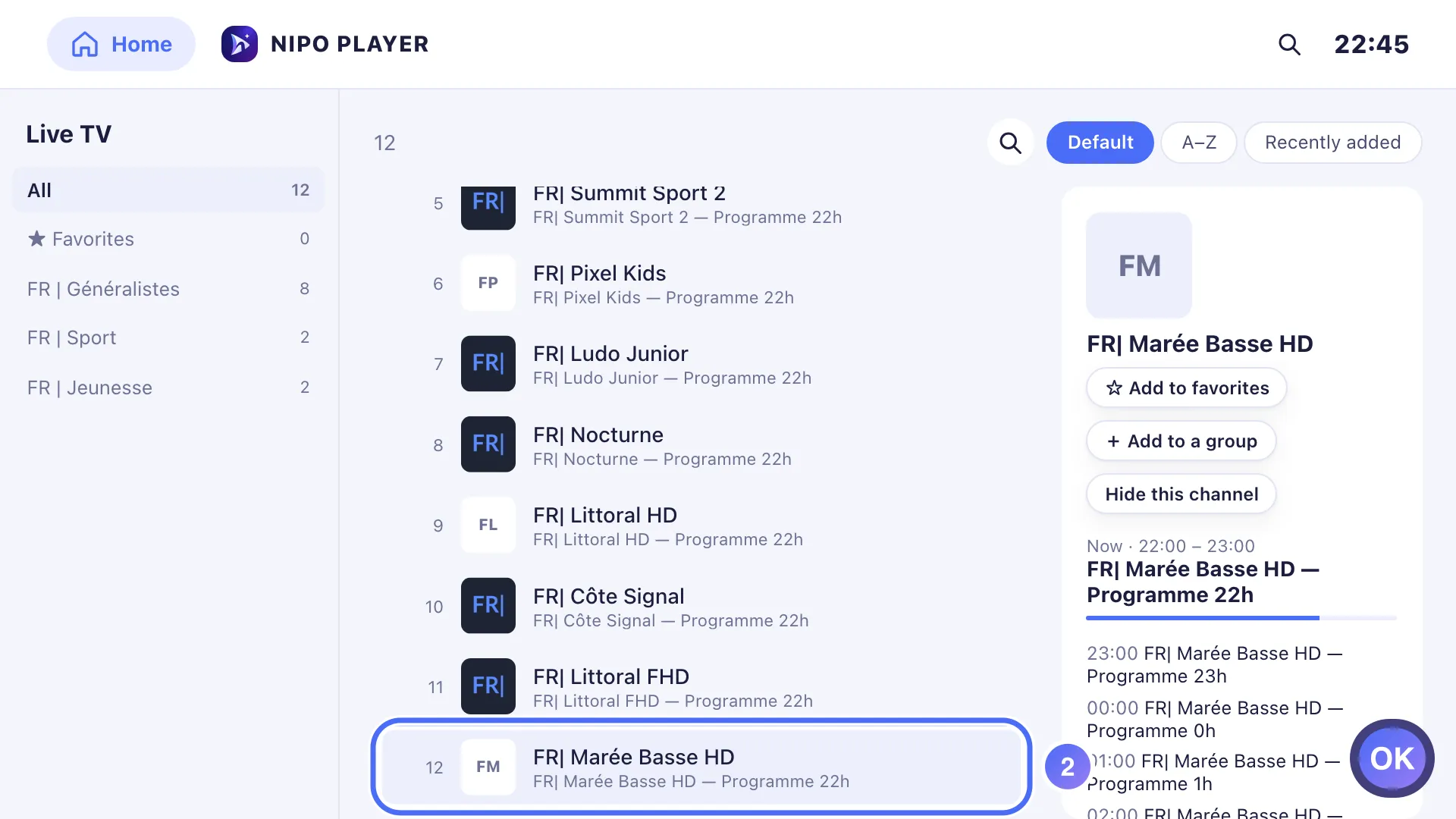
- 03
After several automatic retries, the diagnosis shows “This channel keeps freezing”.
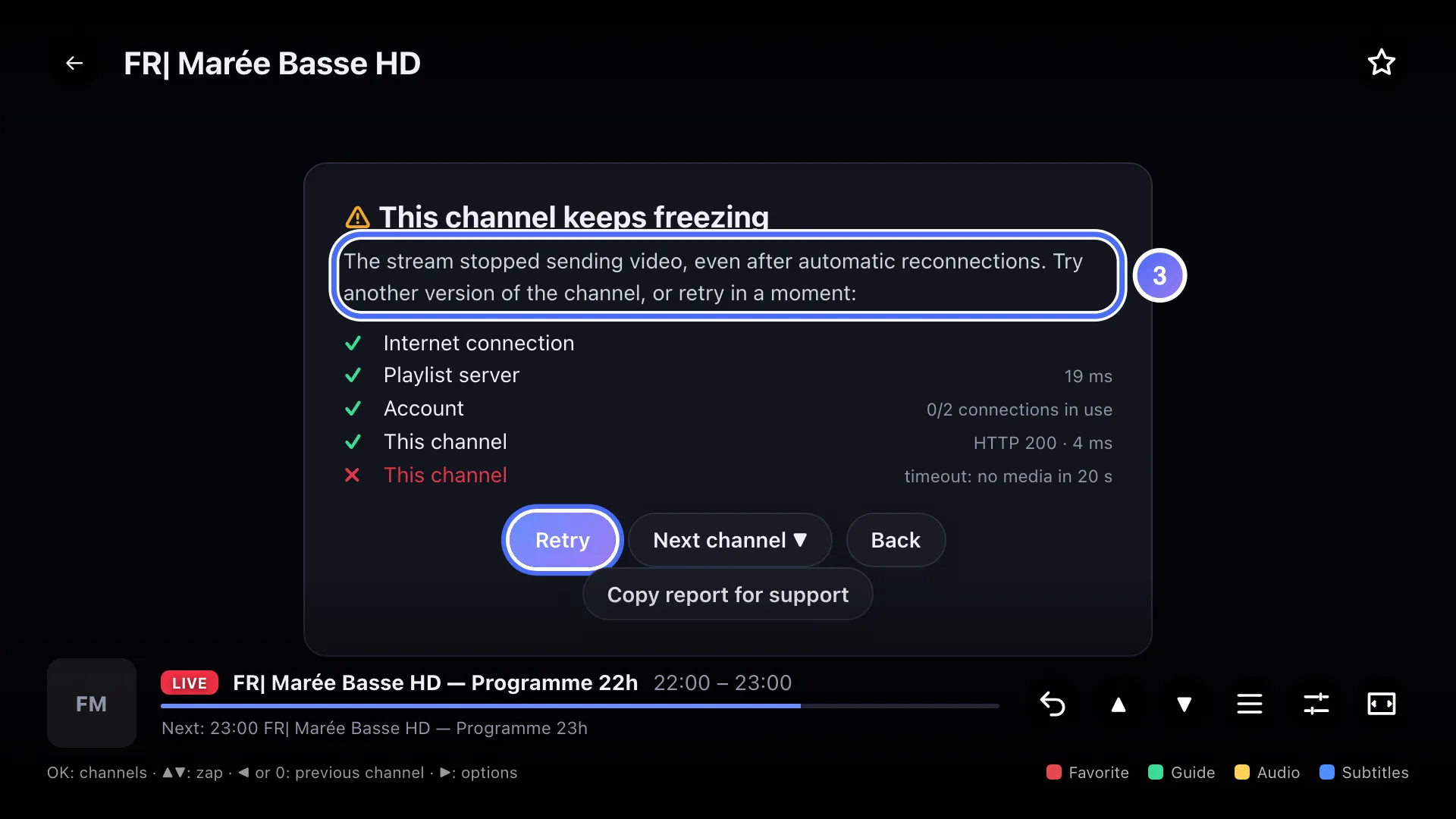
- 04
If no other version is offered, press OK on “Retry” in a moment. Key OK
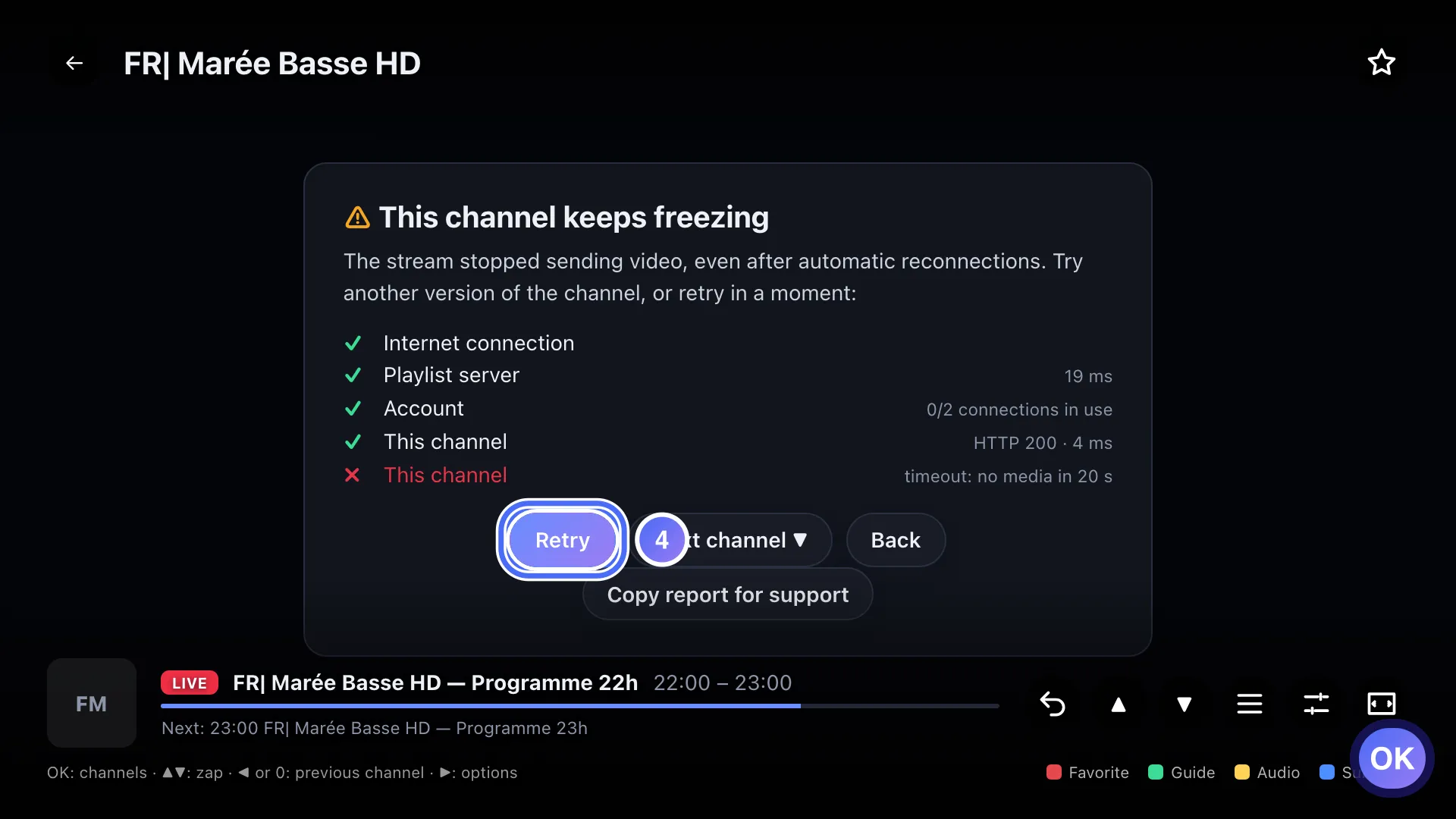
- 01
On Home, touch Live TV.
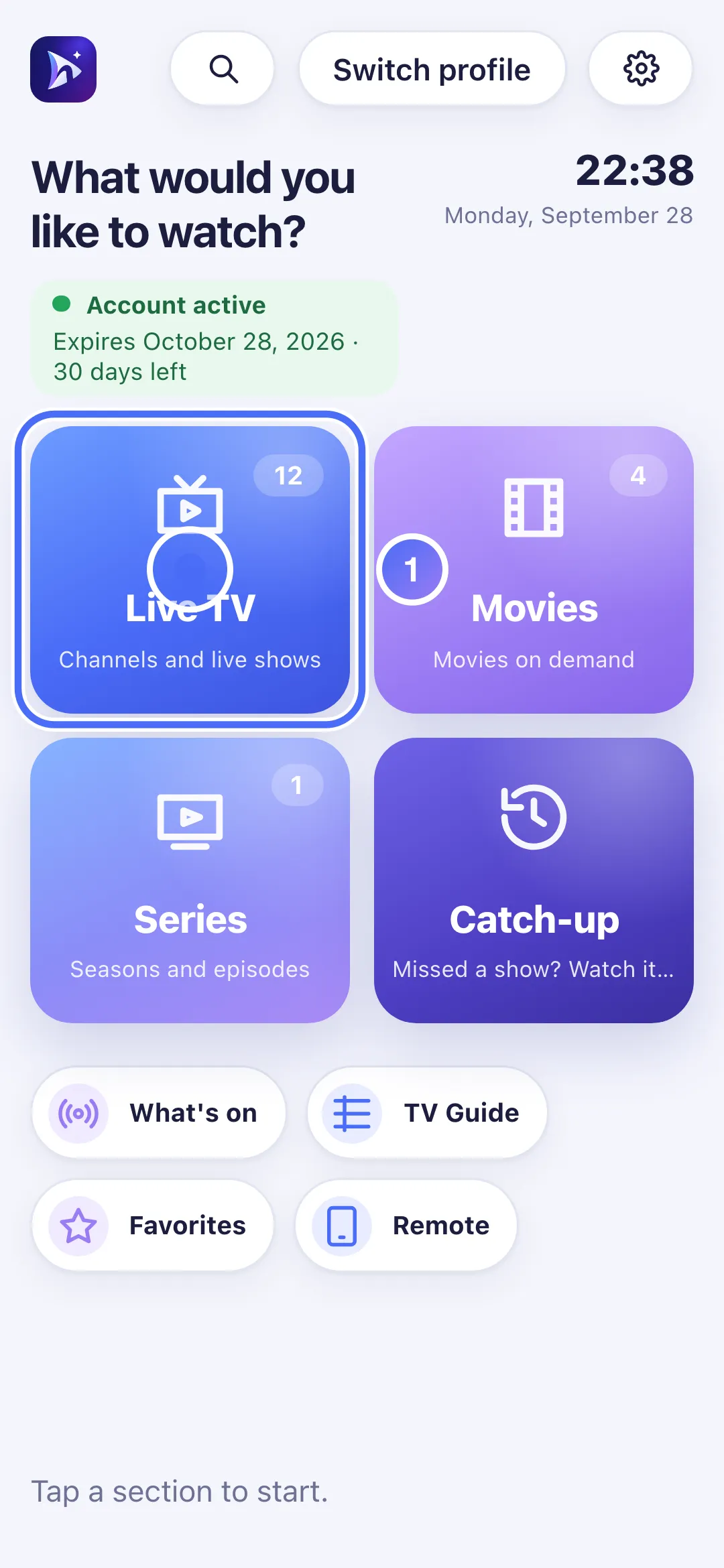
- 02
Touch a channel. Here, this channel’s picture is about to freeze.
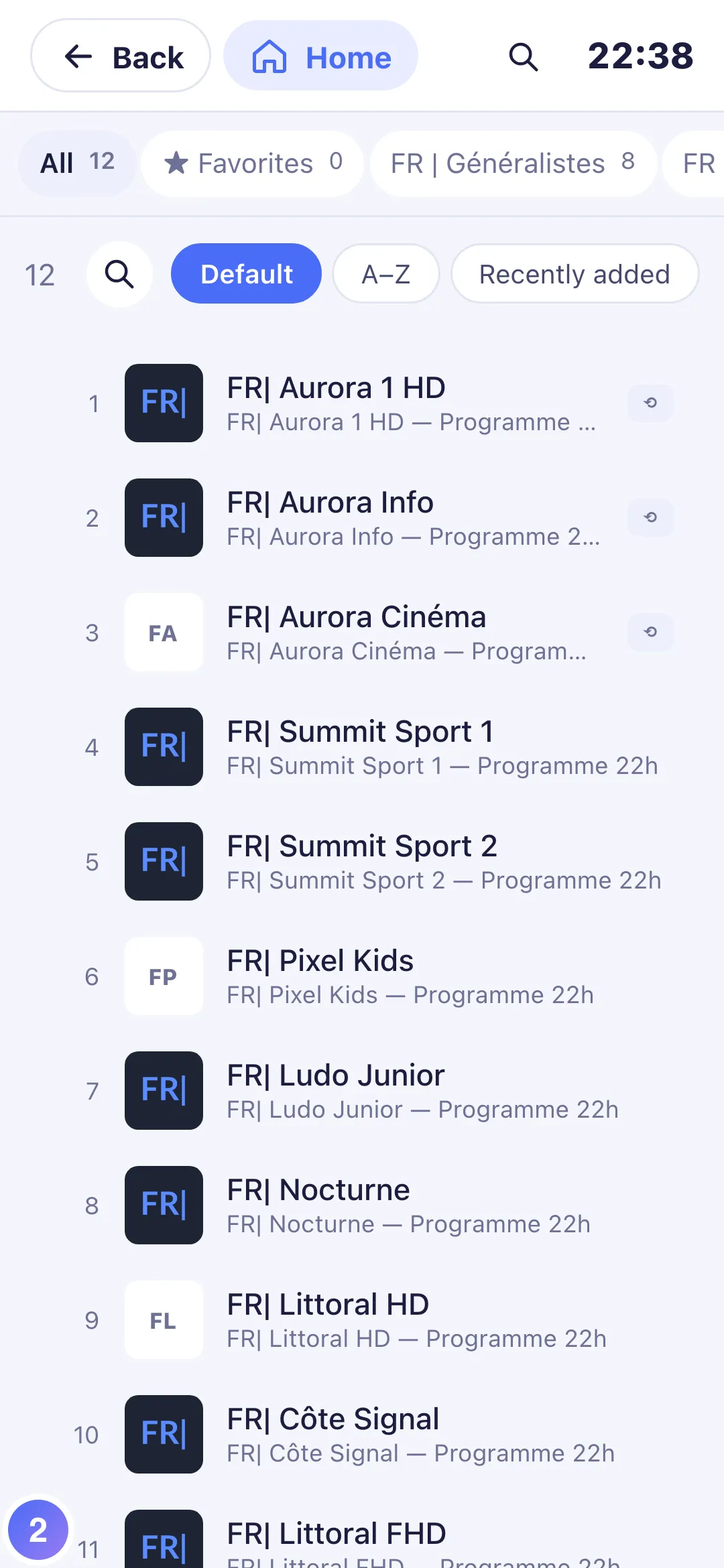
- 03
After several automatic retries, the diagnosis shows “This channel keeps freezing”.
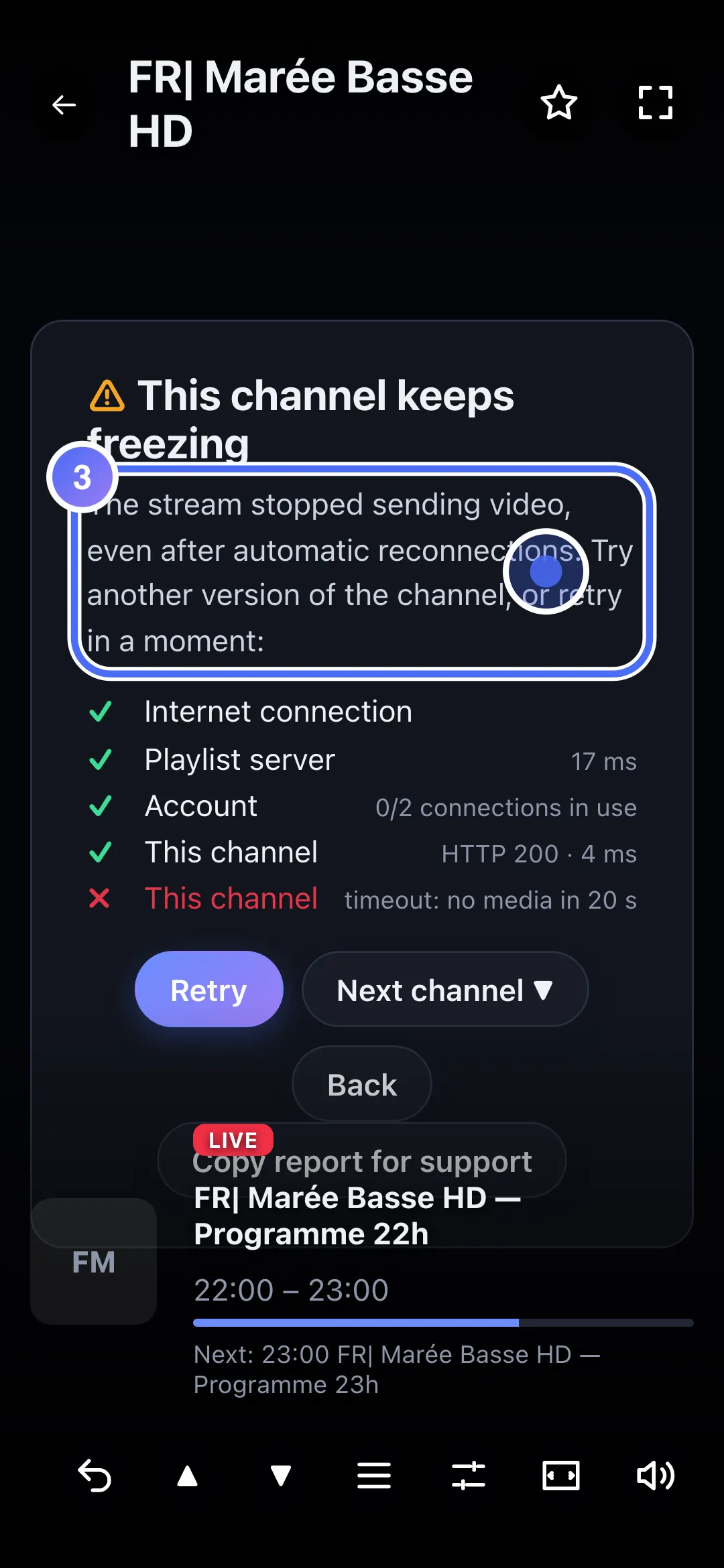
- 04
If no other version is offered, touch “Retry” in a moment.
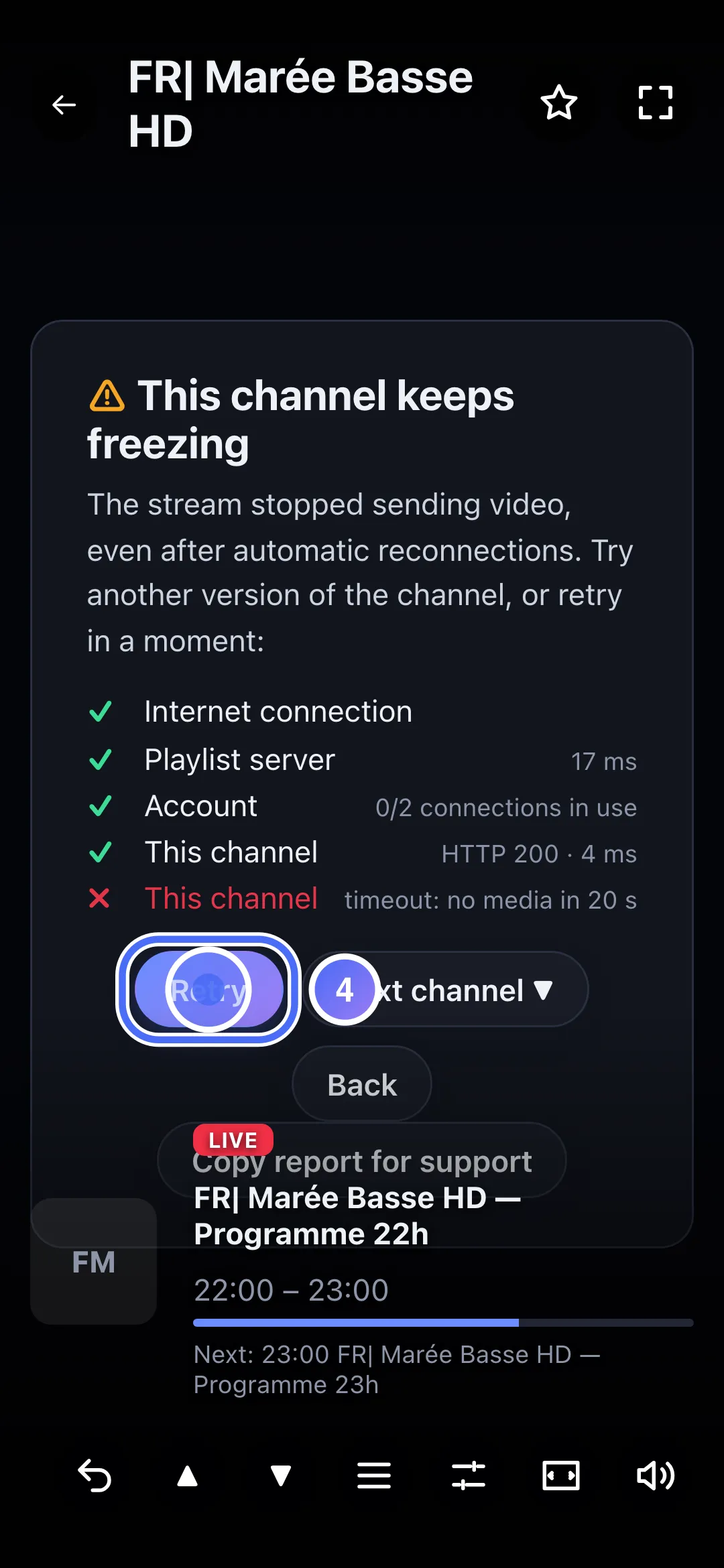
Steps
- Give it a few seconds: the Stream frozen: reconnecting… message means the app itself is retrying the connection.
- If the picture stays frozen for more than a minute, a diagnosis shows automatically with the result This channel keeps freezing.
- Try another version of the channel if the diagnosis offers one.
- Check your connection quality (Wi-Fi rather than far from the router, or an Ethernet cable): a stream that only freezes on this device, never on another, often points to the local network.
Tip
If everything else (another channel, an online video) plays smoothly on the same device at the same time, the problem is very likely this channel's stream on the server, not your connection: see Send a diagnostic report to report it with the most useful details.
Updated on 28 September 2026
Did this article help you?
Can’t find the answer?
Write to us: we answer about the app and how it works. We can’t recommend a playlist.