
What is an M3U playlist, and how do you open it on a TV?
An M3U playlist is a plain text file listing channels and videos with their address. How a player like Nipo Player opens it on a TV: by link, file or phone.
Nipo doesn’t provide, sell or host any channel, movie or playlist: it plays what you already own.
Getting startedThe Nipo Player team 3 min read
What is an M3U playlist?
An M3U playlist (or its M3U8 variant) is a plain text file. Each line describes a channel or a video: its name, sometimes a logo and a category, then the address of the stream to play. Nothing is stored in an online account anywhere: the file, or its link, holds everything.
It's the format most TV players expect, including Nipo Player, which reads it with up to 50,000 entries for the largest playlists.
M3U vs M3U8: what's the difference?
M3U and M3U8 are practically the same format: M3U8 just states that the file is UTF-8 encoded, useful for channel names with accents or non-Latin characters. Nipo Player reads both the same way, with nothing for you to choose.
Three ways to open it in Nipo Player
- An M3U link: paste the address given by the service that manages your playlist directly into the app.
- An M3U file: import it from your TV or a storage space, if you only have a file and no link.
- An Xtream connection (server, username, password): some services hand out their playlist this way instead of a direct link.
The easiest method with a remote
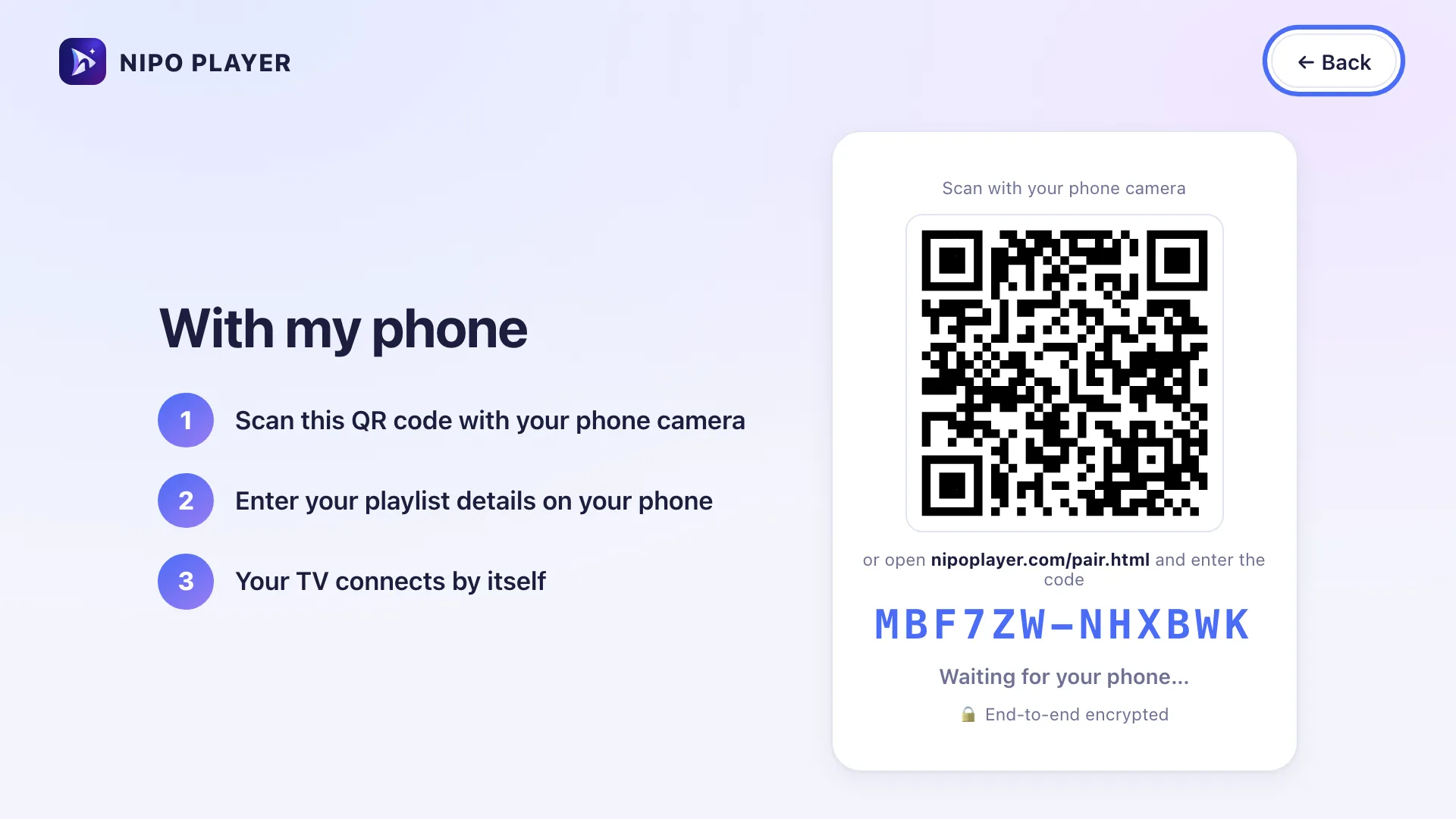
Typing a long address with a remote is slow, while a phone already has a keyboard. Without Premium, you can type the link, or send it from nipoplayer.com with the Nipo code shown in the app. With Nipo Premium, the TV also lets you add the playlist from your phone:
- On the TV, choose With my phone.
- Scan the QR code shown with your phone's camera.
- On the phone, type your playlist's M3U link (or your Xtream login).
- The TV connects on its own, with nothing to retype.
The exchange between the phone and the TV is end-to-end encrypted: Nipo never sees your playlist in the clear along the way.
Where does my playlist come from?
Nipo Player is only a player. It does not provide, sell or host any content: your playlist comes from the service you chose on your own, and we can't recommend a playlist.
What to check before adding a playlist
- The address starts with
http://orhttps://. - Pasted in a browser, it downloads or shows a text file rather than an error page.
- If the service gave you a separate username and password instead of one link, that's an Xtream connection: use the dedicated form rather than the M3U link field.
Does a large playlist slow the TV down?
A playlist with several thousand entries stays smooth: Nipo Player loads it once, then shows channels by category or country instead of one long list. On very large playlists, the My countries setting lets you hide the countries or categories you never watch, for a shorter list day to day.
In short
An M3U playlist is a text file listing your channels and their address; Nipo Player reads it by link, by file, or by Xtream connection, with a remote-friendly setup thanks to your phone's QR code.
Go further
- M3U / M3U8 playlist: what Nipo Player reads, the file's structure in detail.
- How do I add my playlist with my phone's QR code?
- Xtream connection: server, username, password
- My countries: shortening a large playlist
Nipo Player is free to install, with no account needed for watching. See how it works in three steps.

Updated on 29 September 2026
Contact supportRead next
 Getting started
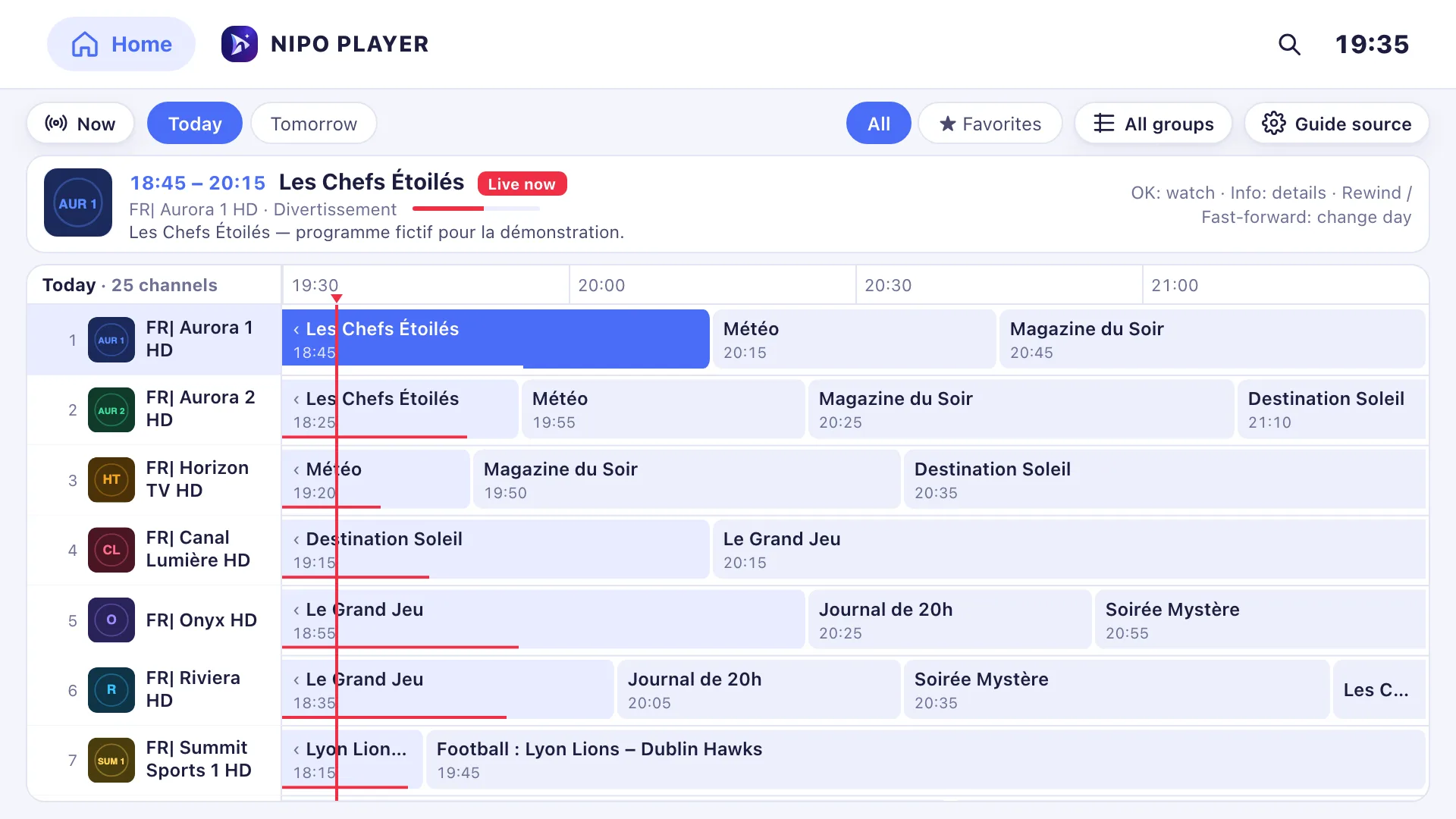
Add a TV guide (XMLTV) to your playlist
If your playlist's guide is incomplete, paste a separate XMLTV guide link in the guide settings: Nipo Player matches it to your channels by their ID.
29 September 2026 · 3 min read
 Devices
Best M3U player for LG TV
Which player for an LG TV (webOS)? LG Content Store, Magic Remote, price per TV or per home, refunds: the options compared, with sourced facts about each.
29 September 2026 · 5 min read
- Devices
Best M3U player for Samsung TV
Which player for a Samsung TV (Tizen)? Installing, sound, price per TV or per home, refunds: the options compared, with sourced facts about each player.
29 September 2026 · 5 min read
Try Nipo Player on your TV
The player is free on TV, phone and computer. You add your own playlist.