
The TV guide is empty or incomplete
The TV guide depends on a source (your playlist or an XMLTV link): if it stays empty, check that source under "Guide source".
Nipo doesn’t provide, sell or host any channel, movie or playlist: it plays what you already own.
The TV guide (programmes, the time grid) comes from a source separate from your channels: the guide built into your playlist, or an XMLTV link you added yourself. If that source sends nothing, the guide stays empty even though the channels themselves work normally.
Step by step, with pictures
- 01
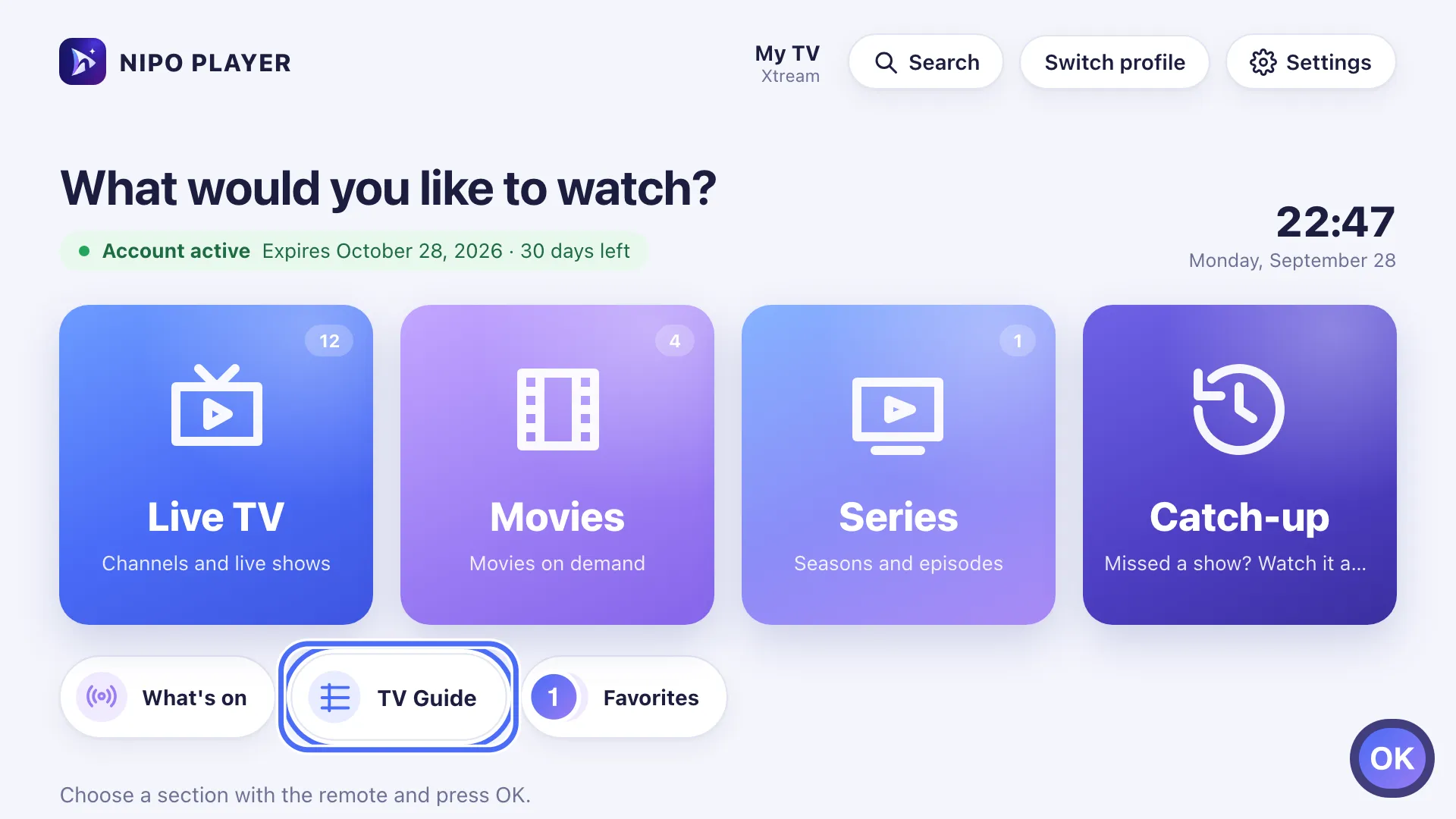
On Home, move to the TV Guide shortcut with the arrows and press OK. Key OK
- 02
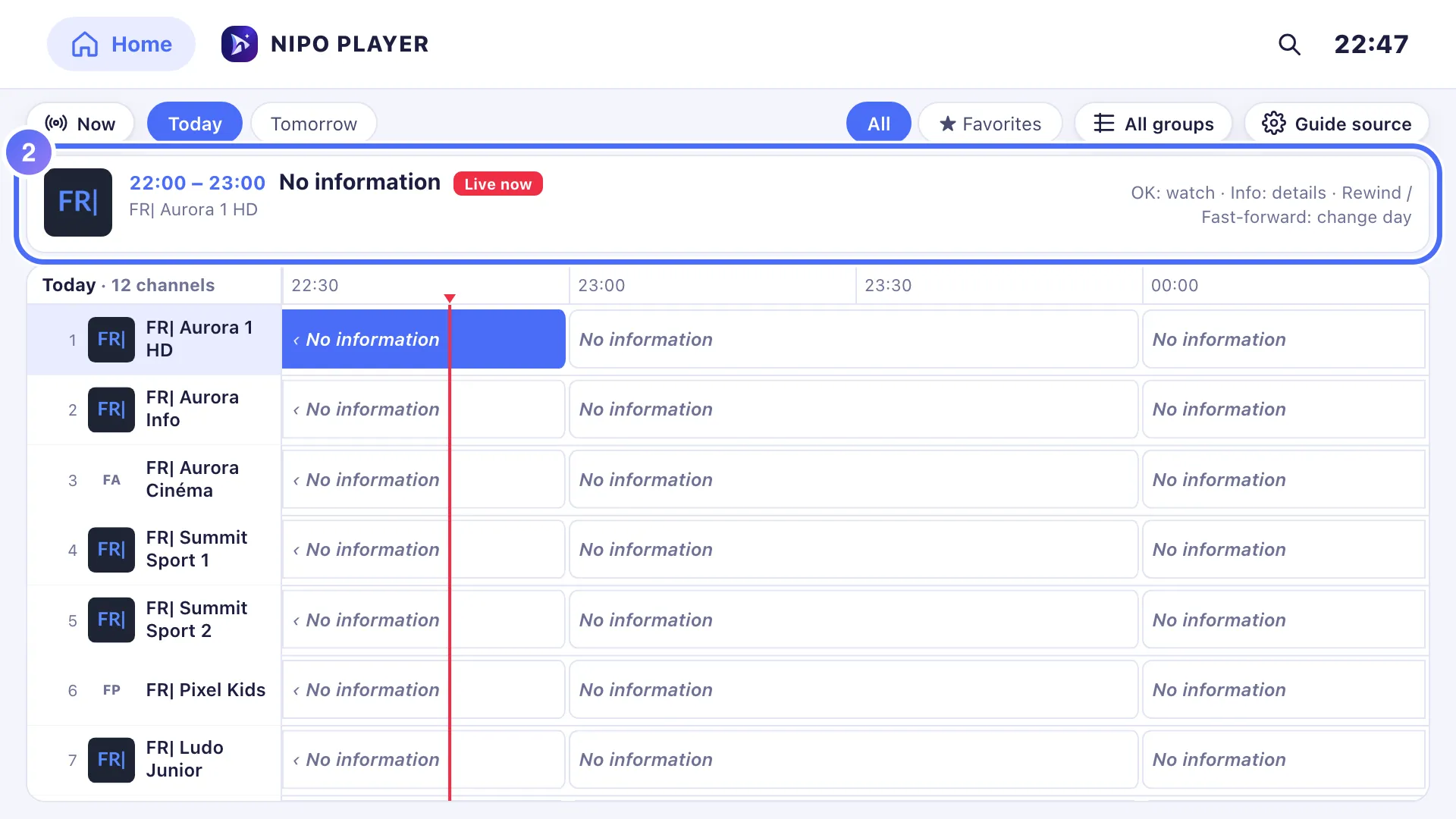
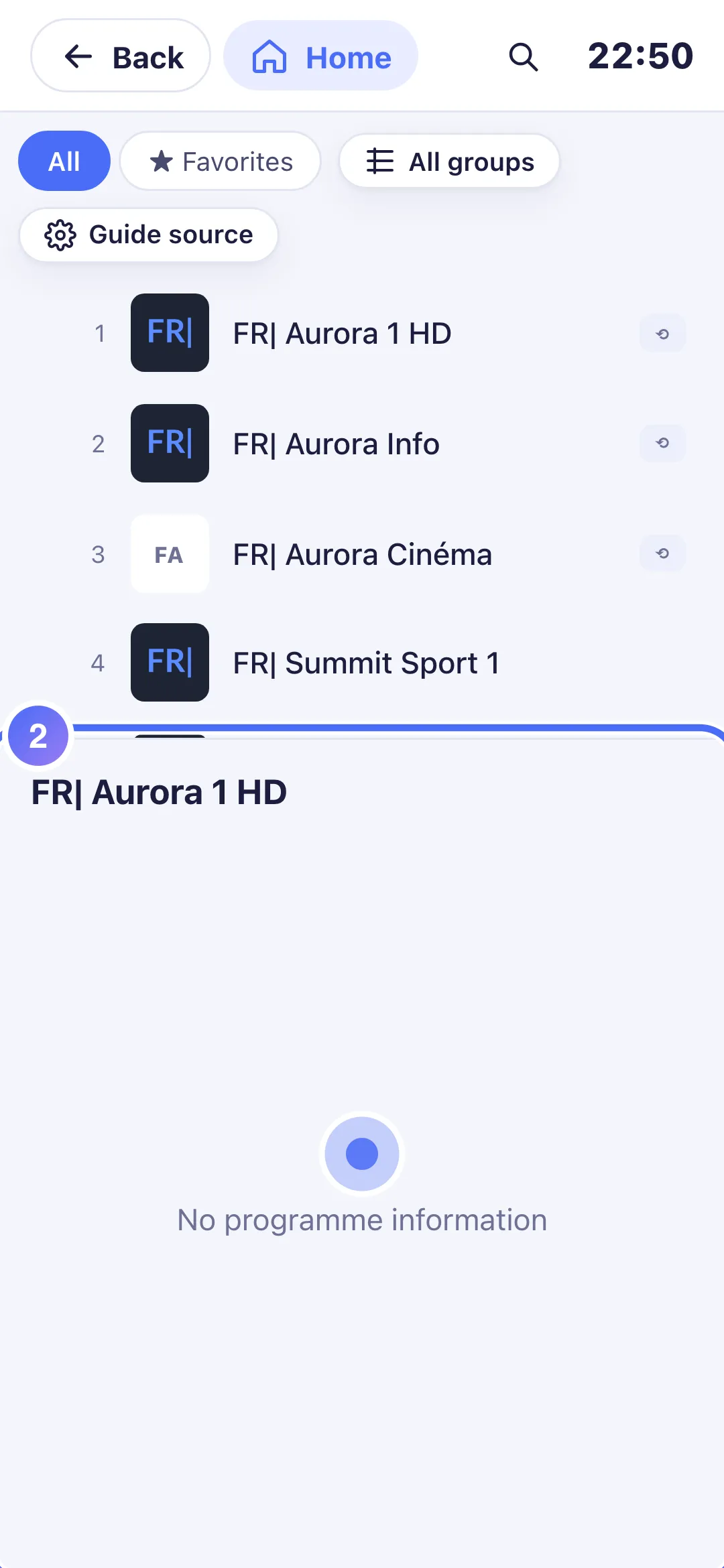
The guide stays empty for every channel: the info area shows “No information”.
- 03
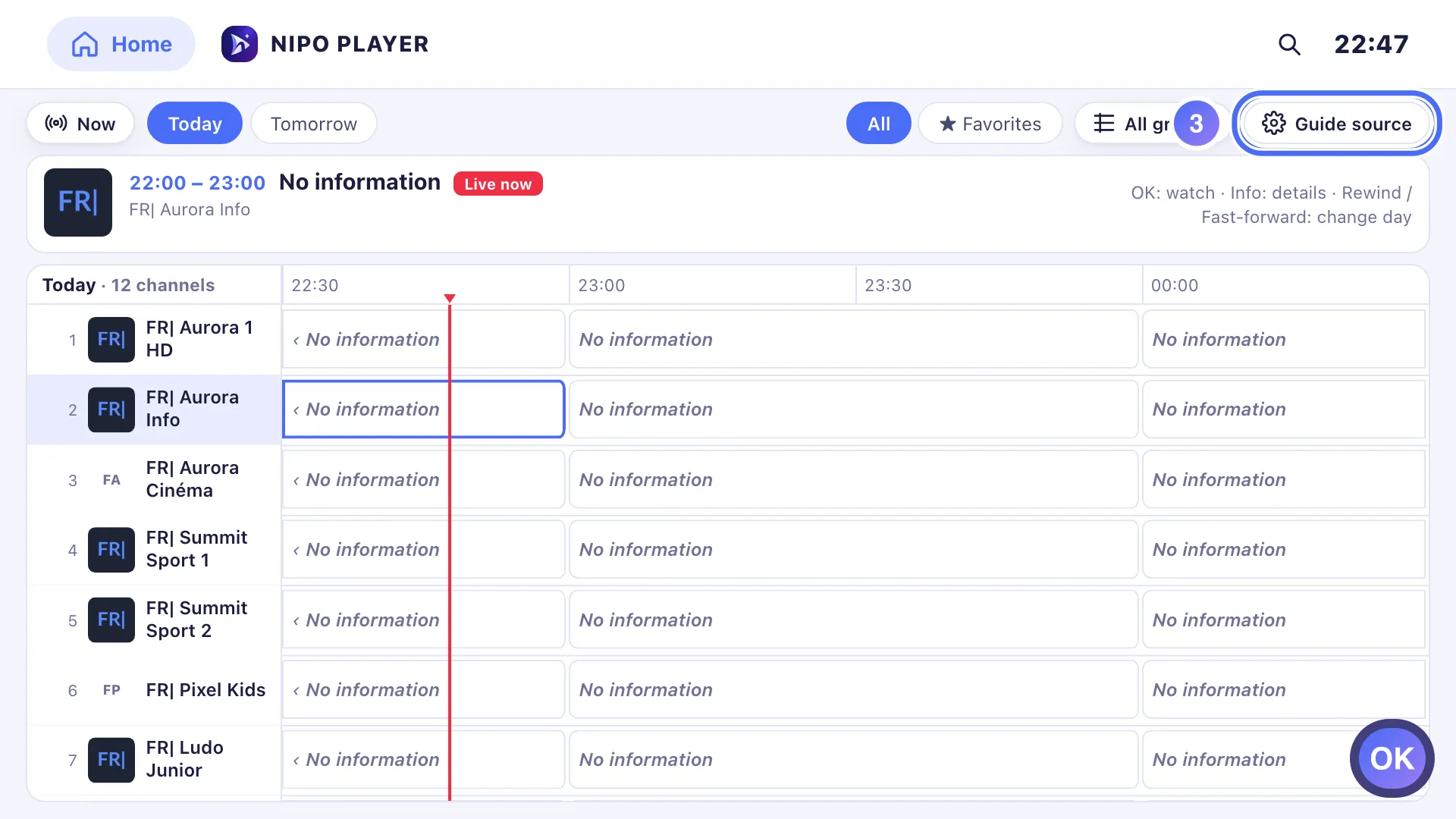
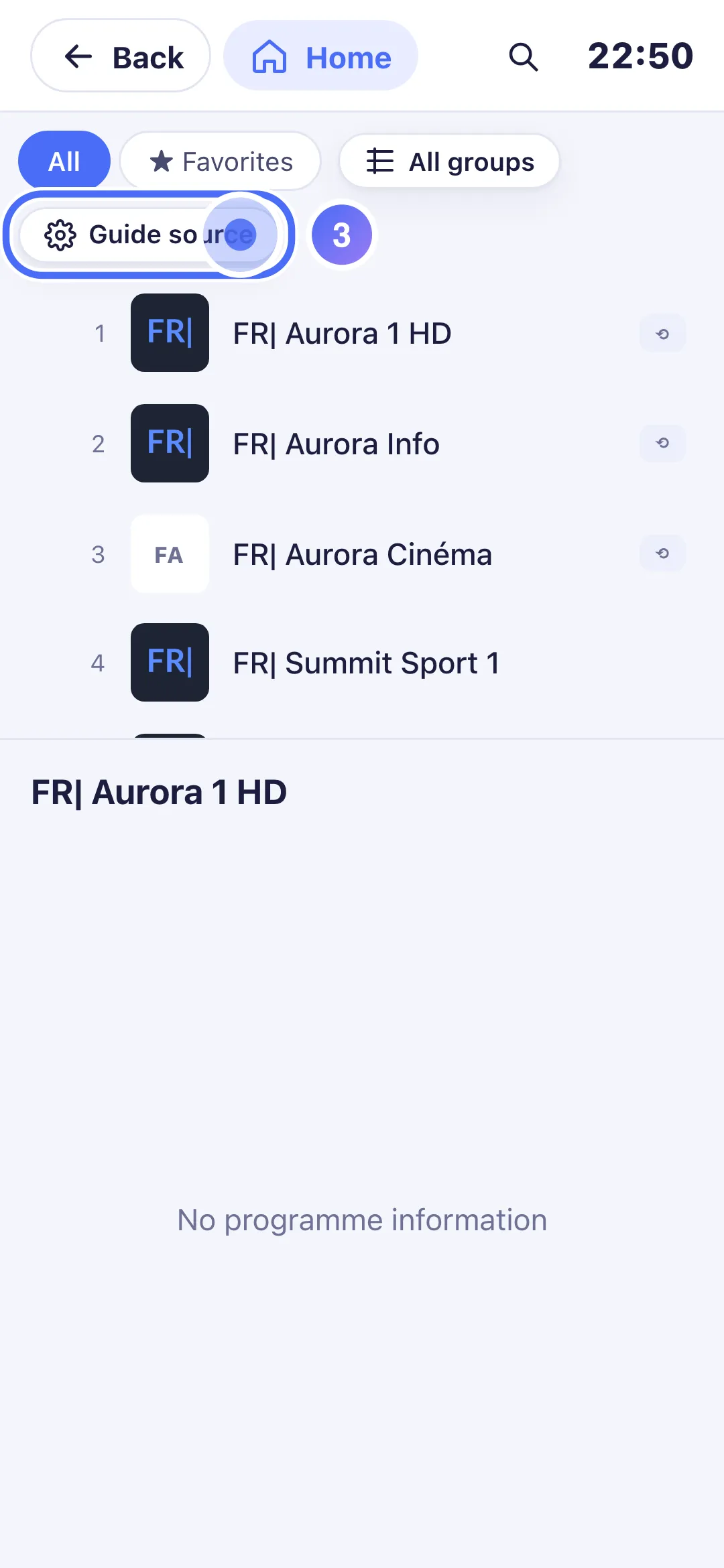
Press OK on “Guide source” to check the XMLTV link in use. Key OK
- 04
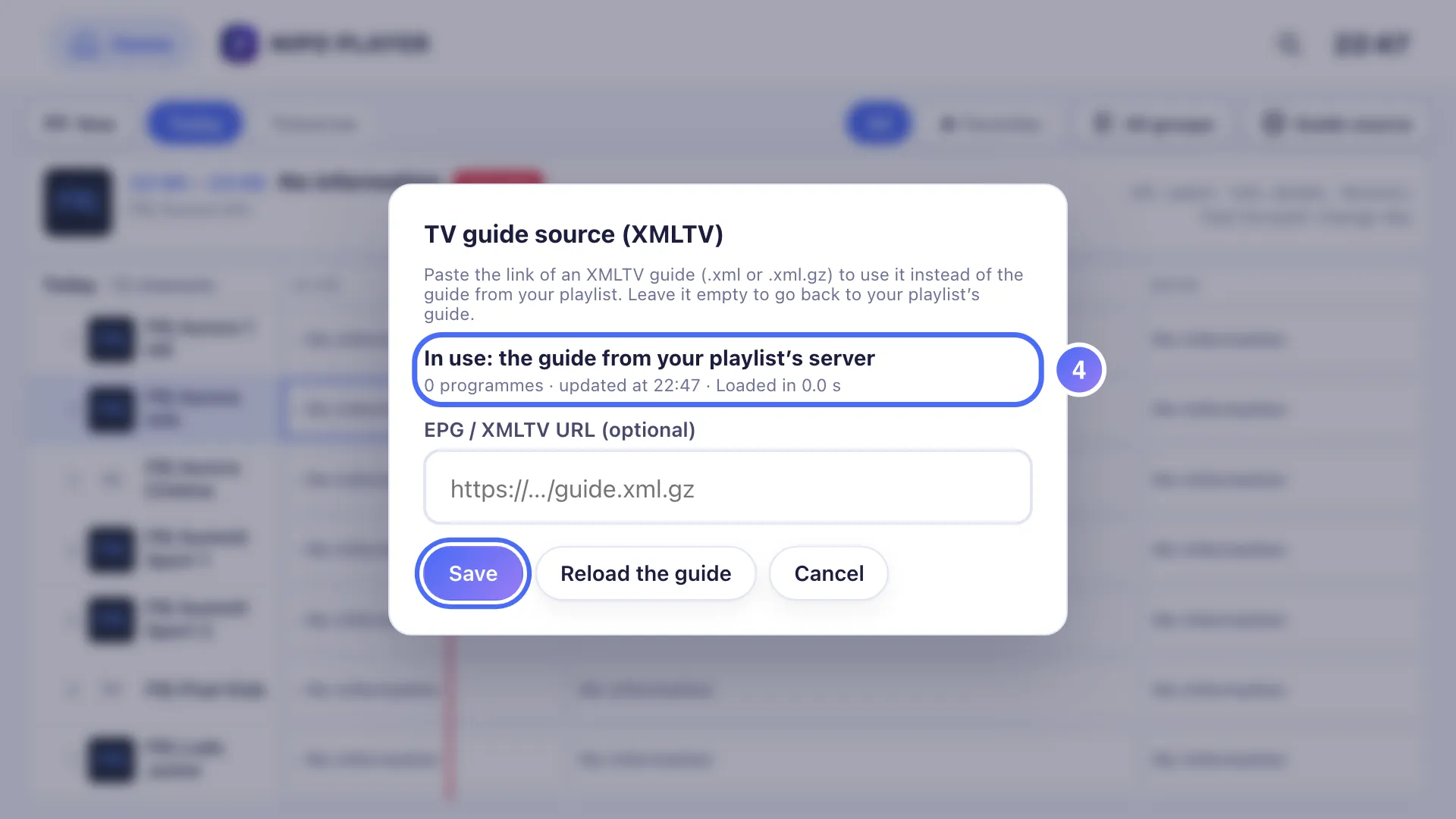
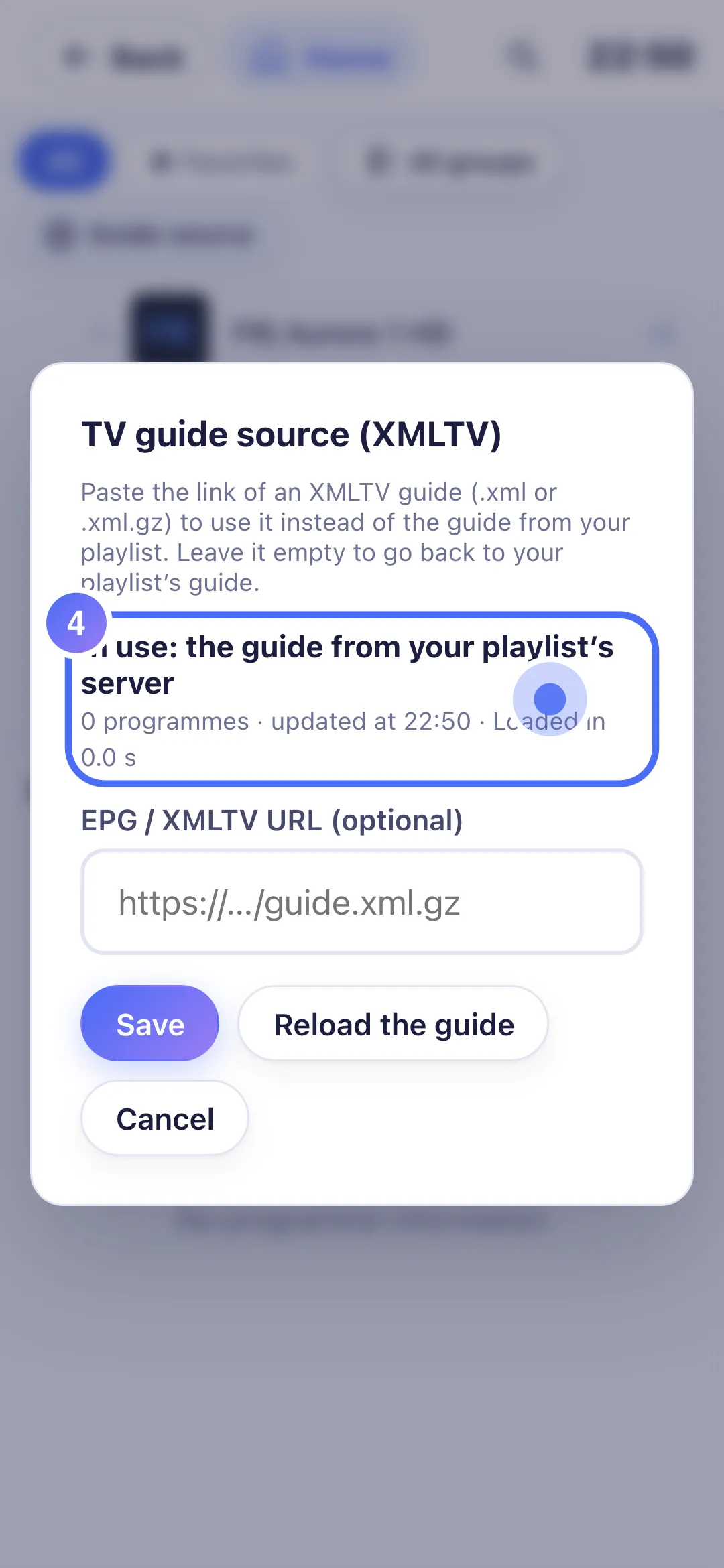
It shows 0 programmes received: paste another XMLTV link, or leave it empty to use your playlist’s guide.
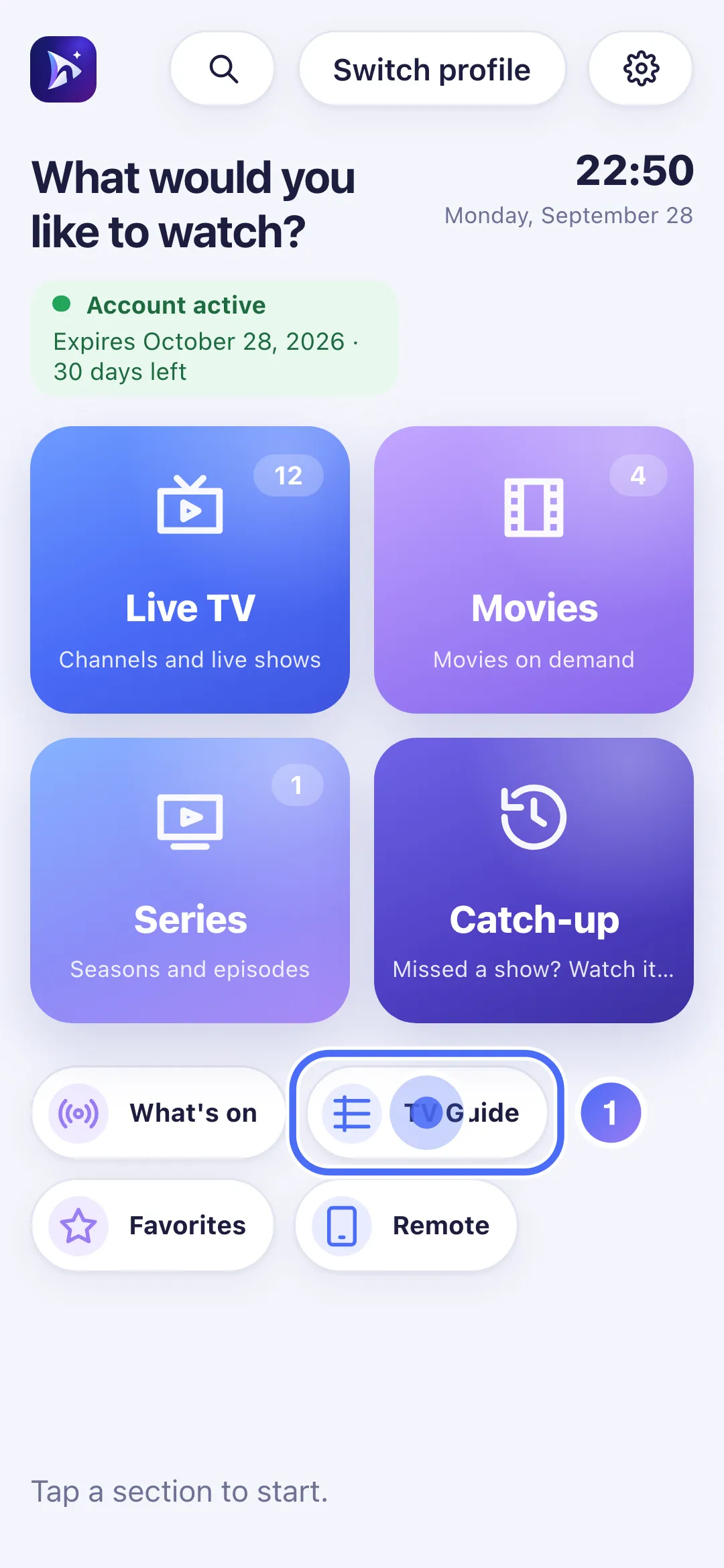
- 01
On Home, touch the TV Guide shortcut.
- 02
For every channel, the programme list stays empty: “No programme information”.
- 03
Touch “Guide source” to check the XMLTV link in use.
- 04
It shows 0 programmes received: paste another XMLTV link, or leave it empty to use your playlist’s guide.
Steps
- Open the TV Guide: if no channel shows a programme, the guide's source isn't answering.
- Tap Guide source to see the source currently in use and how many programmes were received.
- If you use your own XMLTV link, check that it's still valid (try opening it in a browser); otherwise leave the field empty to go back to your playlist's guide.
- Also check your device's time zone in the system settings: a guide that looks "off" by a few hours almost always comes from there, not from Nipo Player.
- If the problem continues with your playlist's own guide, contact the service that manages it: they provide that guide.
Tip
A TV guide is never required: without it, live, movies, series and catch-up keep working normally — only the programme grid stays unavailable.
Updated on 28 September 2026
Did this article help you?
Can’t find the answer?
Write to us: we answer about the app and how it works. We can’t recommend a playlist.