
"Your playlist's server is not responding": what should I do?
Your internet connection works, but your playlist's server isn't answering. Nipo Player can't fix that server: try again in a few minutes.
Nipo doesn’t provide, sell or host any channel, movie or playlist: it plays what you already own.
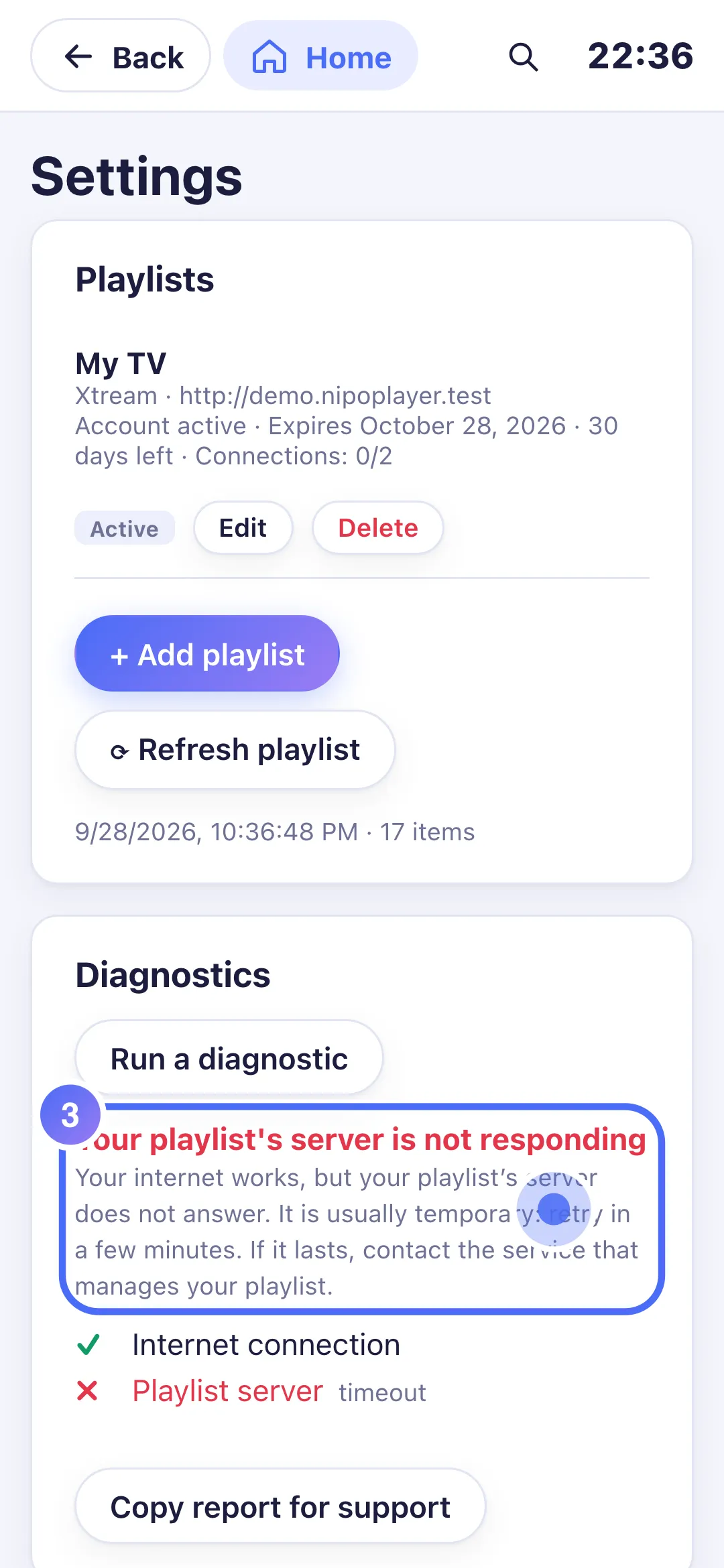
This diagnosis deliberately separates two causes: your internet connection (which works, in this case) and your playlist's server (which isn't answering).
Step by step, with pictures
- 01
On Home, move to Settings with the arrows and press OK. Key OK
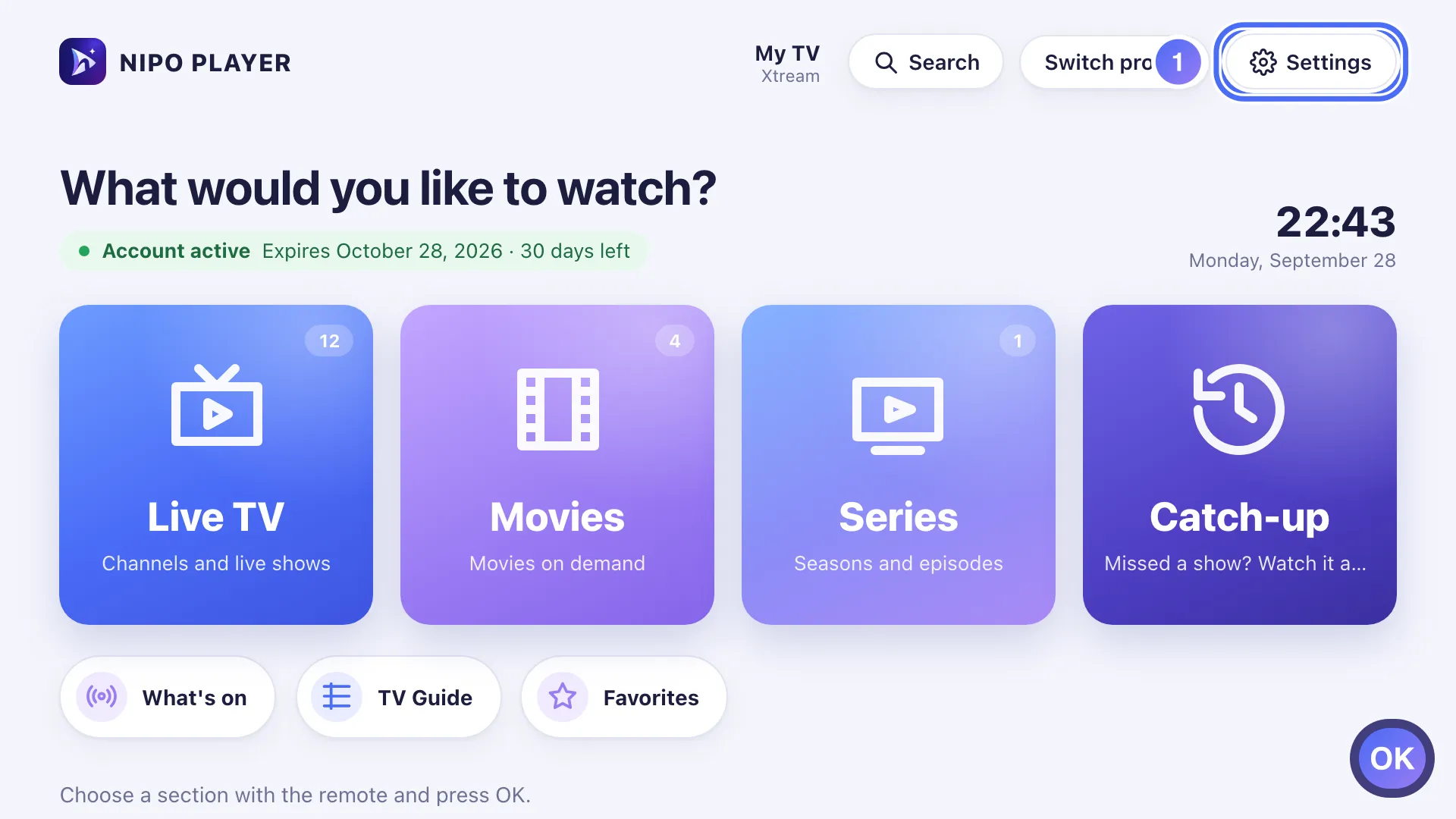
- 02
Go down to Diagnostics and press OK on “Run a diagnostic”. Key OK
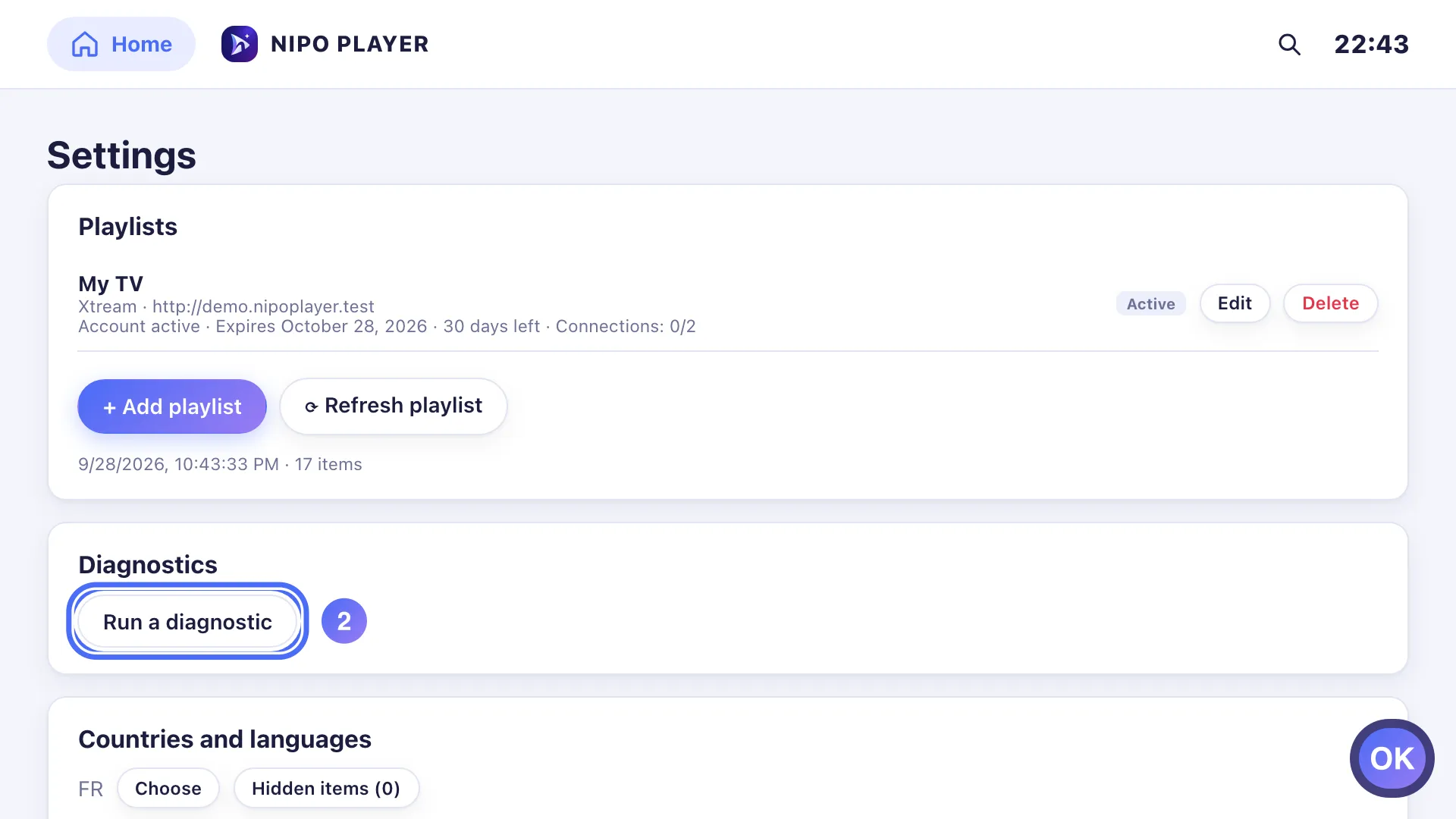
- 03
The diagnosis confirms: your connection works, but your playlist’s server doesn’t answer.
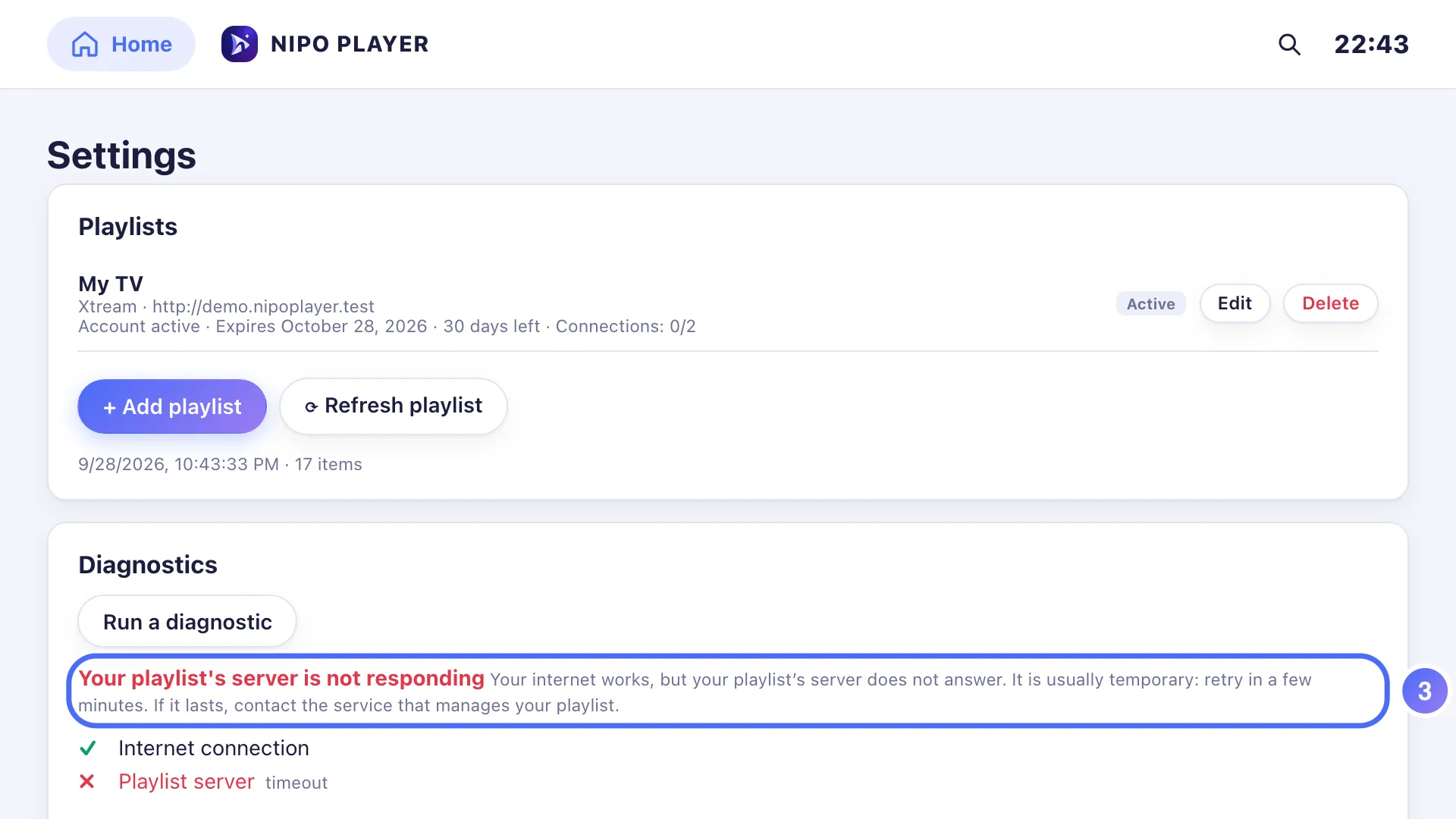
- 04
Wait a few minutes, then press OK again to retry. Key OK
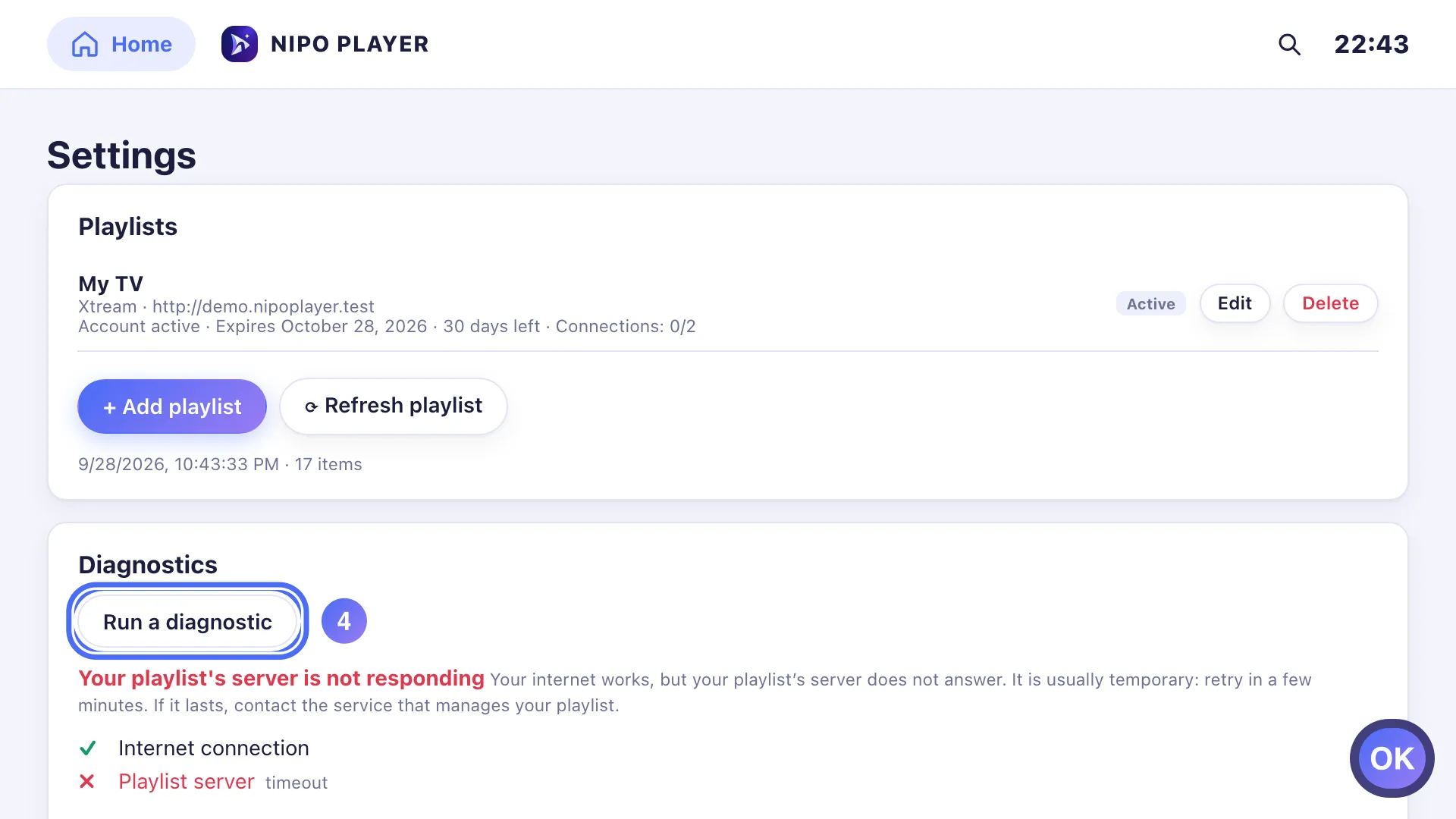
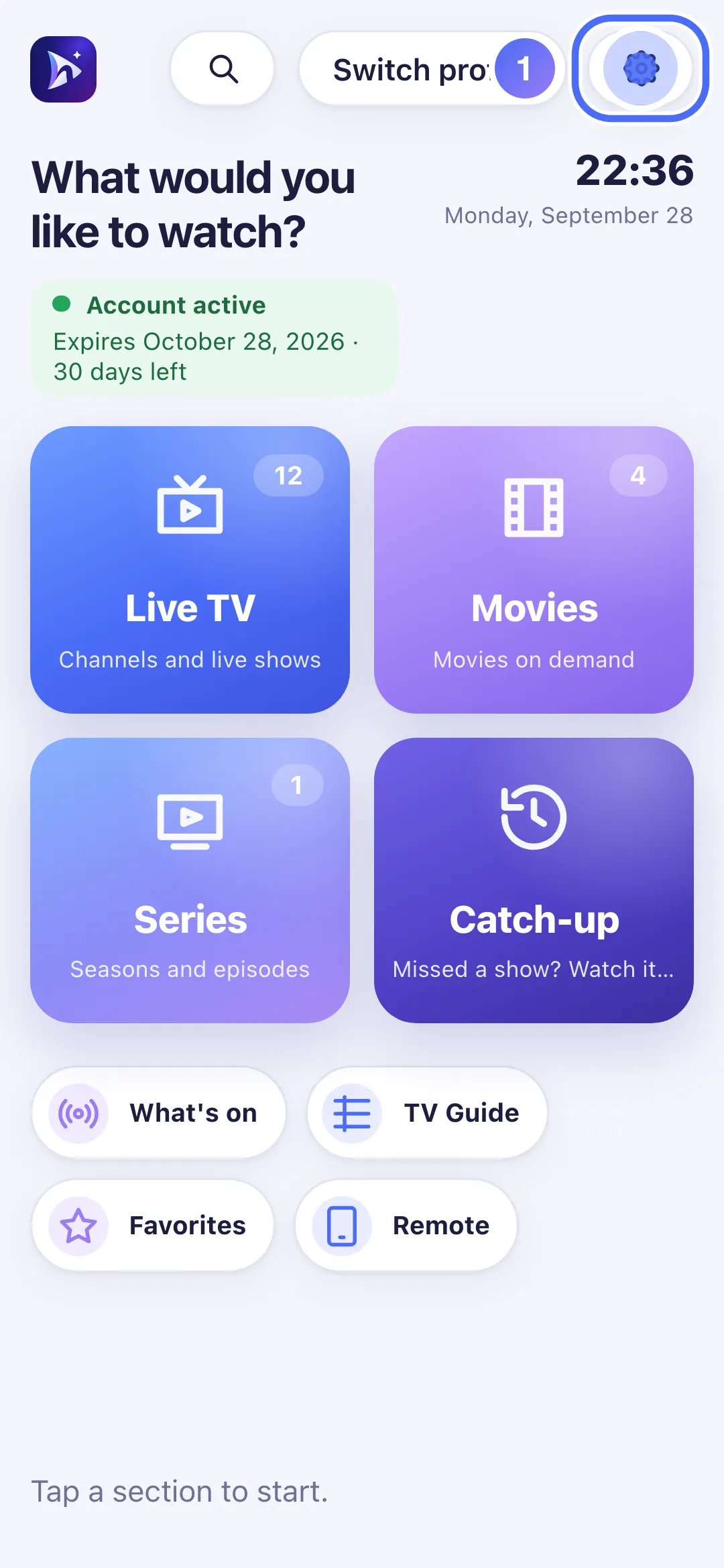
- 01
On Home, touch Settings.
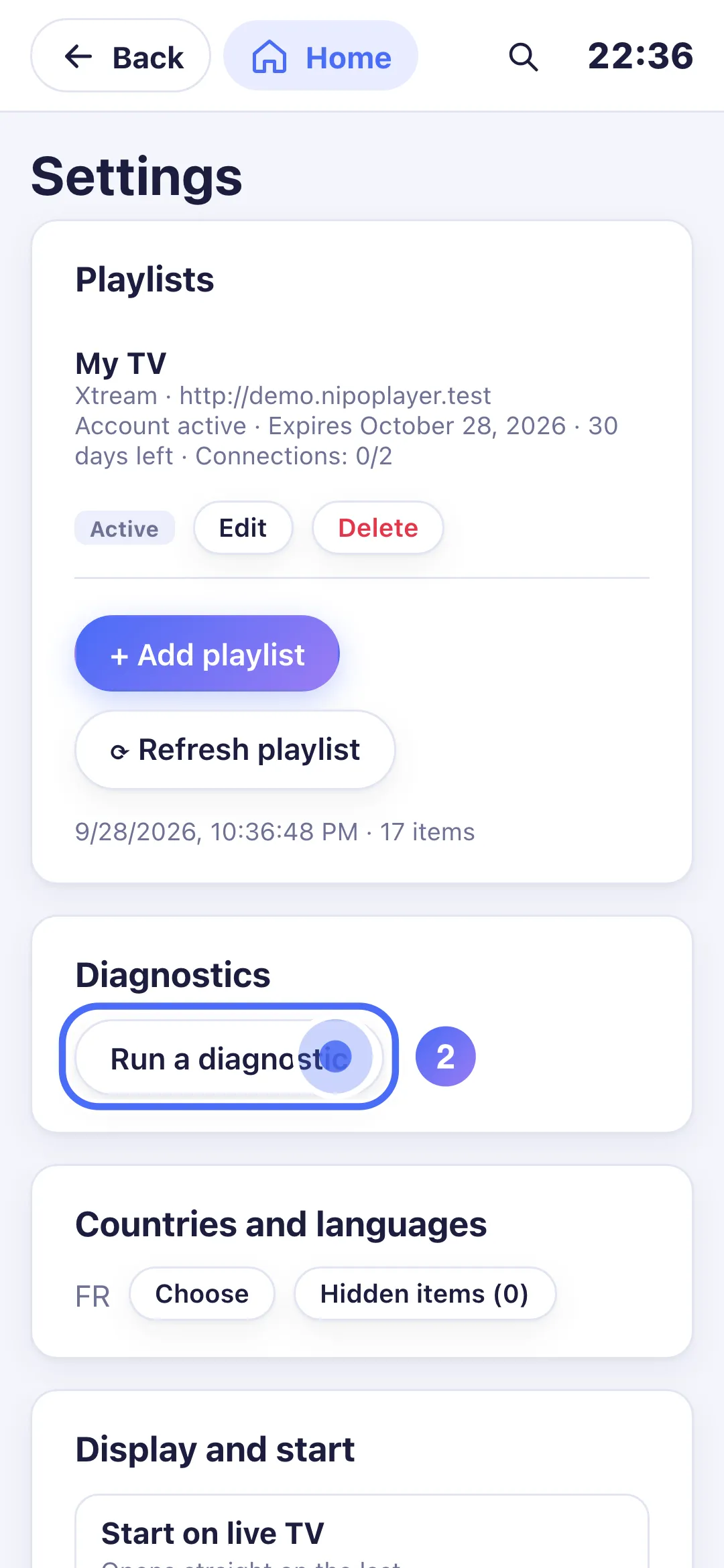
- 02
Touch “Run a diagnostic”.
- 03
The diagnosis confirms: your connection works, but your playlist’s server doesn’t answer.
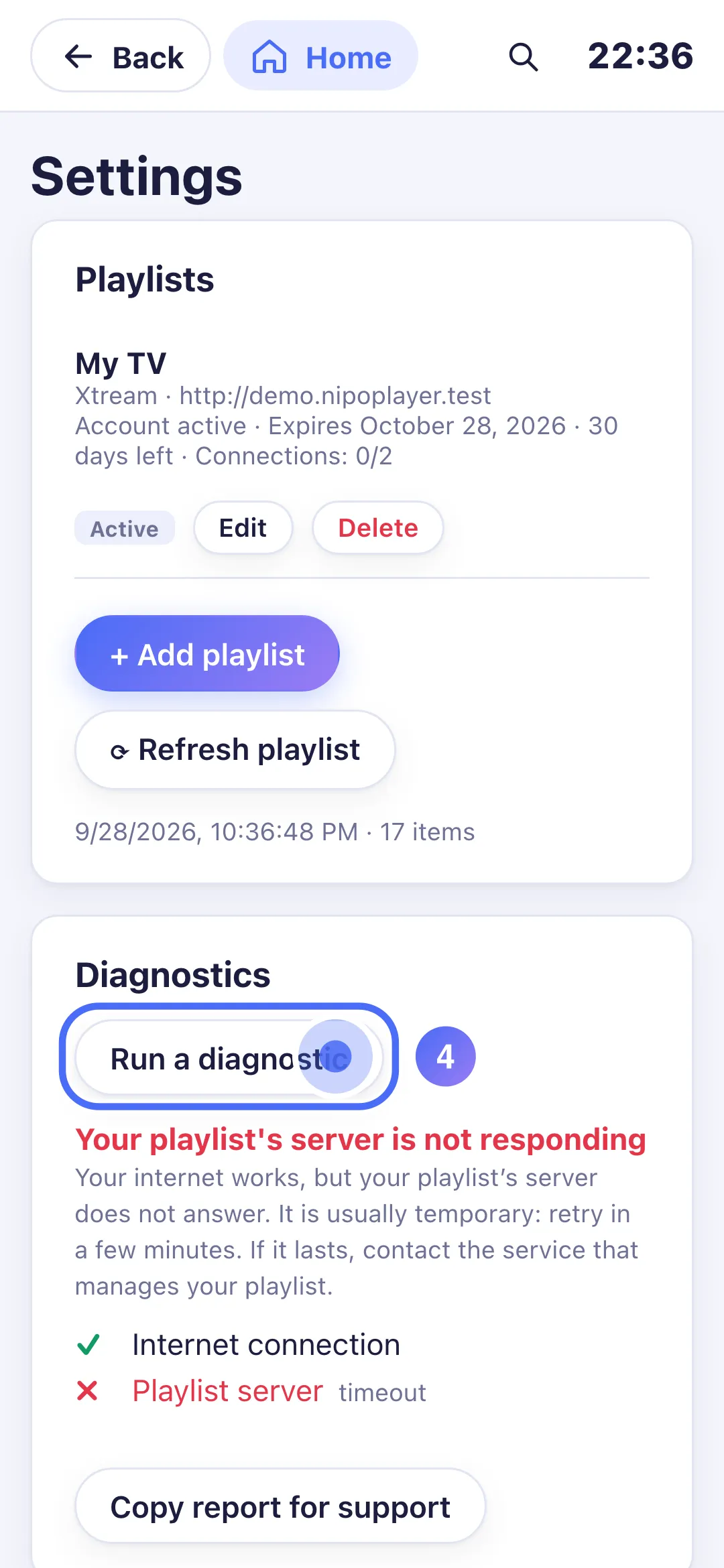
- 04
Wait a few minutes, then touch “Run a diagnostic” again.
Steps
- Check that the rest of the internet works on this device (a website, another app).
- Wait a few minutes: an outage on the server side is usually temporary.
- Tap Retry on the diagnosis screen.
- If it lasts more than an hour, contact the service that manages this playlist.
Tip
If you instead see "No internet connection", the problem this time is on your own network (Wi-Fi or cable): check your router or connection before contacting the service that manages your playlist again. You can run this same diagnosis at any time, even with no error, from Settings → Diagnostics.
Updated on 28 September 2026
Did this article help you?
Can’t find the answer?
Write to us: we answer about the app and how it works. We can’t recommend a playlist.