
A movie or episode is refused (error 406): what should I do?
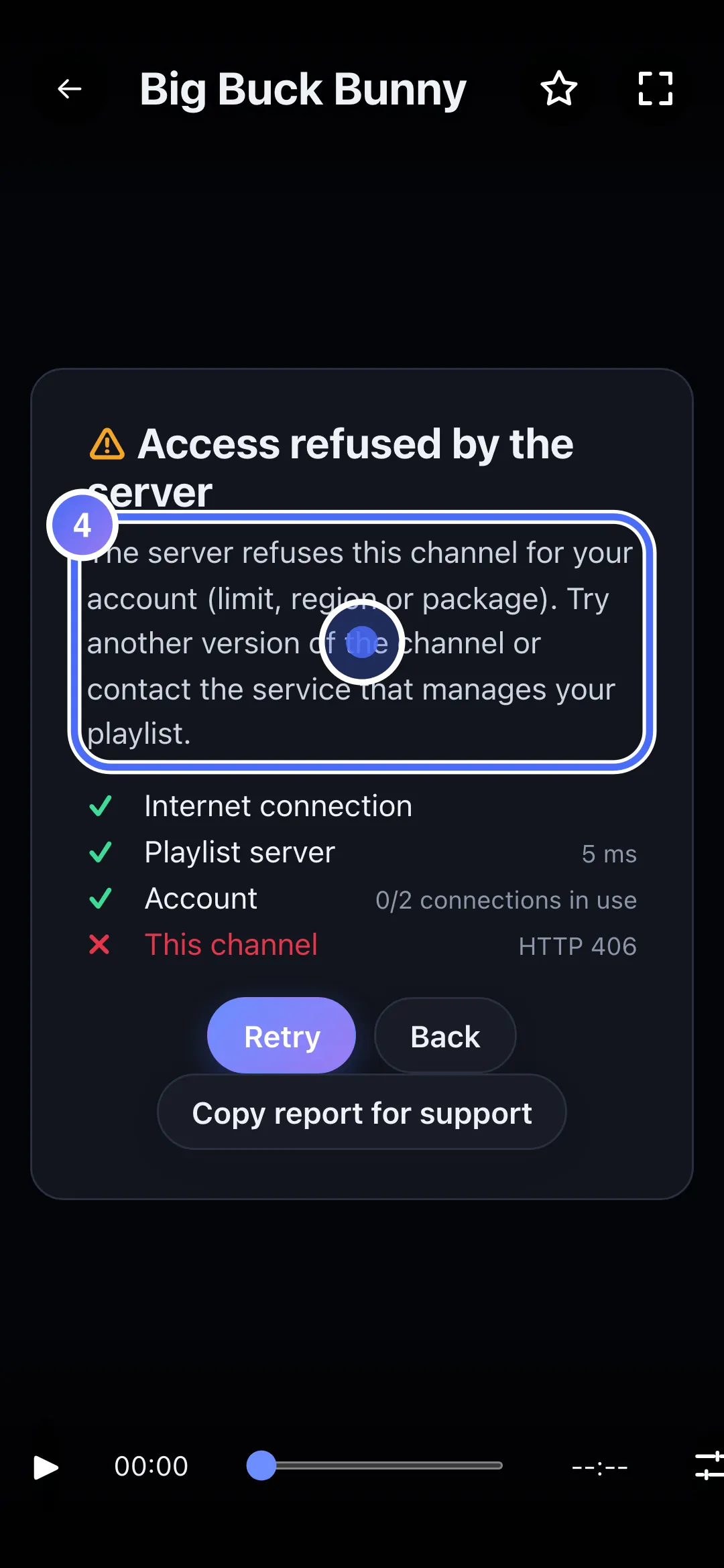
The server refuses this content for your account (limit, region or package): try another version, or contact the service that manages your playlist.
Nipo doesn’t provide, sell or host any channel, movie or playlist: it plays what you already own.
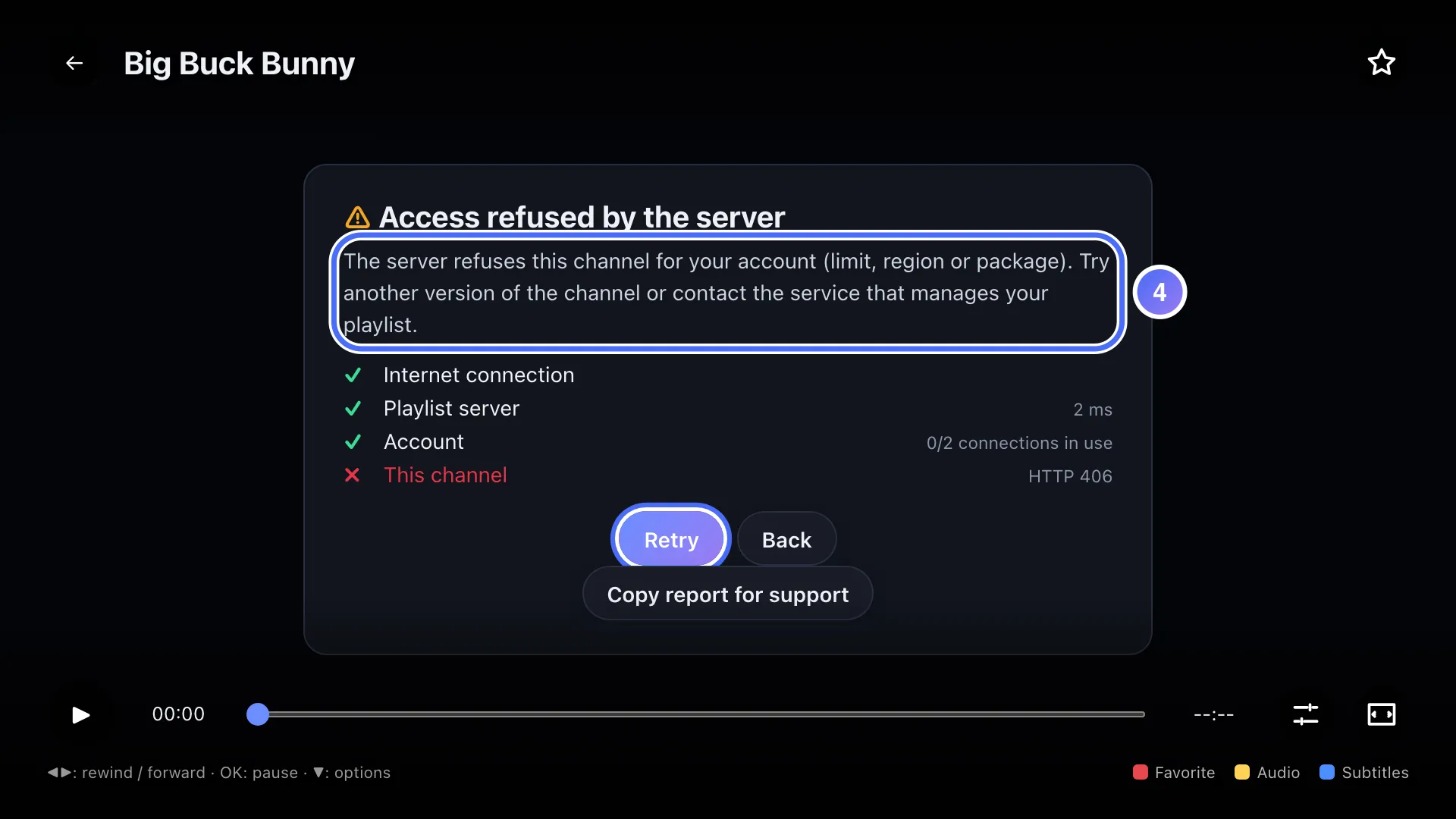
The diagnosis groups several responses from your playlist's server (including the technical code 406) under "Access refused by the server", all with the same cause: your account isn't allowed to see this specific content, under that server's own rules.
Step by step, with pictures
- 01
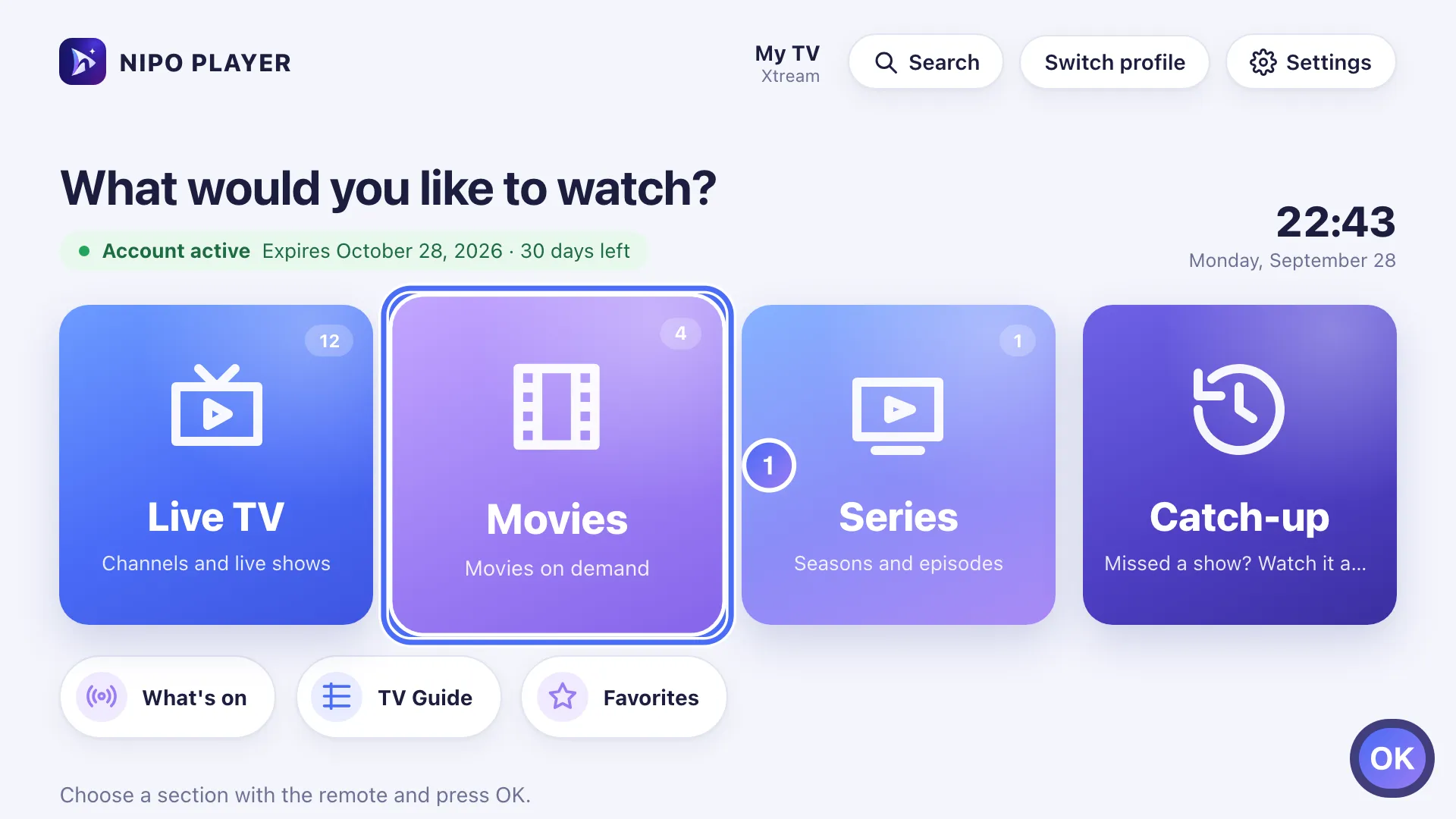
On Home, move to Movies with the arrows and press OK. Key OK
- 02
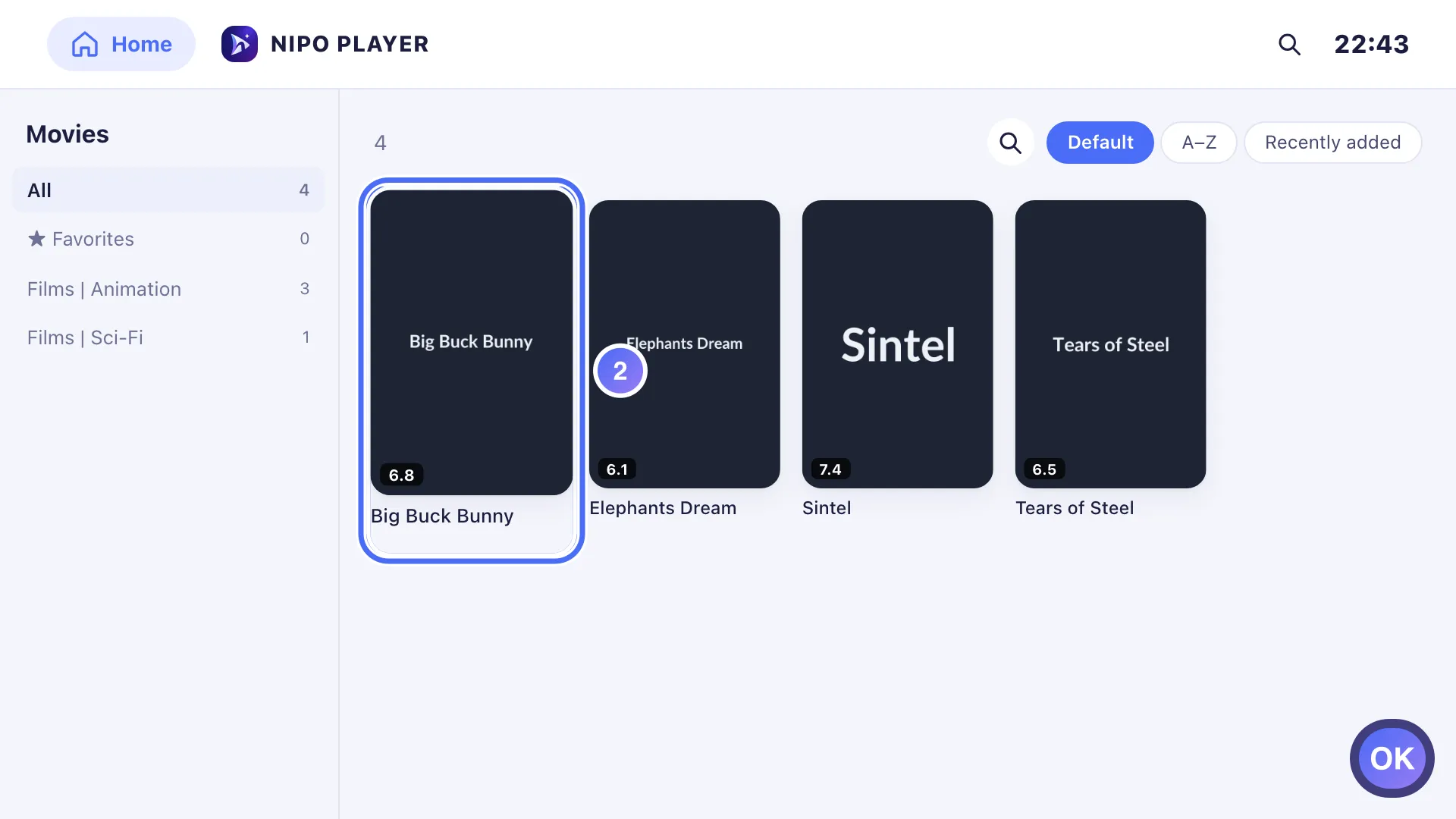
Pick a movie and press OK to open its details. Key OK
- 03
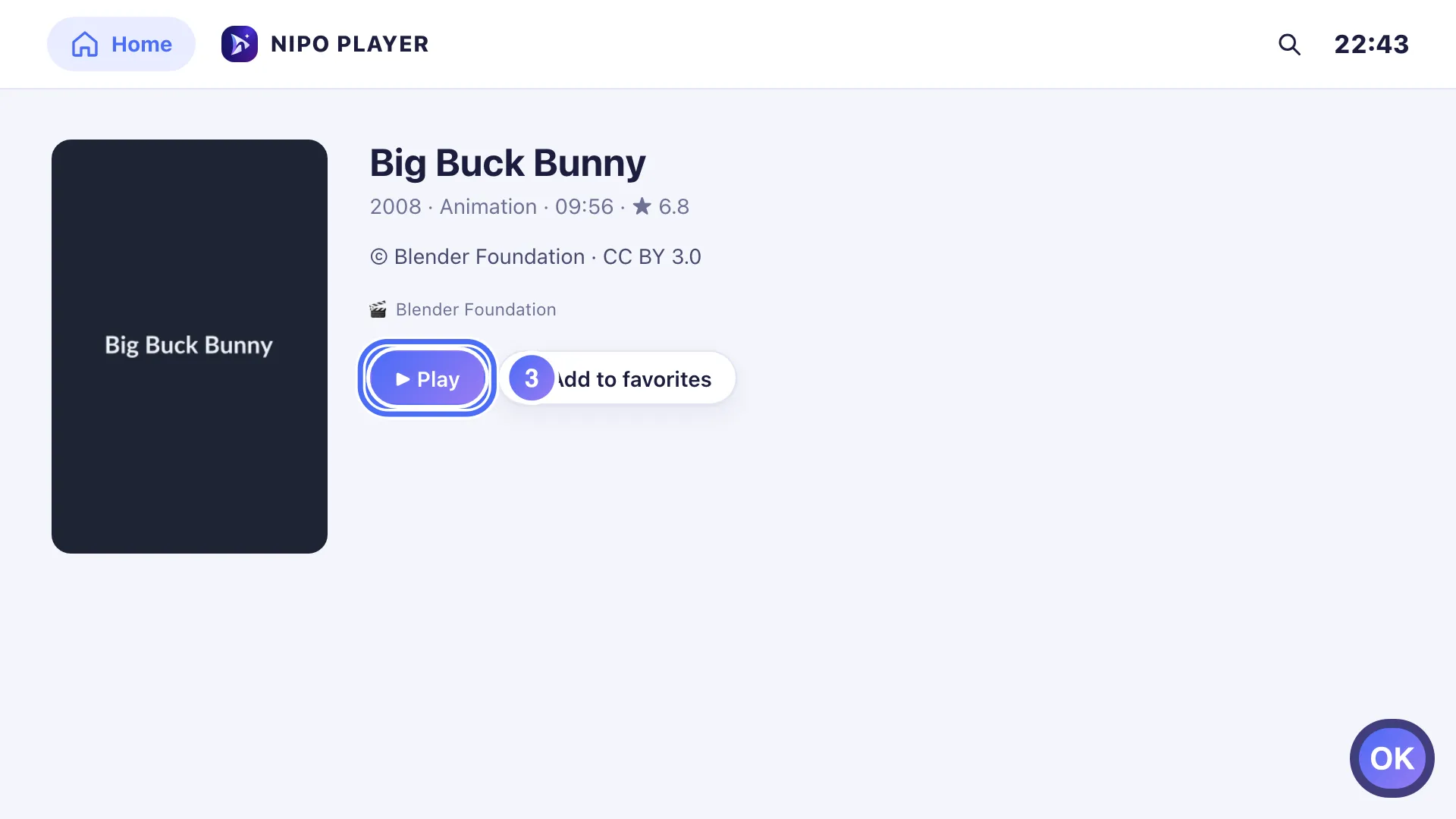
Press OK on “Play”. Key OK
- 04
The diagnosis shows “Access refused by the server”: your playlist’s server refuses this particular title.
- 01
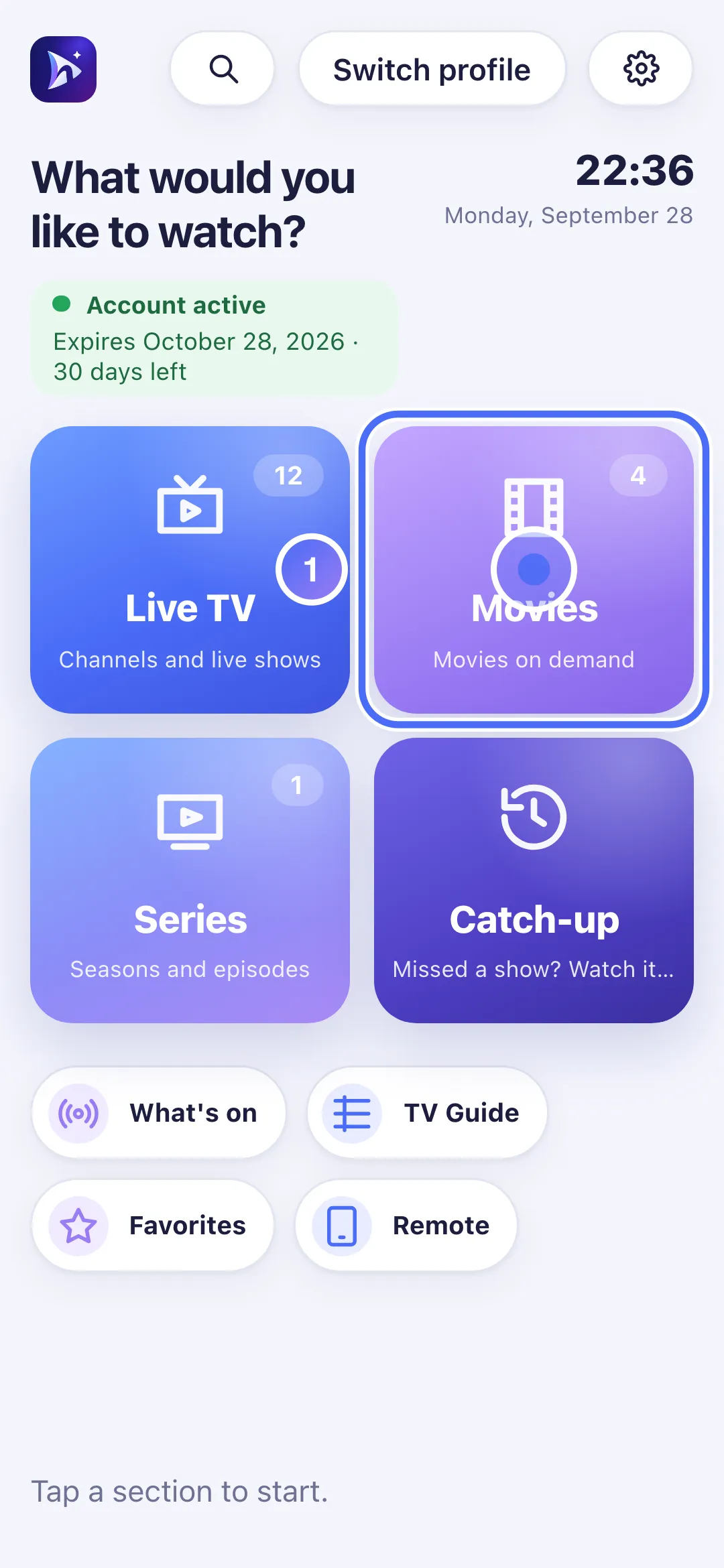
On Home, touch Movies.
- 02
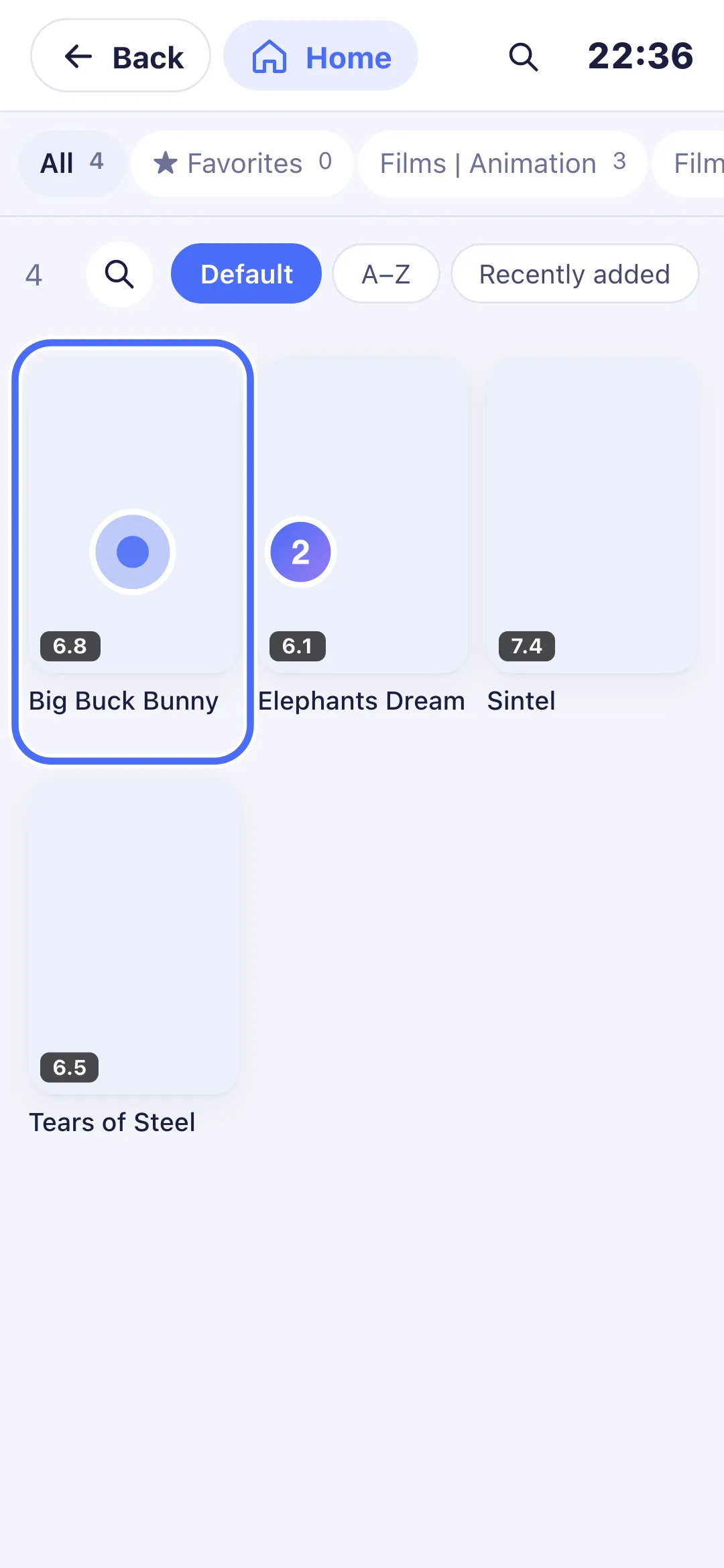
Touch a movie to open its details.
- 03
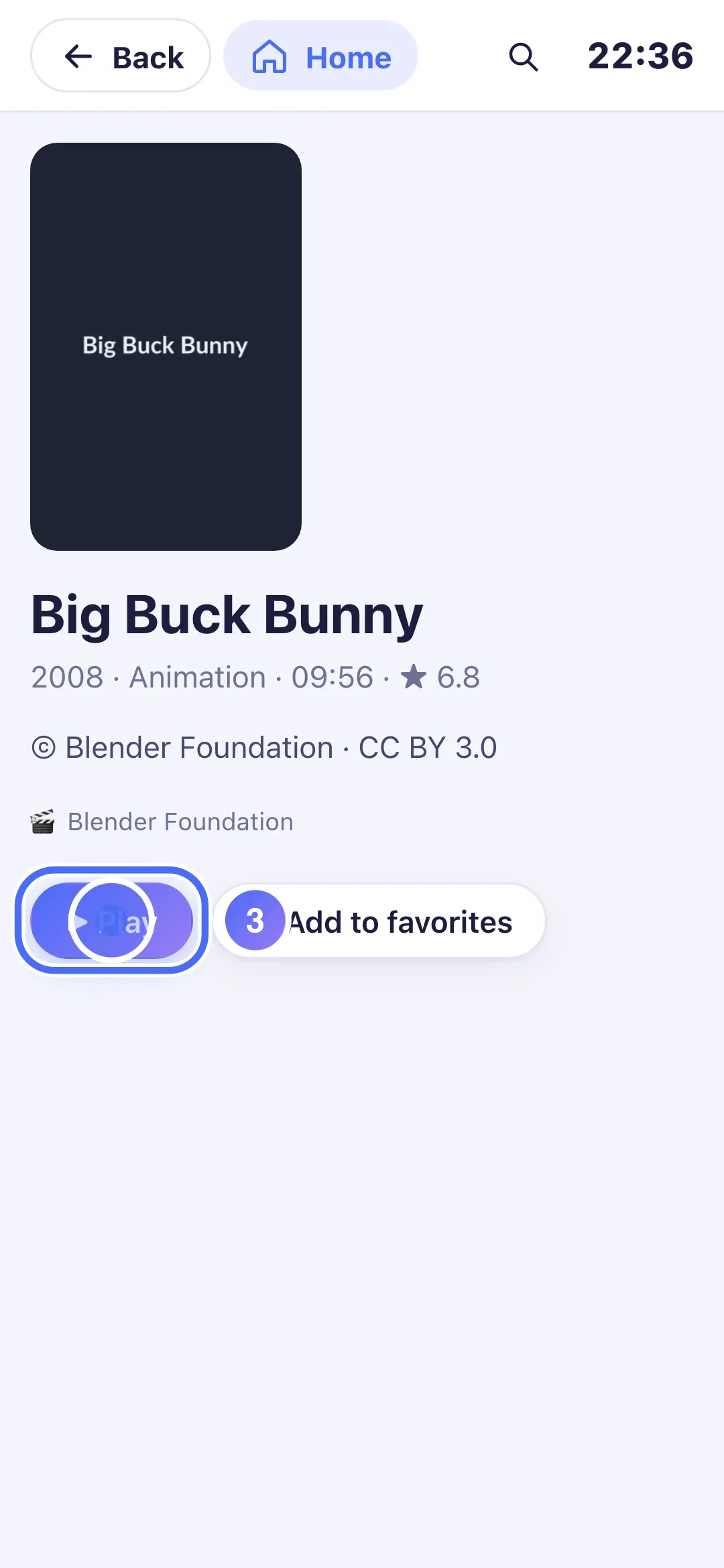
Touch “Play”.
- 04
The diagnosis shows “Access refused by the server”: your playlist’s server refuses this particular title.
Steps
- Note the title of the movie or episode involved.
- If other versions exist in your playlist, try another one offered under the message.
- Try a different movie or series to check whether the problem affects the whole catalog or just this title.
- If it affects many titles, contact the service that manages your playlist: they set the access rules for your account's movies and series.
Tip
This error always comes from your playlist's server, never from Nipo Player: the app never blocks any movie or series on its own. We can't recommend a playlist or intervene in a third-party server's access rules.
Updated on 28 September 2026
Did this article help you?
Can’t find the answer?
Write to us: we answer about the app and how it works. We can’t recommend a playlist.