
Smarters removed from stores: what to do?
Smarters Pro is no longer on Google Play and its official site no longer answers. The verified facts, the traps to avoid and how to keep your playlist safe.
Nipo doesn’t provide, sell or host any channel, movie or playlist: it plays what you already own.
Choosing a playerThe Nipo Player team 5 min read
Looking for Smarters Pro on Google Play and can't find it anymore? You're not alone. This article sums up the situation, with verified facts only, then explains what to do in practice: keep your current app, avoid dubious copies, and, if you want, move to another player without losing your playlist.
To be clear: Nipo Player is a different player, with no link to Smarters Pro. Like it, it supplies no channel and no playlist.
What's verified (as of 29 September 2026)
No more Google Play listing
The app's former Google Play listing answers "not found", in the French store as in the US one. The official site said so itself in its latest archived version (15 August 2026): the app wasn't available on Google Play, and the site offered an APK file to install yourself instead.
The official site no longer answers
On 29 September 2026, the official Smarters site no longer answered (its domain name could not be found). Only its archived copies can still be viewed.
On iPhone and iPad, another app
The official site said the iPhone, iPad and Apple TV version is called Smarters Player Lite. That app, published by WHMCS Smarters, was on the App Store on 29 September 2026.
On Samsung and LG
The official site listed an app in the Samsung and LG stores, stating that Premium features aren't available there.
Many apps with similar names
A "smarters" search on the App Store on 29 September 2026 showed several apps with very similar names, published by other developers. The official site itself warned about sites copying its name and content.
We don't know why the app left Google Play and won't guess: only the developer or Google could say.
What if the app is already installed?
Generally, an app that's already installed stays on your device when its listing disappears from a store. It does, however, stop receiving updates through that store. In practice:
- Don't rush to uninstall it. If it works, there's no hurry.
- Write down your playlist now (see below): it's the only thing that really matters.
- Watch for signs of wear: crashes after a TV or box update, features that stop responding.
Traps to avoid
APK files from unknown sites
When an app disappears from a store, dozens of sites offer "the latest version" for download. Nothing guarantees the file is the developer's: it may contain ads or spyware, or ask for needless permissions.
Apps with misleading names
An app that uses a well-known player's name isn't necessarily from the same developer. Always check the publisher's name on the listing before installing.
"Player + channels" offers
A site selling a player "with the channels" isn't a player's developer: a player doesn't supply content.
Your playlist is yours
Good news: your playlist isn't locked inside Smarters Pro. It's standard information that any compatible player can read:
- either an M3U link (an address that often ends in .m3u or .m3u8);
- or an Xtream login: a server, a username and a password.
Find it in the message or e-mail you were given, or ask the person or service that runs the server. Keep it somewhere safe. To understand these formats: M3U playlist and Server login.
Choosing a replacement
Before choosing, ask yourself three questions:
- Which devices do you watch on? A player made only for Android TV is no use on a Samsung TV.
- How many screens? A per-device price quickly gets expensive for the whole home.
- What happens if it doesn't work? Read the refund policy.
Our player comparison answers these questions for nine players, with sources. A few honest pointers:
- Android TV only: TiviMate is very complete, but only runs there (comparison).
- A single Samsung or LG TV: Smart, the app for these two TV brands, costs €5.49 per TV (comparison).
- Several screens, TV, phone and computer: that's the case Nipo Player is built for (comparison).
Moving to Nipo Player in 3 steps
- Install Nipo Player on your device: the Devices page shows how, device by device.
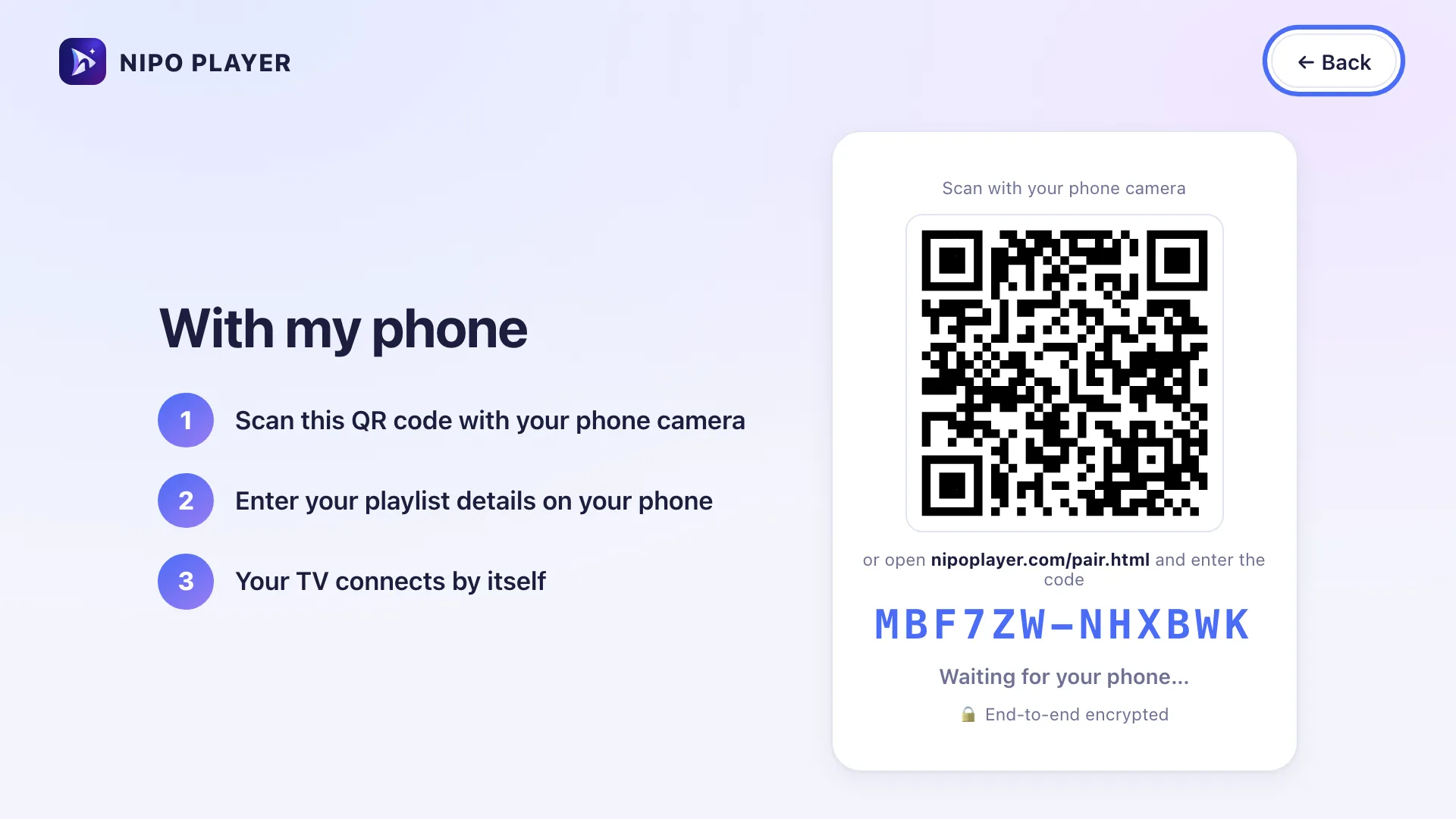
- Add your playlist: type the Xtream login or the M3U link, or send them from nipoplayer.com with the Nipo code shown in the app (Send a playlist).
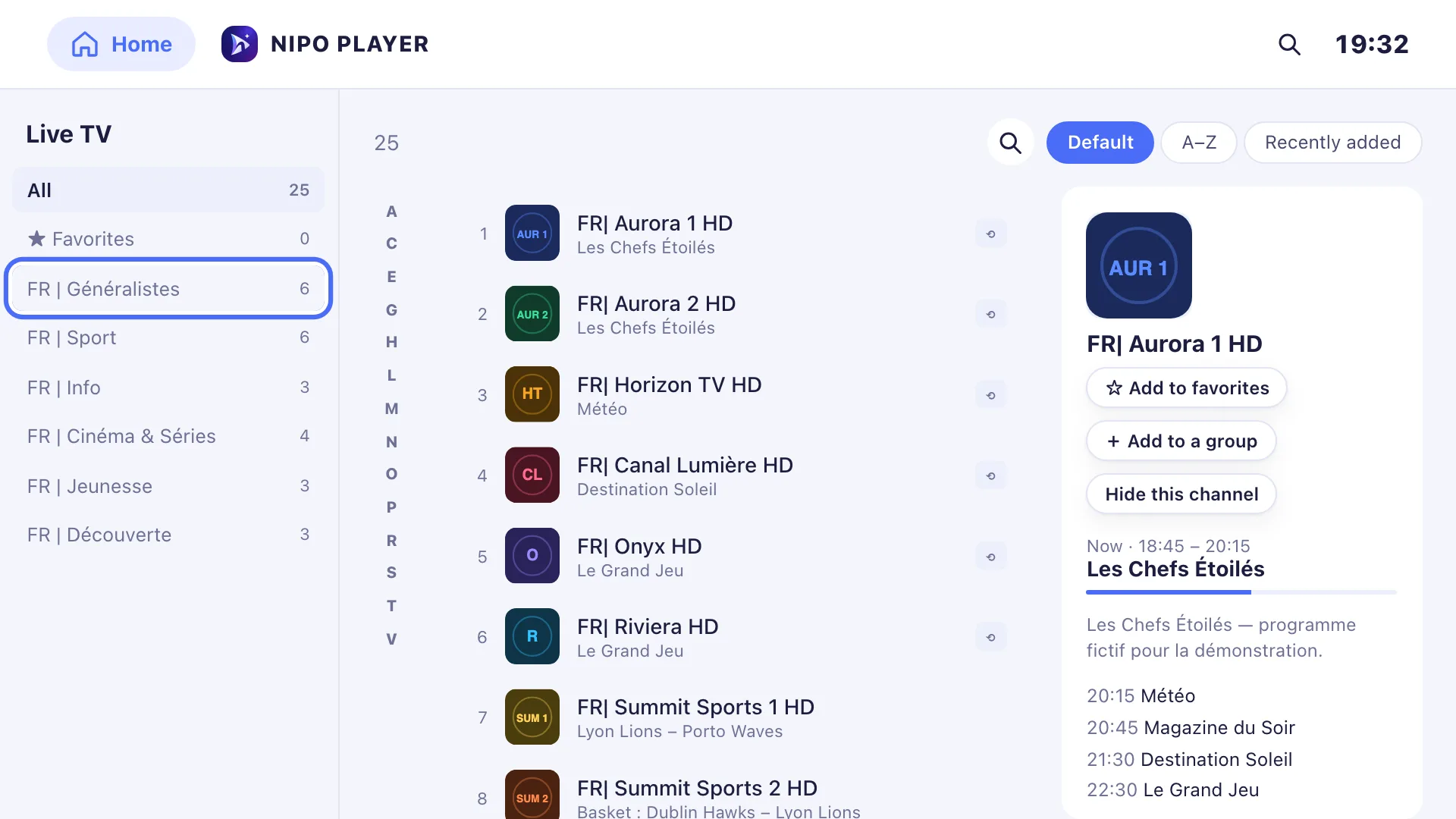
- Get your habits back: live TV, movies, series, favourites, CH+/CH− and previous channel on the remote.
The player is free, with no account and no ads. Nipo Premium (1 screen) and Nipo Family (5 screens) are bought once, with a 14-day refund, and work on Samsung and LG too.
Is it legal?
A player is legal software. An app leaving a store doesn't make using it illegal. What must be legal is the content of your playlist: Nipo Player supplies, sells and hosts no channel, and you're responsible for what you add.
Frequently asked questions
Will Smarters Pro come back to Google Play?
We don't know, and we won't make predictions. Only the developer can answer.
Will my installed app stop working?
Generally not: it stays installed. But it no longer gets updates through the store, and may eventually stop working after a system update.
Can I import my favourites into another player?
Favourites are usually specific to each app. Your playlist, though, works everywhere: that's what you need to keep.
Is Nipo Player a version of Smarters?
No. Nipo Player is an independent player, developed separately.
Sources
- Official Smarters site, archived copy of 15 August 2026: web.archive.org
- The app's Google Play listing (answers "not found"): play.google.com
- Smarters Player Lite on the App Store: apps.apple.com

Updated on 29 September 2026
Contact supportRead next
 Getting started
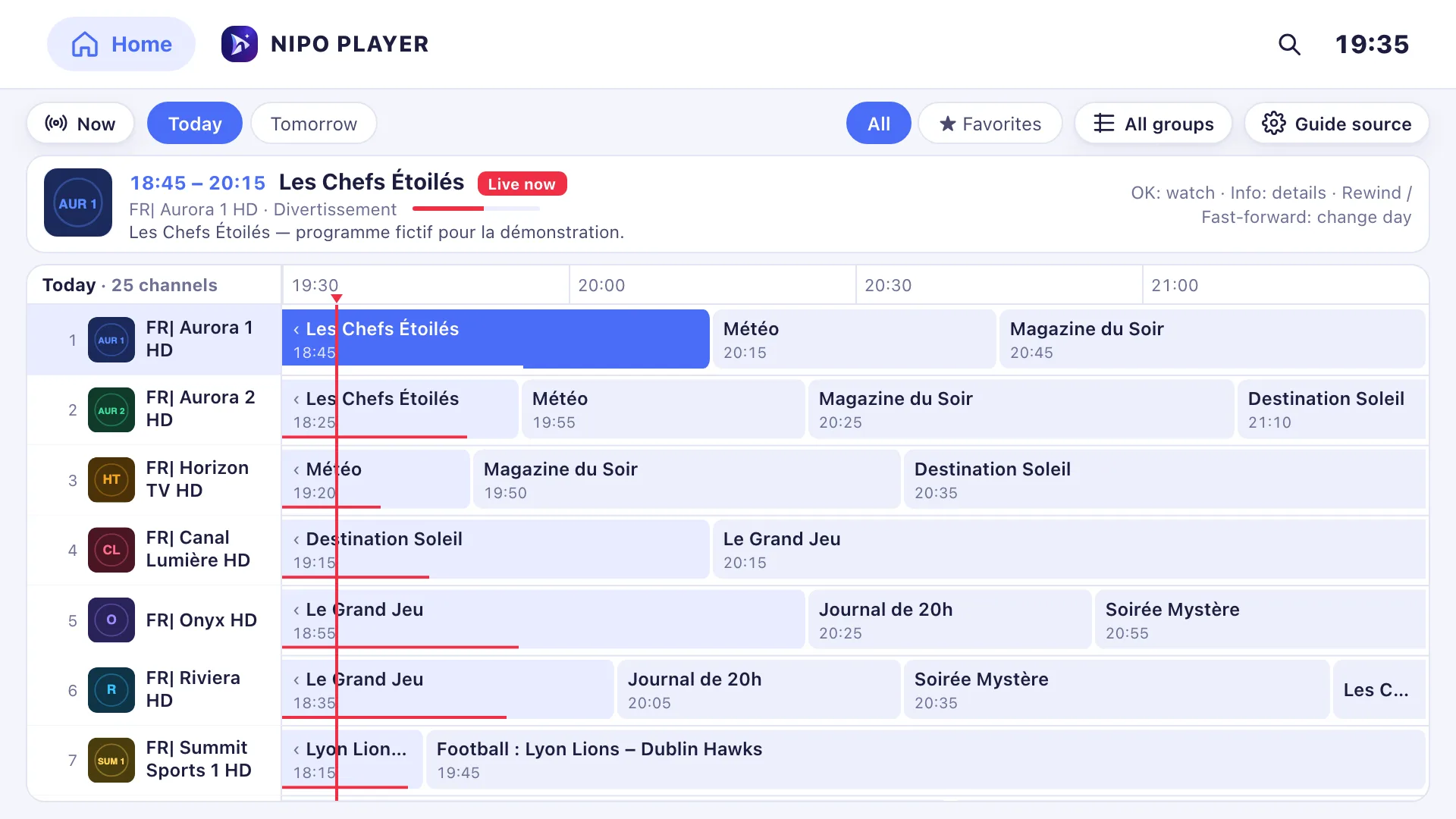
Add a TV guide (XMLTV) to your playlist
If your playlist's guide is incomplete, paste a separate XMLTV guide link in the guide settings: Nipo Player matches it to your channels by their ID.
29 September 2026 · 3 min read
 Devices
Best M3U player for LG TV
Which player for an LG TV (webOS)? LG Content Store, Magic Remote, price per TV or per home, refunds: the options compared, with sourced facts about each.
29 September 2026 · 5 min read
- Devices
Best M3U player for Samsung TV
Which player for a Samsung TV (Tizen)? Installing, sound, price per TV or per home, refunds: the options compared, with sourced facts about each player.
29 September 2026 · 5 min read
Try Nipo Player on your TV
The player is free on TV, phone and computer. You add your own playlist.