
M3U player keyboard shortcuts on Mac and Windows
Copy, paste, select all, undo: Nipo Player's keyboard shortcuts on Mac (⌘) and Windows (Ctrl), plus right-click and the hidden Windows menu bar.
Nipo doesn’t provide, sell or host any channel, movie or playlist: it plays what you already own.
On Mac and Windows, Nipo Player is driven with a mouse and keyboard like any other desktop app.
Step by step, with pictures
- 01
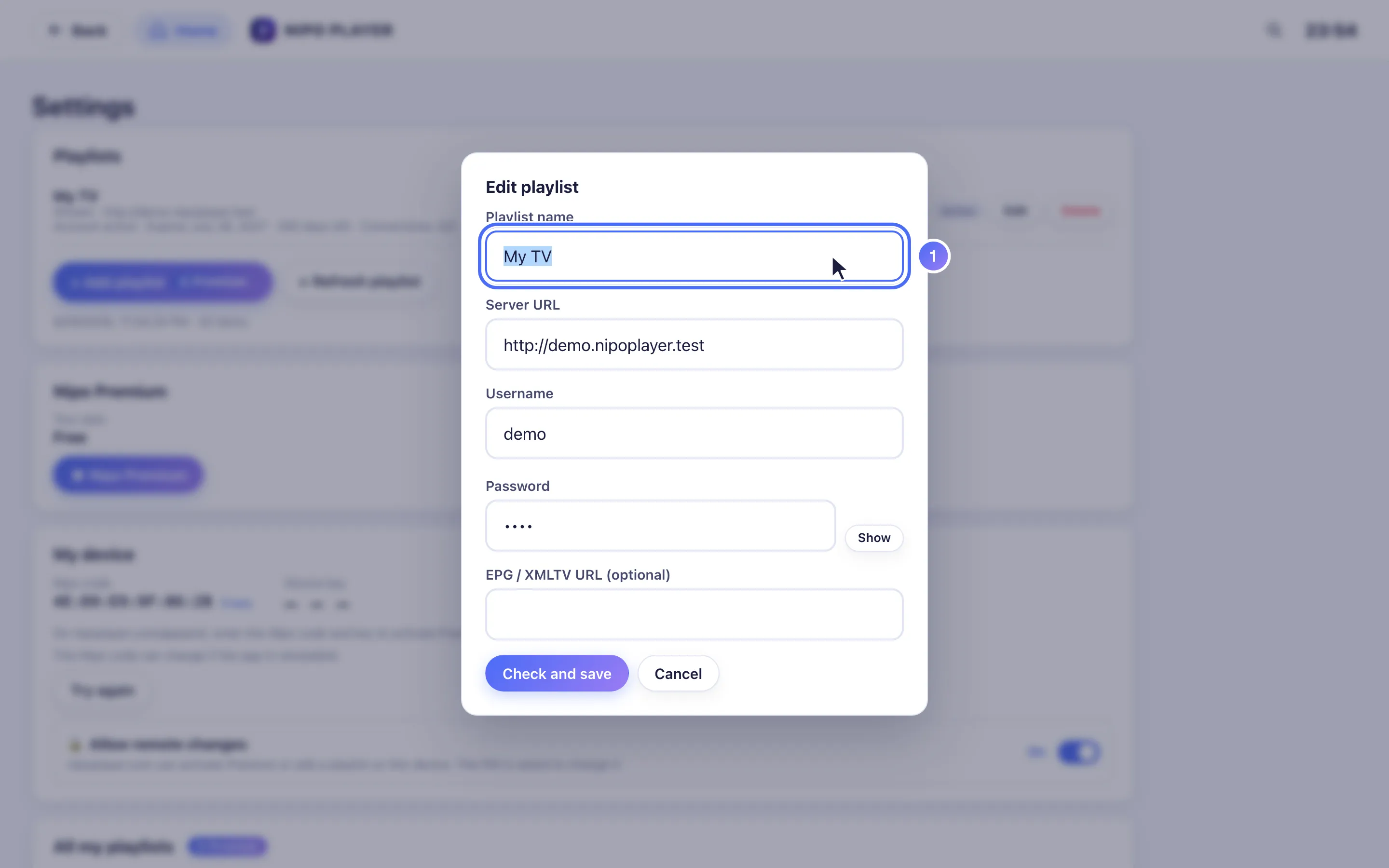
In a text field, ⌘A (Mac) or Ctrl+A (Windows) selects all; ⌘C/Ctrl+C copies, ⌘V/Ctrl+V pastes.
Keyboard shortcuts
In text fields (search, login details, playlist address):
| Action | Mac | Windows |
|---|---|---|
| Copy | ⌘C | Ctrl+C |
| Paste | ⌘V | Ctrl+V |
| Cut | ⌘X | Ctrl+X |
| Select all | ⌘A | Ctrl+A |
| Undo | ⌘Z | Ctrl+Z |
Right-click
Right-clicking in a text field opens a Cut / Copy / Paste / Select all menu, like in a browser or a word processor.
Menu bar (Windows)
On Windows, the window's menu bar is hidden by default to save space. Press Alt to show it.
Tip
The computer keyboard also lets you type an M3U link or an Xtream login (server, username, password) directly, without a touch-friendly form. See also Remote control shortcuts on a TV if you also use Nipo Player on a TV.
Updated on 29 September 2026
Did this article help you?
Can’t find the answer?
Write to us: we answer about the app and how it works. We can’t recommend a playlist.