
Come aggiungo un account con server, nome utente e password?
Scegli questo metodo, inserisci server, nome utente e password ricevuti con la playlist, e collegati per caricare canali, film e serie.
Nipo non offre, vende né ospita alcun canale, alcun film o alcuna playlist: riproduce quello che possiedi già.
Alcune playlist si collegano con tre informazioni invece di un unico link: si tratta di un accesso Xtream (server, nome utente, password). Nipo Player elenca questo tra i modi per collegarsi.
Passo dopo passo, con immagini
Le immagini mostrano l’app in inglese.
- 01
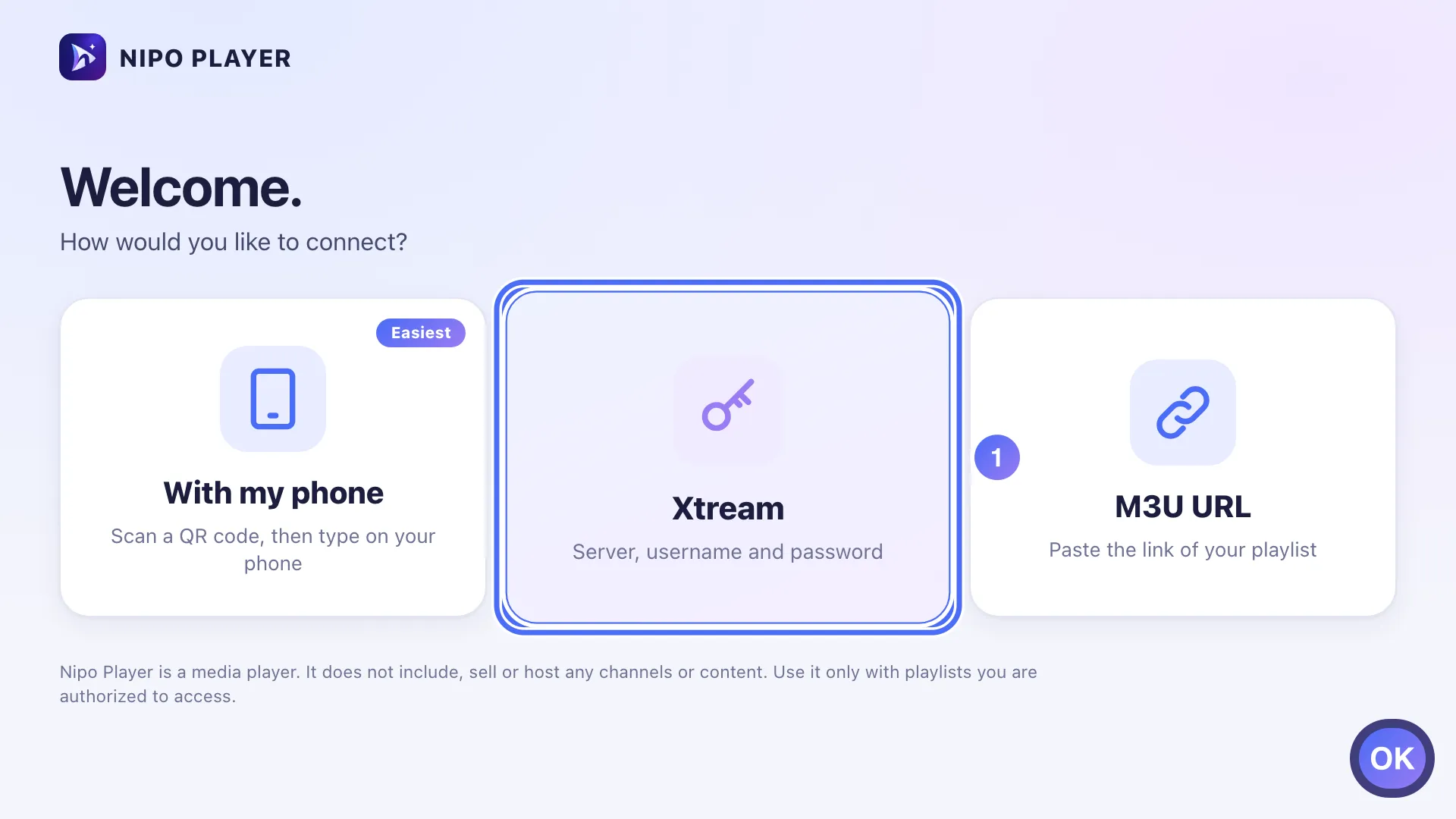
On "How would you like to connect?", choose the server, username and password method and press OK. Tasto OK
- 02
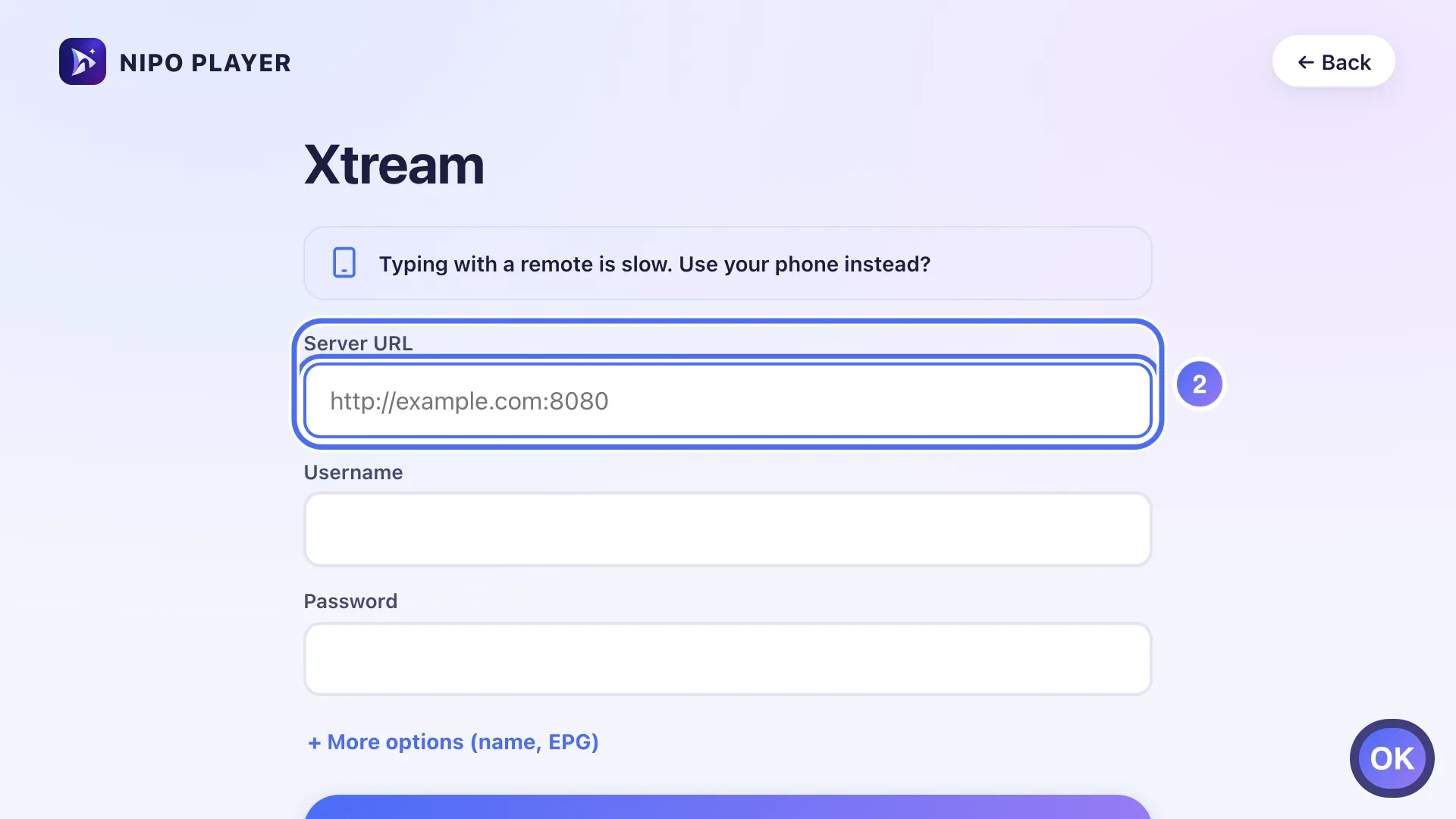
Select the Server URL field and press OK to type. Tasto OK
- 03
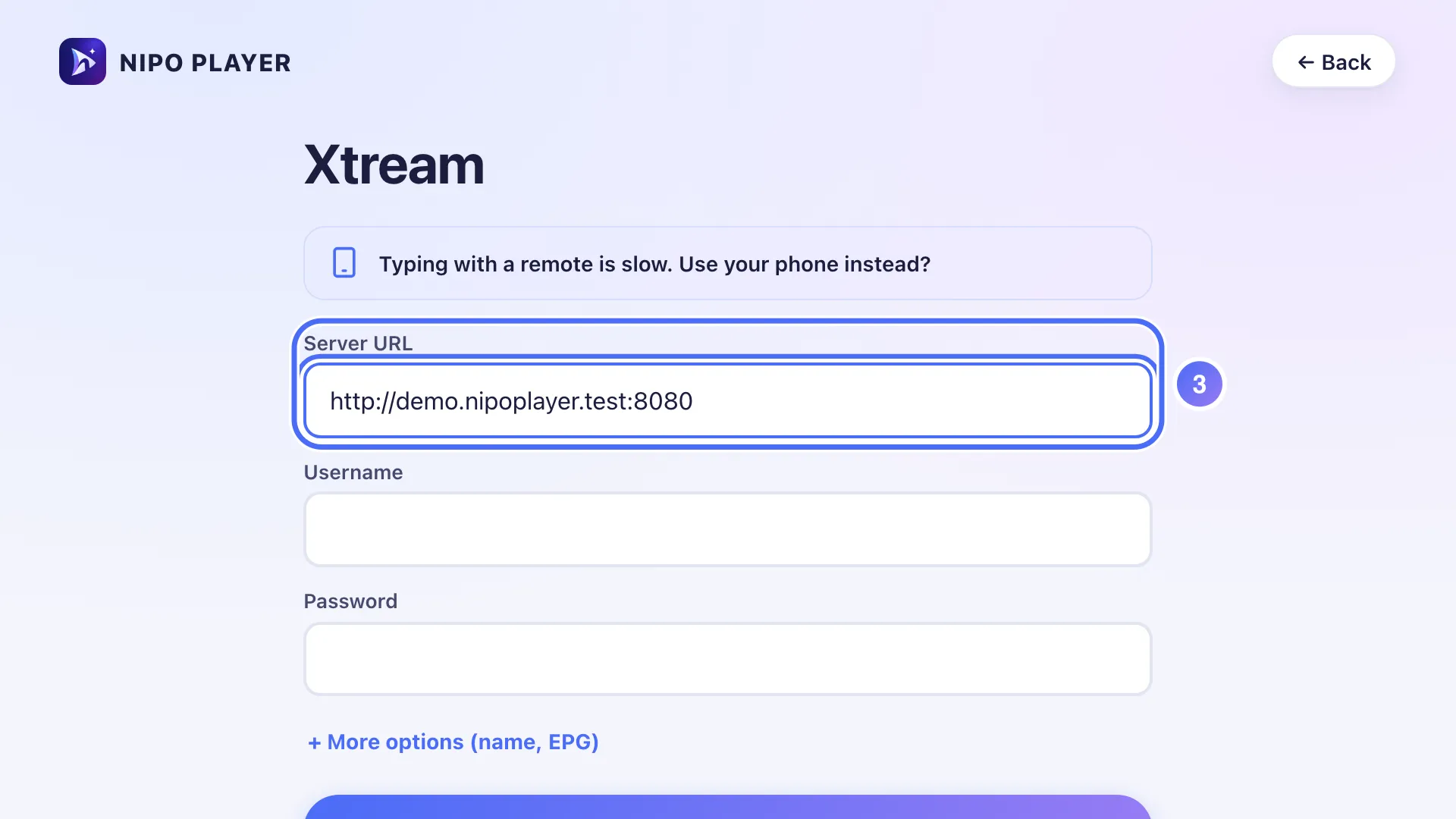
Type the exact address given by the service that manages your playlist, with the port number if there is one.
- 04
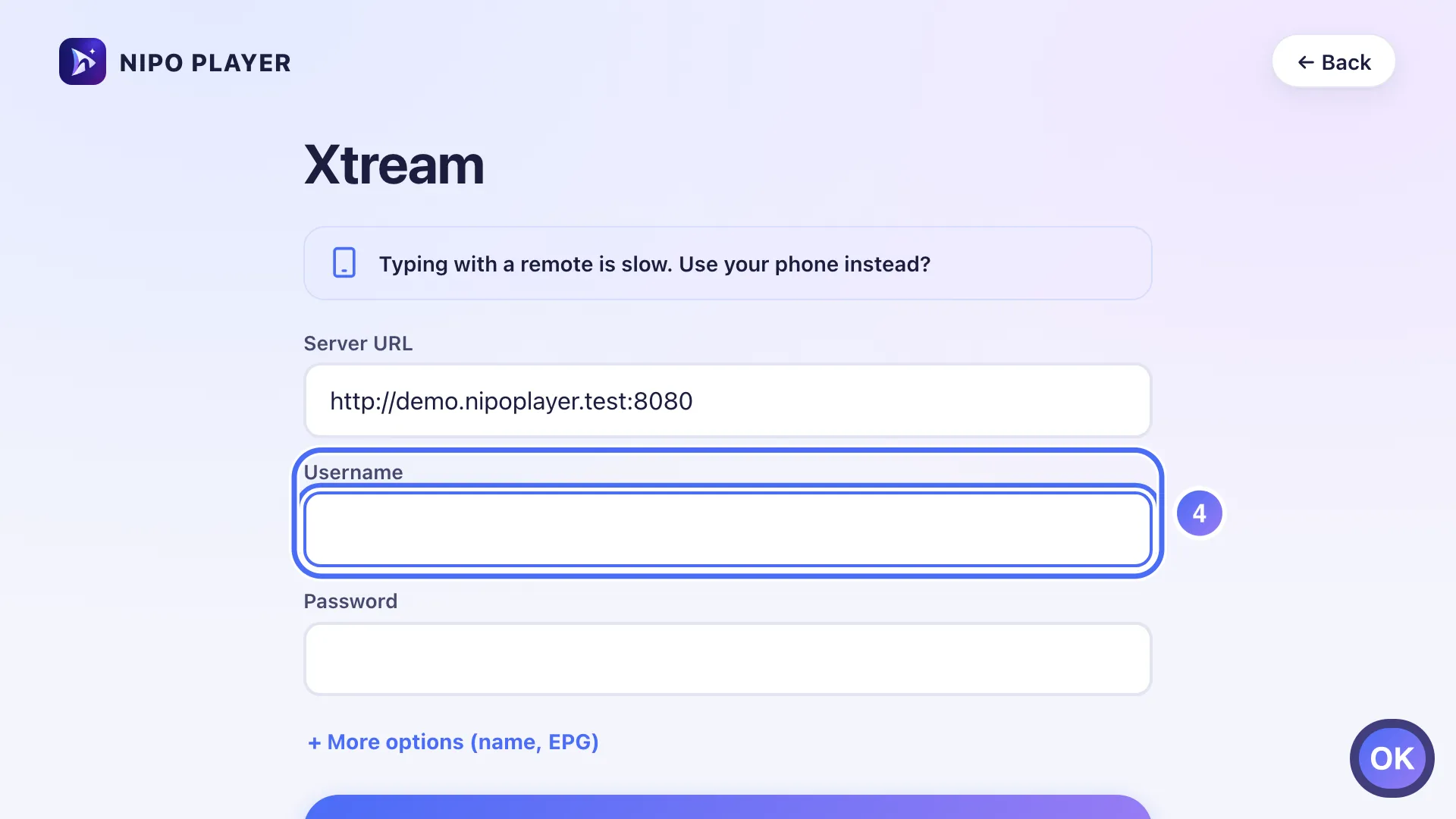
Go down to Username, press OK, then do the same for Password. Tasto OK
- 05
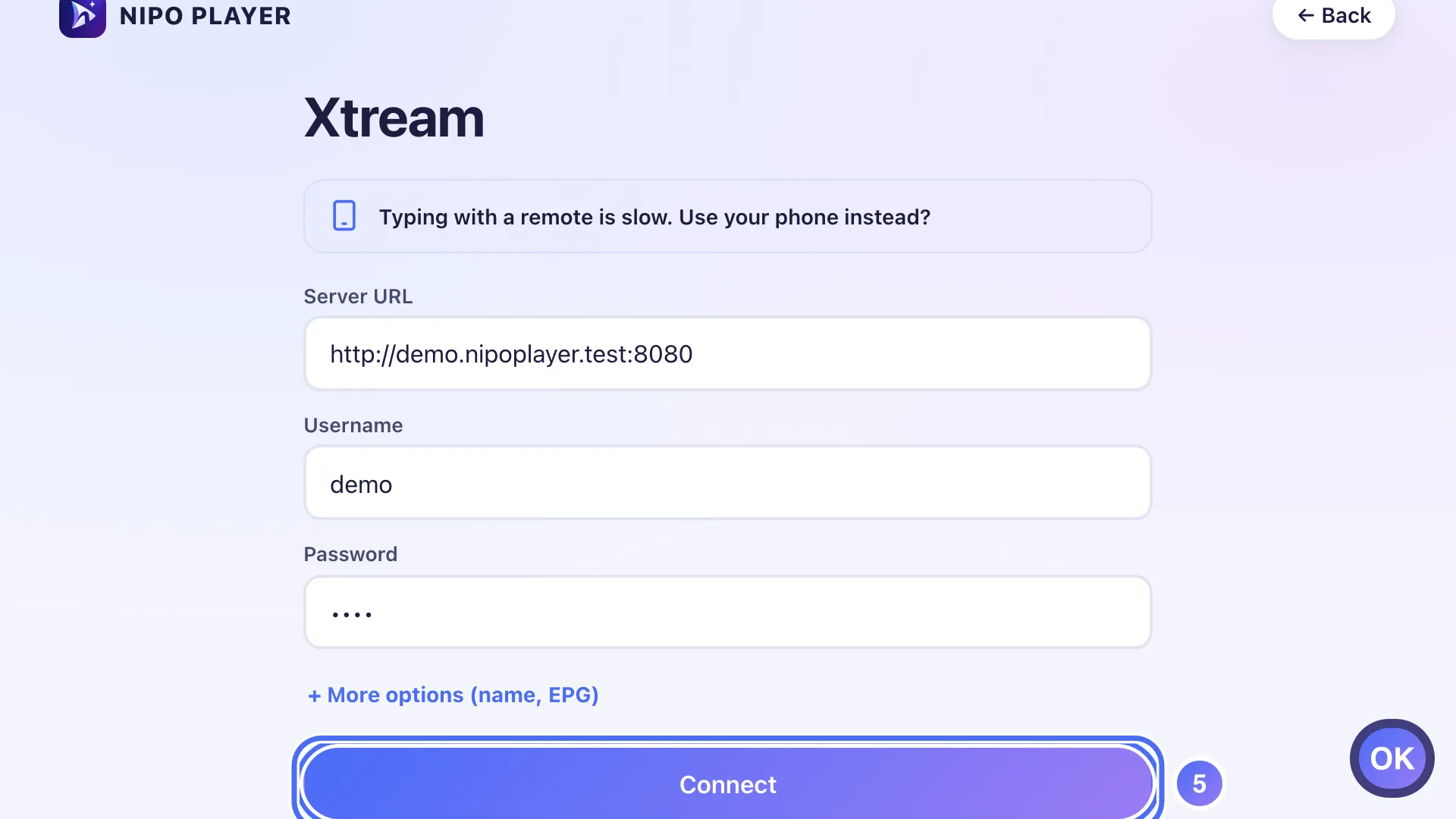
Once the three fields are filled, go down to Connect and press OK. Tasto OK
- 01
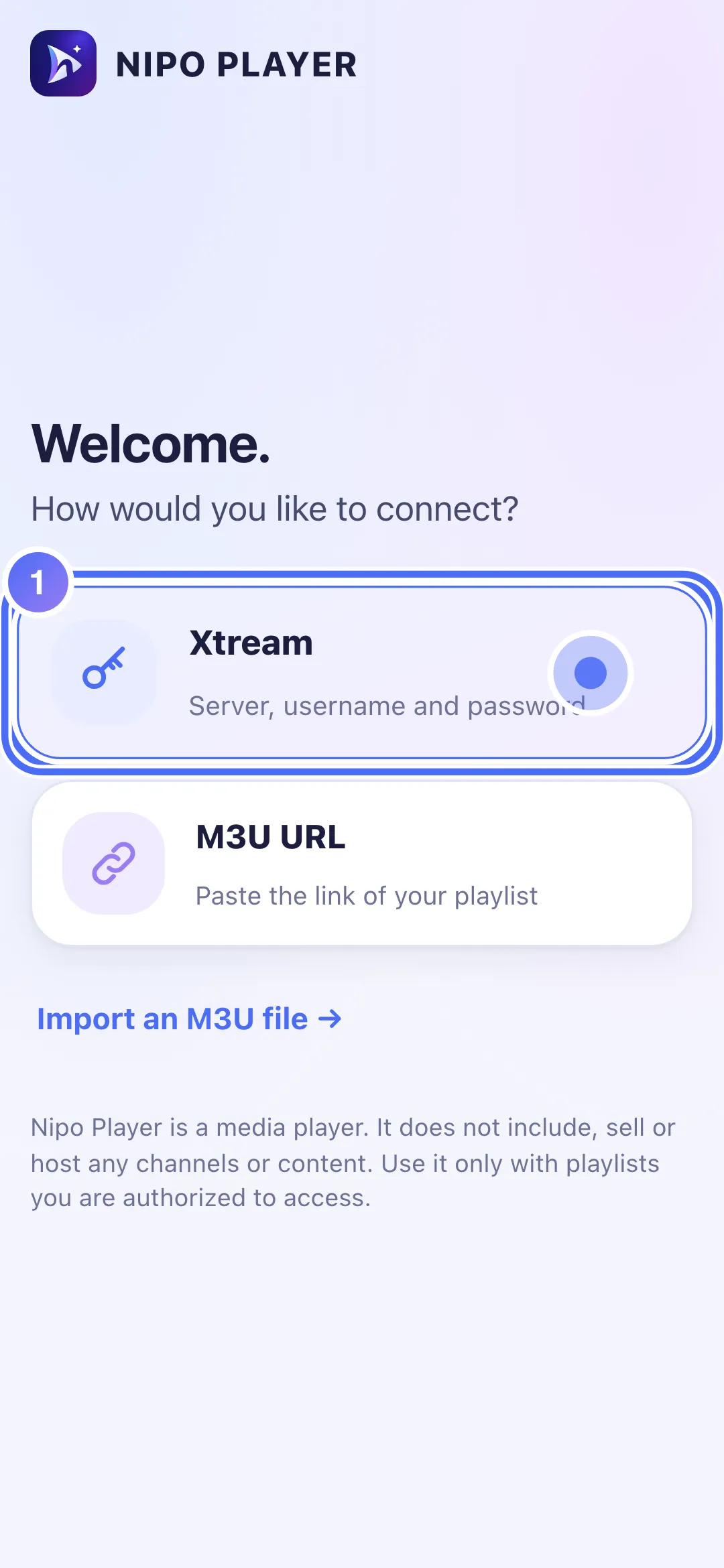
Tap “Xtream” to connect with a server, username and password.
- 02
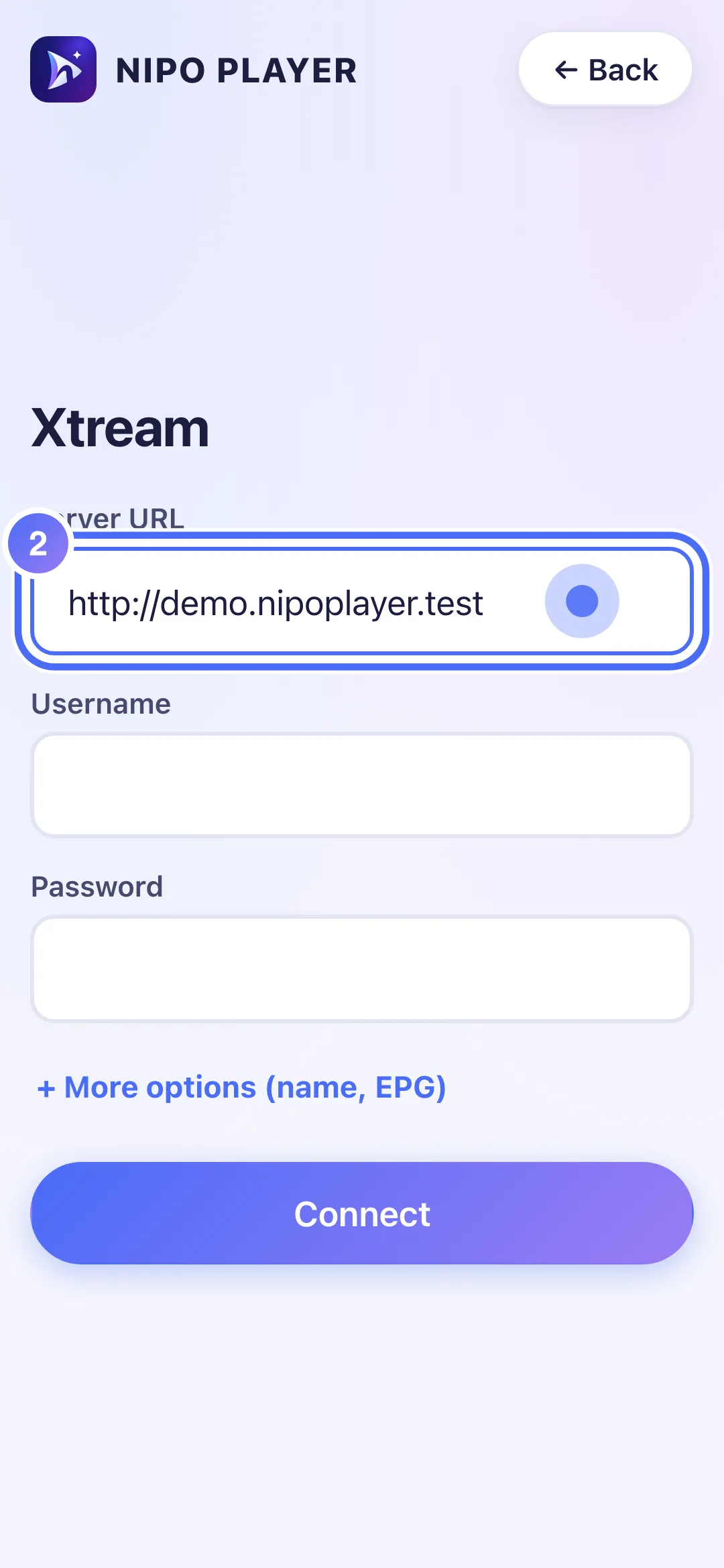
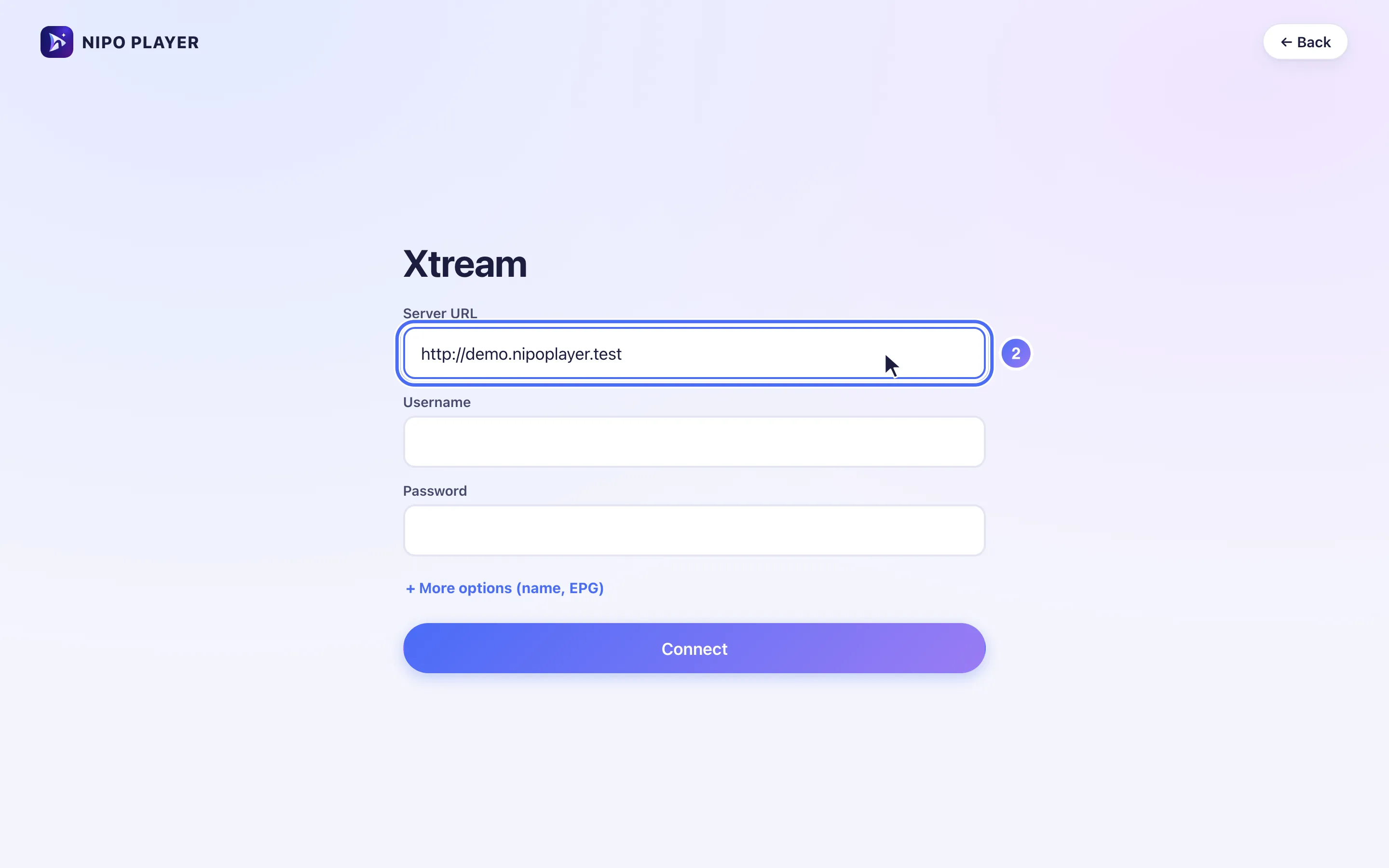
Tap “Server URL” and enter the address given by the service that manages your playlist.
- 03
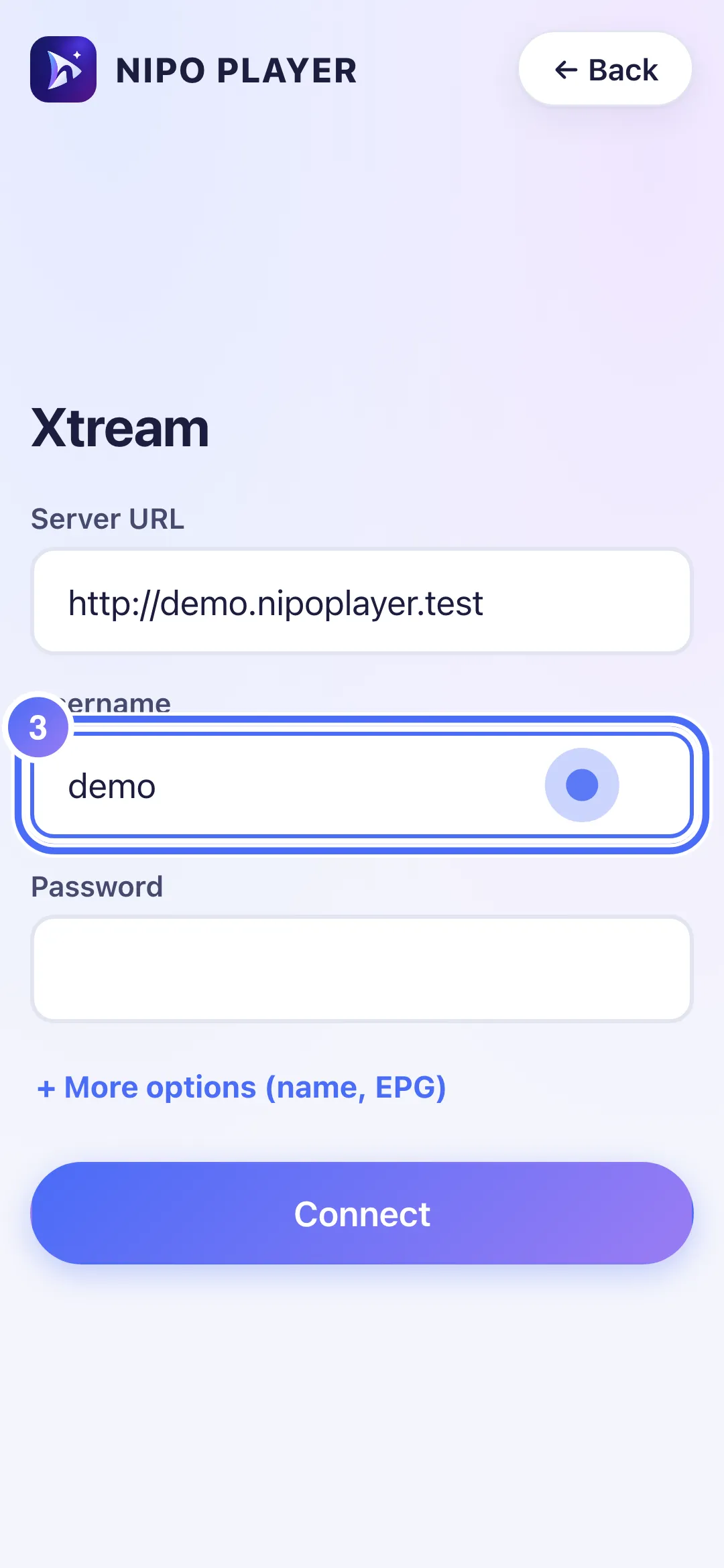
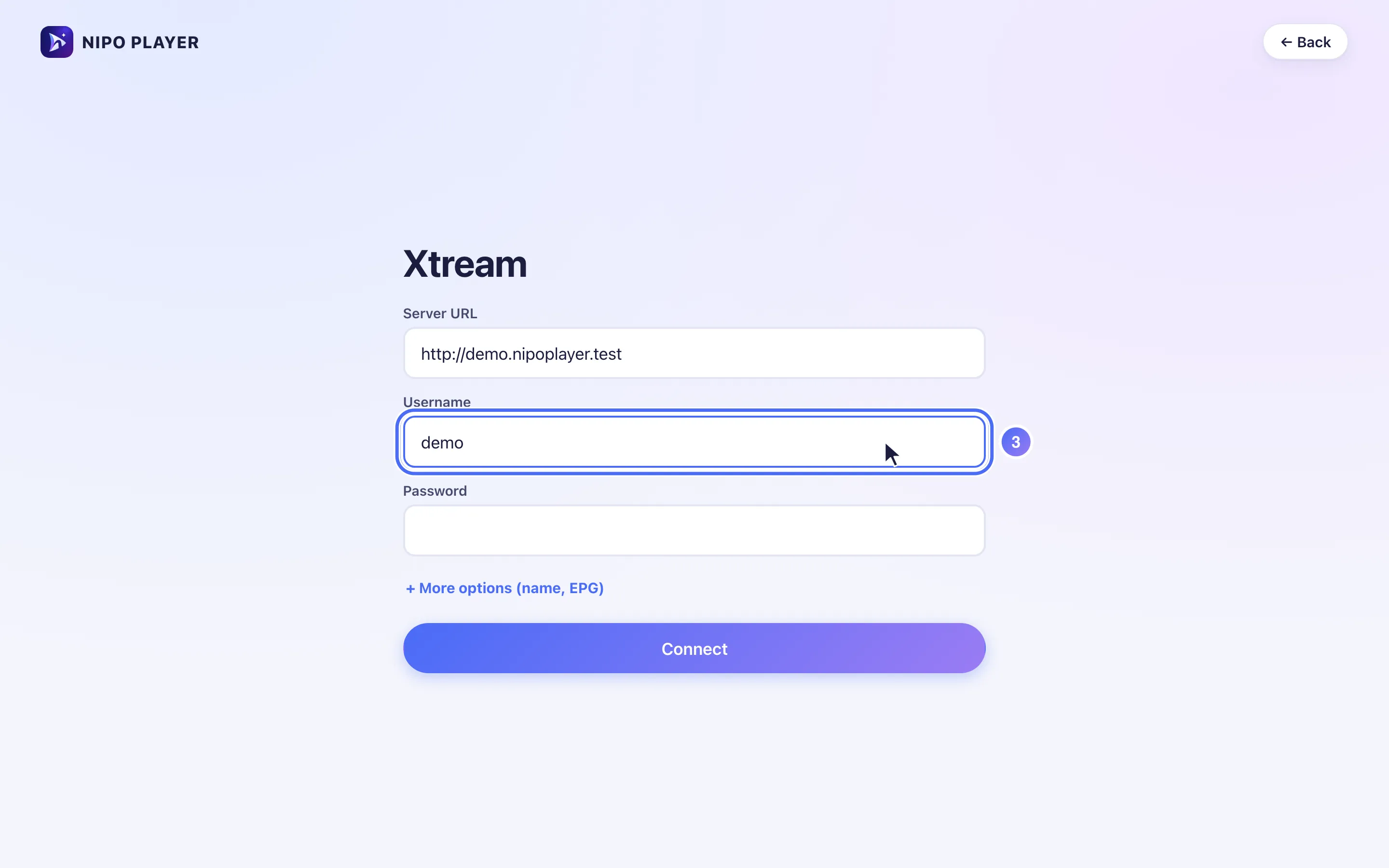
Tap “Username” and enter it.
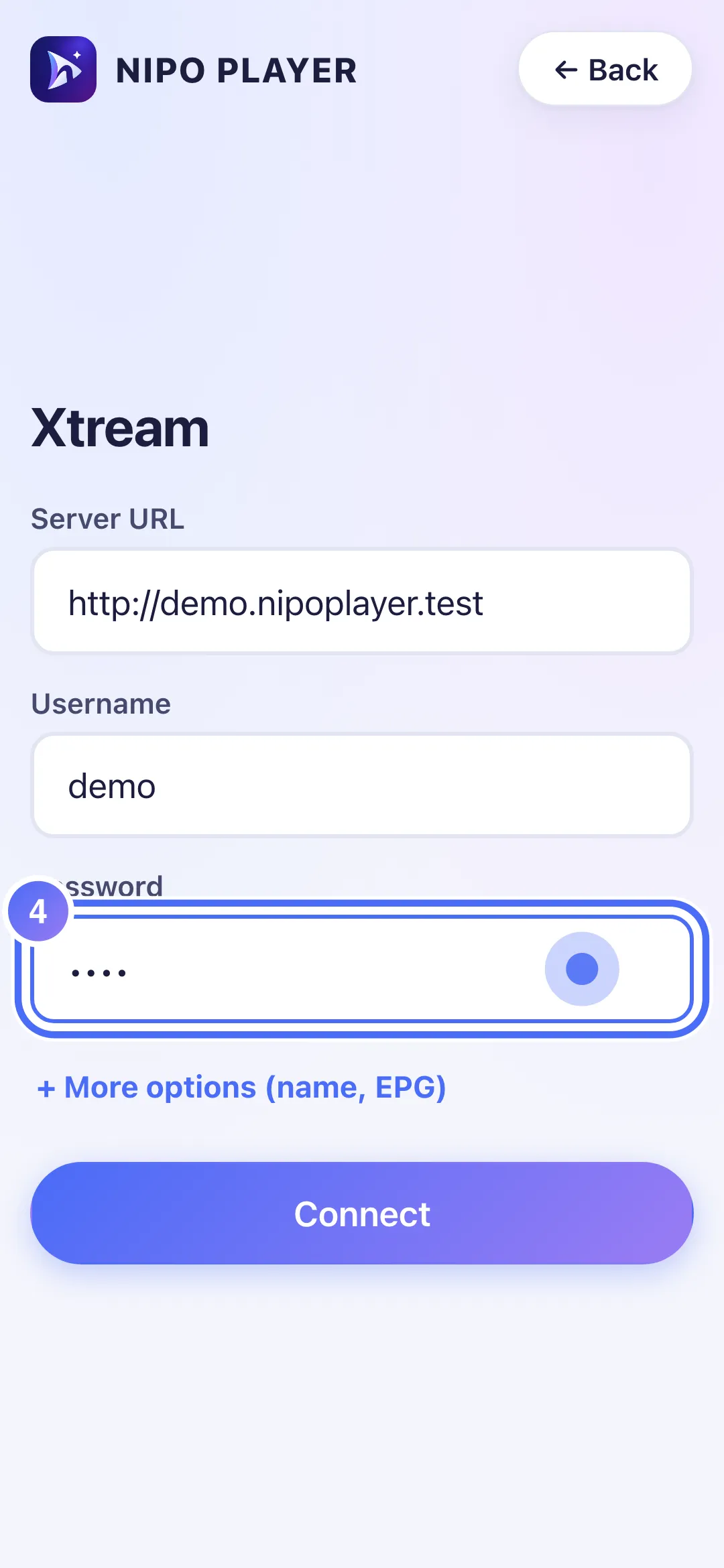
- 04
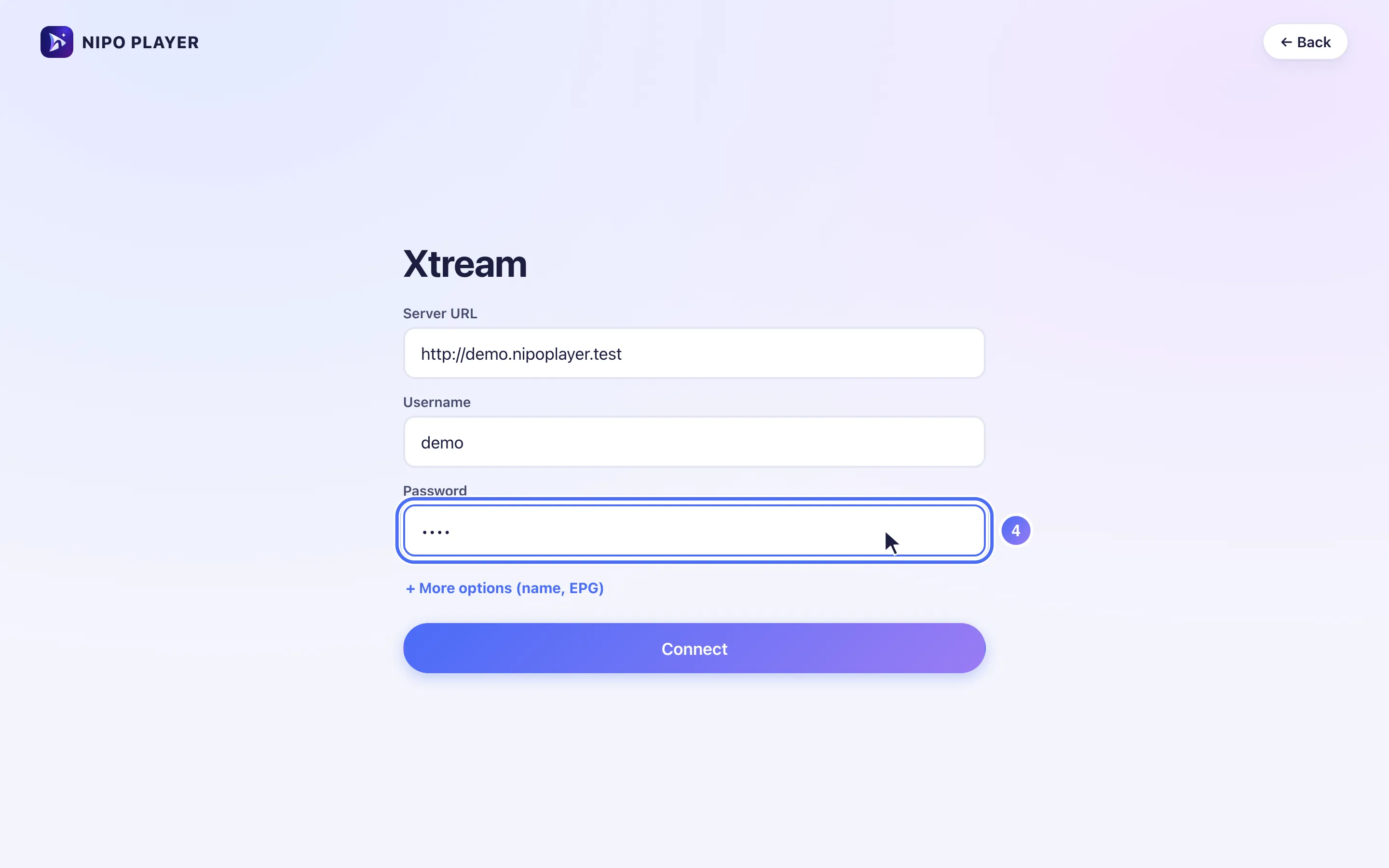
Tap “Password” and enter it.
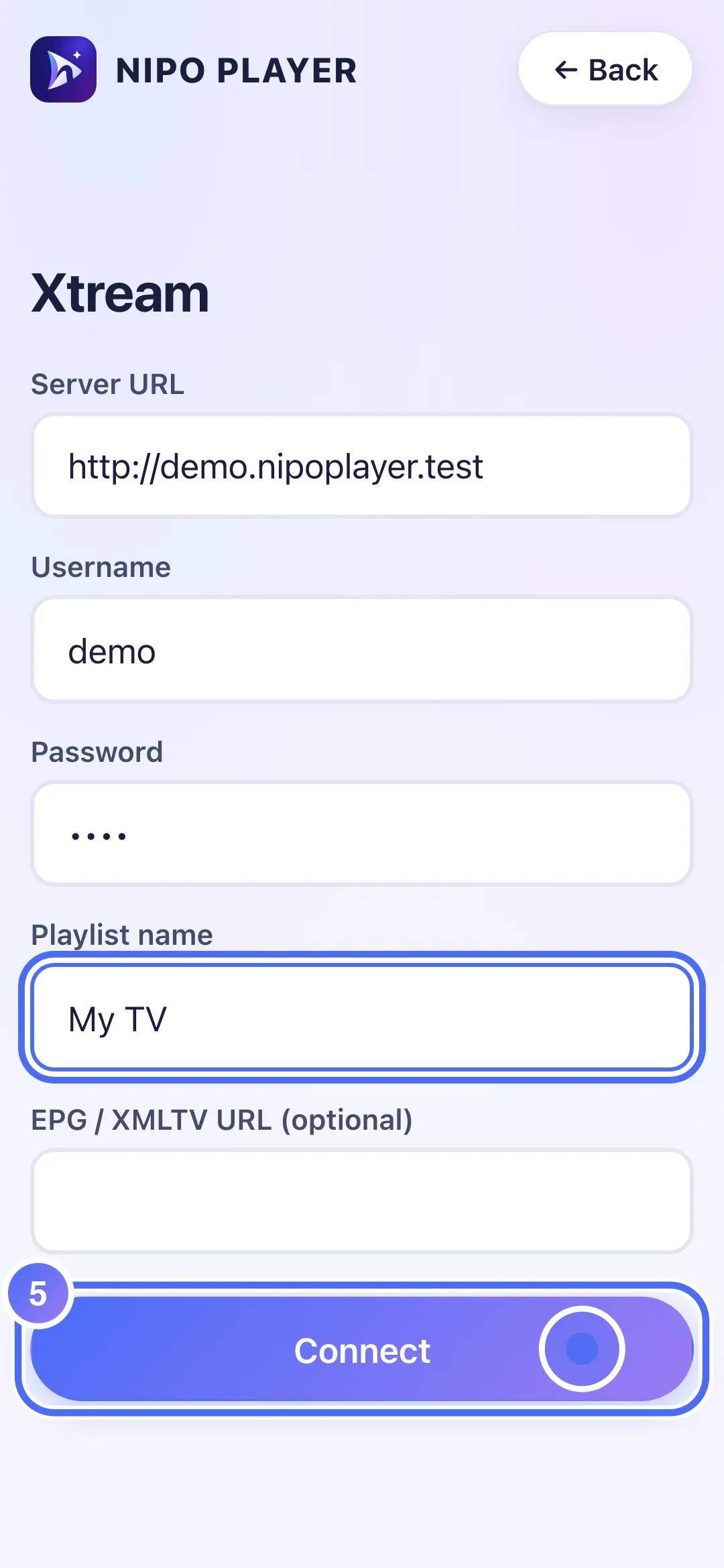
- 05
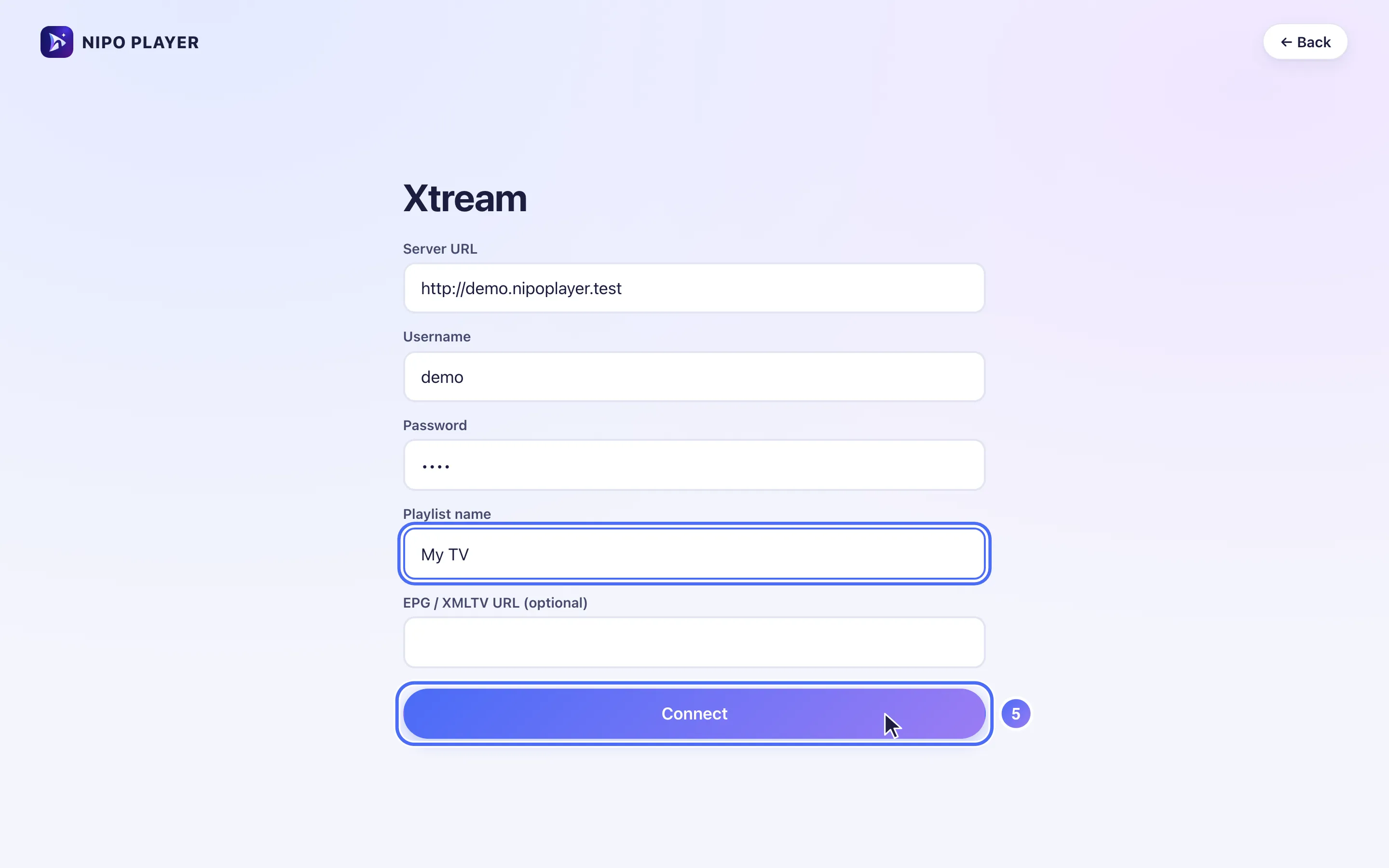
Tap “Connect” to confirm.
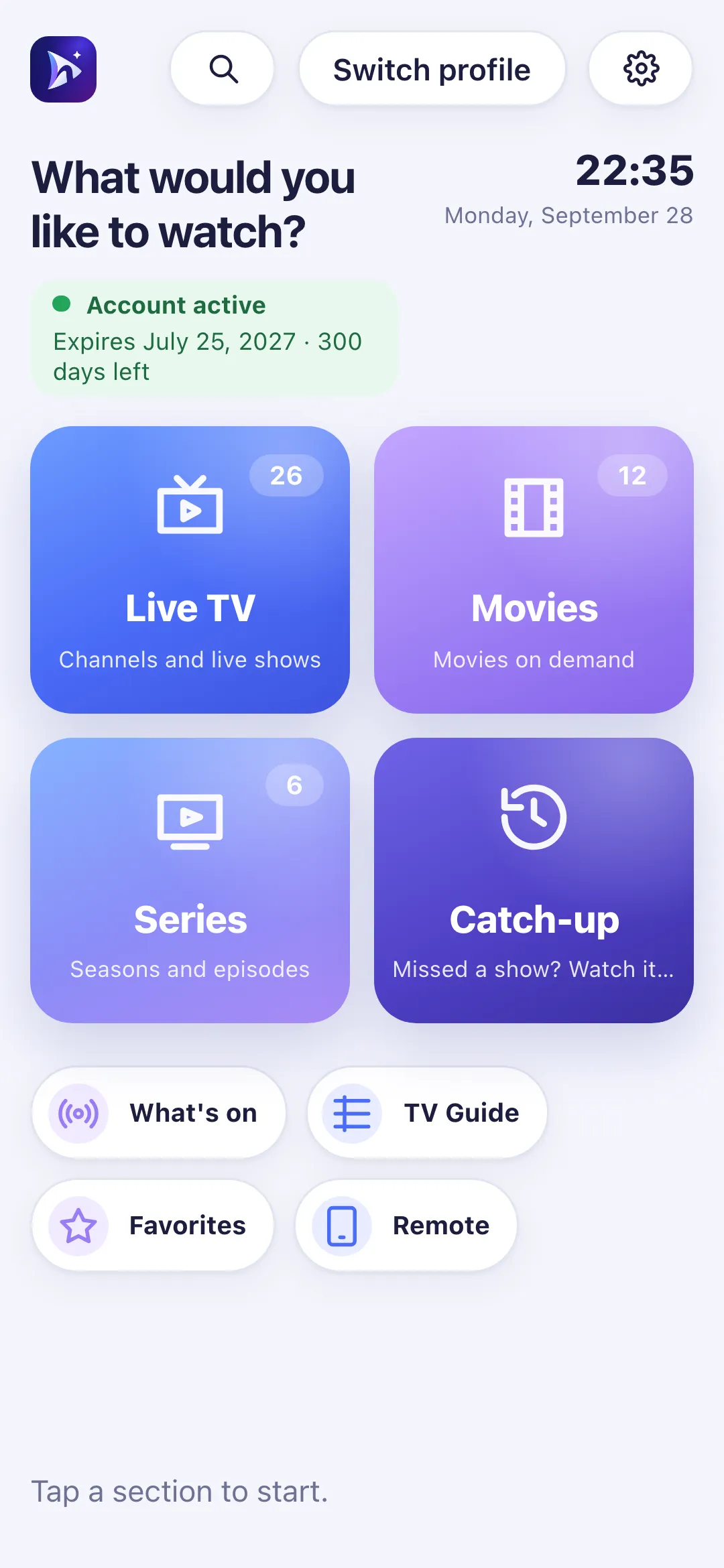
- 06
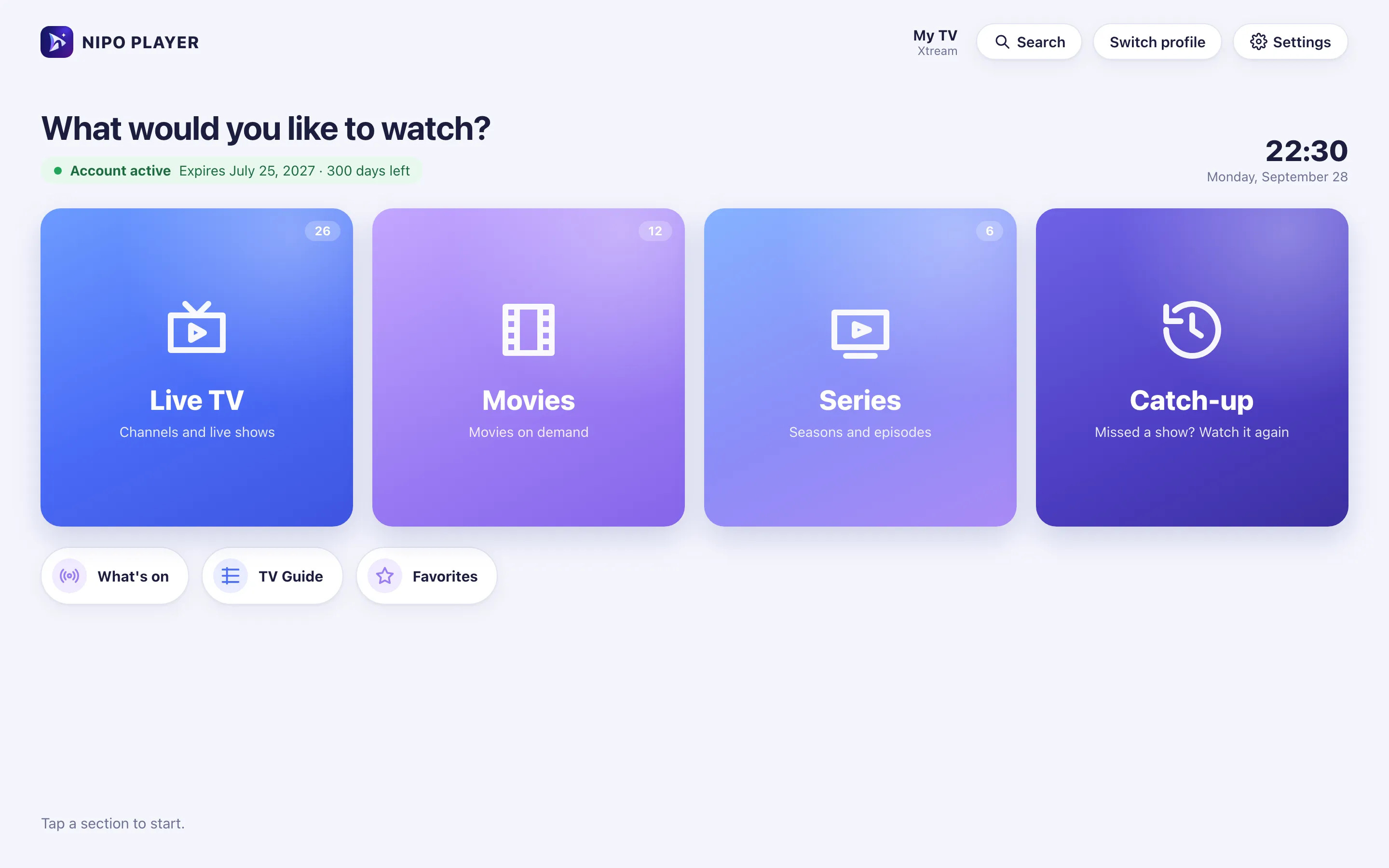
Your playlist is connected: this is Nipo Player’s home screen.
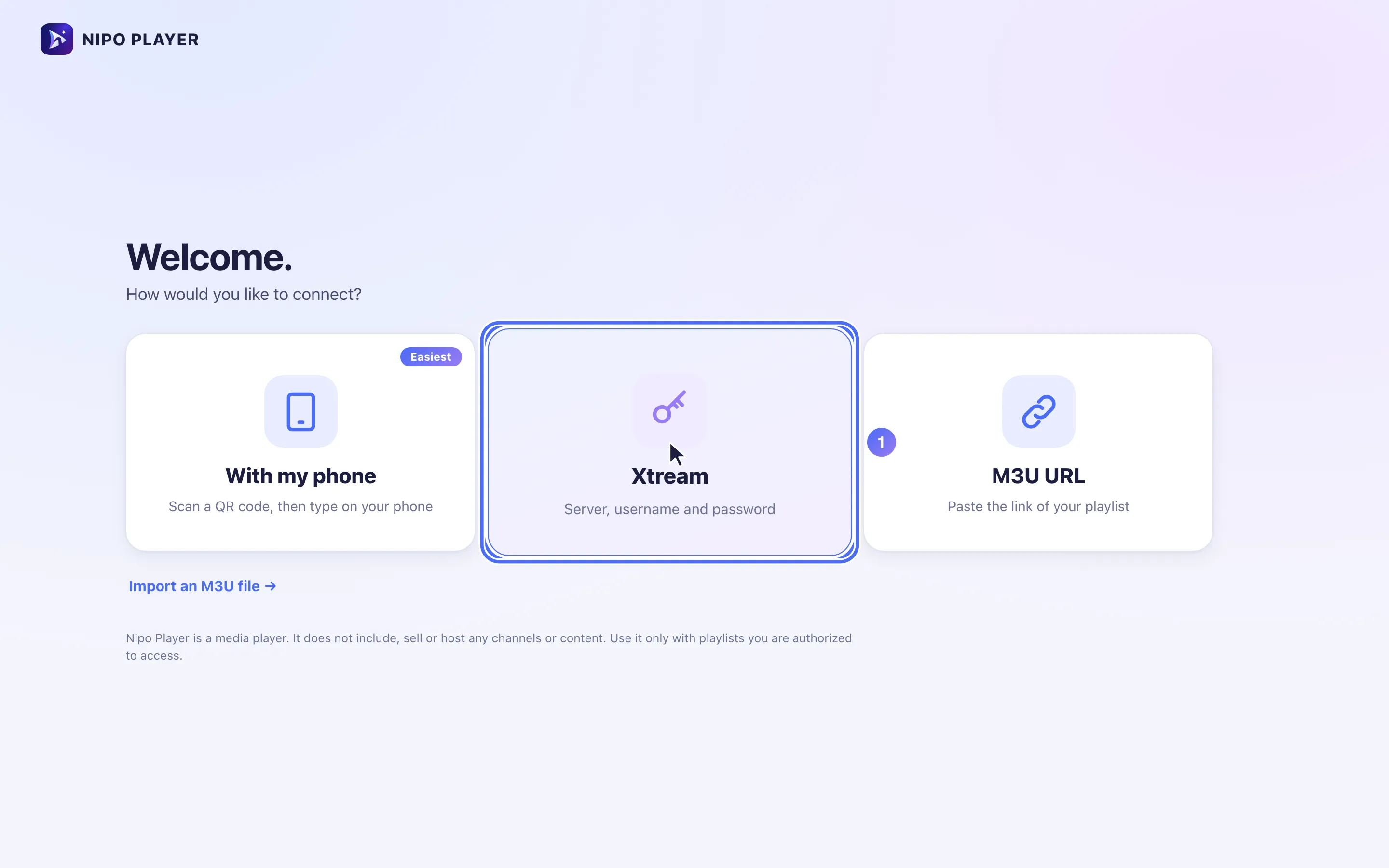
- 01
Click “Xtream” to connect with a server, username and password.
- 02
Click “Server URL” and enter the address given by the service that manages your playlist.
- 03
Click “Username” and enter it.
- 04
Click “Password” and enter it.
- 05
Click “Connect” to confirm.
- 06
Your playlist is connected: this is Nipo Player’s home screen.
Passaggi
- Nella schermata "How would you like to connect?" ("Come vuoi collegarti?"), scegli il metodo server, nome utente e password ("Server, username and password").
- Inserisci il Server URL esattamente come ricevuto (con
http://e il numero di porta se presente, ad esempiohttp://esempio.com:8080). - Inserisci Username e Password.
- Tocca + More options ("+ Altre opzioni") per dare un nome alla playlist o aggiungere un link per la guida TV.
- Conferma con Connect ("Connetti").
Se il collegamento non riesce
- "Login failed: check server, username and password" ("Accesso non riuscito: controlla server, nome utente e password"): uno dei tre dati è sbagliato. Riscrivili con attenzione, incluse maiuscole e minuscole.
- "Account status: …" ("Stato account: …"): il servizio che gestisce la tua playlist ha segnato l'account come scaduto o disabilitato; vedi Account scaduto.
Suggerimento
Digitare questi tre campi con il telecomando è lento: preferisci aggiungere la playlist con il codice QR del telefono, che compila gli stessi campi dal telefono.
Aggiornato il 28 settembre 2026
Questo articolo ti è stato utile?
Non trovi la risposta?
Scrivici: rispondiamo su come funziona l’app. Non possiamo consigliarti nessuna playlist.